Neil Banfield

Compatibility issue with an app?

Compatibility issue with an app?

Please let us know

If you have compatibility issues with WindowBlinds and an application or game, please do let us know in this thread so we can investigate it and hopefully resolve the problem.

Please make sure you are running the latest version of WindowBlinds first and that the problem exists with a theme included with WindowBlinds vs a downloaded one. 

Please provide as much detail as you can, screenshots of the problem, information on the application itself, how to reproduce the problem and if possible dmp files from any crashes. 

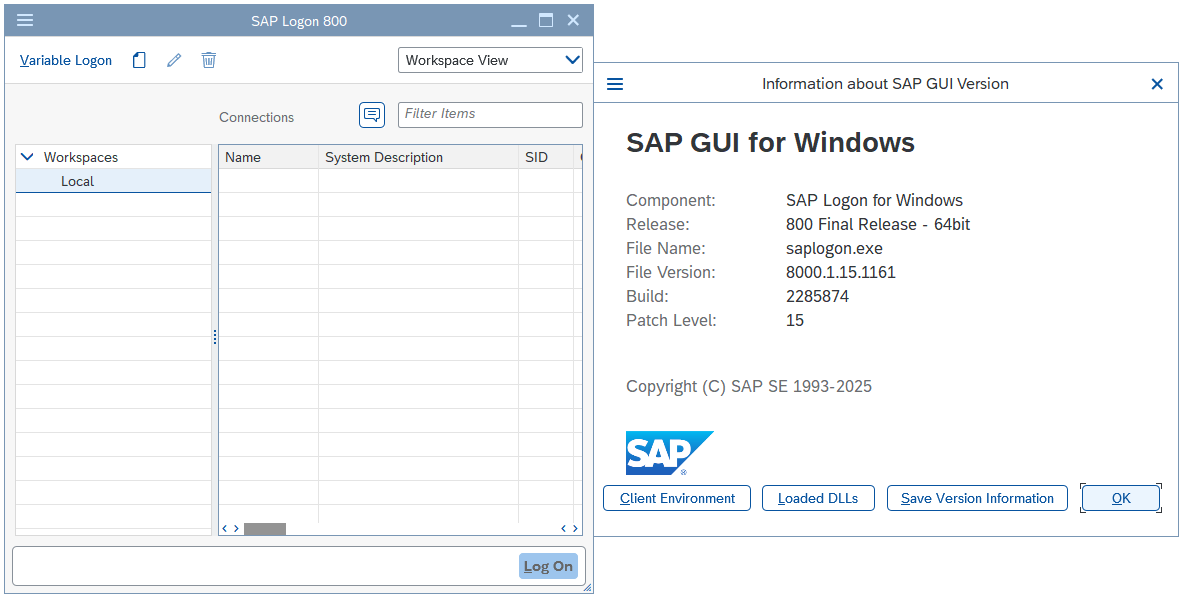
The information on the about WindowBlinds page and information on your setup would be helpful too.


1,451,672 views 481 replies | Pinned
Reply #476 Top

Quoting Cinder, reply 475

Unfortunately, I don't have access to that, judging by the description. I only have Windows 11 Home. However, I did fix it. Almost. Changing the file name of Opera GX's EXE seems to have stopped it from bugging out, but normal Opera still breaks under the exact same conditions. Opera Air also works after changing the filename.

You could also try Clean Boot instead: https://support.stardock.com/space/SHC/1346830395/WindowBlinds+Clean+Boot. Do know that Clean boot need to be done with care. Try it and report back.

Thank you,

Basj,
Stardock Community Assistant


Reply #477 Top

Nope, still occurs! I actually went straight to the clean boot, took my time to make sure I wasn't missing anything, but it did the same thing as usual. I just don't know what's causing the issue at this point beyond the filename thing.

Reply #478 Top

Quoting Cinder, reply 477

Nope, still occurs! I actually went straight to the clean boot, took my time to make sure I wasn't missing anything, but it did the same thing as usual. I just don't know what's causing the issue at this point beyond the filename thing.

Please try purge and reinstall steps as mention here : [Link]. Just make sure to redownload the latest version from your account page. Reboot after the purge. Reinstall and reboot again after the installation. Retest and report back here.

Thank you,
Basj,
Stardock Community Assistant.

Reply #479 Top

Sorry about the silence, lost access to the site for a bit for some reason. It still breaks. I have a feeling the purge was probably the last resort, and after formatting my drive countless times over countless issues over the last five years, I'm absolutely not doing that again if I can help it.

With my limited knowledge, I only have two ideas: It's caused by something I had installed that I can't easily test for without a VM, or it's what I've been talking about for the last two posts, the filenames affecting exclusions or whatever's happening there. I'd like to test the former, I just need to figure out how. I've briefly used a VM before to test a Linux install, but I don't think I properly understand how those work, so that might take some time. If Windows Sandbox is specifically needed, I guess I could look into upgrading from Home to Pro, but I'd like to avoid spending money if I can, on top of not knowing how much that'd cost or what it'll put on my computer.

Going back to the weird workaround I found, I just realized I was a big vague. Basically, I changed the filenames of the EXEs for Opera GX and Opera Air to match the actual names of those browsers. Normally, they're just "opera.exe" for all three of them. However, I let normal Opera keep its original EXE name. When I tested the three of them, GX worked perfectly, and so did Air, but standard Opera continued to break. They all have the exact same extensions and settings, I'm logged into them with the same account both in the browser itself and the various websites, everything is synced, and I played the same video on the same website. They also had the same tabs open for the most part, the same flags set, and basically anything else I was able to come up with. Leave no stone unturned.

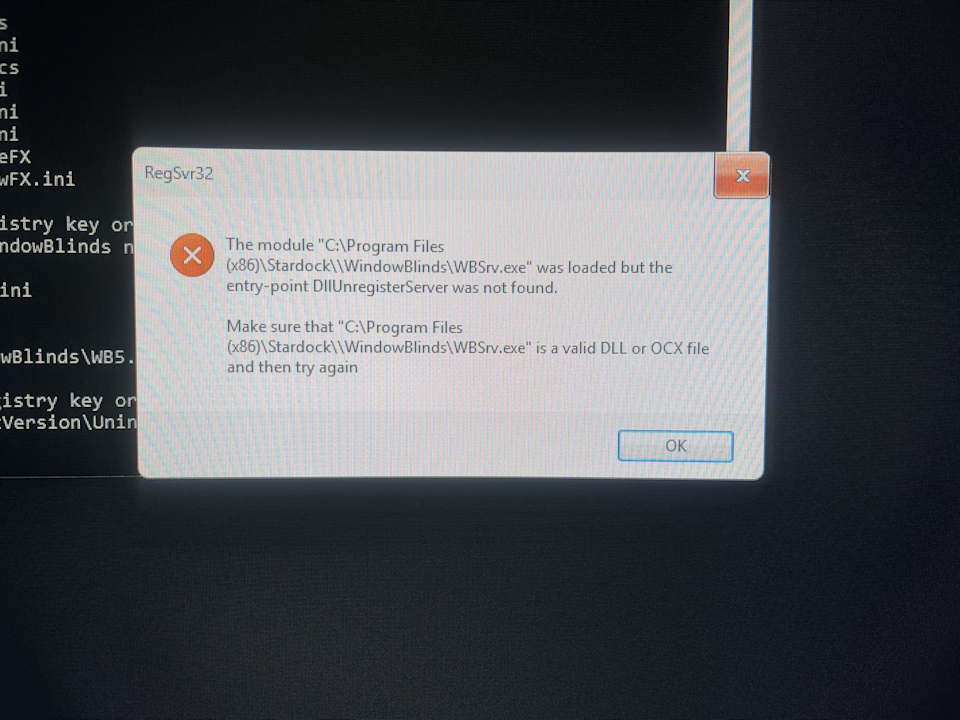
Edit: Completely forgot about the errors I got when purging!

Reply #480 Top

Really not sure why you having issue with Opera on your system.

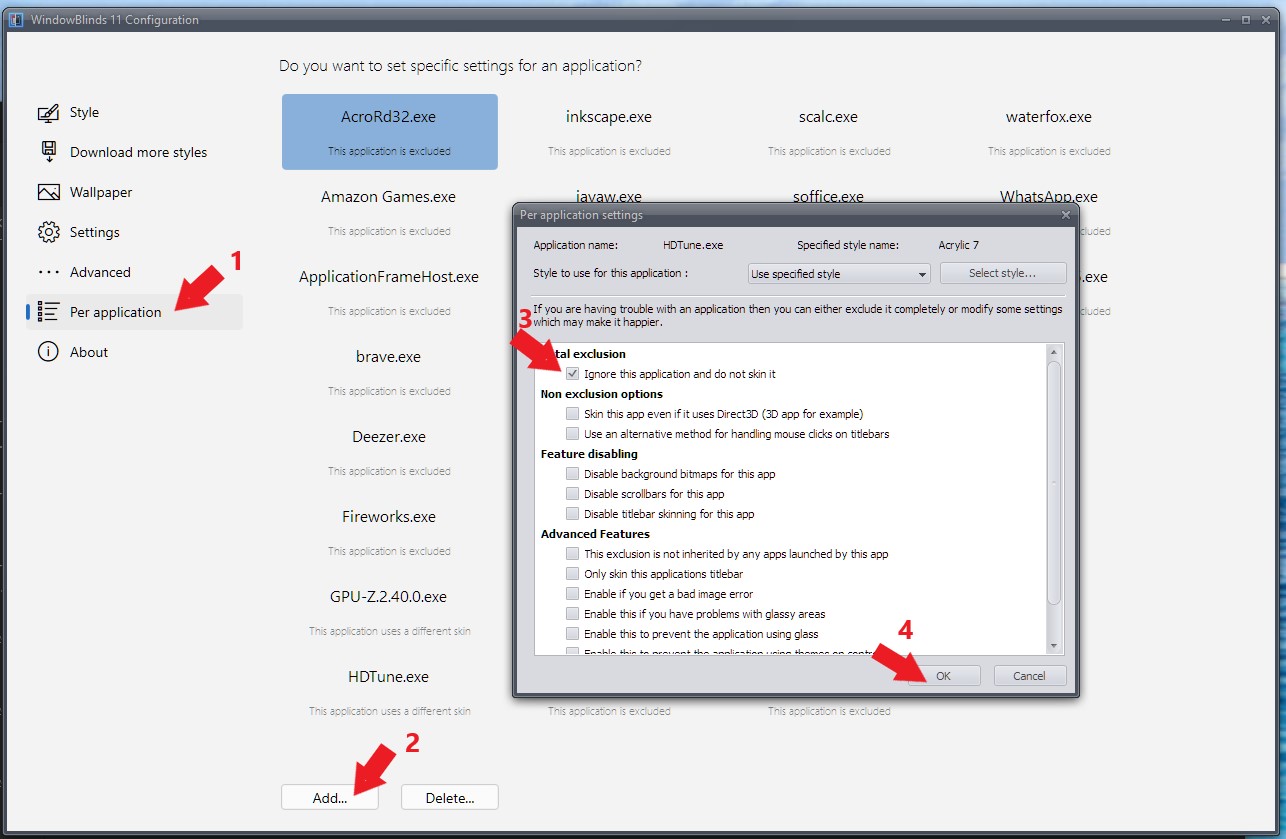
Here a screenshot of my system with WB skin applied and Opera running without issue.


Perhaps try uninstall Opera, scrub it if possible, and reinstall it fresh without any other extension. Revo uninstaller work well for me.

Thank you,

Basj,
Stardock Community Assistant

Reply #481 Top

I guess I could try to see if I can scrub it, but it's also like 4 AM, so I'll get back to you on that. Might just do a normal reinstall if I can't find anything. At this point, I wouldn't be surprised if it was something minor like an extension.