Start11 Display Artifact - Black Horizontal Line on Monitor

For the past several months (6+) Start11 intermittently leaves a thin horizontal line on my display (on both laptop and connected external monitor).

Clicking Restart Explorer on the Start11 Taskbar screen corrects the issue.


Current versions:

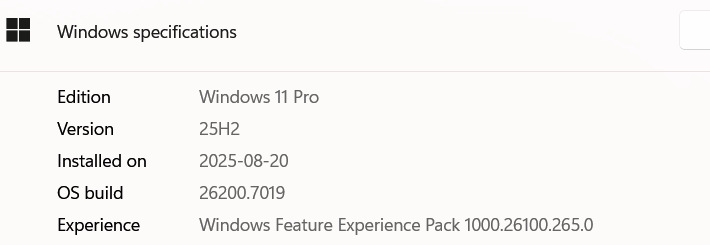
Windows 11 25H2

Start11 v.2.56

Laptop: ASUS ROG Zephyrus G16 

CPU: AMD Ryzen AI 9 H 370

Nvidia GeForce RTX 4070 Laptop GPU driver v.581.80

AMD Radeon 890M driver v.25.10.2

External monitor is an HDMI connected LG CI TV


1,550 views 12 replies
Reply #1 Top

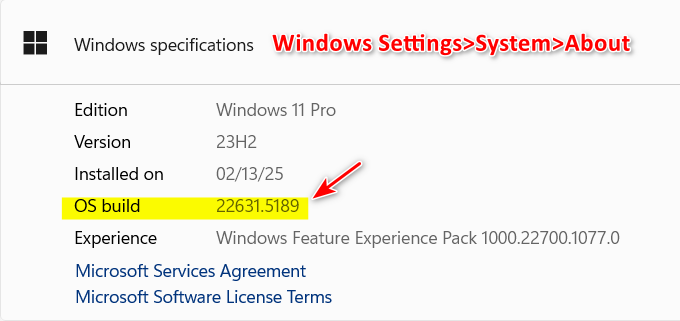
Which OS build of 25H2?

Reply #3 Top

Hello,
Sorry to hear you are having issues. Need to know few things.

  1. Does the height of the black line the same height of your horizontal taskbar?
  2. Your taskbar is set to auto hide?
  3. If possible, explain as when the line appear, appear every time you boot up? appear after some times or after specific application run? Anything that might hint something about it.
  4. Do you have animated wallpaper on your system.
  5. The line appear at the same location and at the same height on both monitors at the same time?

Thank you,
Basj,
Stardock Community Assistant.

Reply #4 Top

Many thanks for the quick response:


1. On the external monitor the line is 6 or 7 inches above the horizontal taskbar, and extends across just over half the width of the display. On the laptop screen the line height varies from less than an inch above the taskbar to 3 or 4 inches - and the line stretches across the entire width of the display.

2. Auto-hide was selected.

3. The line seems to appear intermittently - but relatively frequently (every few hours). It most commonly occurs when the laptop wakes from sleep mode and windows on the external monitor reposition as the displays and laptop itself wake up. Start11 also seems to briefly open several windows as it wakes up or does some kind of internal processing.  Makes me suspect the issue has to do with window resizing/positioning and Start11.

4. No animated wallpaper.

5. Variable, as above.


Reply #5 Top

First, to make sure Start11 get install properly, please try, uninstall Start11, reboot immediately (important), download latest version available in your account product download page: https://store.stardock.com/myaccount/products.  Install it, reboot immediately again. Retest it and report back.

Thank you,

Basj,
Stardock Community Assistant

Reply #6 Top

Ah, forgot to mention that I tried this already.


And the issue only arises when Start11 is installed. No Start11, no issue.

Reply #7 Top

have you tried purge and reinstalled? 

Please try purge and reinstall steps as mention here : [Link]. Just make sure to redownload the latest version from your account page. Reboot after the purge. Reinstall and reboot again after the installation. Retest and report back here.

Thank you,
Basj,
Stardock Community Assistant.

Reply #9 Top

After purge and reinstall the issue didn't reoccur for about a week. It now has, with the line reappearing with less frequency than before, but still an issue.

Reply #10 Top

Quoting poorboy2001, reply 4

2. Auto-hide was selected.

3. The line seems to appear intermittently - but relatively frequently (every few hours). It most commonly occurs when the laptop wakes from sleep mode and windows on the external monitor reposition as the displays and laptop itself wake up. Start11 also seems to briefly open several windows as it wakes up or does some kind of internal processing. Makes me suspect the issue has to do with window resizing/positioning and Start11.

Looking back at these.

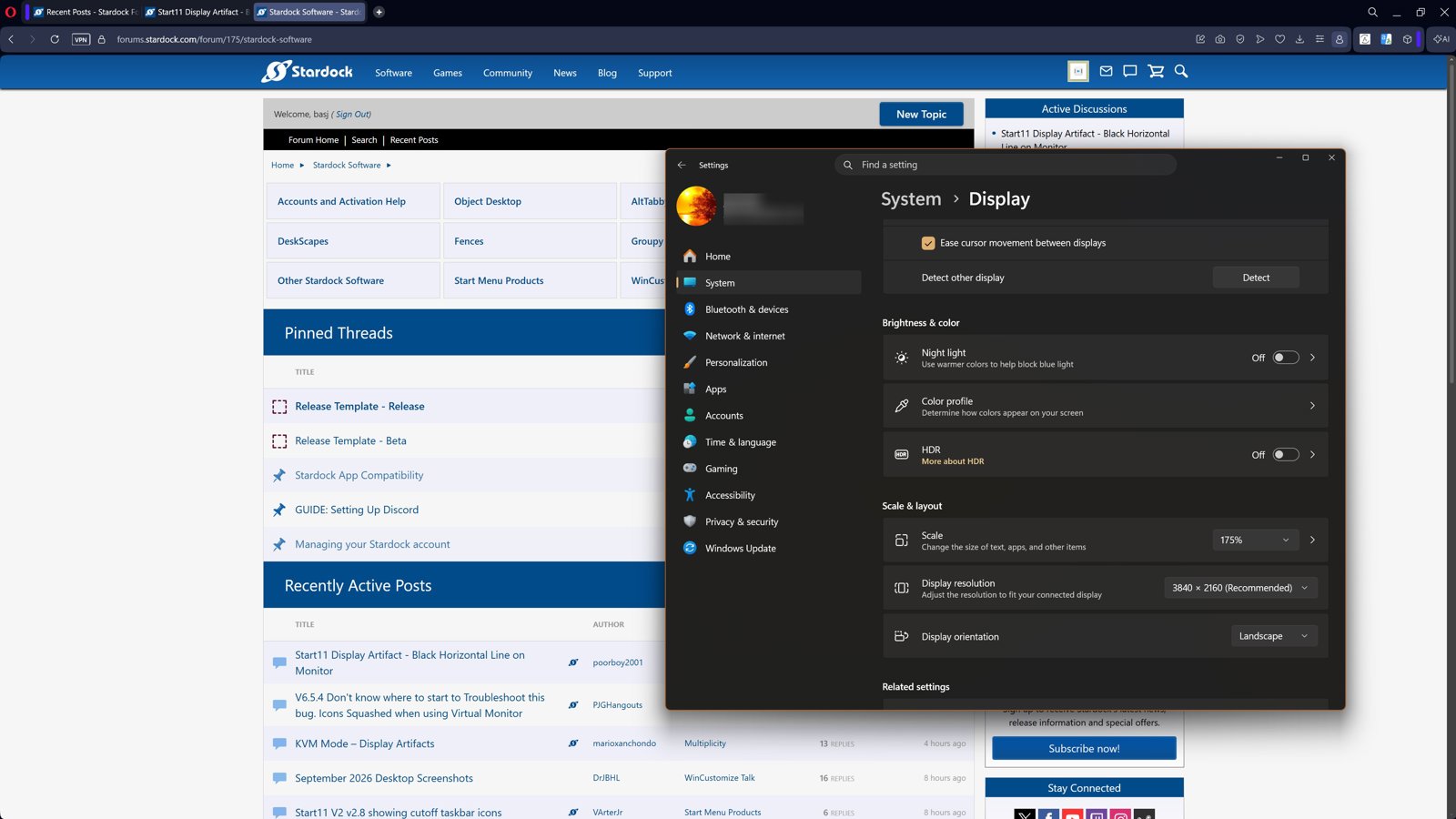
  • Does the issue appear if you turn off auto hide? Also, do you have Windows auto hide turn on or just Start11 auto hide turn on?
  • Please post a video showing us the " Start11 also seems to briefly open several windows as it wakes up or does some kind of internal processing. Makes me suspect the issue has to do with window resizing/positioning and Start11." part so we can observe what actually happening.

Thank you,

Basj,
Stardock Community Assistant

Reply #11 Top

I've turned both Window and Start11 auto hide off and so far the issue hasn't reoccured (about 10 days now).


Reply #12 Top

Update: I have been using autohide with the taskbar at the top of the screen and the issue has not reoccured.