Transparent Parts in Vista Home Basic. HOW?
from  Stardock Forums
Stardock Forums
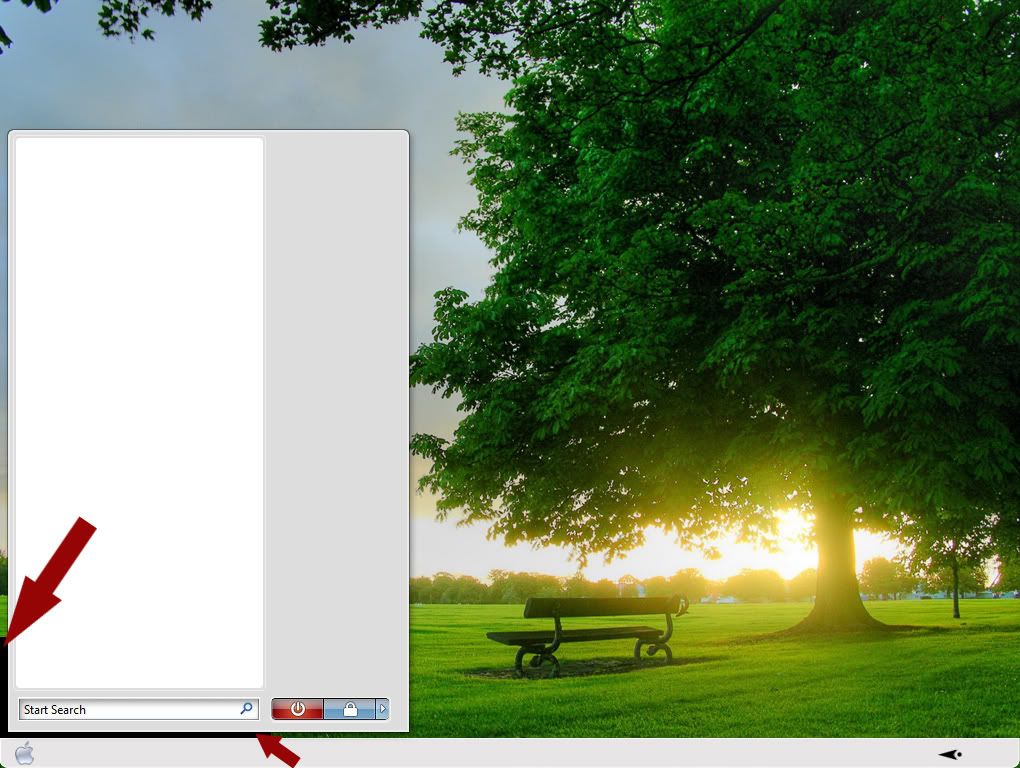
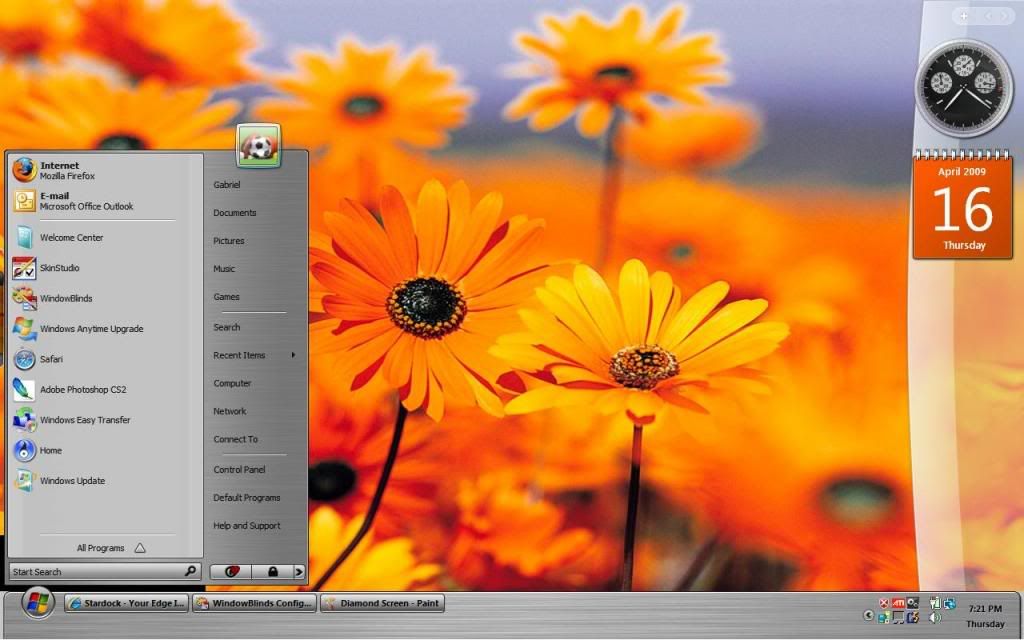
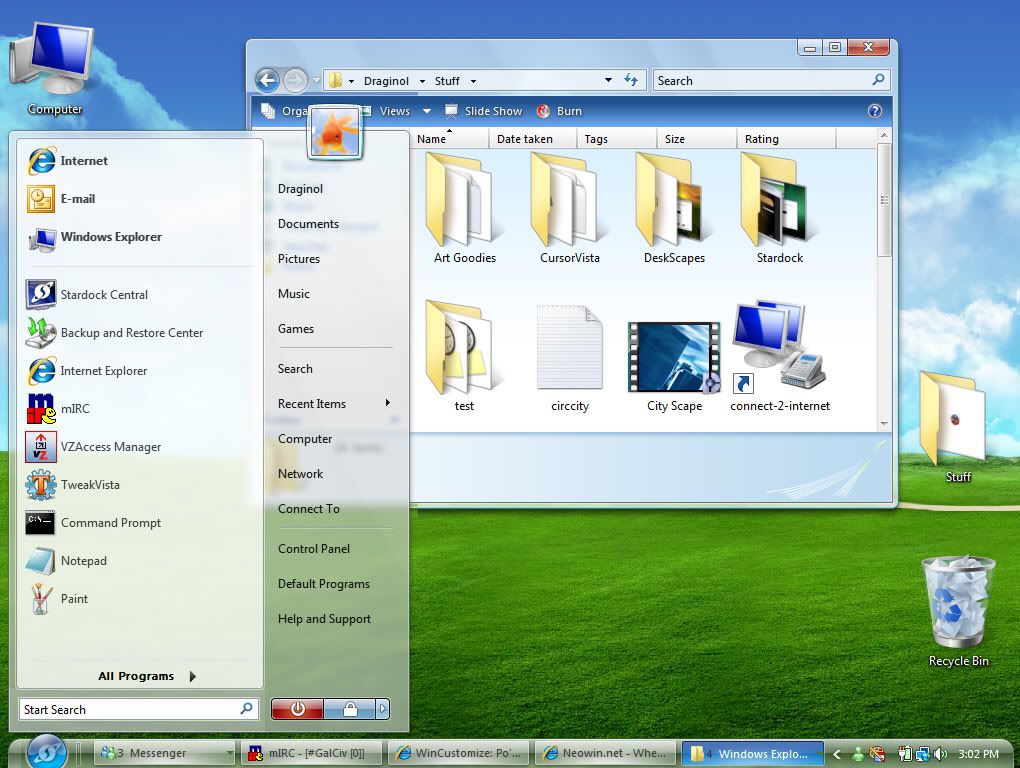
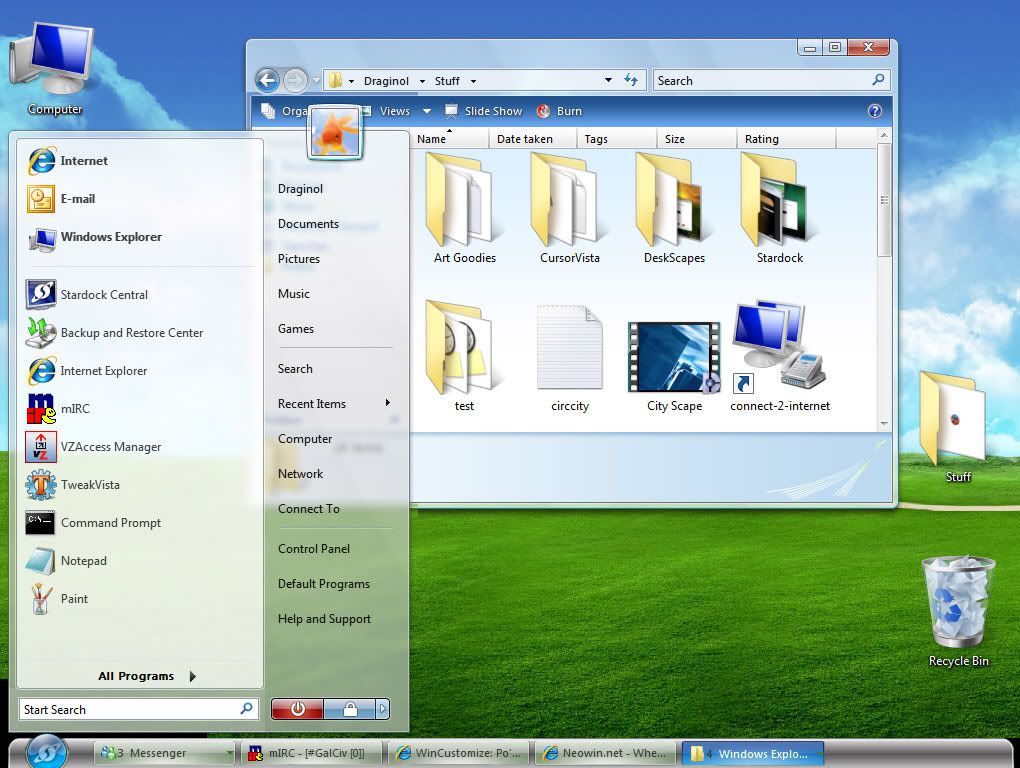
I recently bought a laptop running Vista Home Basic and have installed Windowblinds. I noticed tho, that when I apply skins that have transparent parts (such as the Start panel and Taskbar sides in the Diamond style) that I get these white or black sections on each side of the taskbar and under the start panel. Is there wa way to get rid of this, as I have it set to the same configs as on my desktop ?(running xP, tho). Please help. I've posted 3 images. (1) the way it SHOULD look (2) the white sections (3) the black sections

 WinCustomize Forums