ortizlgnd ortizlgnd

Transparent Parts in Vista Home Basic. HOW?

Transparent Parts in Vista Home Basic. HOW?

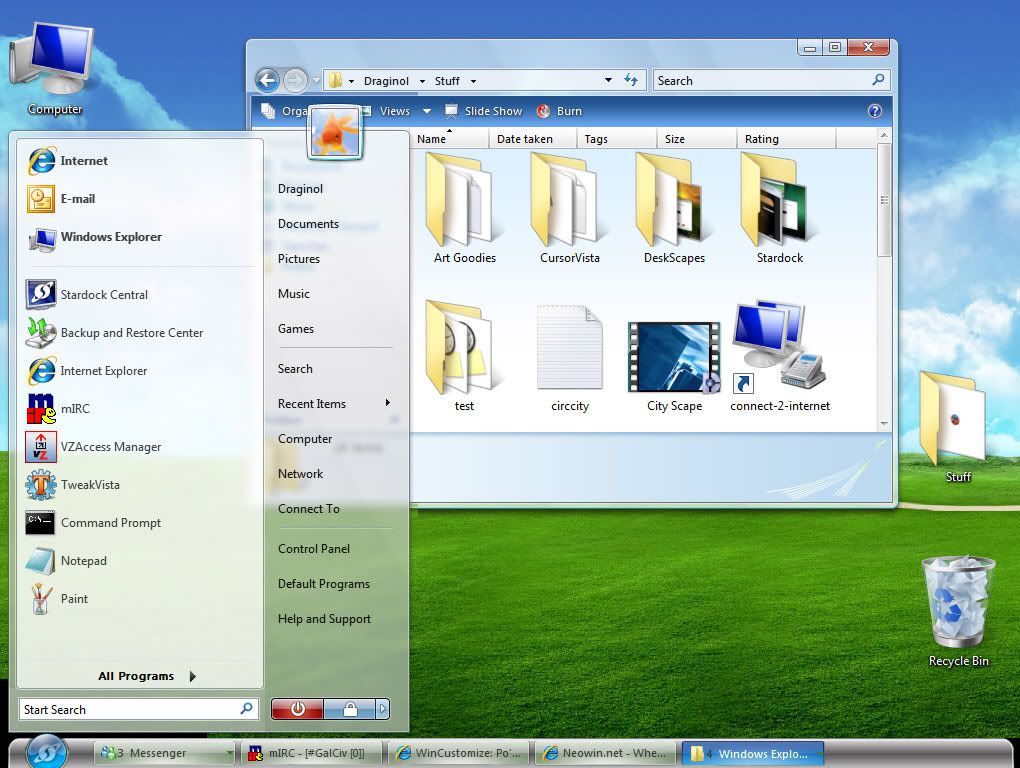
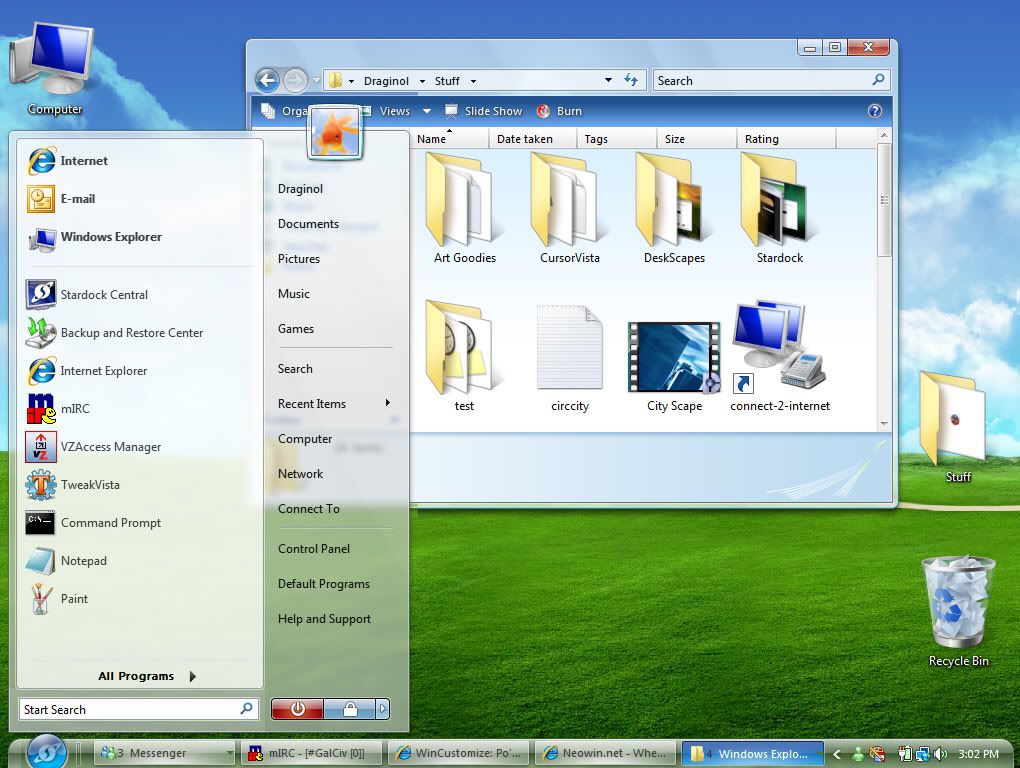
I recently bought a laptop running Vista Home Basic and have installed Windowblinds. I noticed tho, that when I apply skins that have transparent parts (such as the Start panel and Taskbar sides in the Diamond style) that I get these white or black sections on each side of the taskbar and under the start panel. Is there wa way to get rid of this, as I have it set to the same configs as on my desktop ?(running xP, tho).  Please help. I've posted 3 images. (1) the way it SHOULD look (2) the white sections (3) the black sections


29,197 views 30 replies
Reply #26 Top

Quoting ortizlgnd, reply 25


So, I need to create images for my startpanel and taskbar as Per-pixel?

no...

Your pc  not allow you, to use correct ppx wb skins..

Here my template: if dwm run, all fine.. if not, then ( non ppx skin) vista gave me this black box..

+1 Loading…
Reply #27 Top

double post..sorry..

Reply #29 Top

Quoting bilbo1930, reply 1


Quoting ortizlgnd,
reply 25


So, I need to create images for my startpanel and taskbar as Per-pixel?


no...

Your pc  not allow you, to use correct ppx wb skins..

Here my template: if dwm run, all fine.. if not, then ( non ppx skin) vista gave me this black box..


Whats DWM? and how do I set it to Run? Details please