
Your Home Desk Deserves a Wallpaper Too
Finding more places for your favorite images
 WinCustomize Forums
For most of us, the first thing we did with a new PC was change the wallpaper. Before installing anything or moving a single icon, you'd right-click the desktop and swap out whatever default image was there for something that felt like yours.
And if you are reading this, there is a strong likelihood that you have a large collection of wallpapers. After all, this is WinCustomize, and for the past couple of decades, we have been collecting them and sharing them with the world.
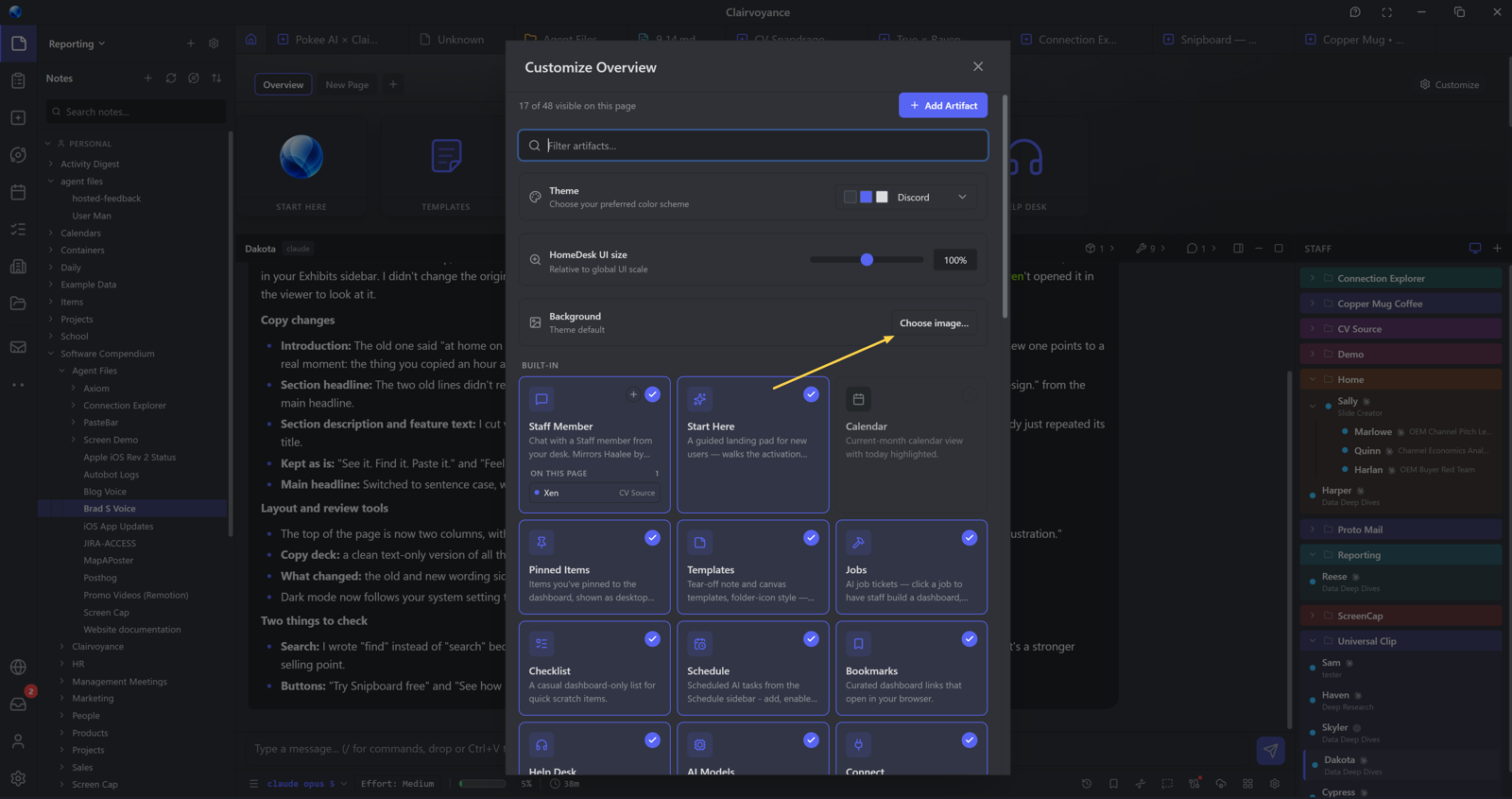
Putting that collection to use is one of the things that makes this community stand out, and it’s part of the reason we added the ability to change the background of the Home Desk in Clairvoyance.
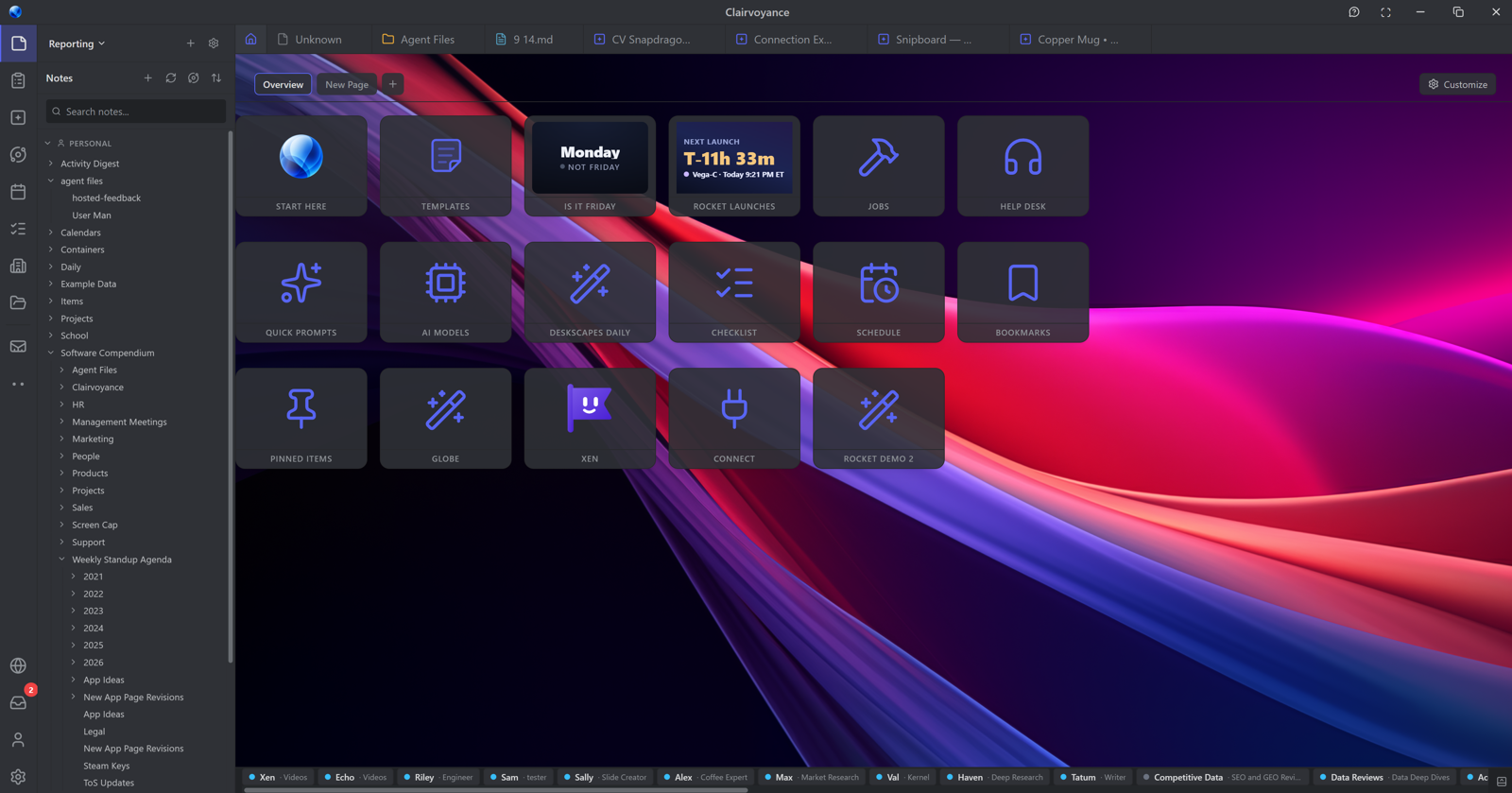
The Home Desk is where your tiles live, and that backdrop is the perfect place to put your wallpaper collection to use. To apply a wallpaper, click Customize, select Background, and pick your image. If the tiles aren’t the right color, you can easily change them in the Appearance section inside Settings to better match your wallpaper.
If you are looking at those tiles and remembering Live Tiles from previous versions of Windows and Windows Phone, hop into our Discord because you can bring back that experience today, or just wait for a future blog post. It’s easy to do: build an artifact and Clairvoyance will handle the rest and will cover the animations too.
We know that wallpapers are a very personal thing, and it’s one of the reasons we put this functionality into Clairvoyance specifically for this community. I have hundreds of wallpapers saved locally, and finding a new place to display them always makes my day just a little bit brighter.
If you haven’t downloaded Clairvoyance yet, it’s free, and you can download it here.