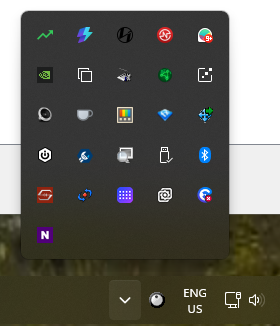
Start11 Show Hidden Icons shows underneath taskbar
from  Stardock Forums
Stardock Forums
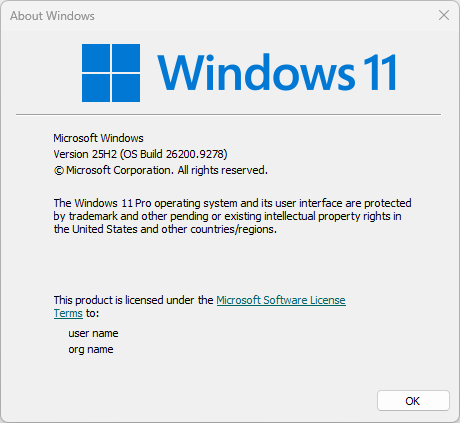
Windows Version Number: 11 Pro 10.0.22631 Build 22631
App Version: 2.8
When I click on the Show Hidden Items button, the hidden icons jump up and then down, so that the bottom icon is completely invisible and the 2nd row from the bottom is half covered by the taskbar.
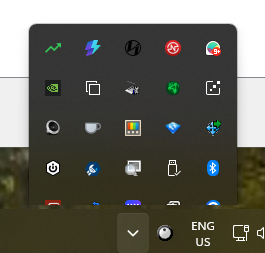
If I click the button repeatedly, after a few attempts it will show properly