
Upgraded and installed, but need to turn off a feature, but don't know it's name.
 Stardock Forums
I recently upgraded to the latest Object Desktop (OD), mainly because I needed to get control of my Windows 11 Pro Desktop Icon placements -- thankfully Fences does that for me, but because I already had OD, and it had Fences in it, I upgraded the whole thing. Anyway, I enabled a feature in one of the sub-apps that covers the tabs in my Chrome browser that when I move my mouse pointer towards a tab's close 'X' button, preventing me from normally closing the tat tab. I want to now disable that feature, but I don't know the sub-app's name nor the feature's name to do that.
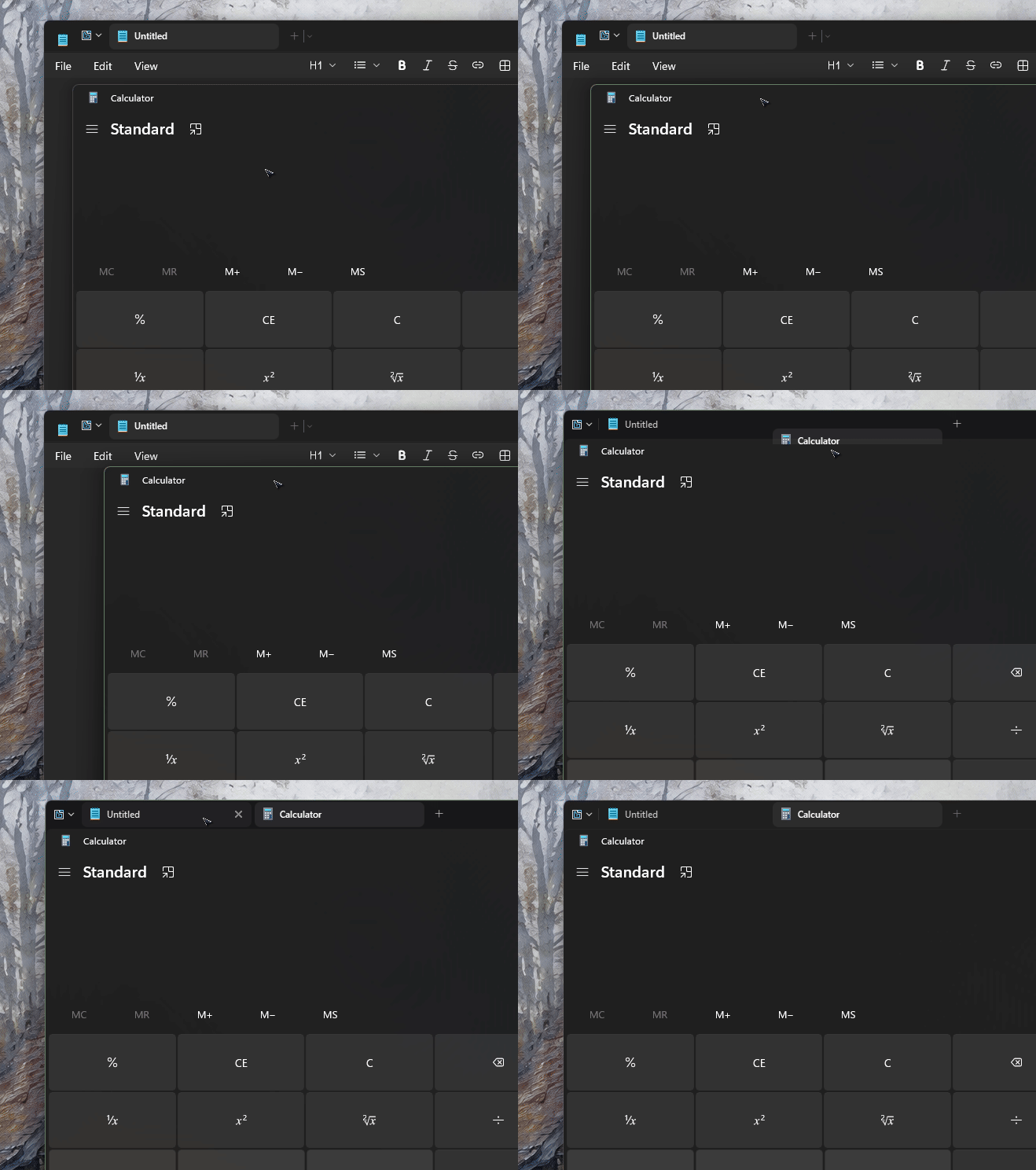
More detail: when I'm in the browser and the mouse pointer begins to float over the tab's close button, a black band moves down from the browser's top edge and blocks access to the close button, so when I click with the mouse, the tab isn't closed. To get around this, if I move the mouse just to the lower edge of the close button, then I can click it and close the tab.
Anyone know the sub-app's name and the feature's name, and how to configure that feature to disable it?
Thanks

 WinCustomize Forums
 It's build in.