Start 11 taskbar Filtered Folder - Point of no return

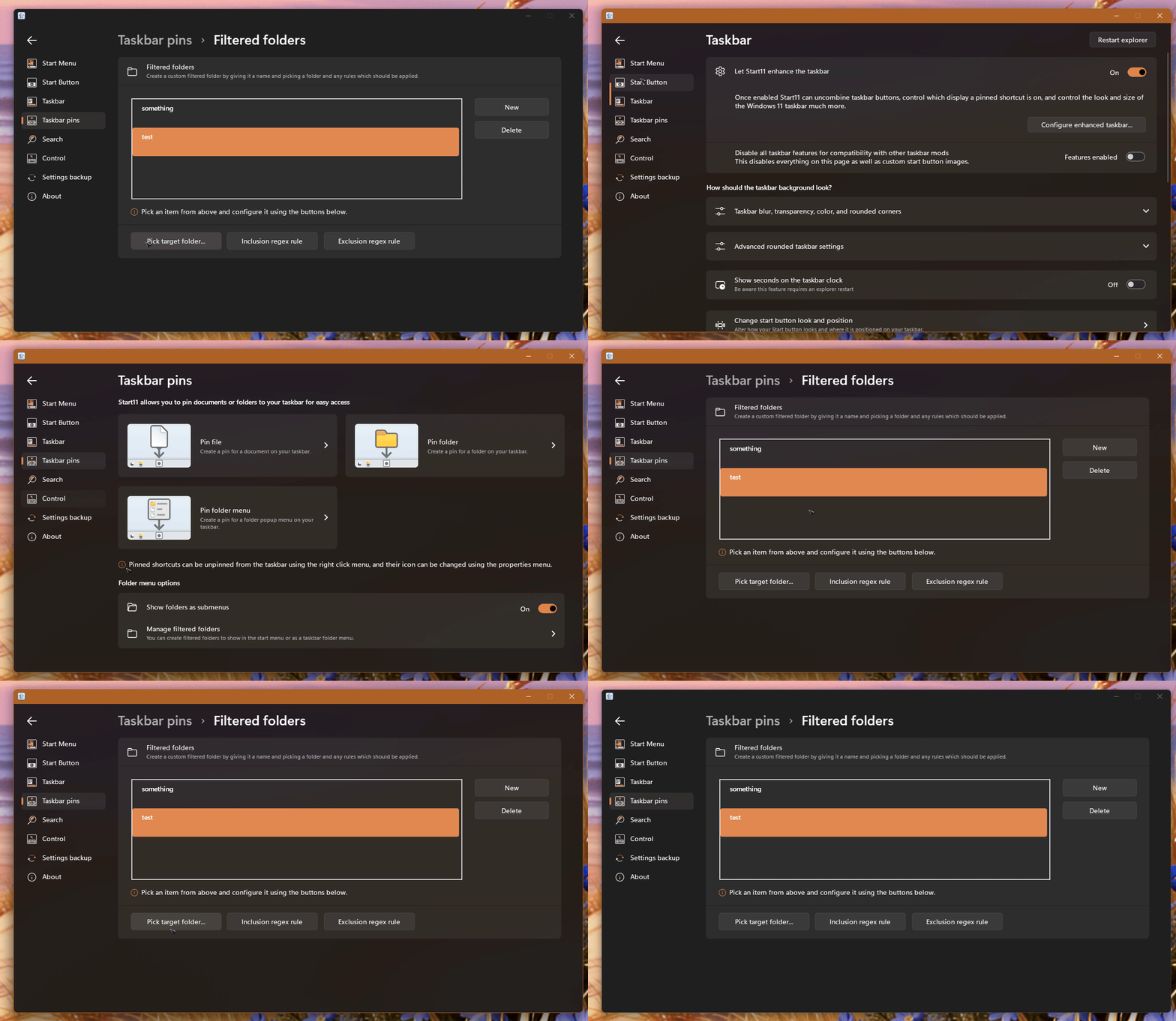
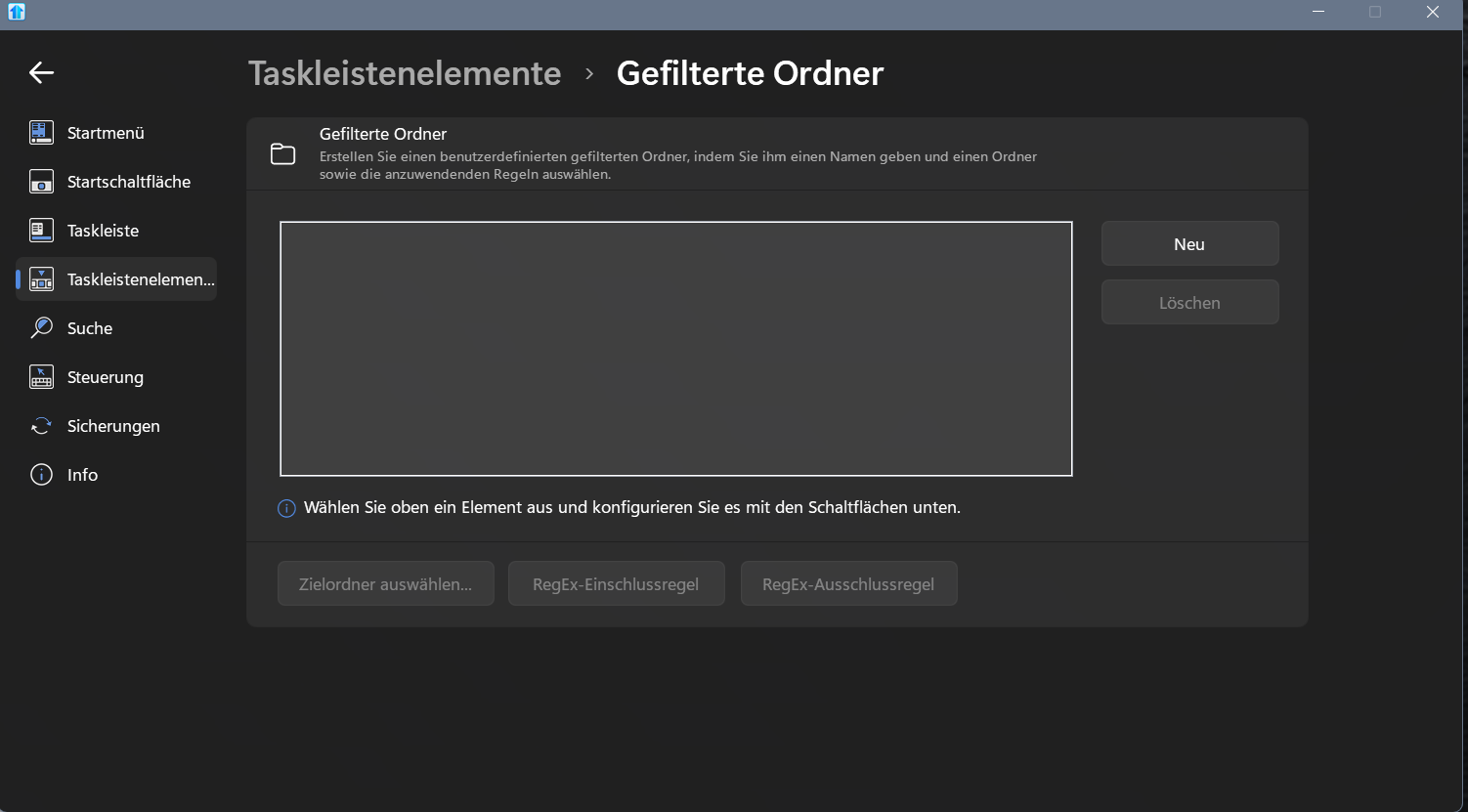
Once You are trying to define filtered folders, there is no way to return to anything in Start 11. Every button except "New" and "Delete" is unclickable. Even after defining a new filtered folder one is stuck in the configuraion window. No way to close, minimize or getting back. You can try to click in everything - no reaction.


504 views 11 replies
Reply #1 Top

Reply #2 Top

Hello,

Sorry to hear you are having issues. I can't reproduce your issue on my system. Can you write out what you do to create the issue so I can try to reproduce the issue.

Thank you,

Basj,

Stardock Community  Assistant.

Reply #3 Top

I am doing exactly the same as You. But I am stuck then.

Reply #4 Top

Do know on my system I just add those two names, I did not add any specific folder or Inclusion or exclusion regex rule. Perhaps you did add something?

Thank you,

Basj,

Stardock Community  Assistant

Reply #5 Top

I added a folder from my D: drive and a regex rule. Wanted to only show all exe's in that folder (portable apps).


Reply #6 Top

can you delete off that one and re add that same rule?

Thank you,

Basj,

Stardock Community  Assistant

Reply #7 Top

Done several times. ;-) But I am then still stuck in that window. No chance to get out.

Reply #8 Top

Perhaps something get corrupted. Please try, uninstall Start11, reboot immediately (important), download latest version available in your account product download page: https://store.stardock.com/myaccount/products. Install it, reboot immediately again. Retest it and report back.

Thank you,

Basj,

Stardock Community  Assistant

+1 Loading…
Reply #9 Top

Will do and report back. Maybe not before tommorow though.

Reply #10 Top

Okay, case closed. 1st time I had to reinstall to fix such problems. Thanks! :-)

Reply #11 Top

Great, glad to hear that. :thumbsup: 

Thank you,

Basj,

Stardock Community  Assistant