Objectdesktop
Unable to open setup file
 Stardock Forums
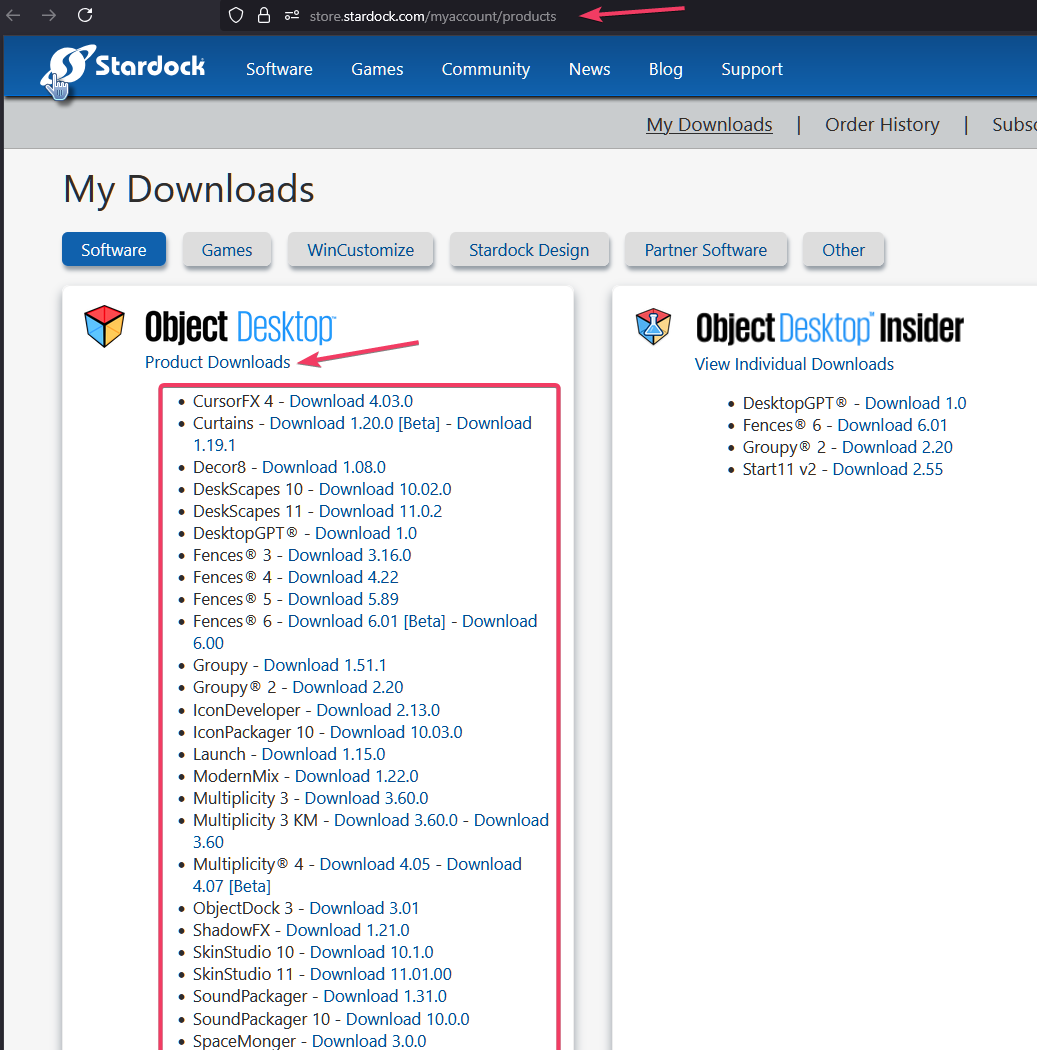
I apologize for the overloaded issues today, but after I uninstalled the program and tried to reinstall I now get the response “unable to open setup file”. After going through a diagnostic with copilot and trying different things including trying different browsers. Copilot believes that it’s not the full install for some reason even though I had no problem before. This is what it wrote for me:
“Hi, I’m trying to reinstall Object Desktop but the download link only gives me the 8.8 MB bootstrapper (objectdesktop_setup.exe), which fails with “Unable to open setup file.”I need the full offline installer for Object Desktop.My order number is: STARDOCK-050901-9440-72133.Please send the offline installer download link.”
If you don’t routinely encounter these issues and rather just move on I would be okay with a refund even though I would like to have the software. It just seems like it’ll involve a lot of time to walk me through this so I would be okay with that if that’s what you would prefer to do. Thank you again.