
Inconsistent background used when using Peek and Rollup Fences (Fences 6.42) and Deskscapes (2026).
It seems that Fences Peek and Deskscapes does not work well when using multiple monitors
 Stardock Forums
Hi,
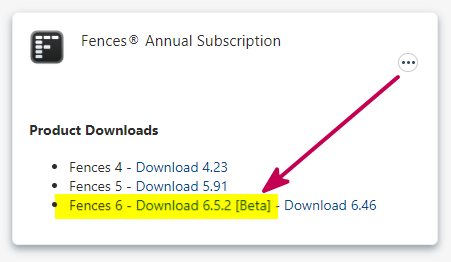
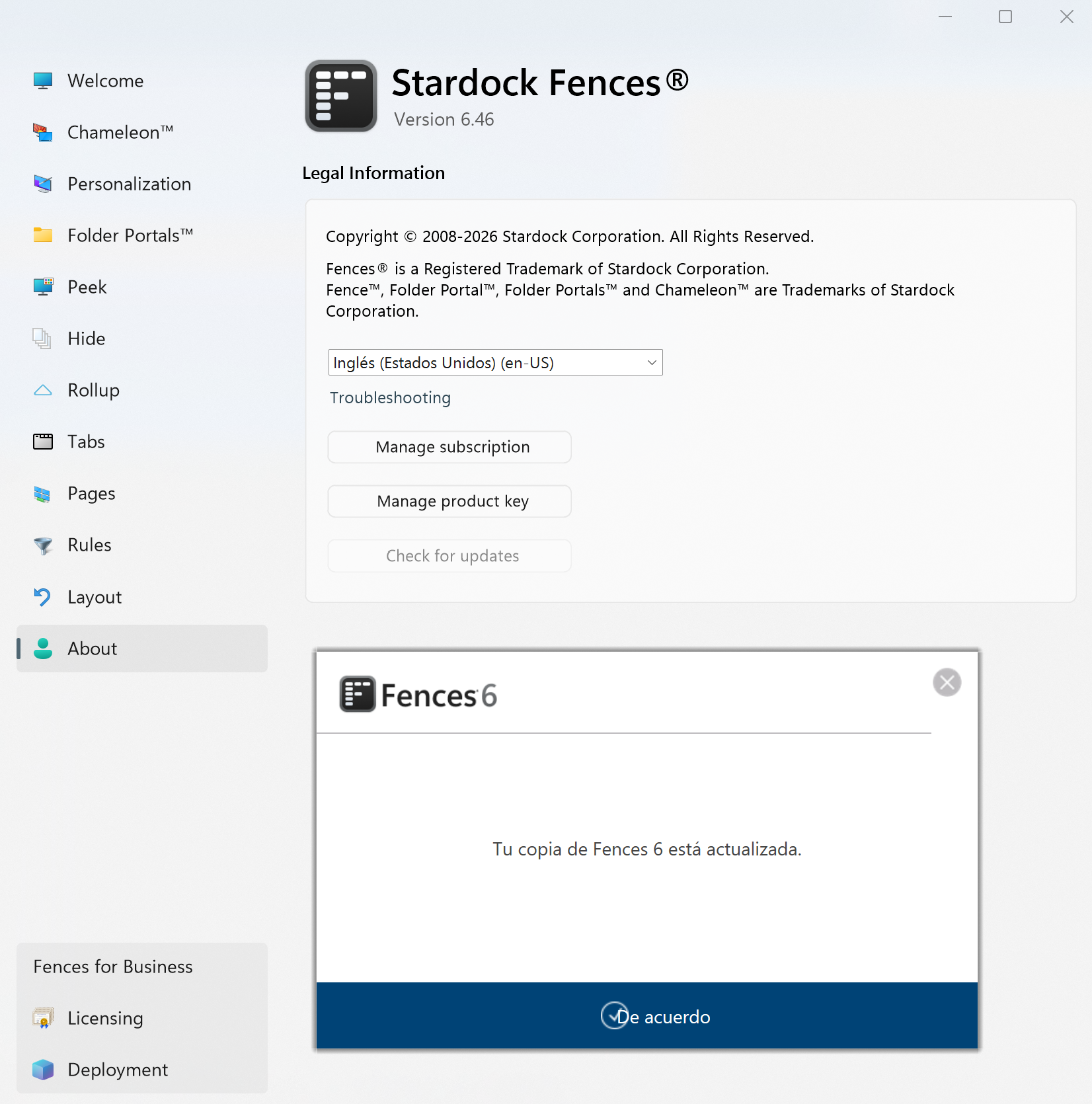
I recently upgraded to Fences 6.46 and I've noticed a bug when I enable Peek and Rolling Fences given that I use two monitors with its own animated wallpapers using Deskscapes 2026.
The problem is that when I use Peek to activate a Rolling Fence on my main monitor (the right one) the fence uses the background of the left monitor "completely breaking" the visuals on my main monitor
This is an image of the animated wallpaper on the left monitor:
This is an image of the animated wallpaper on right monitor. Note the rolling Fences at the top.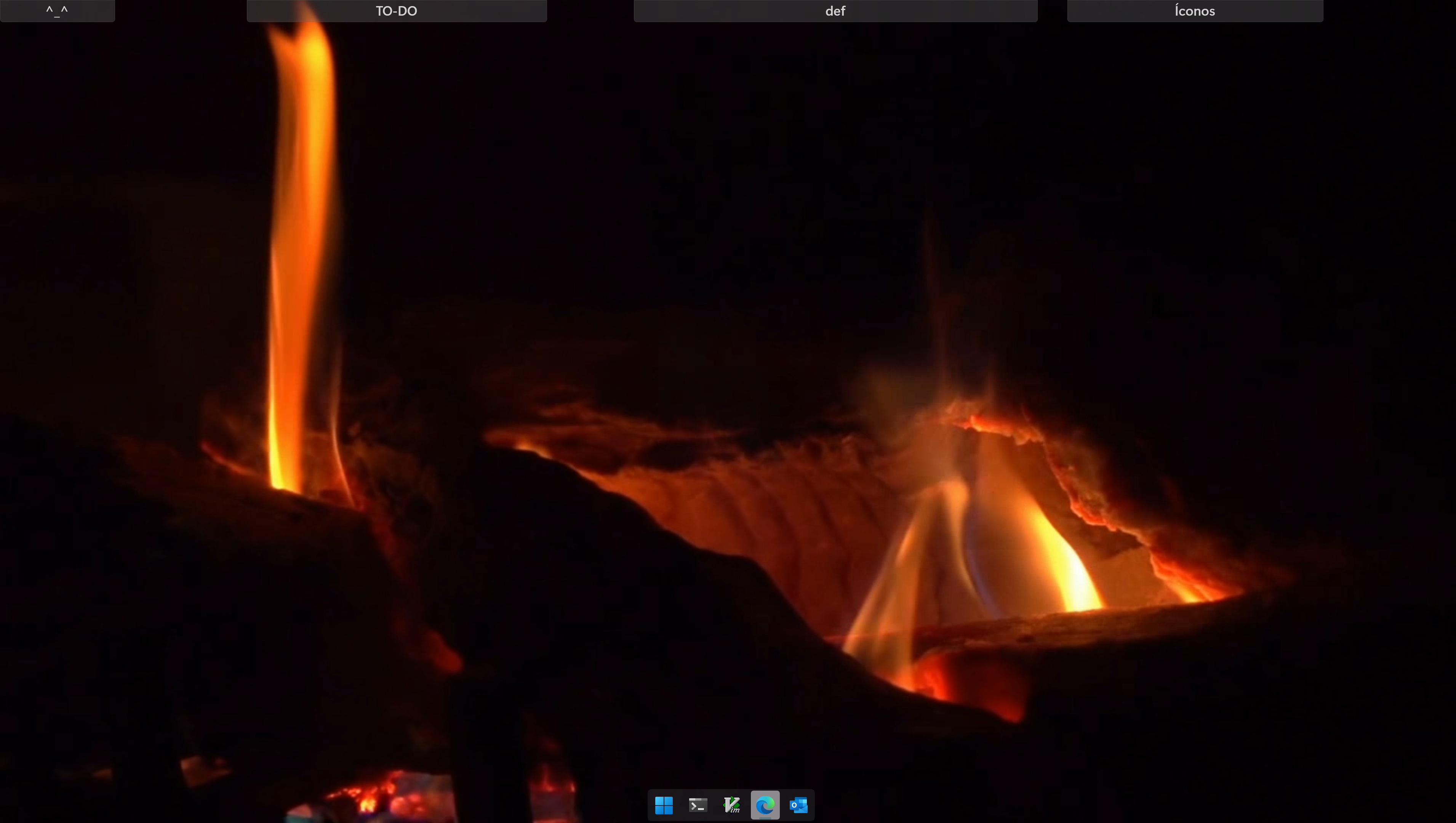
This is an image when I put the mouse inside the "TO-DO" rolling fence. It is what is expected.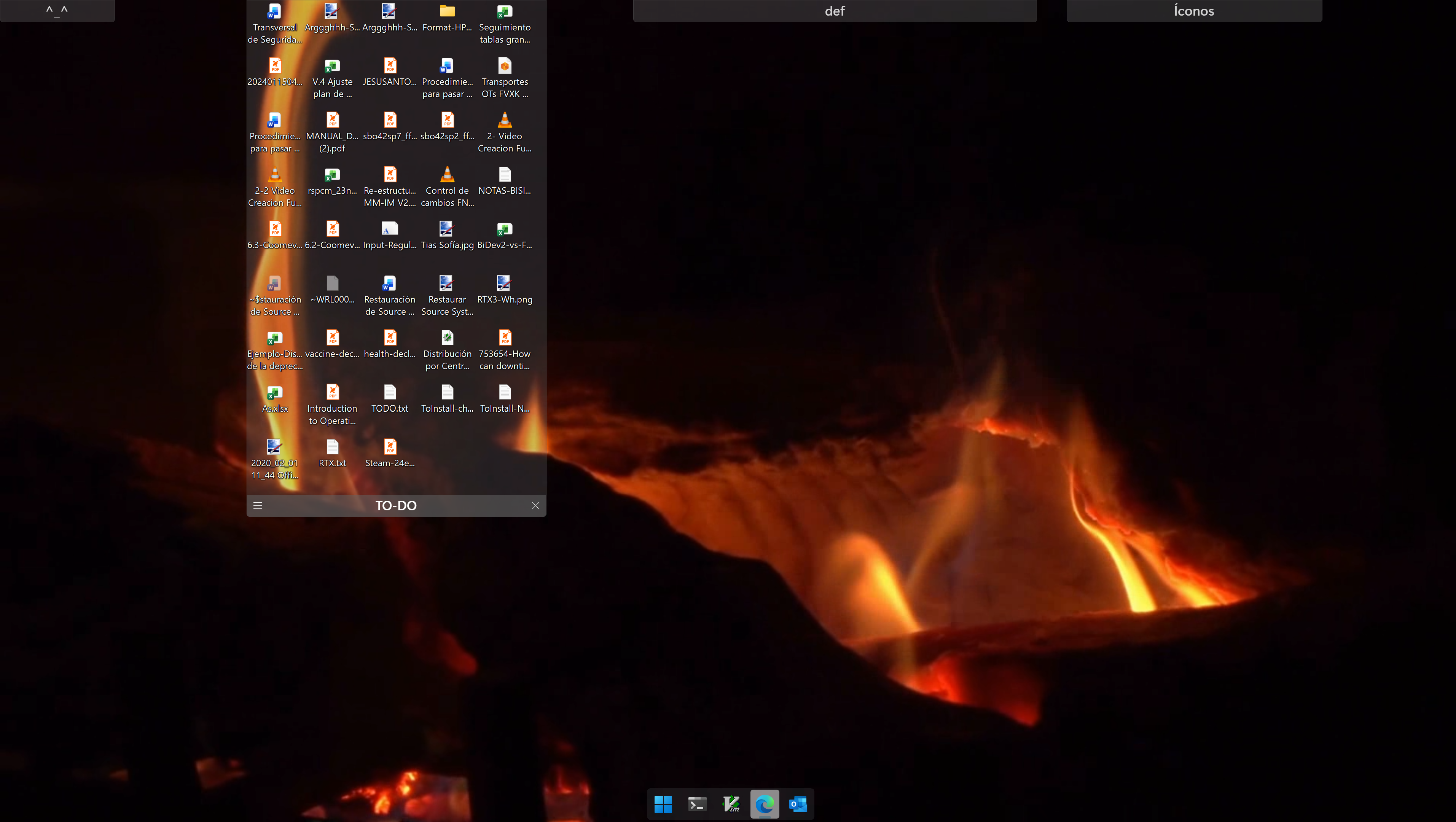
But notice when I activate Peek by pressing Win-Ctrl-Space (Toggle Fences):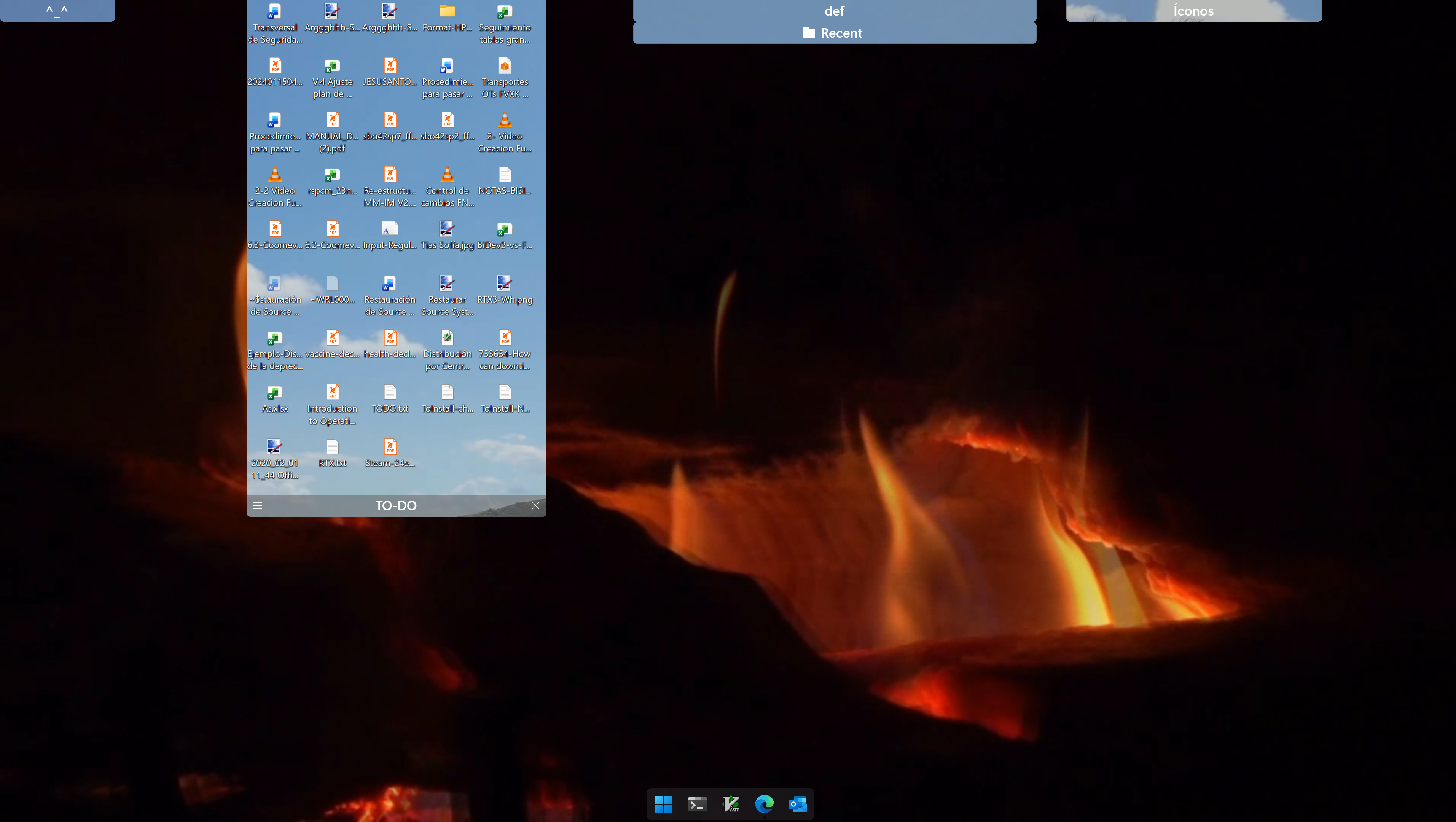
It really hurt the eyes 😉.
Have to add that what I consider to be my monitor is identified as the second monitor in my windows configuration: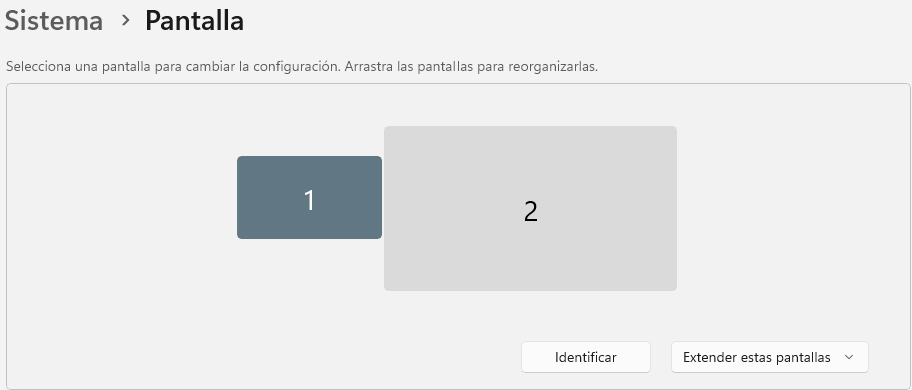
As you see the monitor to my left is a 1080p one. And the monitor on the right a 4k one where I mainly work.
It seems that Peek is choosing the background from monitor one for rolling fences that I have ion monitor 2 and this should not be, I think.
In fact, the effect is aggravated 'cause in every monitor I defined its own playlist of animated wallpapers so the as time goes by different backgrounds are shown when I use peek and I use it very often.
So please, fix this behaviour: The background to be used in Peek should be peeked (😉) from the monitor where the mouse is activating the rolling fence.
Ah! and BTW the image chosen is an (still) image! So, It would be nice that it be the animated wallpaper actually set, but if it cannot be then the proper image should be fine.
J.


 )
) WinCustomize Forums