Fences 4.2.3 – Recently, after a restart, all Fences with icons move to the main screen
 Stardock Forums
I use Fences virtual desktops.
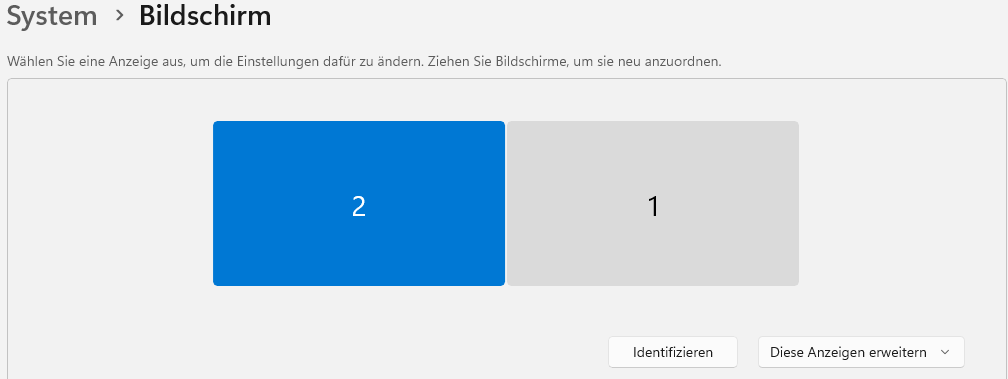
Icons migrate after a restart from the third to the first monitor
The standard desktop is ok
The second (virtual Fences desktop) – either everything from the second monitor ends up on the third monitor OR everything ends up on the main screen and overlays everything.
Working is no longer possible with it.
Dear Stardock support team,
The problem:
After every Windows restart, all icons that were placed on the third monitor are suddenly on top of each other on the main screen. Fences does not remember the monitors at all or sometimes incorrectly. As I have researched, you cannot manually assign the monitors even in versions 5 and 6, and I ask myself why there is no such fundamentally sensible setting?
When did it occur:
The problem began either after a Windows update and since I have been using an adapter from DisplayPort to HDMI, it became even worse.
My question:
Why does Fences 4.2.3 move all icons from the second monitor to the first after every restart?
Why does Fences, in certain constellations, move the icons from the second monitor to the third monitor when I use restoring of the snapshots?
Settings tested:
"Store my Fence group position on a per-screen-resolution basis"
"Preserve my desktop layout by scaling my Fences group" – (without activated checkbox – "When I plug in a new primary monitor…")
All three monitors have the same resolution.
Sensible working is simply no longer possible like this.
Even the restoring sometimes fails completely.
This is how it should look:

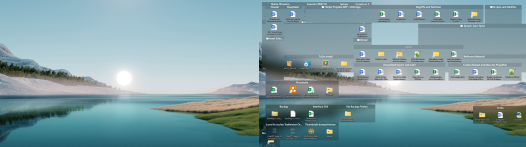
(Win11)
I hope for a remedy
With kind regards
It's really extremely frustrating that there's no real technical support—neither via email nor through the form on the website. No one on Discord is offering help, and I guess we can't expect any real technical support from the company here either?