Start11 - Pinned apps and folders
Feature request: Pin items to a specific display's taskbar
from  Stardock Forums
Stardock Forums
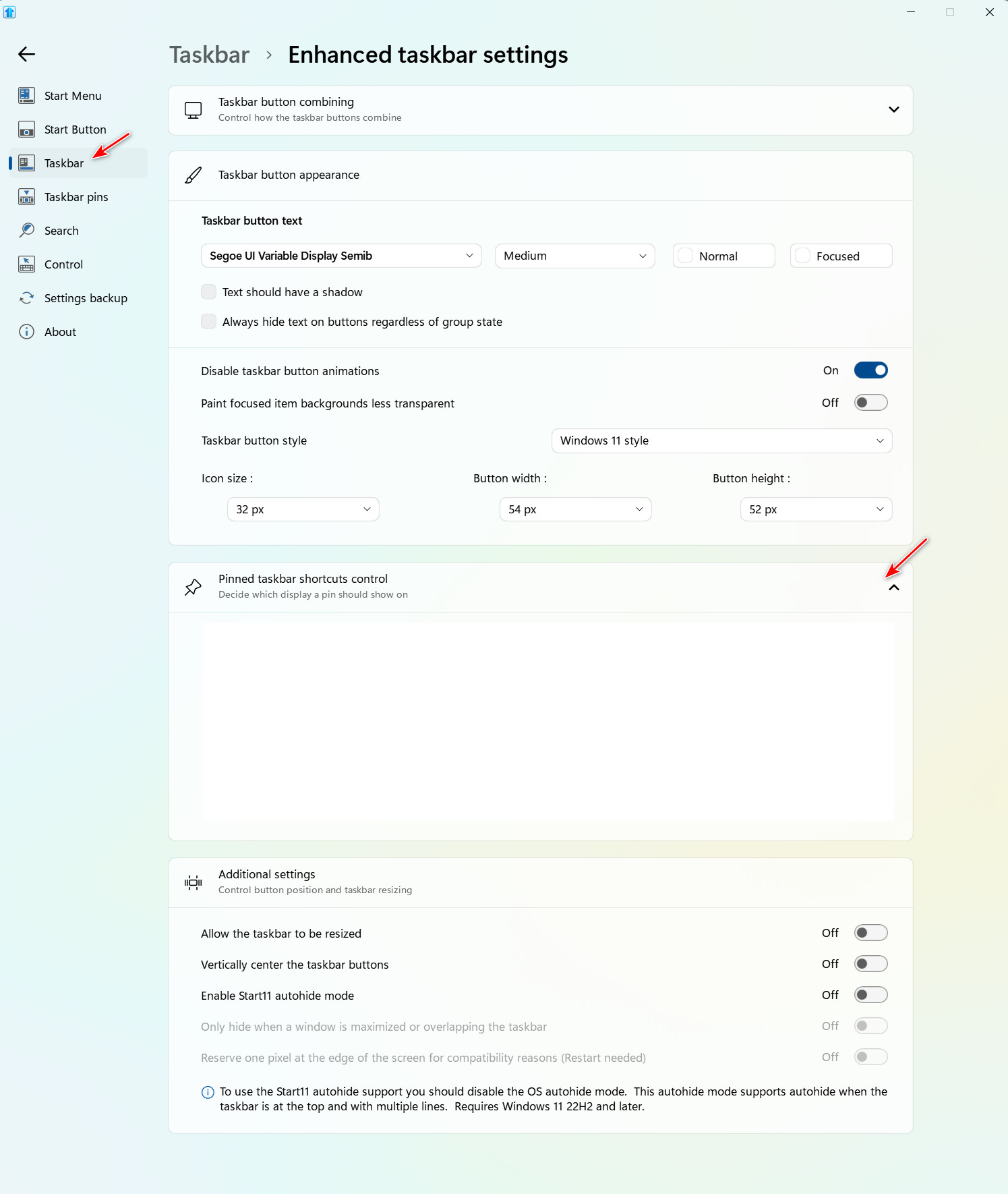
History: I am using pins on my taskbar, and somehow I managed a while back to pin one of my pinned menus to all three display taskbars. That was deliberate, but I can't find the info describing how to do that (unless it's the default result). Other app pins and folder pins appear on only my main display. And that also was deliberate.
GOAL: I want to pin my Outlook app to only my leftmost monitor, or perhaps have the pin appear on only the taskbar in which the application is open.
Question: How do I set pins to appear on all displays or only on a selected display? Where is this pin-to-a-specific-taskbar option documented?
Thanks!