Abisnabidam Abisnabidam

DeskScapes 2026 Release Feedback Thread

DeskScapes 2026 Release Feedback Thread

Obtaining the product

Object Desktop members can get the release from within Object Desktop Manager 

Individual purchases (as well as Object Desktop Members) can also be obtained from your account page: https://store.stardock.com/myaccount/products

For guest check-out purchase (no account), from this link: http://www.stardock.com/support/productkeyretrieval

Reporting an issue

Please include the following for anything found:

  • Exact Windows version \ build (winver.exe)

  • Detailed steps to recreate the issue seen

  • Screenshots and videos are very helpful.  Videos can be uploaded to a cloud drive service (GoogleDrive, DropBox, OneDrive, YouTube), with a shared link included in your post.  Images can be copied and pasted directly into a post.

  • If there are specific apps that the app does not work (well) with, please note what apps and their exact versions.  If any app is not common, a link to a trial version would be appreciated.

Thank you for your interest and any time you put into making DeskScapes 2026 a better product.


3,252 views 103 replies | Pinned
Reply #101 Top

I can't activate the product. It says my OD license is not valid for my email address but both are correct.

Windows 11 25H2 build26200.8894


Nevermind, the m key stuttered.

Reply #102 Top
Quoting gevansmd, reply 3995893

I can't activate the product. It says my OD license is not valid for my email address but both are correct.

Windows 11 25H2 build26200.8894

End of gevansmd's quote

Hello,

Sorry to hear you are having issues. For account issue, please raise support ticket using the link below, use the "Ask a Question" option. Include all information details. Remember to record down the ticket number for future reference if needed. Do not raise multiple ticket, that will make your ticket back to the end of the line. Send once and wait. Ticket will be answer by the order they send in.

https://stardock.atlassian.net/servicedesk/customer/portal/4/group/14

Thanks
Basj,
Stardock Community Assistant

Reply #103 Top

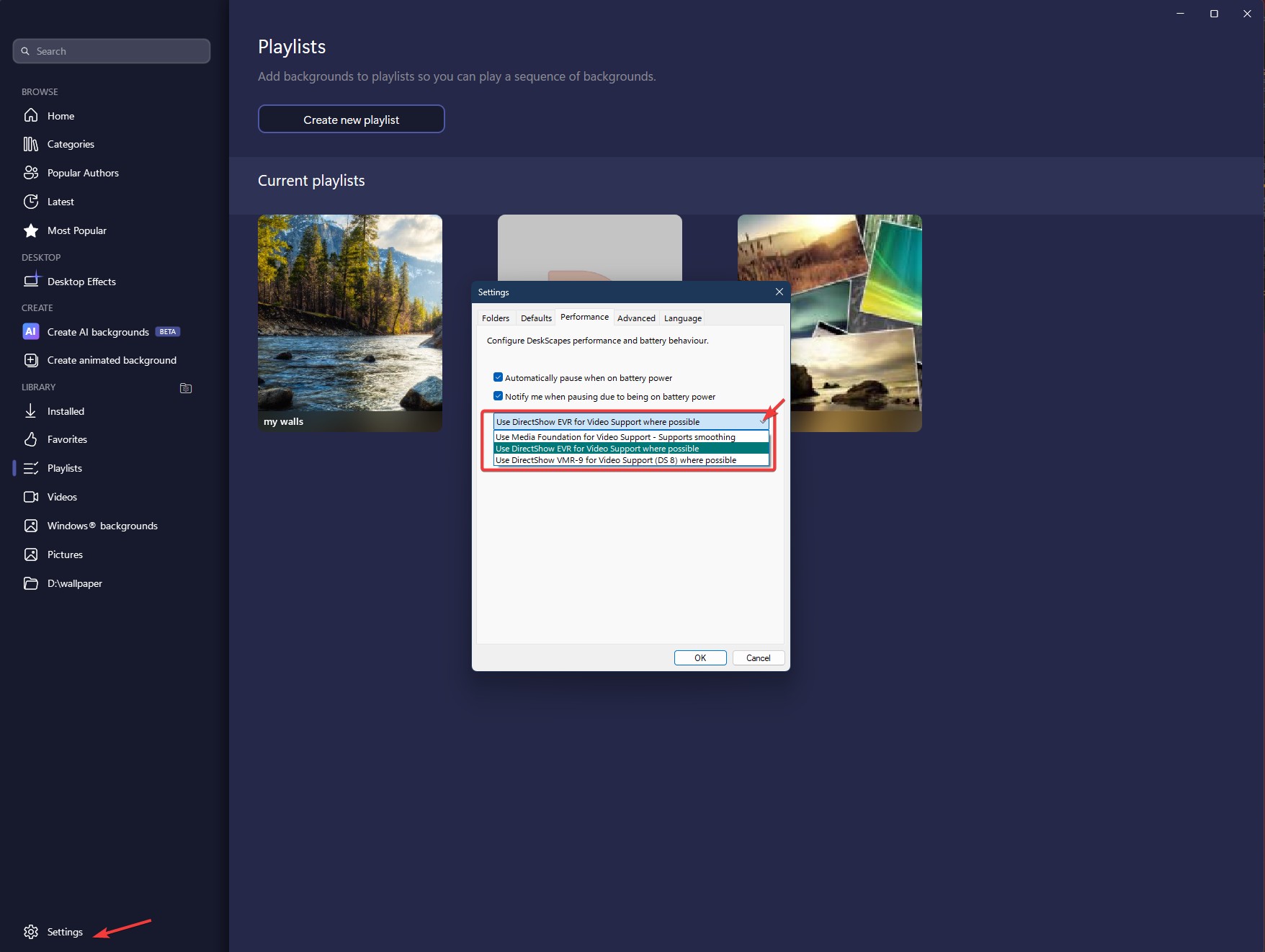
Did all of the purge on the laptop. Still not working like the one on my desktop. For example, when I go to apply an animated wallpaper, on the top right before I even apply it, the screen is black (this is above the effects listing). However, I did get it to function after I applied the paper to the monitor.