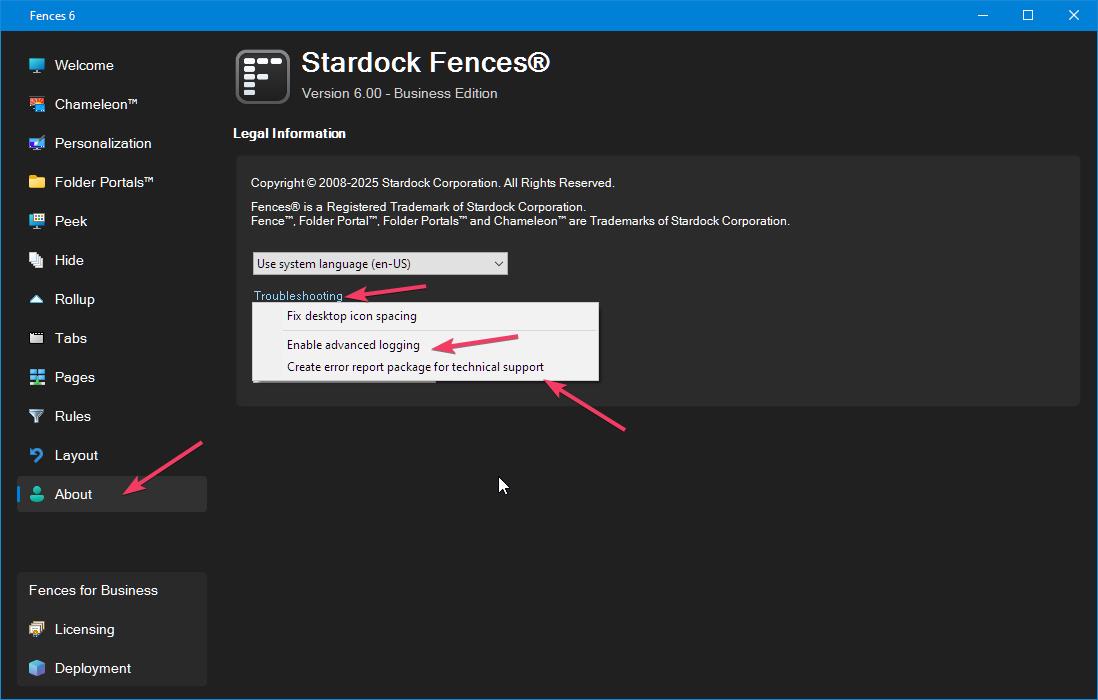
Fences 6 and windows 11
Fences is not working
 Stardock Forums
I have used Fences for over 5 years and love it.
I upgraded to a Windows 11 notebook from a Windows 10 NB.
It is Windows 25H2 build 26200.8246
It is Product: Fences 6, version 6.2.0.1
It installs and if I choose to let it set fences they are created, but if i do it as custom they are not created.
I have installed and uninstalled several times and have run the purge bat several times as well to no avail.
I have turned off my firewall and antivirus for some of the installs.
The config fences option was not even available either from the Fence header or from windows right click.
I merged the reg key for locking. (I have rebooted each time I made a change).
I locked and unlocked the Fences. I still cannot move any files or folders from the default fences or to them or create new ones.
The configure fences option now shows both in the fences header and the windows right click menu, but I just get an activity circle for a few seconds and then nothing.
I have not been asked for a product key nor have any way to add it.
What am I missing? I really need to get this working.
Thank you,
John
Moved to Fences area