Lost Desktop Icons

Tried to find Stardock Chat support but appears not available.  I loaded Fences 6 onto my Windows 10 system.  Ran a couple of days no issue.  Tried to increase extra monitor font display size larger.  Lost all Fences and Desktop Icons.  Did the restore to previous day in Fences, but nothing restored.  Follow other actions to ensure Show Desktop icons. Nothing worked.  Did the AI problem solving steps. Nothing.  Eventually uninstalled Fences and restarted computer, still nothing.  Strangely enough when I place cursor at very top of screen, very faint grey hi-lite bar.  when I chose OPEN command, File Explorer opens.  Not sure what to do now.

279 views 11 replies
Reply #1 Top

Hello,
Sorry to hear you are having issues. Need to know more on your issue.

  1. Need Windows 10 full version and OS Build number. Please use Winver.exe to get these numbers.
  2. Fences 6 full version you tried to use.
  3. How did you do this "Increase extra monitor font display size larger"?
  4. A video or screenshot on this might help "when I place cursor at very top of screen, very faint grey hi-lite bar. when I chose OPEN command, File Explorer opens." Also, this all while Fences already uninstalled, yes? 

Thank you,
Basj,
Stardock Community Assistant.

Reply #2 Top

Basj, 

Thanks for the response.  Operating System is Version 22H2 (OS Build 19045.7184).  Fences 6 is latest version downloaded last week.  I increased the second screen font by Window Key + Scroll Mouse.  I also used the Window Control Panel to increase the Font size of the Apps.  At this point Fences disappeared and no icons.  After failed Fences attempts to restore to previous day Desktop, I removed my Fences, rebooted but still no Desktop Icons.  Under Windows commands, the Show Desktop is On but nothing.  

Reply #3 Top

Toggle show desktop off and then on, and also enable auto arrange.


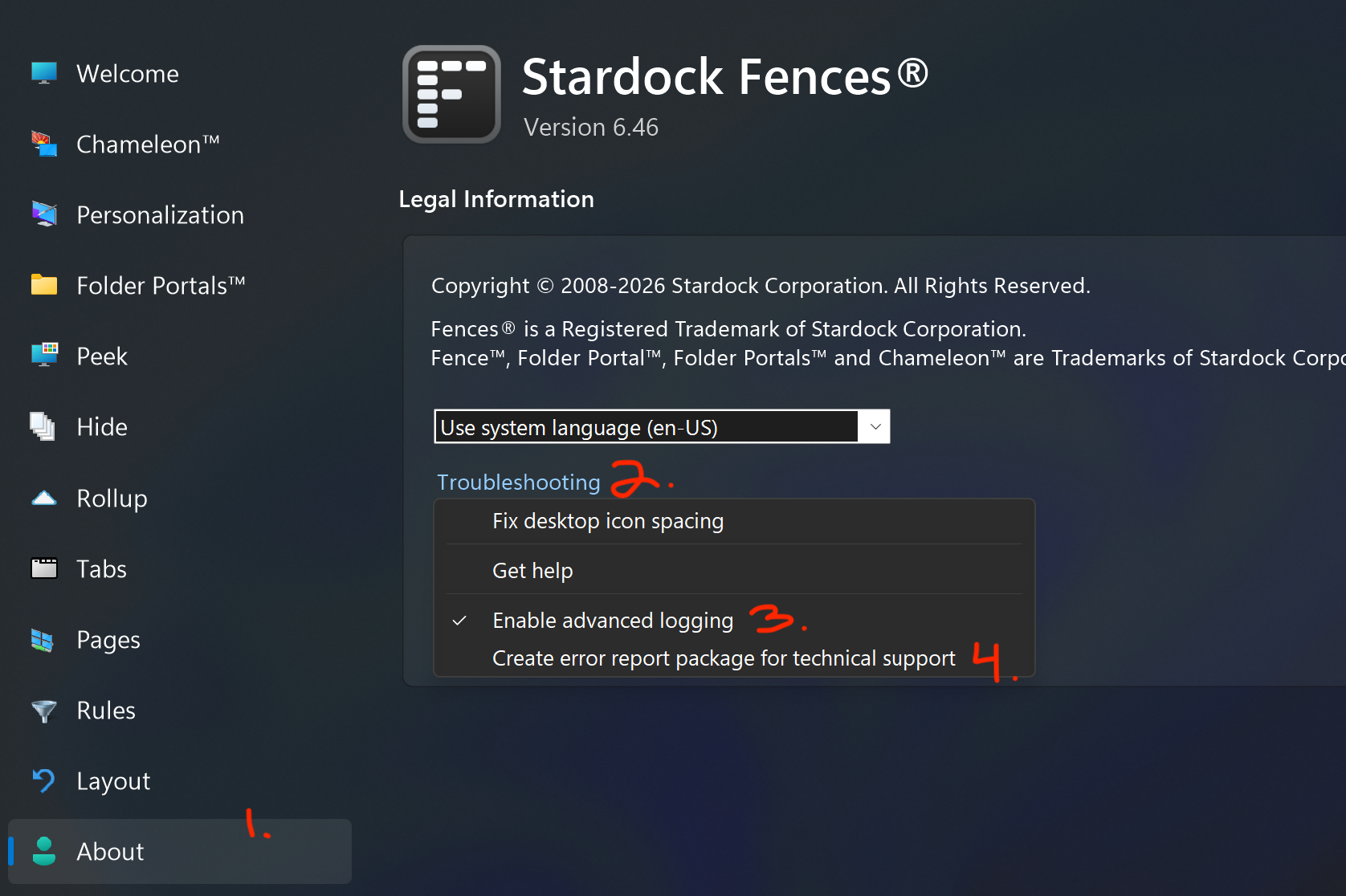
if Fences were still installed we would ask that you enable advanced logging and upload a report, which would give us information to see what is going on on your system

Reply #4 Top

Also, one more interesting fact if I manually drag an application icon out of Applications to the Desktop, the icon disappears into the desktop screen not to be found.  It is as if it is still in the Fences Hide mode.

Reply #5 Top

Completed the Toggle of Desktop display as requested with auto arrange, but still no desktop Icons.

Reply #6 Top

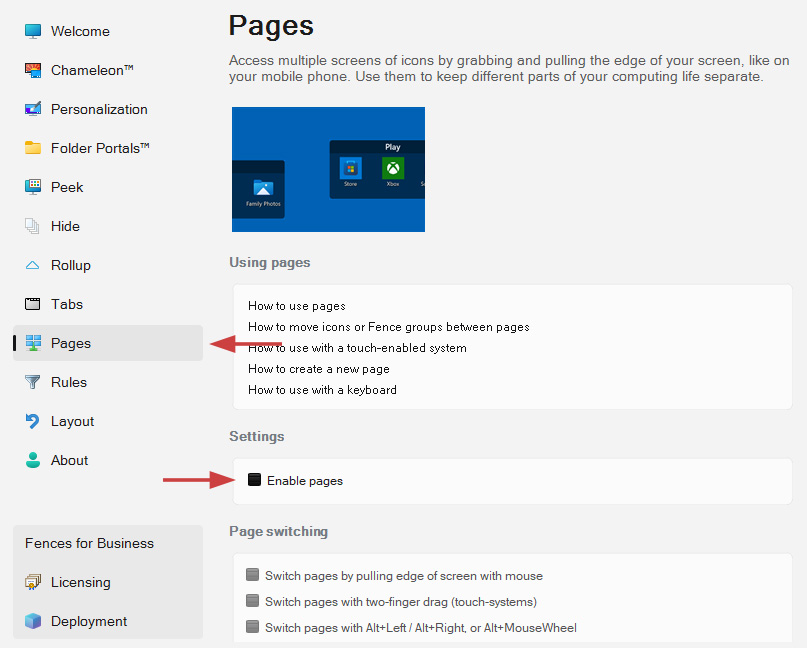
Can you check if you by any chance have desktop pages enabled?

Reply #7 Top

Understood. With the program uninstalled, and rebooted, still no icons?

Fences does not make any permanent changes to the system for while not running, so I'm wondering what else is installed, at this point.


Re-installing and producing an error log might give some additional insight, including a report of other loaded modules and system settings.

Reply #8 Top

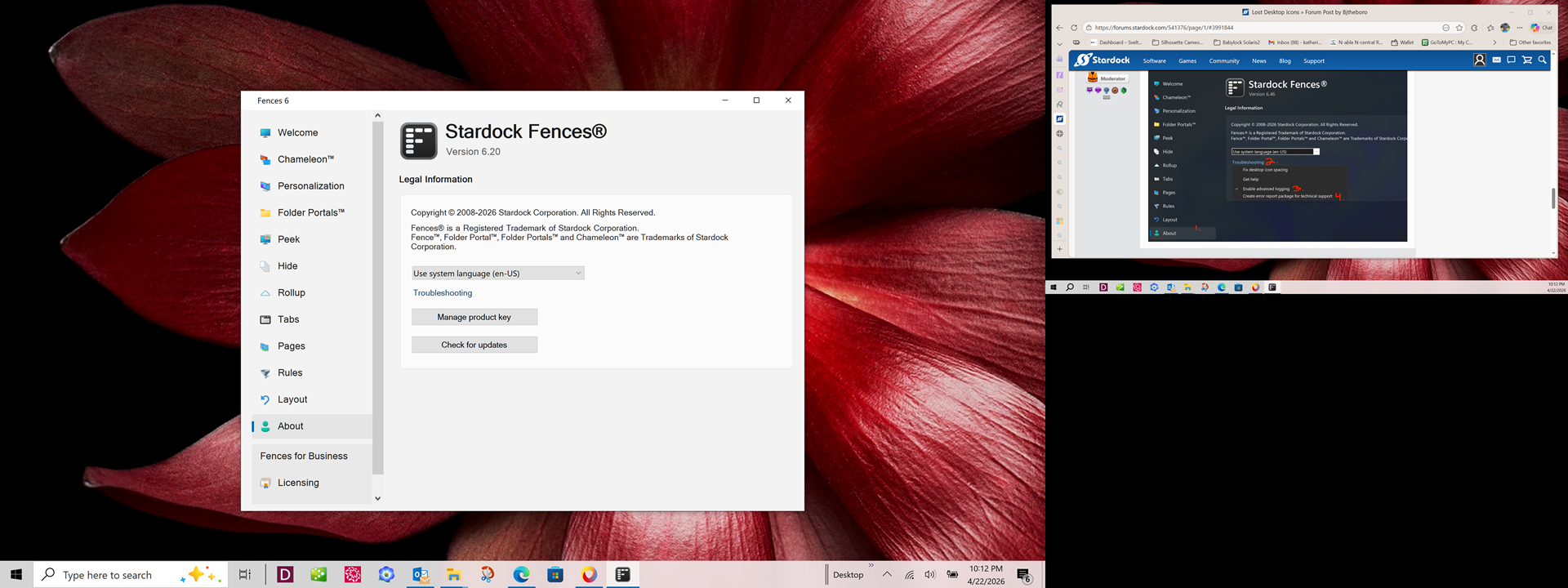
I reloaded the Fences 6.  Still no Desktop icons.  Part of the desktop had that blurred background and the other portion of desktop was good clarify.   I noticed that File Exployer was very tiny font size in the background that was blurred and the width of veiw was roughly 40 inches.  I had to drag roughly 4 times the width of the scree to get to the X in the upper Right corner to close out this.  When I click the X, the option comes up REMOVE FENCE.  The screenshot shows my version does not have an Advanced Logging, or Error Report for Technical Support.  Included is a screenshot.  I did notice my earlier saved desktops are still showing.

  Screenshot of the 1,2,3,4 request

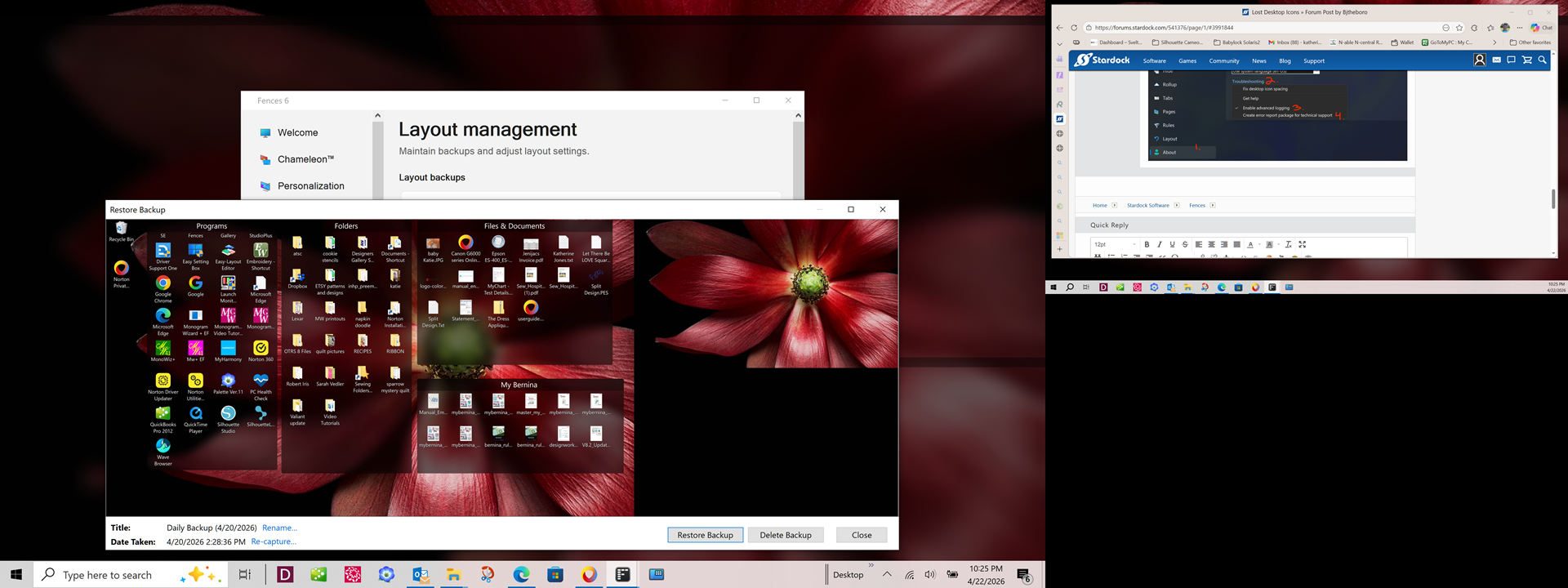
Here is previous daily backup before the "enlargement activity" and Fences & Icons disappeared. 

Reply #9 Top

I’m curious, you mentioned the missing icon issue still appears even after Fences was removed. That suggests the problem might not be related to Fences at all.

To be thorough, please try the purge steps outlined here: Fences purging and re‑installing guide. Be sure to reboot your system after the purge. This process will remove all traces of Fences from your system, while keeping your saved layouts intact.

If the desktop icon issue continues, it may point to a Windows system or admin account corruption. In that case, I recommend:

  • Running the Windows sfc /scannow and DISM checks (you can find detailed instructions online).

  • Creating a new admin account to see if the issue persists there. This can help confirm whether the problem is tied to your current account.

Please try these steps and let us know the results.

Thank you,

Basj,
Stardock Community Assistant

Reply #10 Top

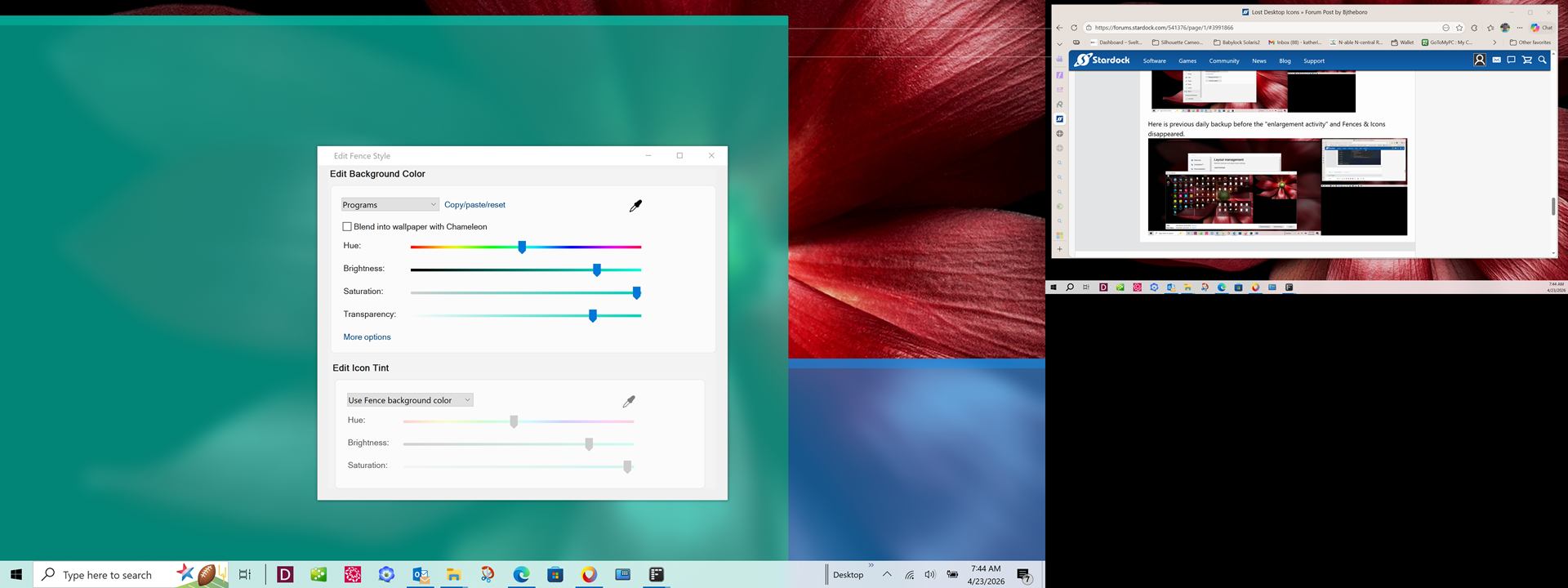
Here is another screen shot showing the Fences are there as I colored them to be obvious.  Thoughts how to correct?

Reply #11 Top

Hi, you can find the advanced logging and create error report package items in the Troubleshooting menu within About