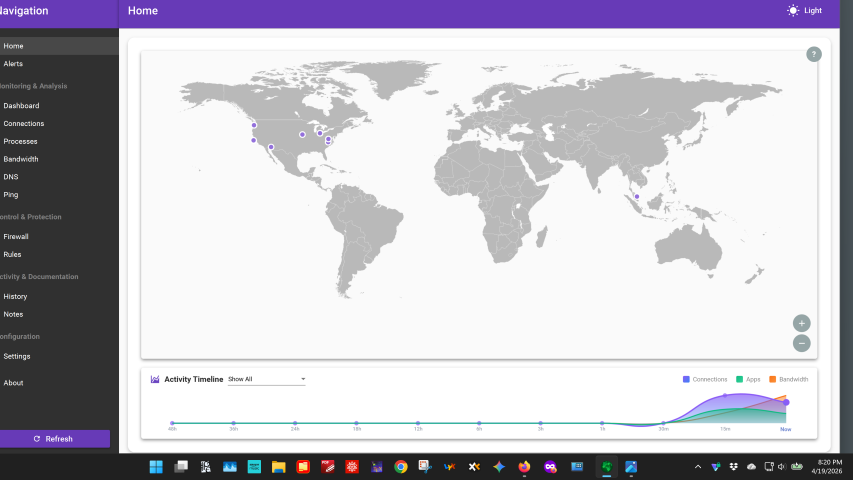
Connection explorer window is the wrong size and partially off screen

I installed Connection Explorer 1.0.0.5 on two different computers. In both cases, when I started Connection Explorer the top and left sides of the window were off of the screen. It was not possible to resize the window or drag the window. This is clearly a bug. All of my computers have 4K monitors.

485 views 9 replies
Reply #1 Top

Hello,
Sorry to hear you are having issues. I can't reproduce your issue on my 4K monitor. Need to know more on your system.

  1. Windows 10 or 11? Also need its full version and OS Build number. Please use Winver.exe to get these numbers.
  2. Your 4K monitor Windows scale setting: 100%, 150%, 200% etc.
  3. Post a video showing us the issue would help us understand the issue better.

Thank you,
Basj,
Stardock Community Assistant.

Reply #2 Top

I have an HP Envy 16" laptop with Windows 11 Pro and with 4K (3840 x 2160) resolution scaled at 250%.

I have a home-built computer with Windows 11 Pro and with an Nvidea graphics card connected to a 32" LG monitor with 4K (3840 x 2160) resolution, scaled at 150%.

Both systems exhibited the behavior shown in the video. After I uninstalled and reinstalled Connection Explorer on the desktop computer the behavior of Connection Explorer was normal. I attached a link to the video, made with the laptop computer, which is saved on Google Drive.

Video of Connection Explorer going off screen

Reply #3 Top

I forgot to mention the Windows build.  It is Windows 11 version 25H2 build 26200.8246.

Reply #4 Top

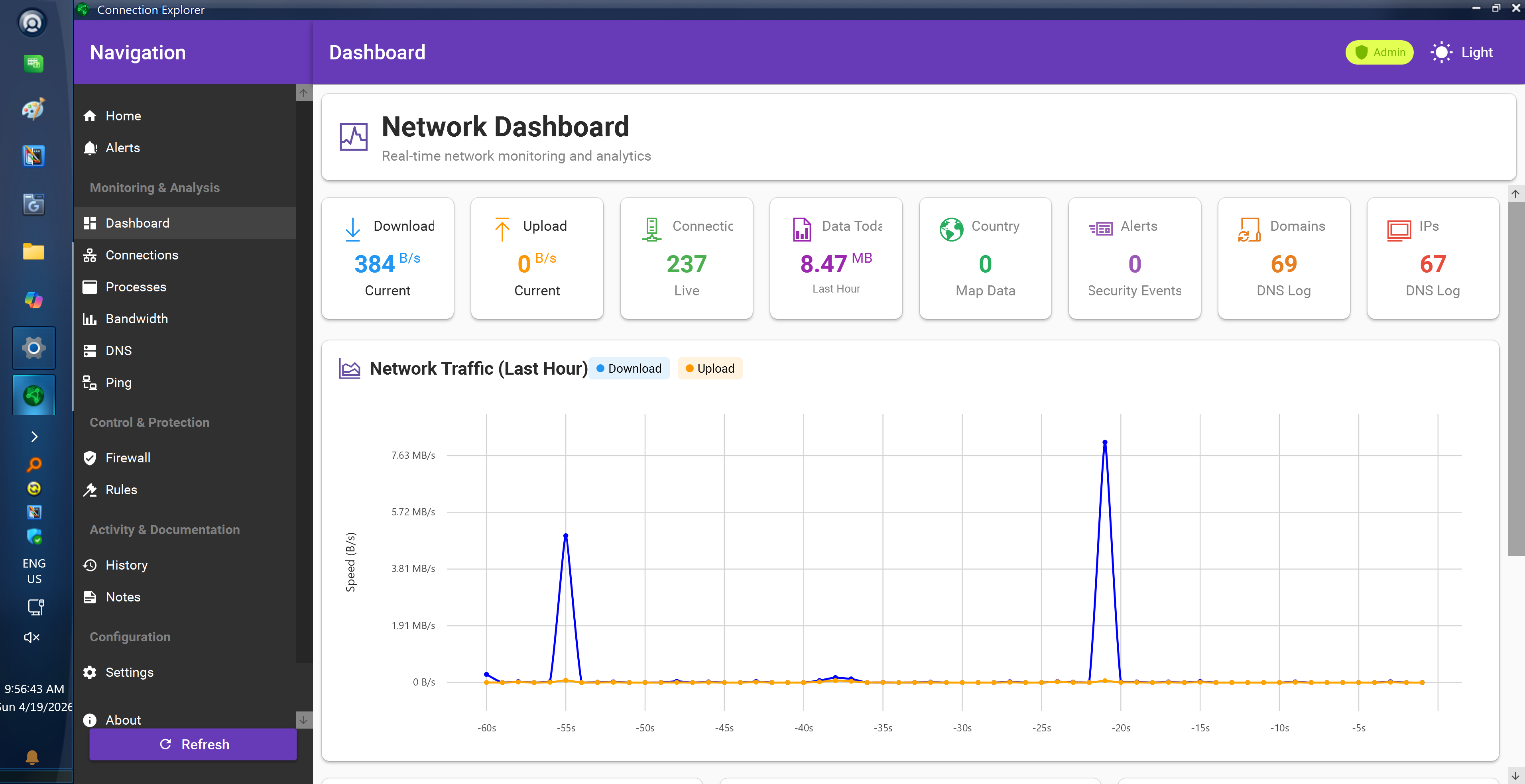
This is what I get on my 4K monitor with 250% scale.

Please try, uninstall Connection Explorer, reboot immediately (important), download latest version available in your account product download page: https://store.stardock.com/myaccount/products. Install it, reboot immediately again. Retest it and report back.

Thank you,

Basj,
Stardock Community Assistant

Reply #5 Top

I followed your instructions exactly. The same thing happens as before, as illustrated in the attached screen shot.

Reply #6 Top

That is strange. However, I have forwarded your problem/question to Stardock Support Team for their assistance. Please keep an eye on this thread for any updates. We appreciate your feedback and patience. Thank you.

Basj,
Stardock Community Assistant

Reply #7 Top

The issue is almost certainly the scaling at 250% is issue, I tested at 150 and 200 prior to shipping but will see what I can do for this size


Reply #9 Top

Quoting Tech, reply 8

I have the very same issue on multiple machines; this is a BUG for sure.

What is your monitor resolution/scaling set to? I have a fix in for some of the 4k 250% setup that should land in beta soon.