Will not re-install after removal

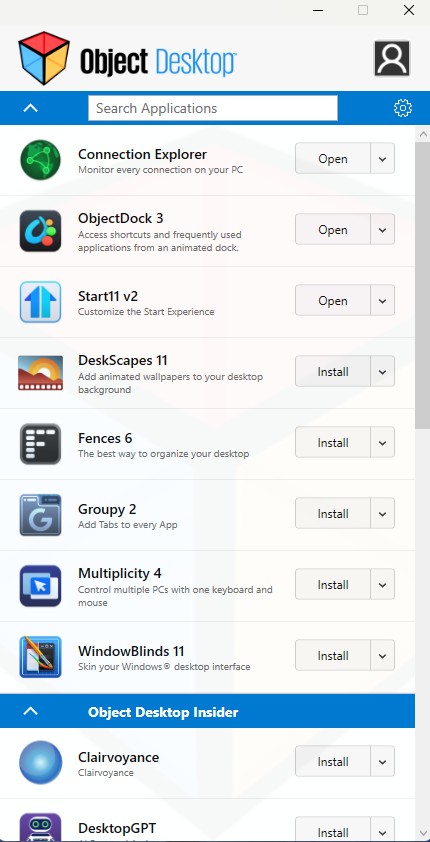
In the object desktop control panel I used the connection drop down to uninstall. My only option is to purchase Object Desktop again. I don't see a product activation request so can someone send me a ling to get the installer for Connection Explorer.

437 views 8 replies
Reply #1 Top

Hello,
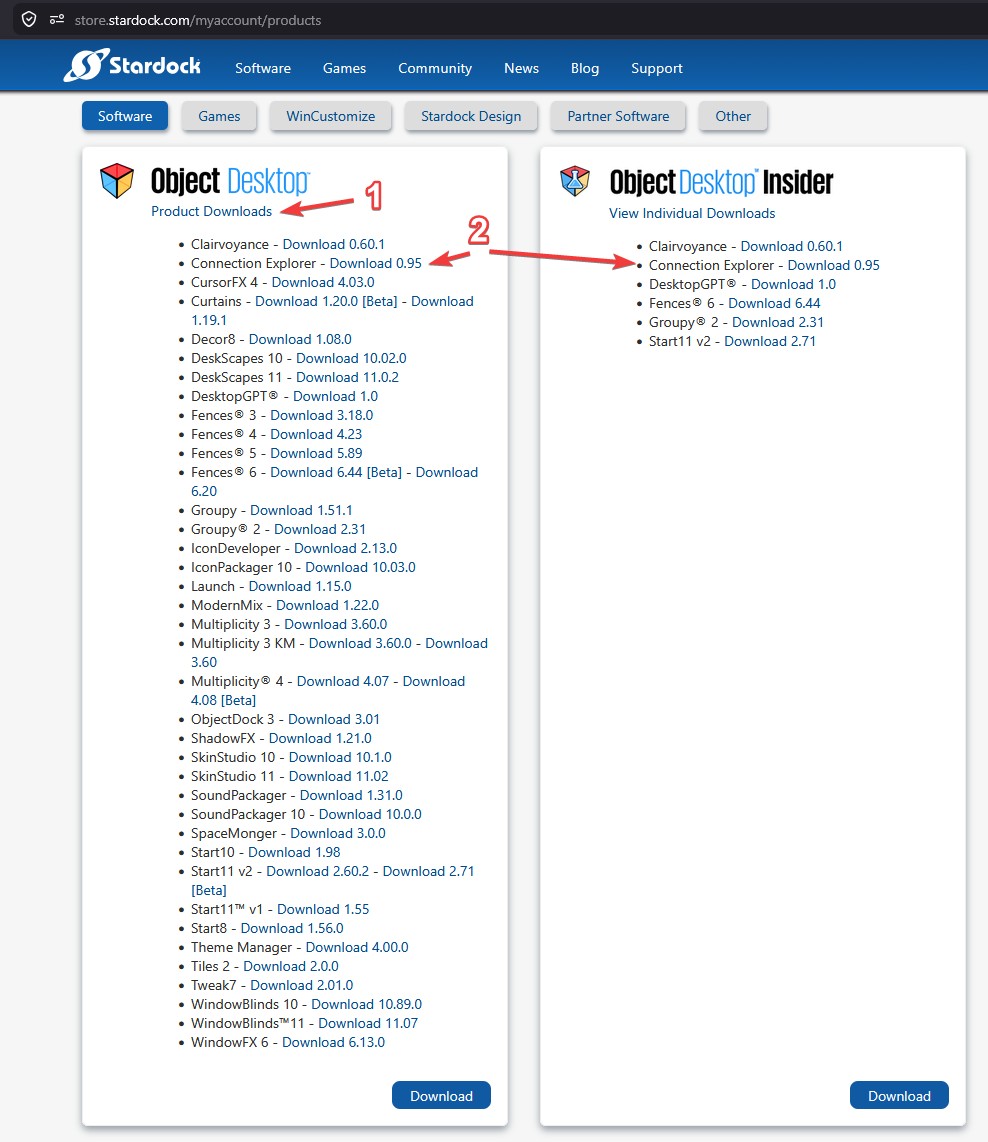
Sorry to hear you are having issues. Just to check, do you still have active ObjectDesktop subscription? If so, you should be able to download Connection Explorer via your account product page and install it. Your account product page is here:  https://store.stardock.com/myaccount/products 

Thank you,
Basj,
Stardock Community Assistant.

Reply #2 Top

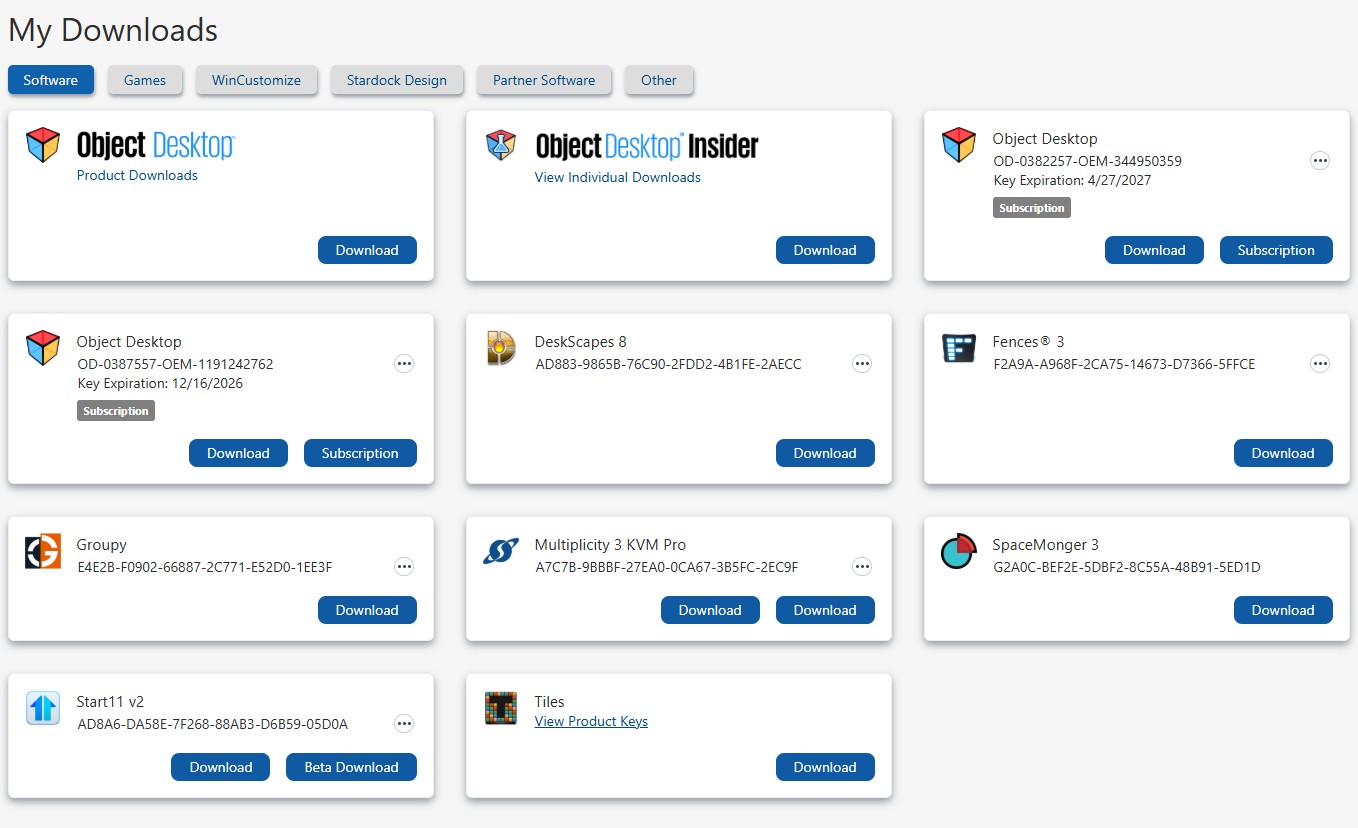
For my subscription (which expires next year), when I logon to that portole all I am able to download is the entire package. I really didn't want to do that so I looked in my downloads directory and I still had the executiable installer. I don't know why I don have that ability but the job is done.
I thank you for your time!

Reply #3 Top

You should be able to download individual installer, you just need to click on the "Product Downloads" to open up those listed download links. You should see something like below.

Thank you,

Basj,
Stardock Community Assistant

Reply #4 Top

This is all I see. Even though Connection Explorer shows "Open/Install" is listed 1) it won't open after removal and 2) install is NOT an option. As I said I found a work around so all is good. Thx again.

Reply #5 Top

The screenshot I posted above is from your account page : https://store.stardock.com/myaccount/products. Not from your Object Desktop manager.

Thank you,

Basj,
Stardock Community Assistant

Reply #6 Top

When I log into my account this is what I see. It does not look at all like what you show. I dont even know how to get to the locations you have shown in your inages.

Reply #7 Top

Click the blue link under ObjectDesktop "Product Downloads"