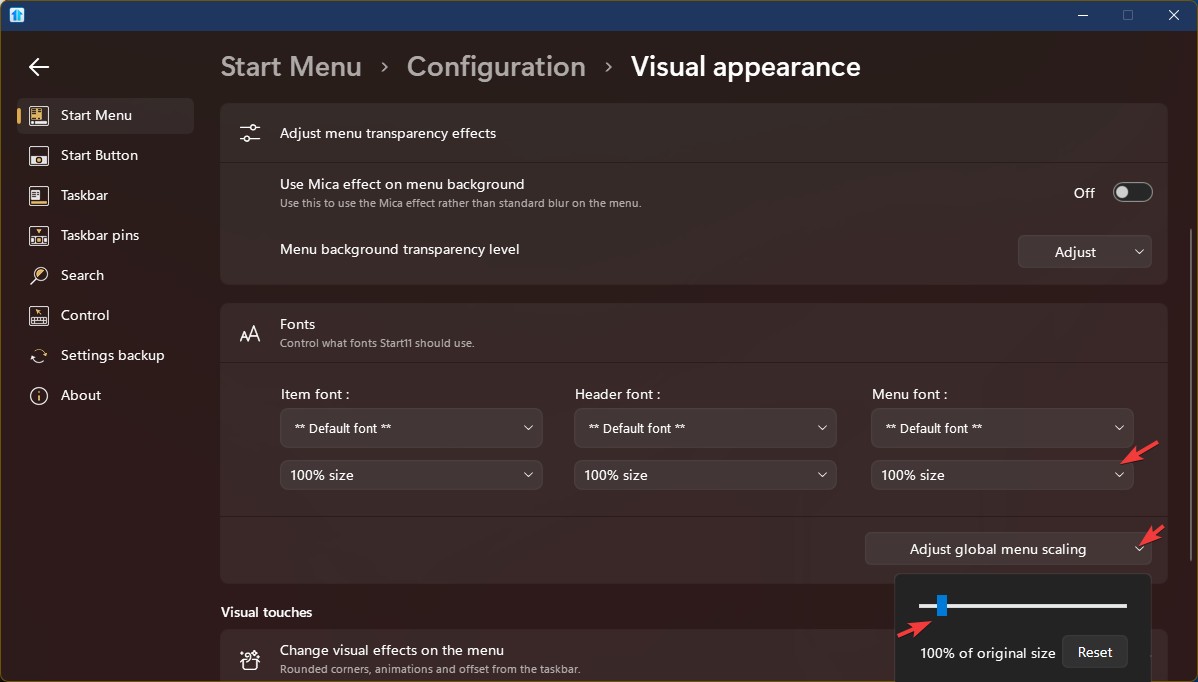
Tighten up right side menu
from  Stardock Forums
Stardock Forums
I upgraded Start 11 from v1.5 to v2.6, I have a menu in the right column that displays all the files in a particular directory. In v1.5 it was fine but in v2.6 it is too spread out - almost "double spaced" (see screenshot). Is there any way to tighten up the file listing so that it isn't so spread out?
Screenshot -- https://i.imgur.com/7Uz3PbI.jpg