Ohhhhh boy....
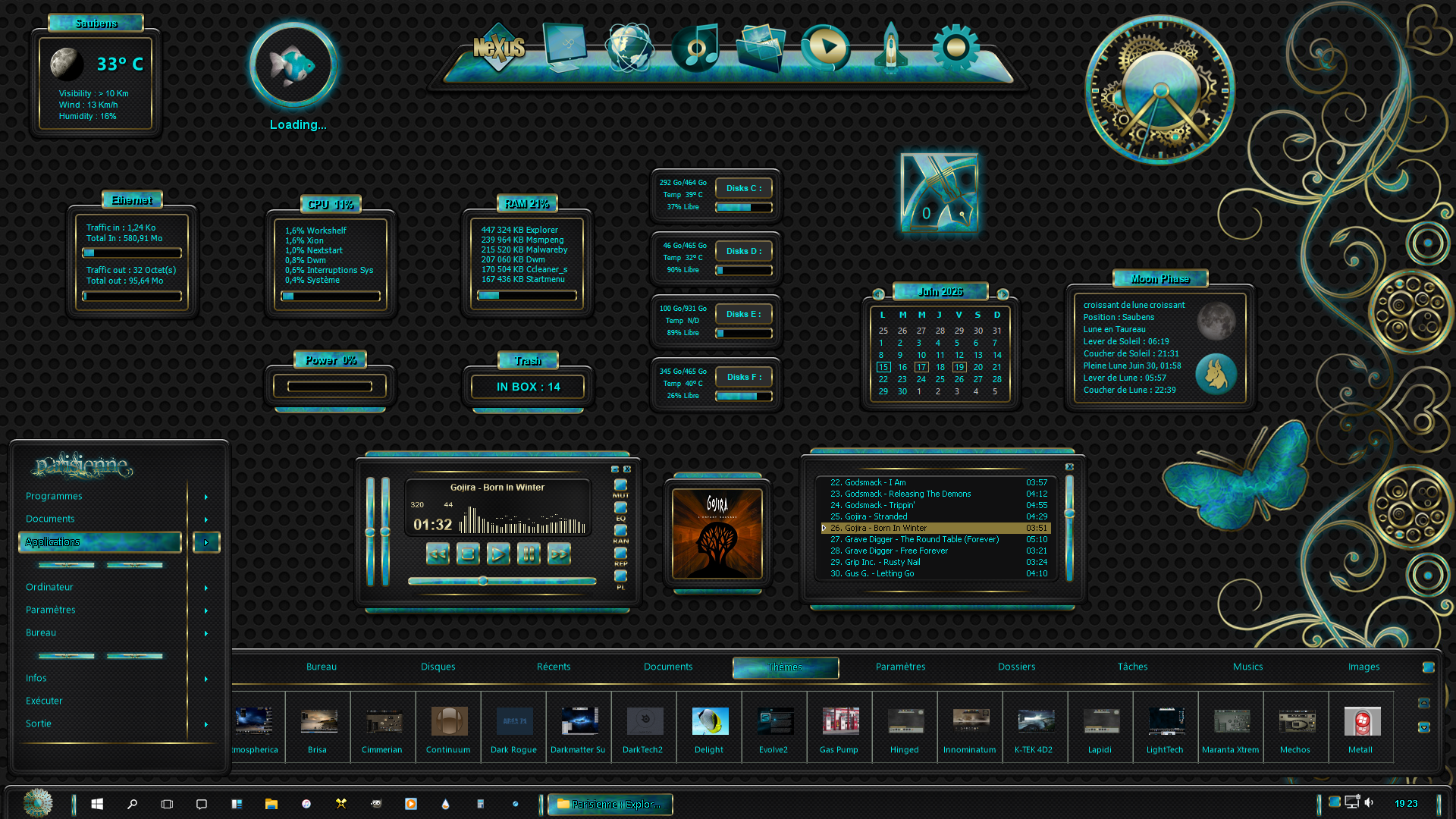
Many eons ago (until November 2009) the skinning settings and normal application settings co-existed with each other in the same UI (last version that supported this was v9.5). The problem was that less than 1% of users make themes and the skinning options for the rest of them would only add to the clutter of what is already a very busy interface (because Winstep Xtreme is so powerful and flexible, it has a ton of options and settings).
So, when I decided to completely change the Preferences GUI to leave behind the (then already old fashioned) NeXT OS style look plus add multi-language support, I made a deliberate decision not to add those skinning settings to keep things simple(r). The plan was to add them later to a separate application, the Winstep Theme Builder.
You can guess what happened next, no? I did start making the Theme Builder and you can still use it today to make native Nexus themes, but I didn't see a lot of enthusiasm, most of the skinners were already used to edit text configuration files anyway, and so I never finished or released it.
This is kind of where we are today. In the past year or so I have been tying a TON of loose ends (i.e. stuff that had been on the to-do list for a VERY long time, e.g. multi-icon selection on shelves and grid stacks, per-monitor high DPI support, multi-drives monitor widget, etc) and the two MAJOR remaining things that are on that to-do list are an up-to-date User Guide (I noticed how badly this was needed when a user reminded me of a setting I no longer remembered implementing lol) and - of course - the Winstep Theme Builder.
I actually talk about BOTH this things in the So, what's next after v26.1 post at the Winstep Forums.
My idea is similar to that story of the prodigal son (eheh), that is, re-integrate the Theme Builder into the main application (which makes it ten times easier to actually finish it), but at the same time make it "look" as if it is a completely individual application (i.e. continue to separate all the skinning settings from the rest of the application).
Until then making Winstep Themes will remain an archaic art of editing configuration files (looking at how other themes do things, talking to other Winstep skinners, etc). PITA, I know, but for the time being it is what it is (and given the current frantic pace of development and my - for now - focus on functionality rather than skinning settings, I really don't have time to help much)
IIRC, the late Steve (miss ya buddy, RIP) also had an old version of v9.5 installed along side more modern releases to help him make new themes.
This said, there are two very prolific Winstep skinners (BassDudeNZ and Picco14) that usually hang around the Theme Approach thread in the Winstep forums. You can always try asking them for some guidance, pretty sure they would take some time to help you...
_________________
Jorge Coelho
Winstep Xtreme - Xtreme Power!
https://www.winstep.net - Winstep Software Technologies


 WinCustomize Forums
 Stardock Forums