Disable/Rebind keyboard shortcut in Fences

TL;DR - Hide Icon shortcut (Winkey+Spacebar) Conflicts with Changing input methods on Windows

TL;DR - Hide Icon shortcut (Winkey+Spacebar) Conflicts with Changing input methods Shotcut on Windows, did not find a way in settings to rebind shortcut


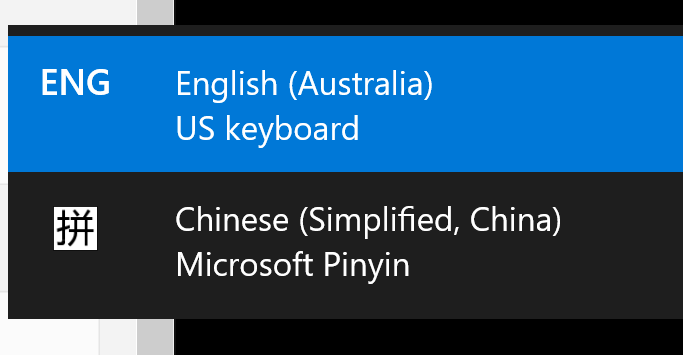
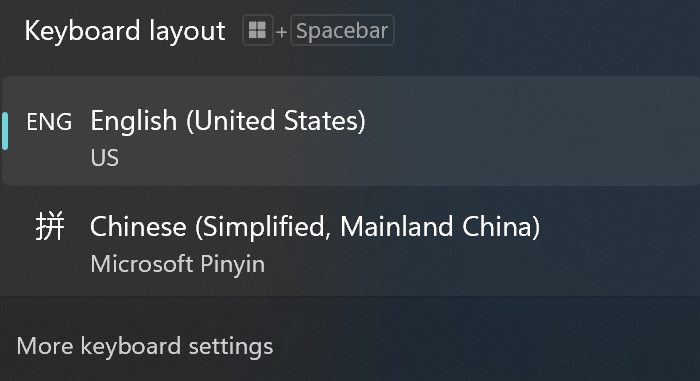
Hello - So I recently installed Fences 6 and I noticed that it broke the input method switching shortcut (WinKey+Spacebar) on Windows (Switching from inputting English <-> Chinese in my case). I had to disable the Hide icon functionality to get the shortcut back


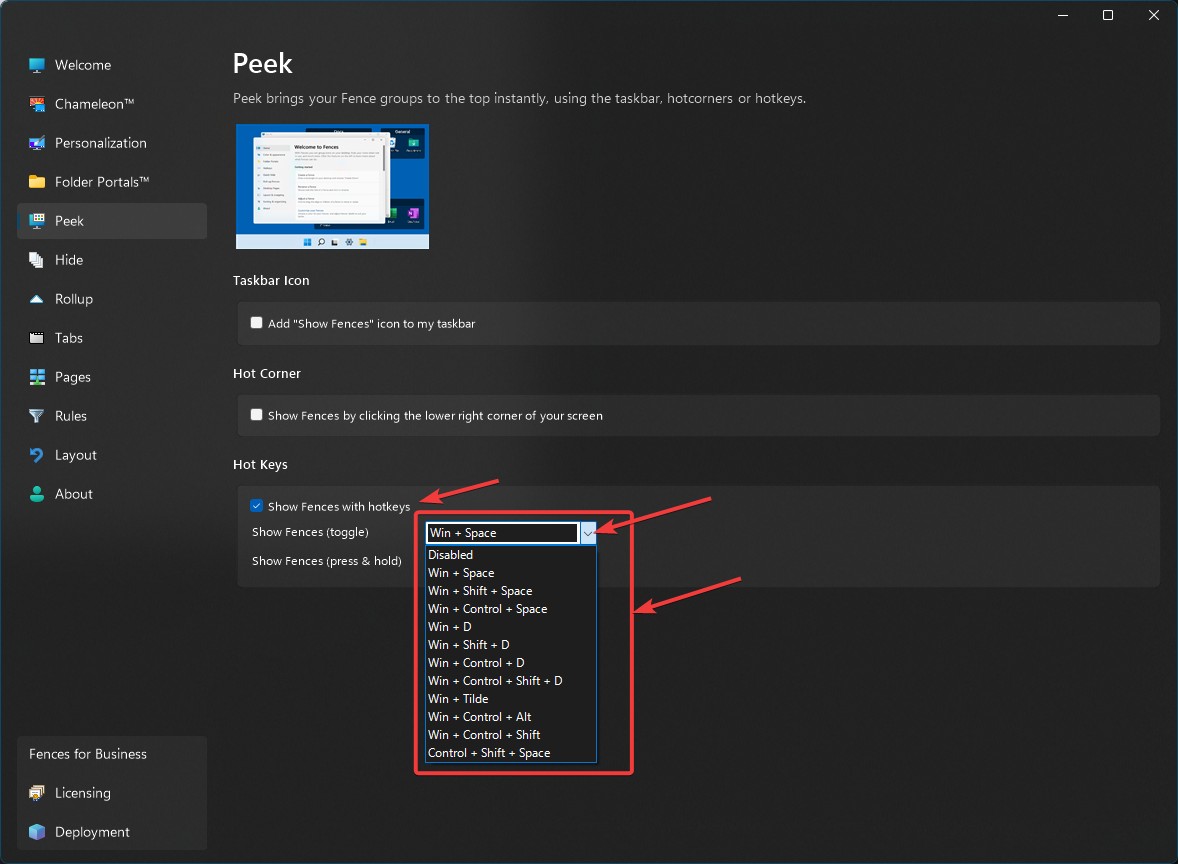
After doing a quick Forum search and Google search I didn't find anywhere in Fences 6 to reconfigure the key binding, or disable to key binding, is this an option in Fences 6? And if not, can we add it? I currently have icon hiding disabled as a workaround.
577 views 7 replies
Reply #1 Top

Hello,
Sorry to hear you are having issues. Please try this setting to change the hotkey for peek function.

Just for hide and unhide desktop icons and Fences, only the double click on desktop to hide or unhide or you can set auto hide icon when not in use with or without time delay.

Thank you,
Basj,
Stardock Community Assistant.

Reply #2 Top

Hi, Fences *should* automatically change the default, when it detects this. Exception being if you've upgraded from a much earlier version.

Wondering if this was a fresh installation, or upgraded?

Likewise, wondering what langs you have setup and how? We'd like to replicate to make sure this doesn't continue to occur.

Reply #3 Top

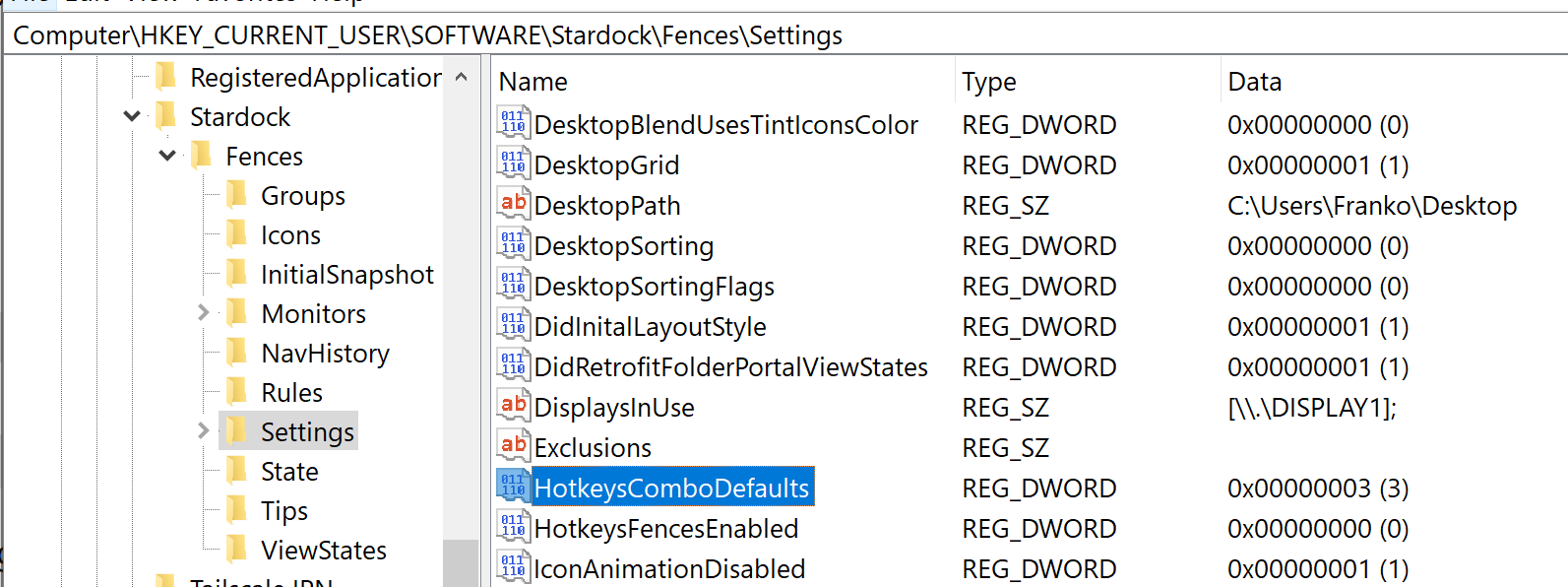
Wondering if you might be able to share the value of "HotkeysComboDefaults" from registry, at key:
Software\Stardock\Fences\Settings

If it is 3, then, would like to do some debugging to fix this up. 3 should be auto-detecting.


Also, "HotkeysComboLangSwitcherActive", if present. (Guessing it will not be.)

Thank you

Reply #4 Top

Quoting basj, reply 1

Hello,
Sorry to hear you are having issues. Please try this setting to change the hotkey for peek function.


Just for hide and unhide desktop icons and Fences, only the double click on desktop to hide or unhide or you can set auto hide icon when not in use with or without time delay.

Thank you,
Basj,
Stardock Community Assistant.


This did work, so I disabled the hotkeys for now, thanks for that.

Reply #5 Top

Quoting Dr, reply 2

Hi, Fences *should* automatically change the default, when it detects this. Exception being if you've upgraded from a much earlier version.

Wondering if this was a fresh installation, or upgraded?

Likewise, wondering what langs you have setup and how? We'd like to replicate to make sure this doesn't continue to occur.


So, I had Fences 3 installed, then Uninstalled, then installed Fences 6. I upgraded my key from a fences 3 key (Bought from Humble Bundle) to a Fences 6 key. 


I personally have English and Chinese (Simplified) Set up, but you can reproduce this by simply adding more than one input method in Windows. See this section of the Microsoft Windows documentation https://support.microsoft.com/en-us/windows/manage-the-language-and-keyboard-input-layout-settings-in-windows-12a10cb4-8626-9b77-0ccb-5013e0c7c7a2 (Changing the Keyboard layout). 

Here is a screenshot of `HKEY_CURRENT_USER\SOFTWARE\Stardock\Fences\Settings`

HotkeysComboDefaults is 3, HotkeysComboLangSwitcherActive is not present.


Reply #6 Top

Experimenting here, we're seeing this entry immediately appear upon installing the second pack (as soon as the desktop is clicked/activated next)

May need to add some debug code to the app to see what's going on on these specific failures, as right, not able to reproduce.

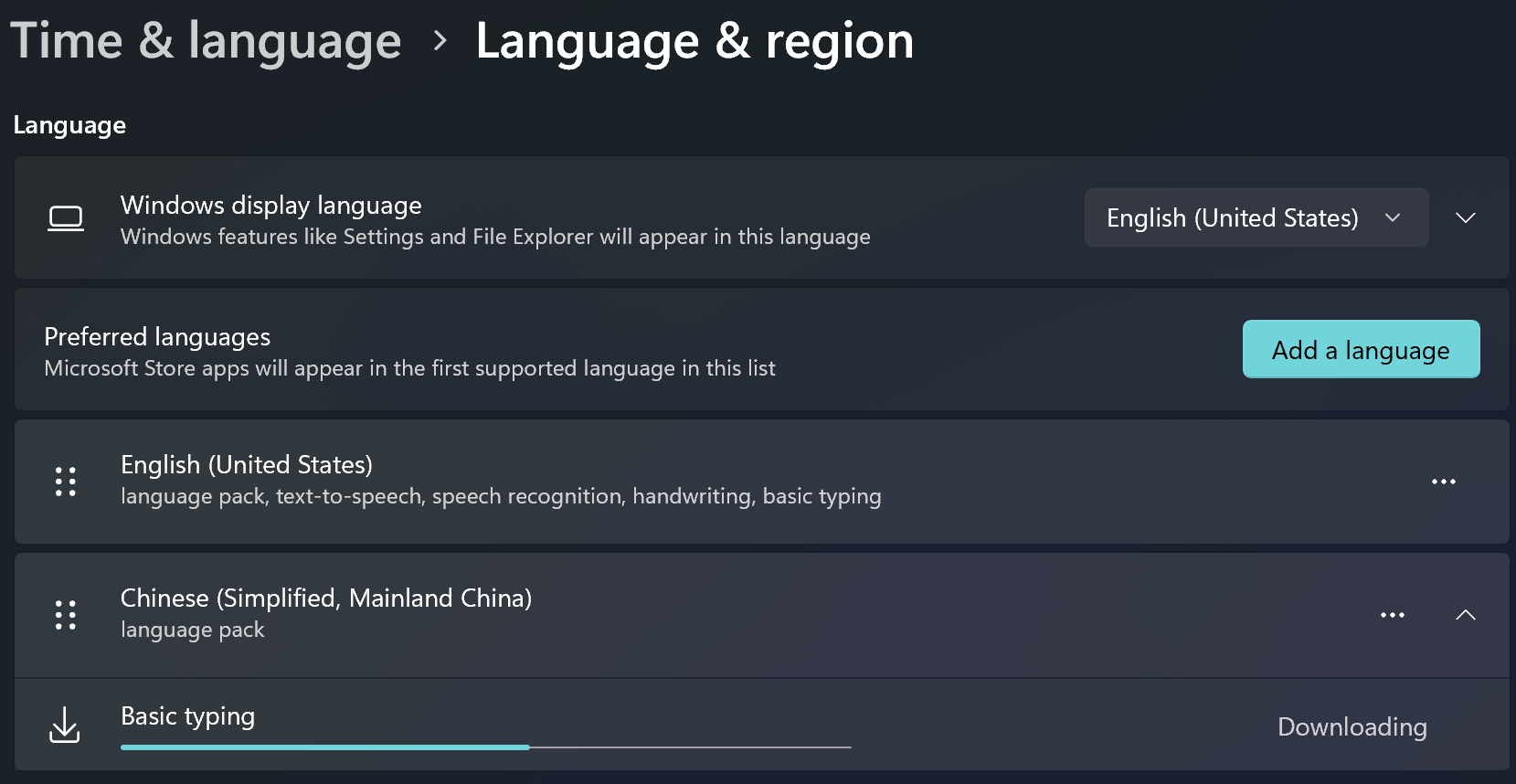
Language added via the usual route in Language & region yes?


Note again the change will take effect next time the desktop is clicked/activated, but I'm sure we're well past that.


Reply #7 Top

Quoting Dr, reply 6

Experimenting here, we're seeing this entry immediately appear upon installing the second pack (as soon as the desktop is clicked/activated next)

May need to add some debug code to the app to see what's going on on these specific failures, as right, not able to reproduce.

Language added via the usual route in Language & region yes?


Note again the change will take effect next time the desktop is clicked/activated, but I'm sure we're well past that.


Out of curiosity, what if you do the following


1. Start with fresh windows install/clean system

2. Add language pack/keyboard

3. Then install Fences 6(Installing Fences into a system with two input methods already)

I'll see if I can repro on my end