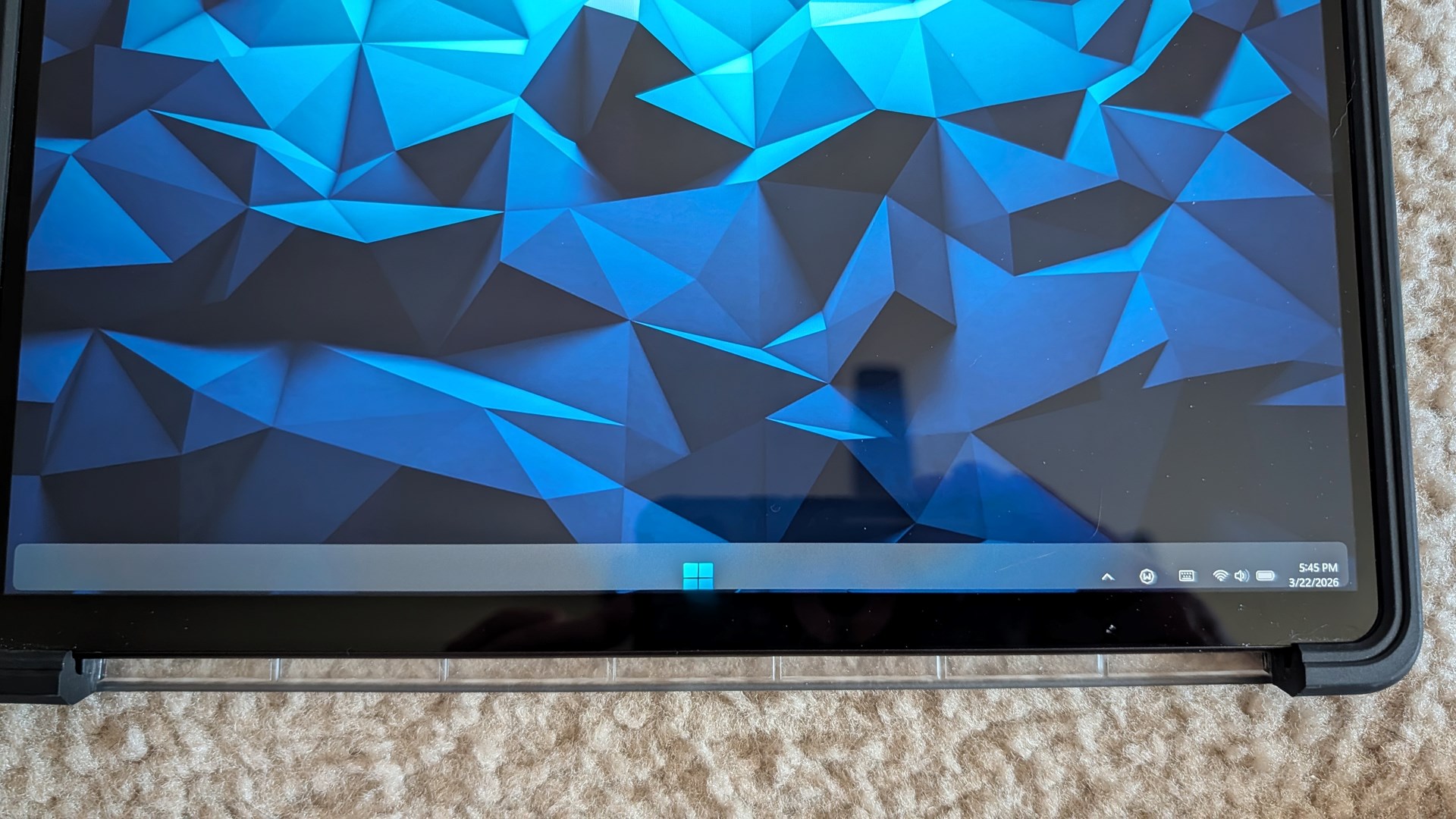
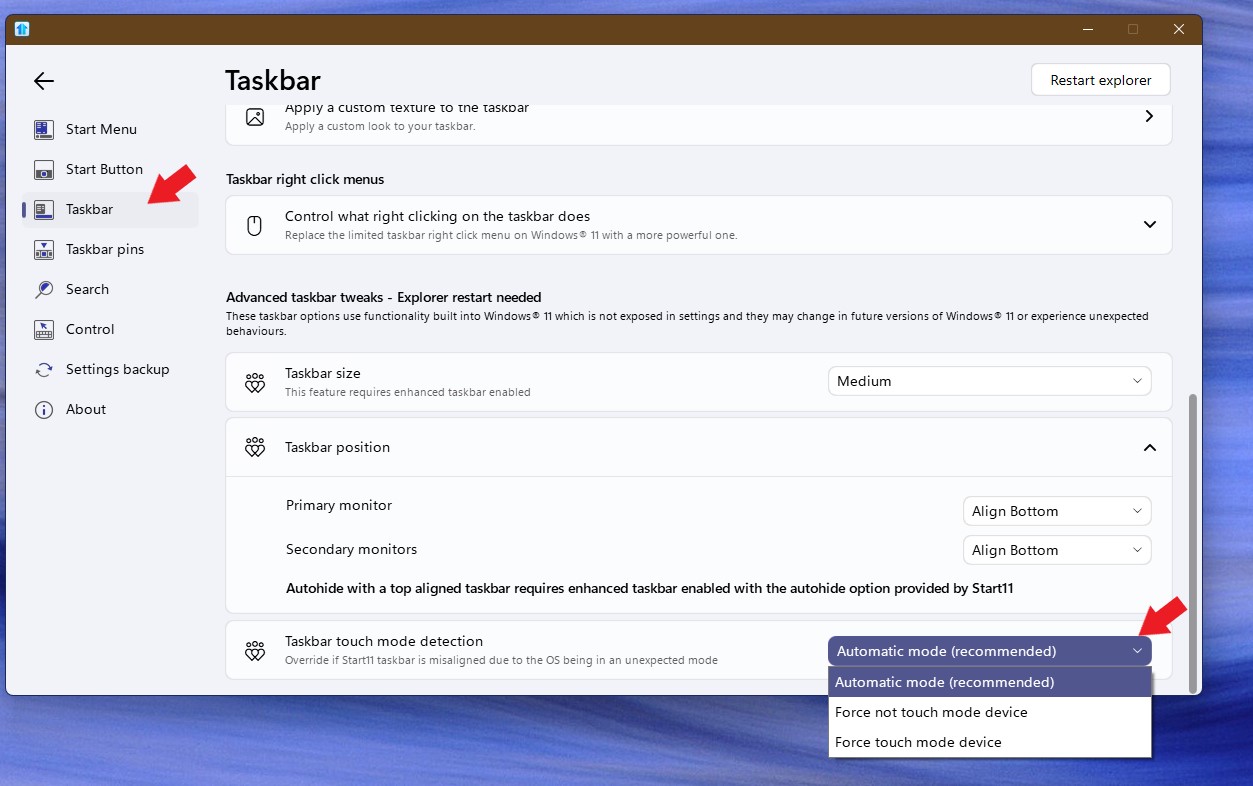
Taskbar misalignment in touch mode.
 Stardock Forums
I use Start11 on my Surface Pro 9 and for the most part its excellent. However I have noticed that when I remove the keyboard and it switches to tablet mode. If there are no applications open the taskbar contents and start button shift down partially off screen. Tapping the start button with my finger also seems to occasionally bring up the stock start menu instead. If I open any other apps then it shifts to that autohidden taskbar where you swipe up to show it, and the alignment is fine. Its hard to describe. I have attached both a photo (i couldn't even screenshot it in device bc as soon as i open snipping tool it corrects itself) and this is a link to a copy of my config backup in case that helps: https://drive.google.com/file/d/1uH_zOug47LmE1C5XigEkmBz9SwY59GTt/view?usp=sharing