Bug: items on the right side of the start menu don't have 4 rounded corners (when hovering)

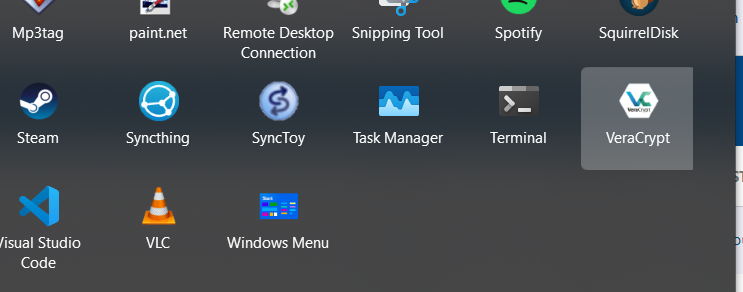
Items in the rightmost column have only 2 rounded corners (when hovering). The outer corners are square:
1,019 views 6 replies
Reply #1 Top

Hello,
Sorry to hear you are having issues. Need more information.

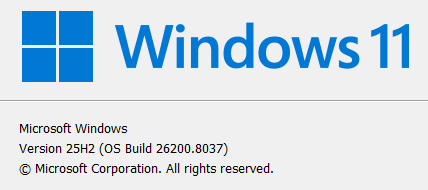
  1. Windows 10 or 11? Also need its full version and OS Build number. Use Winver.exe to get these numbers.
  2. Start11 full version numbers installed.
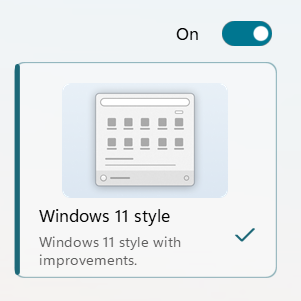
  3. Which Start11 Start menu style in use?

Thank you,
Basj,
Stardock Community Assistant.

Reply #3 Top

If you resize the menu a little wider then does it stop doing this?

Reply #5 Top

To resize the menu in Windows 11 style mode Hover your mouse over the right edge of the Start menu, click down, hold and drag to the right to make it wider. Release mouse button.

Thank you,

Basj,
Stardock Community Assistant

Reply #6 Top

Quoting basj, reply 5

To resize the menu in Windows 11 style mode Hover your mouse over the right edge of the Start menu, click down, hold and drag to the right to make it wider. Release mouse button.

Got it. Yes, that fixes it. It seems like the default width is just a few pixels too small. Thanks for the tip!