The rectangular selection box is laggy, and the file location displayed after mouse hover over the icon for a while also lags.

Just like the title,Fences needs software performance optimization.And in a high refresh rate screen,It looks a bit laggy.My first language is not English.Please forgive me if my choice of words isn't entirely precise.

版本 Windows 11 家庭中文版

版本号 25H2

安装日期 ‎2026/‎1/‎18

操作系统版本 26200.7840

体验 Windows 功能体验包 1000.26100.291.0
 

2,890 views 9 replies
Reply #1 Top

Hello,
Sorry to hear you are having issues. Need to know more details on your graphics setting. Do you have multi-GPU system. (Integrated and Dedicated GPUs) If you do, please try setting your Dedicated GPU for Fences and see if that change its performance.

Thank you,
Basj,
Stardock Community Assistant.

Reply #2 Top

Unfortunately, there hasn't been a noticeable improvement, as there are always operations that stutter for a moment. Additionally, there's a similar software that runs very fast (酷呆桌面 - 桌面整理工具 ) and has low resource usage, but I didn't choose it because it modifies the desktop right-click menu.
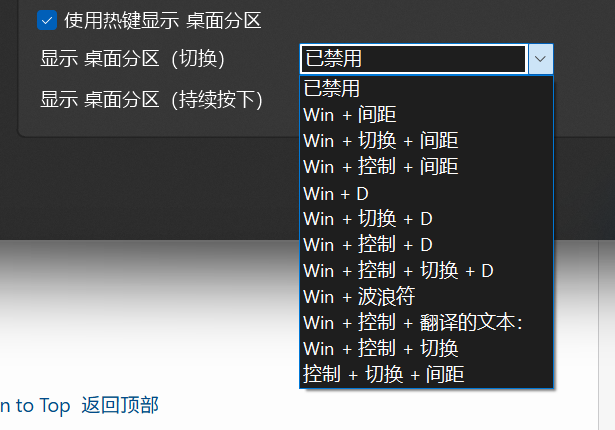
And,most other software in my country use "Ctrl,Shift,Fn" to distinguish keys,only use"空格"  to distinguish "Spacebar".

Reply #3 Top

Please post a video so we can actually see the issue and understand it better.

Thank you,

Basj,
Stardock Community Assistant

Reply #4 Top

feedback

Perhaps this cloud drive is more convenient to use.

In the video, my system uses a dedicated GPU ( 4060) and a 14900 processor. When Fences is not enabled, box-selecting on the desktop is very smooth with no lag. However, after turning it on, it becomes a bit slow (you can tell by the 'little cat' icon that shows the mouse click status).

I suspect this might be caused by the feature that draws a rectangle on the desktop to create a partition. My suggestion is to add an option directly in the right-click menu to 'Create Desktop Partition',and give a setting where box-selecting with either the left or right mouse button won't create a partition.

For context, in my country, it's very rare for software to assign a function to the act of drawing a rectangle on the desktop."

Reply #5 Top

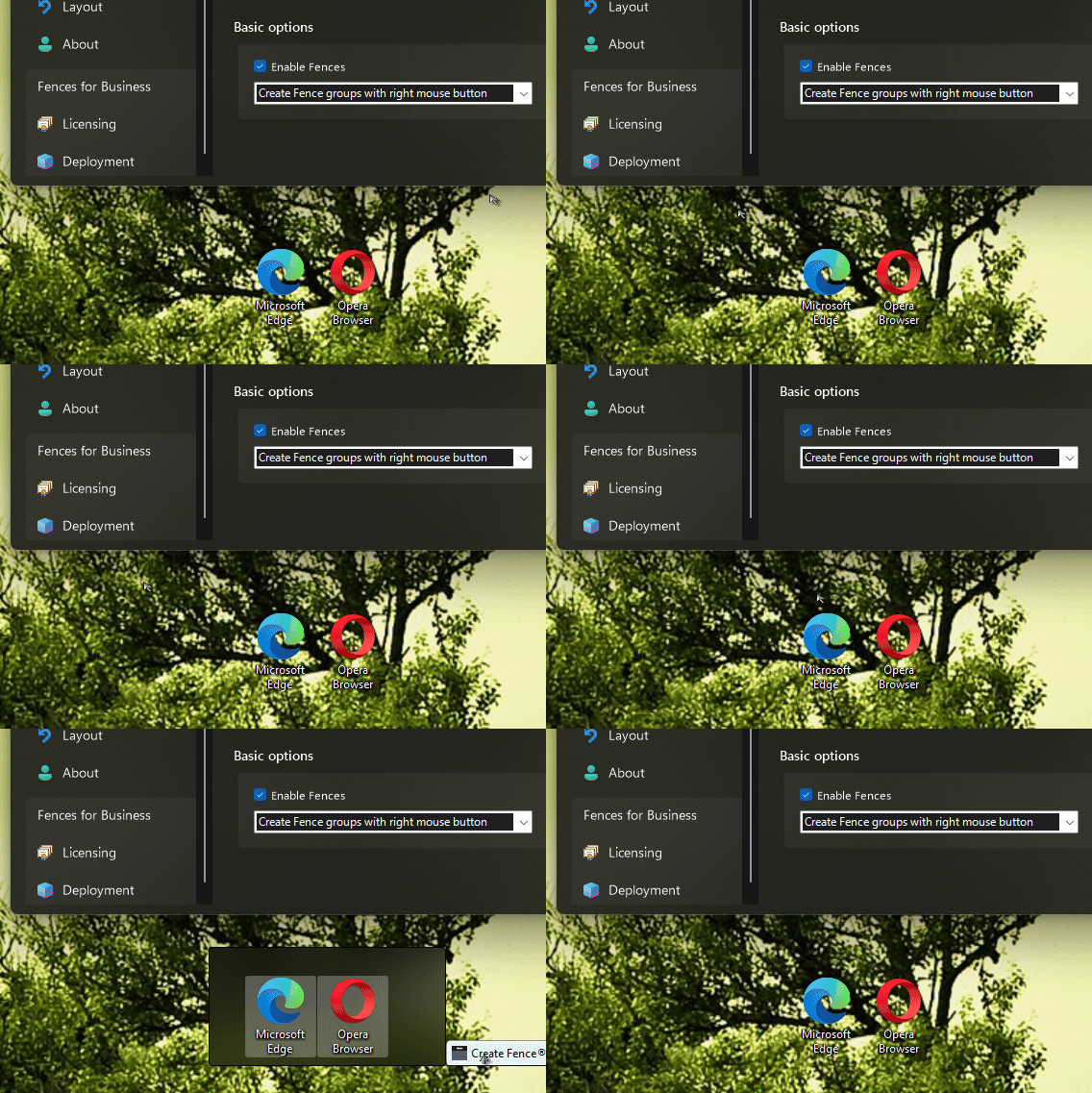
My guess there will be a little bit timing delay when you have the option to create a Fences while making a rectangle on the desktop with your mouse. Perhaps you can use the "Create Fence groups with right mouse button" so that when you use the desktop icons with a rectangle should work at normal speed. Here what I get. The first two rectangle is with the left mouse down. The last one is the right mouse down. 

Thank you,

Basj,
Stardock Community Assistant

Reply #7 Top

Unfortunately, I fail to see the lag. However, I have forwarded your problem/question to Stardock Support Team for their assistance. Please keep an eye on this thread for any updates. We appreciate your feedback and patience. Thank you.

Basj,
Stardock Community Assistant

Reply #8 Top

Couple of quick questions:

(1) If you separate the two tabs (detach, so there are no tabs, just two groups) does this impact the issue
(2) About how many icons are buried away in these two groups? 10-20? 100-200+?

I see the slight stutter going on here at the end, that happened on occasion in the video, but we've really not been able to reproduce here even with many many icons, so trying to figure out what's going on there in those few hiccups.