
Connection Explorer 0.95 Arrives with Translations and More
Nearly a dozen languages are now supported.
 Stardock Forums
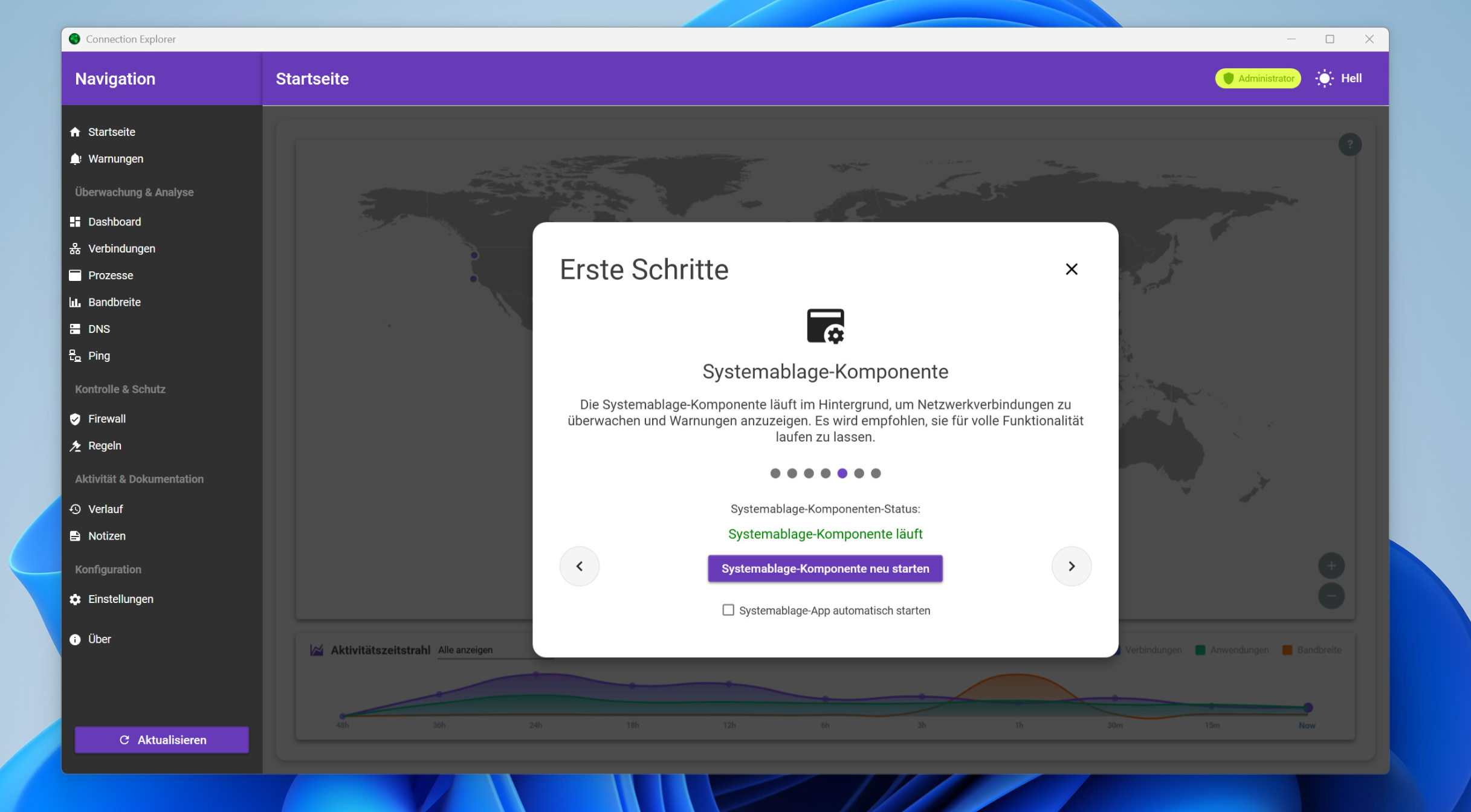
Connection Explorer is the easiest way to see all the network activity on your computer. Since our initial release, we’ve added a range of new features to provide deeper insights and greater clarity into where your data is going, and which apps are sending it.
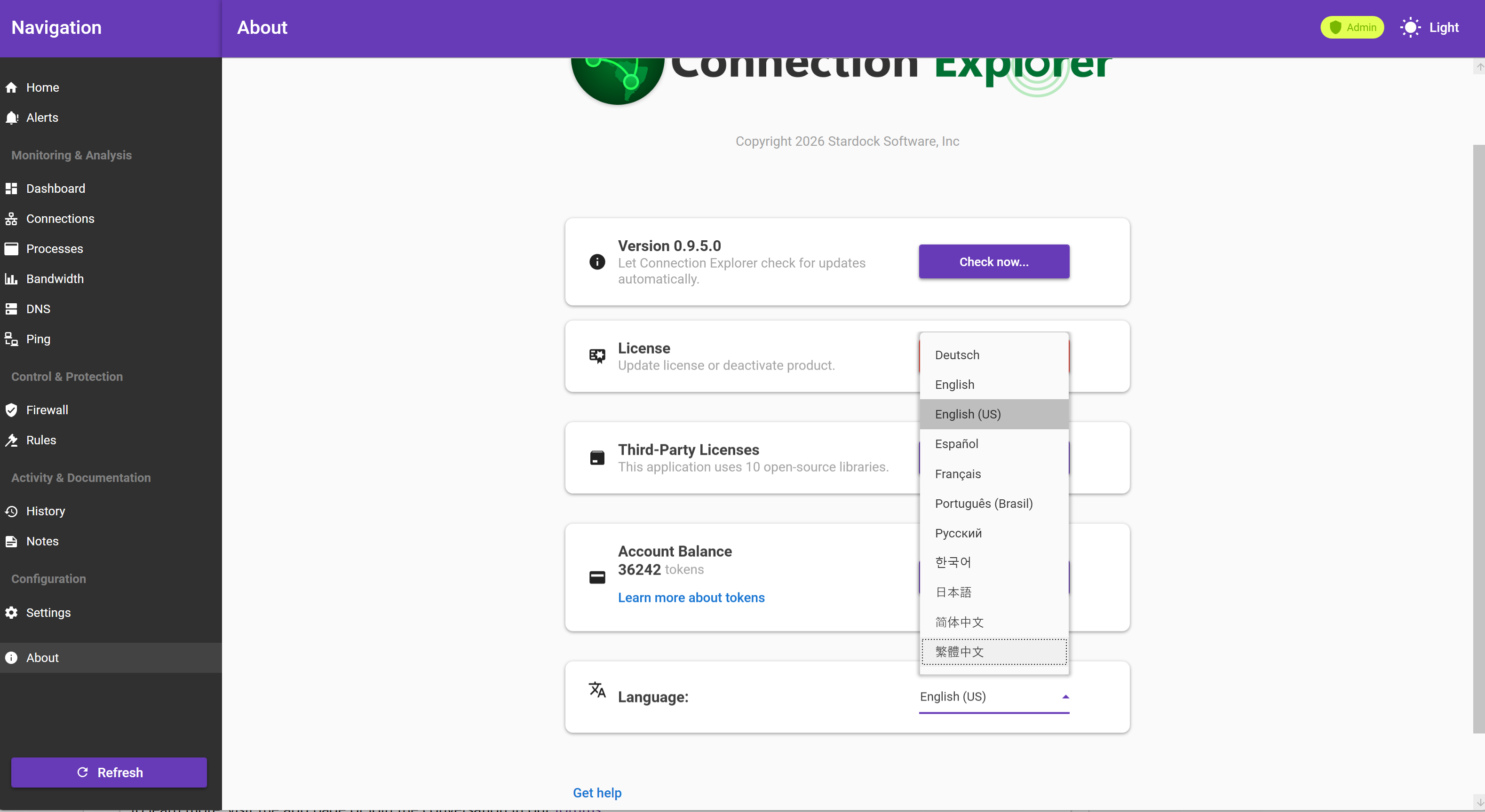
With this latest update, we’re introducing support for additional languages across the entire interface. With nearly a dozen languages now available, it’s easier than ever to explore your connections and understand how your apps are behaving, even when they appear idle.
To change the language, click the About button in the bottom left and the language options will be near the bottom of the panel. As with any first pass at translations, there may be a few imperfections. If you notice anything incorrect or missing, please let us know.
Alongside expanded language support, this release includes several targeted bug fixes. These address issues on non-English systems where data could become stale or fail to appear, depending on time zone and language settings.
Many of the improvements in Connection Explorer have been driven directly by community feedback. Features like expanding applications and monitoring bandwidth on a per-connection basis is just one example of how user input continues to shape the product.
If you haven’t tried Connection Explorer yet, it’s included with Object Desktop at no additional cost. A standalone version will also be available in the near future.
To learn more, visit the app page or join the conversation in our forums.