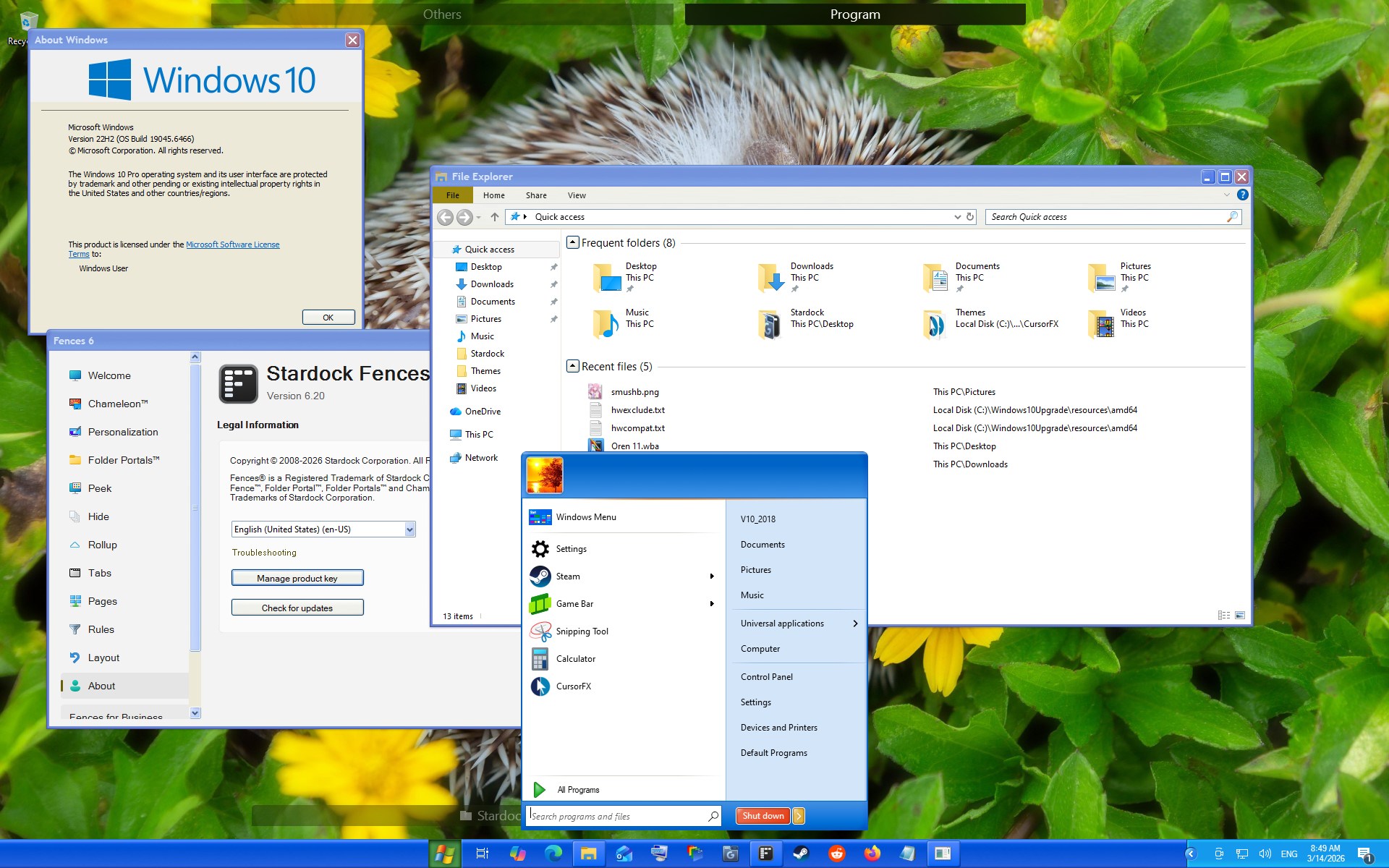
Fences6.20 cause explorer.exe system freezen (explorer.exe is unresponsive)

Fences6.20 cause explorer.exe system freezen (explorer.exe is unresponsive) everyday. At this situation, I must restart the explorer.exe process to recover. How should I do? Please help me, thanks a lot!

2,385 views 4 replies
Reply #1 Top

Hello,
Sorry to hear you are having issues. First, please try, uninstall Fences, reboot immediately (important), download latest version available in your account product download page: https://store.stardock.com/myaccount/products. Install it, reboot immediately again. Retest it and report back.

If the issue still appear, we need more information.

  1. Windows 10 or 11? Also need its full version and OS Build numbers.
  2. Do you have any application that change how your Explorer work?
  3. Please do the system files check Refer here for steps: https://support.microsoft.com/en-us/topic/use-the-system-file-checker-tool-to-repair-missing-or-corrupted-system-files-79aa86cb-ca52-166a-92a3-966e85d4094e 

Try these and report back.

Thank you,
Basj,
Stardock Community Assistant.

Reply #2 Top

Oh s**t, tragic network swallow up my replies! I reply your again:

First of all, Thanks for your solutions! I'll base on your suggest and Microsoft's indication by your link to try to solve this issue on follow sentence:

1. Run Dism tool to check up system files

2. Run sfc /scannow to recover damaged system files (if it has)

3. Reinstall Fences if the issue still appear

Maybe this method will be more effective and directly, because my Fences just be installed only two months, and this issue has never happened before. It's fresh new.

I'll keep watching on whether this issue will occur again and report back to you in few days.

By the way, about your other questions:

1. My OS is win10 pro 22H2 

2. No application has changed explorer.exe. But I often using Coreldraw and Photoshop when this issue occurs. Are they related?

Whatever, Thanks for your help again. Hope Fences get more better!


+1 Loading…
Reply #3 Top

I checked on my VM Windows 10 system and, as far as I can tell it work with Fences 6.2 without issue.

Thank you,

Basj,
Stardock Community Assistant

Reply #4 Top

Can you try to upload a report?

(1) About -> Troubleshooting -> Enable advanced logging

(2) Reboot

(3) Reproduce problem

(4) Upload log via About -> Troubleshooting -> Upload error report


It may contain information for the crash, if there is any, or where it is hanging