A question and a few minor bugs

Translated from French with Deepl

Hello, 

A few things : 


First : 


I would like to be able to lock the location of my tabs so that I don't move them by mistake. I think this was possible in the past, but I can no longer find this option in the Fences 6 settings.


Secondly : 

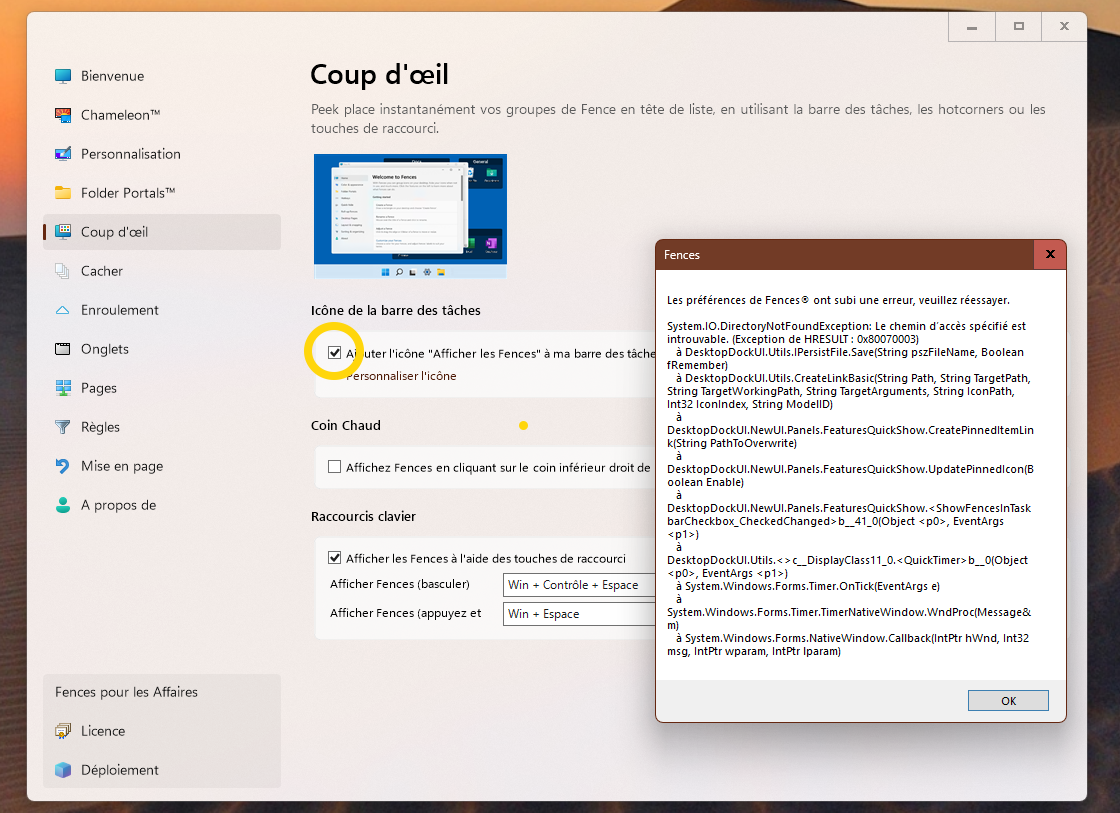
I'm having trouble activating the ‘Show Fences on my taskbar’ button: 


Thirdly : 

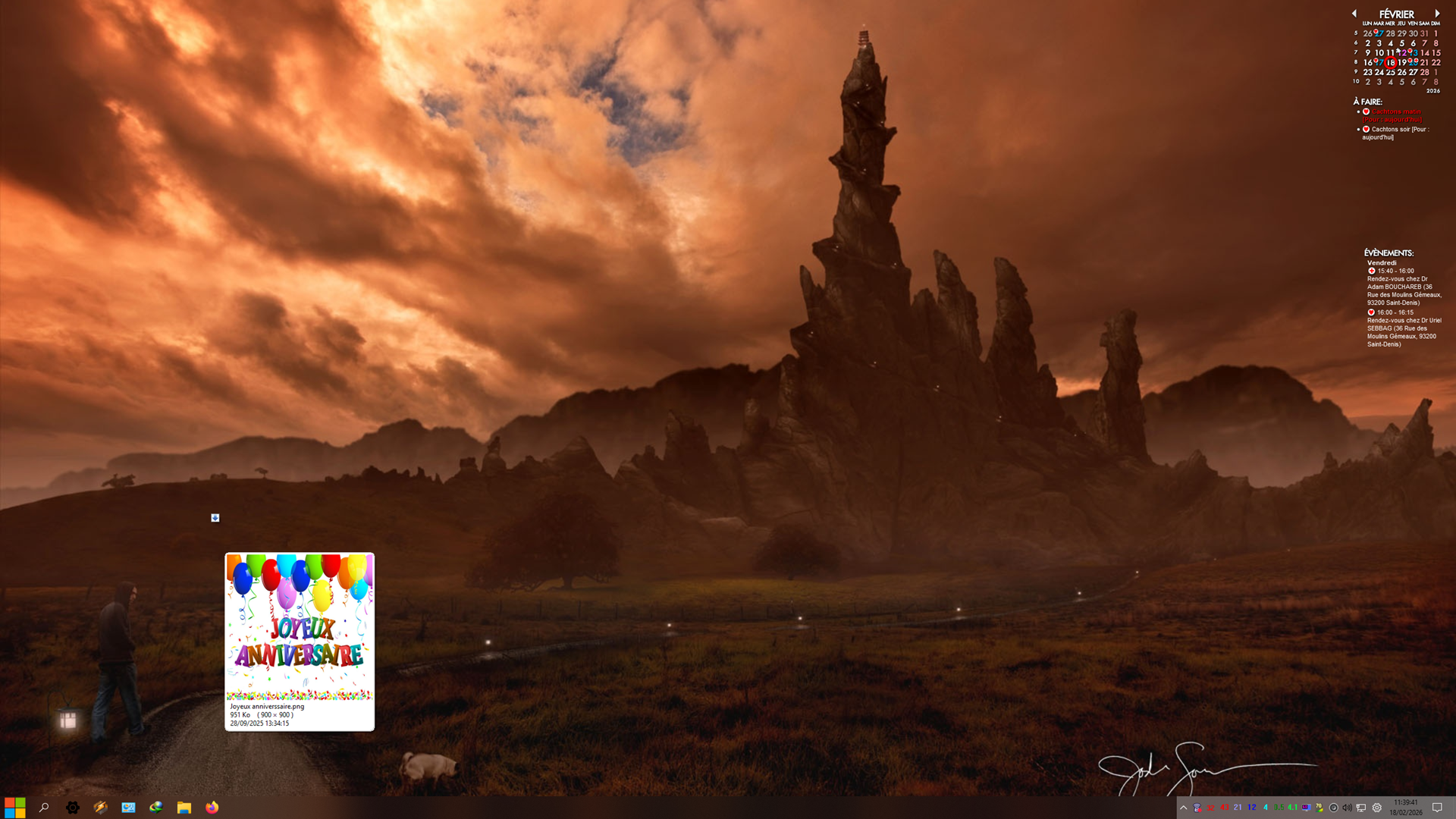
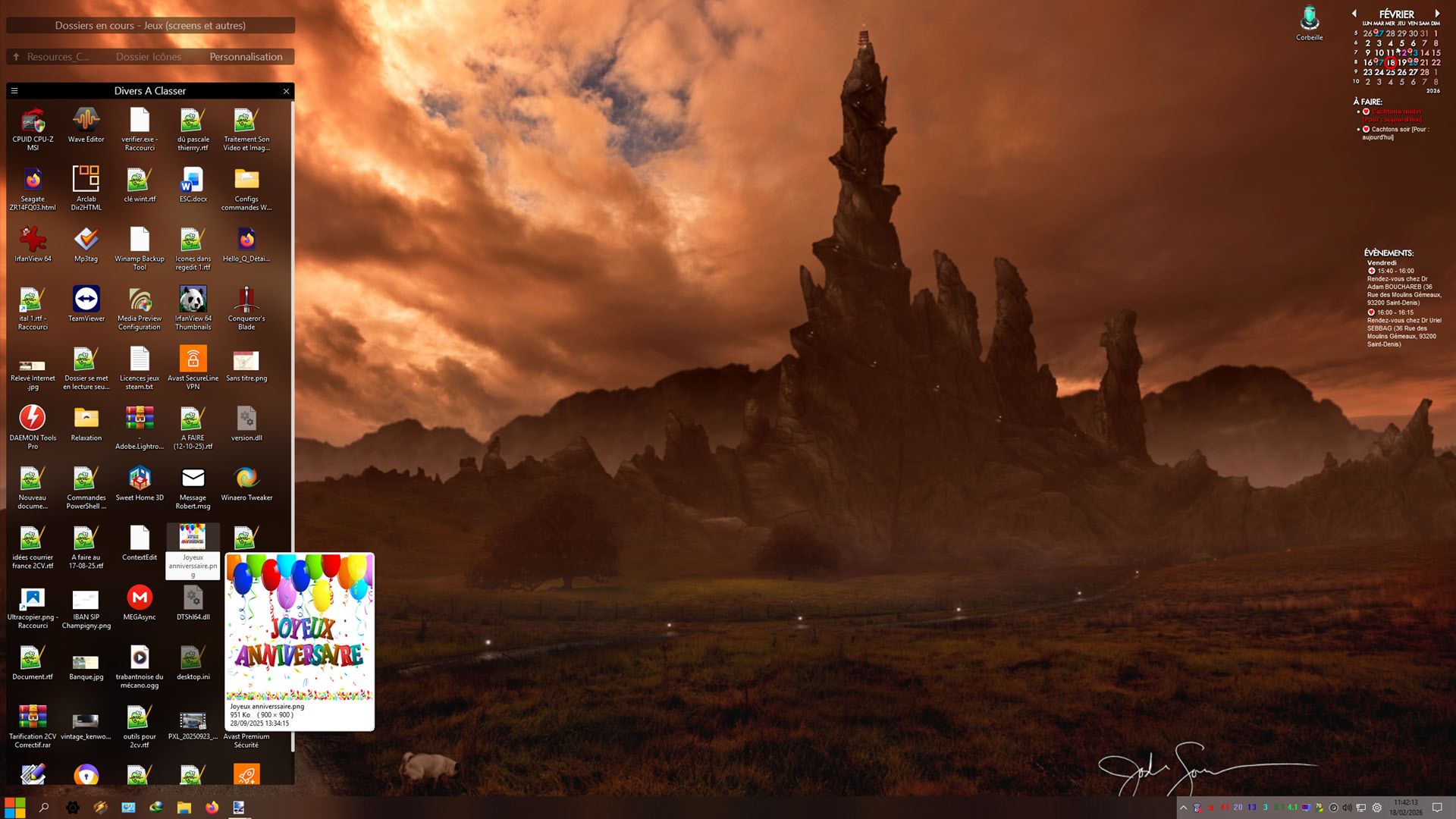
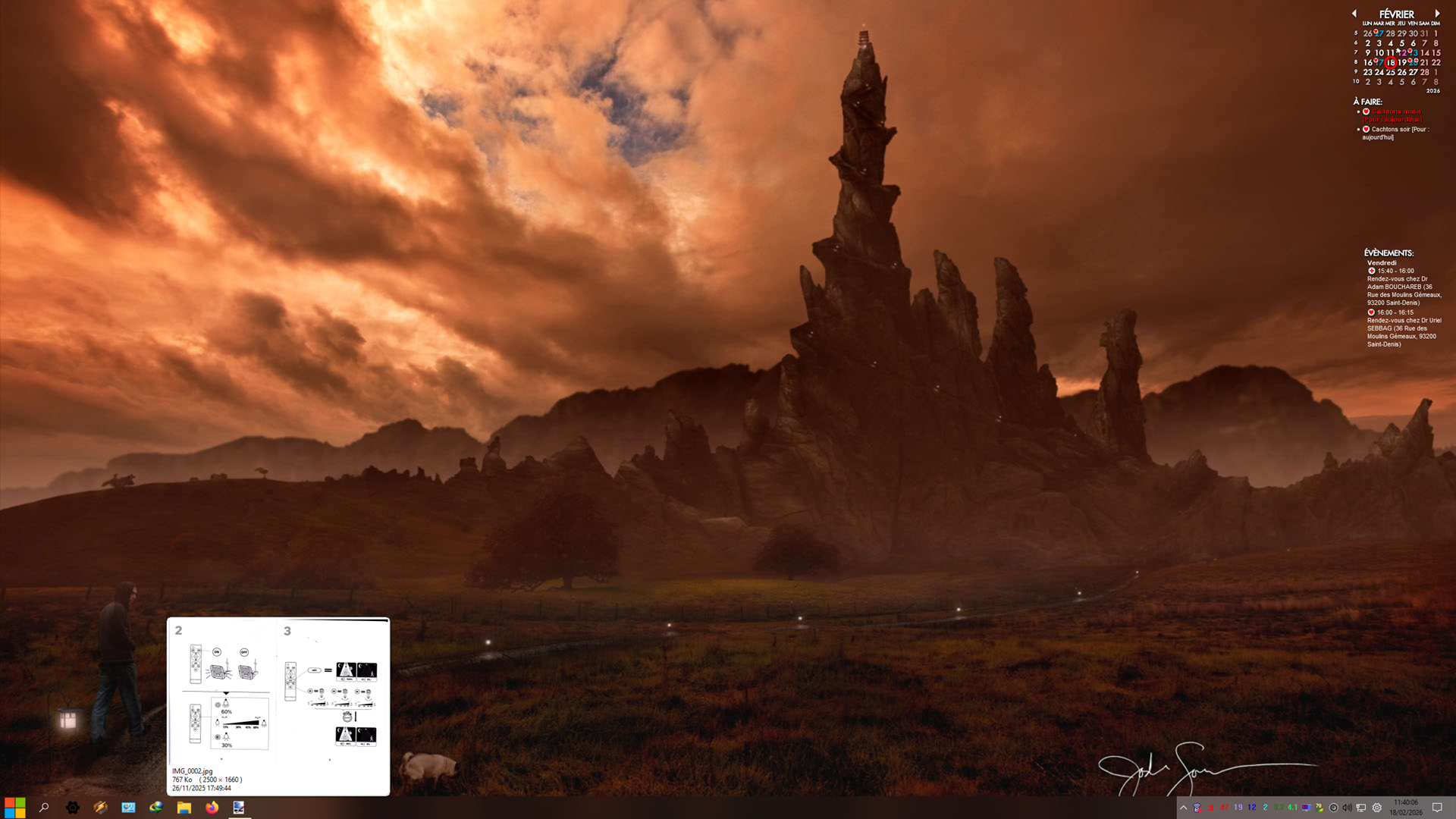
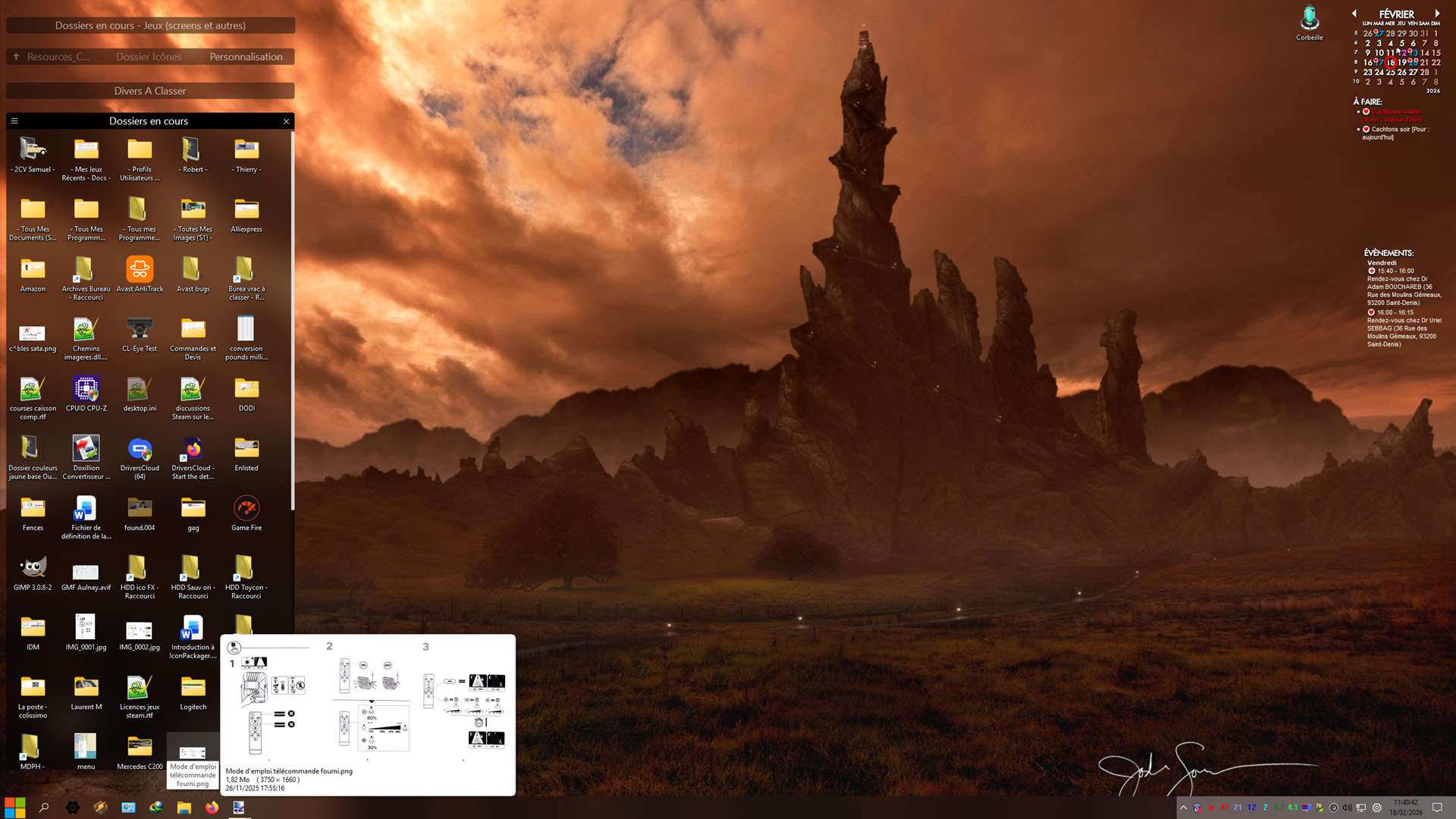
To report the presence of artefacts when the mouse cursor hovers over icons hidden in rolled-up windows. 

Example :

Artefact : 
Rolled-up window :

Another example : 

Artefact :
Rolled-up window:
Do you have any solutions to these minor issues? 


Thank you in advance.
559 views 1 replies
Reply #1 Top

Hello,
Sorry to hear you are having issues.

1. Use this guide to enable lock Fences option in context menu: https://support.stardock.com/space/SHC/1621360668/Show+%22Lock+Fences%22+in+Fences+5+and+6 

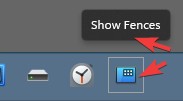
2. When you "Tick" (turn on that option), don't you see "Show Fences" icons on your taskbar? Refer to my small screenshot below.

Not sure about that error popup, does the error popup everytime you turn on that option?

3. Artifacts on screens, perhaps something in your system is conflicting with Fences. Try Cleanboot and see which of it is causing the issue. Refer here for Clean boot steps: https://support.stardock.com/space/SHC/1332445272/Fences+Clean+Boot. Do note that Clean boot need to be done with some care. Try it and report back. 

Thank you,
Basj,
Stardock Community Assistant.