Start11
Hi the taskbar transparency is working perfectly but the start menu does not goes transparent no matter what setting we choose please help
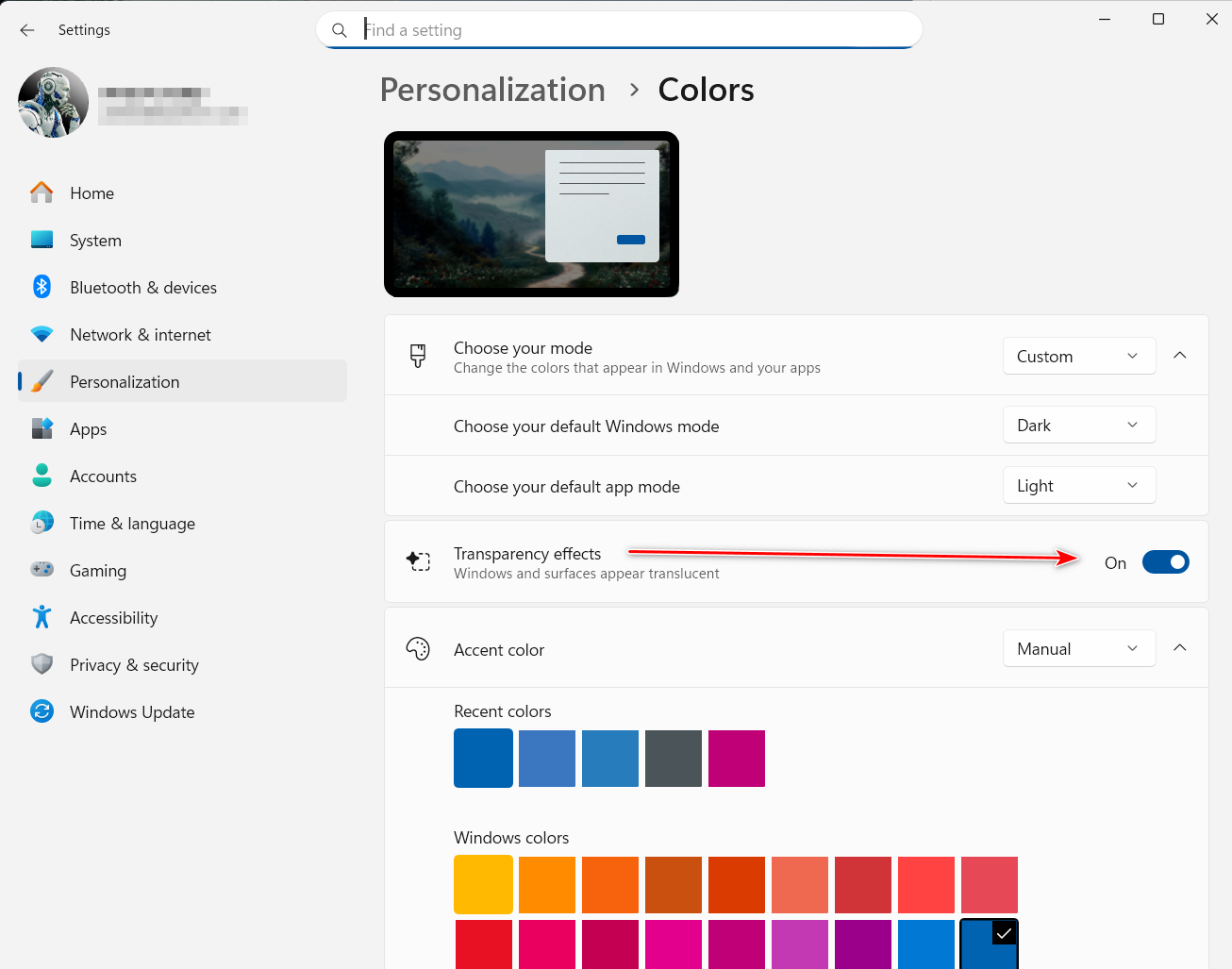
Windows Settings > Personalization > Colors > turn on Transparency effects

Did it Transparency is turned on and working everywhere except on start11 Menu ??
on the taskbar is perfect
Hello,
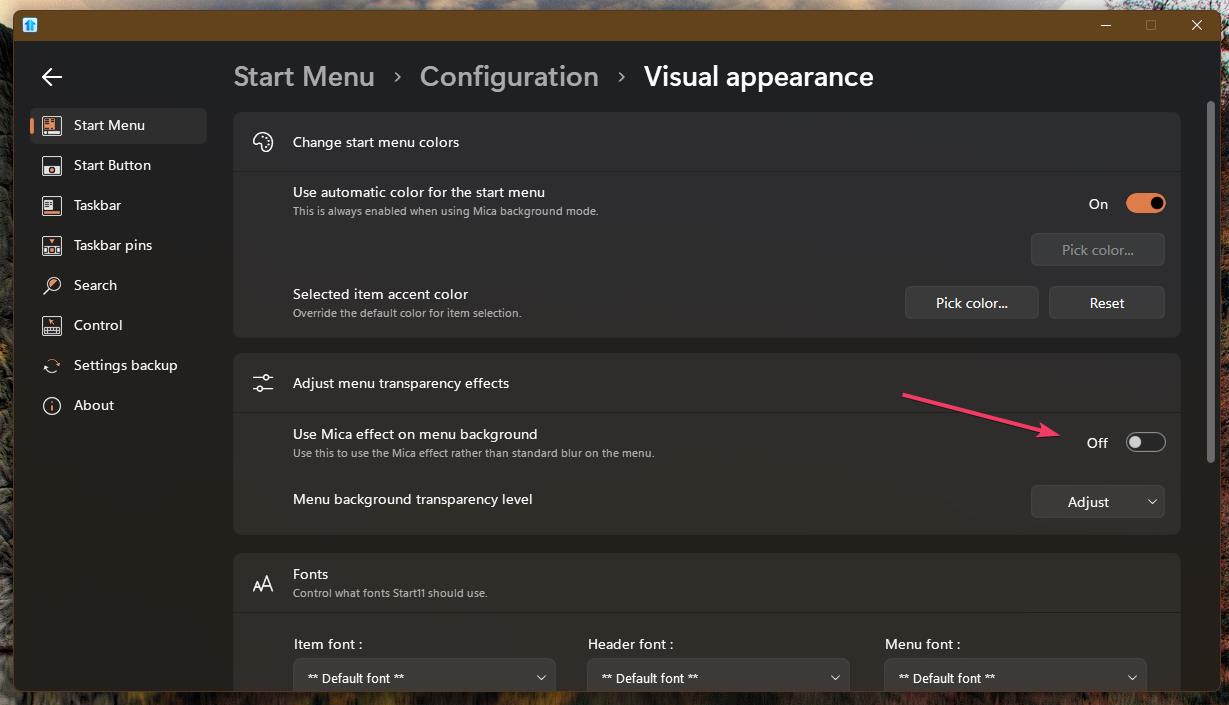
Sorry to hear you are having issues. If you have this option turn on, please turn it off.

Thank you,
Basj,
Stardock Community Assistant.
Exactly all setting are correct still the menu is not transparent
can we setup a session when you can see it ?
Stardock don't do live sessions for support. Would like to suggest to try , uninstall Start11, reboot immediately (important), download latest version available in your account product download page: https://store.stardock.com/myaccount/products. Install it, reboot immediately again. Retest it and report back.
If the issue still appear, we need more information.
Thank you,
Basj,
Stardock Community Assistant
I Had windhawk.net installed and got uninstalled also I have spooky view maybe they caused it i will redo windows install
Yes, please try those, remember to reboot after uninstall something that change how your system work.
Thank you,
Basj,
Stardock Community Assistant
By transparent, what are you trying to get it to do?
The menu has a blur so the background will never become entirely invisible in the background as that would be unusable if there is anything under it thats not basically solid colour.
doing everything still cant get the start menu to be transparent not even little please help
the taskbar is perfect i want little transparency on the main menu of start


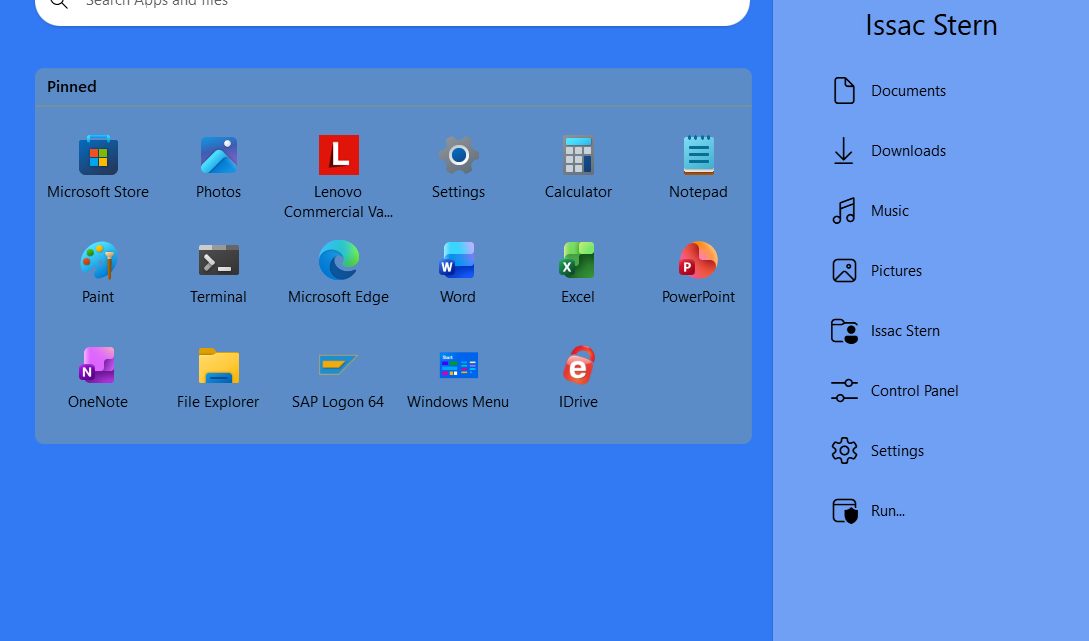
The transparency only effect the right side above see first 60% solid and then 100% solid i want the main blue to be transparent
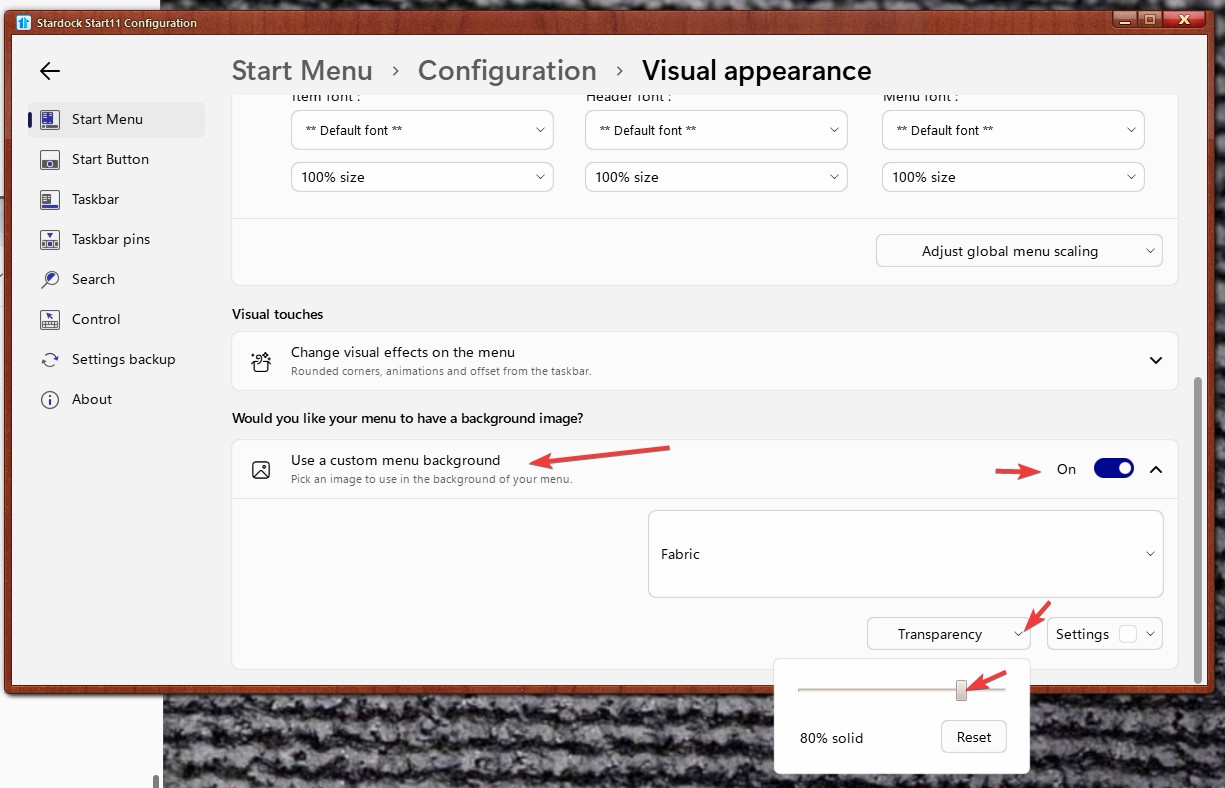
Do you have custom menu background turn on? If you do, have you tried adjusting this setting?

Thank you,
Basj,
Stardock Community Assistant
did it all i have on other computers no problem one computer has the start menu transparency completely ignored the taskbar transperancy works perfect i tried every thing what could be wrong before i reinstall windows ??

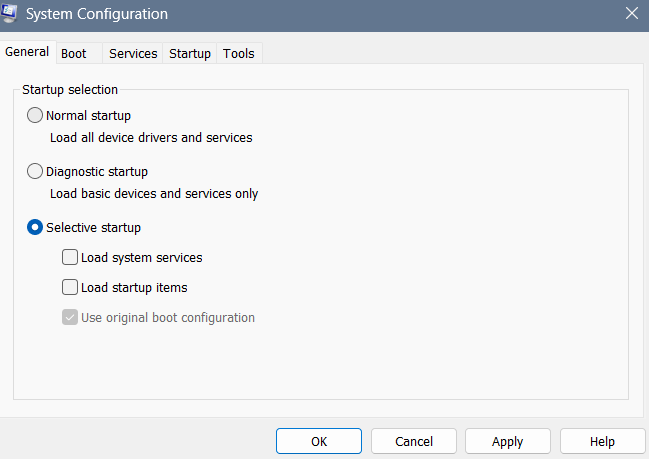
Perhaps you can try Sandbox test or Clean boot test to see if the issue is something on that system conflicting with Start11.
Steps for it.
Try it and report back.
Note: Clean boot need to be done with extra care.
Thank you,
Basj,
Stardock Community Assistant
Basj
Thanks
If you get it working while in the clean boot mode, next you should try to enable those startup program one at a time until you found the one that causing the issue etc.
Thank you,
Basj,
Stardock Community Assistant
How to determine what is causing the problem after you do a clean boot
If your problem does not occur while the computer is in a clean boot environment, then you can determine which startup app or service is causing the problem by systematically turning them on or off and restarting the computer. While turning on a single service or startup item and rebooting each time will eventually find the problematic service or application, the most efficient way to do this is to test half of them at a time, thus eliminating half of the items as the potential cause with each reboot of the computer. You can then repeat this process until you've isolated the problem.
so Magic ?? maybe I setup MSCONFIG to start like that and start11 became fixed 100% transparency etc.

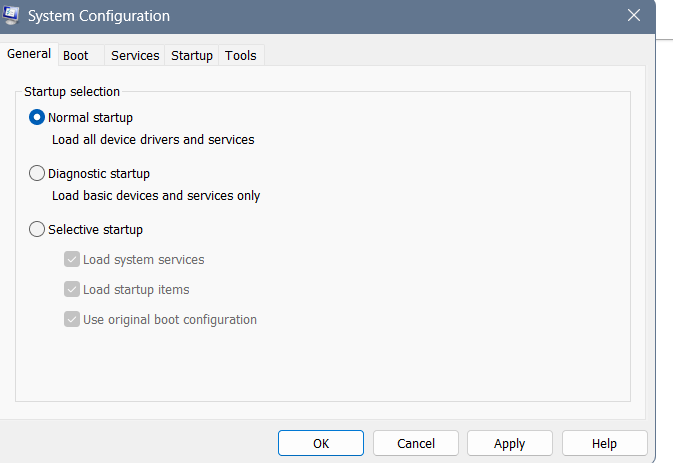
then I reset to normal start up and restarted the system and WOW start11 became 100% OK with transparency working again
after almost 2 months of trying everything known to IT admin nothing and now after MSCONFIG like you suggested doing clean and reset to normal fixed it i hope forever !!

But second restart got the old bad version again probably will reinstall windows
Welcome Guest! Please take the time to register with us.