Fences: 6.20 ,  Windows: version25H2(OS intern version 26200.7840)

I’m having a multi-monitor issue. My two screens are stacked vertically. The lower screen is my main screen, and it is also set as the main display in Windows settings.
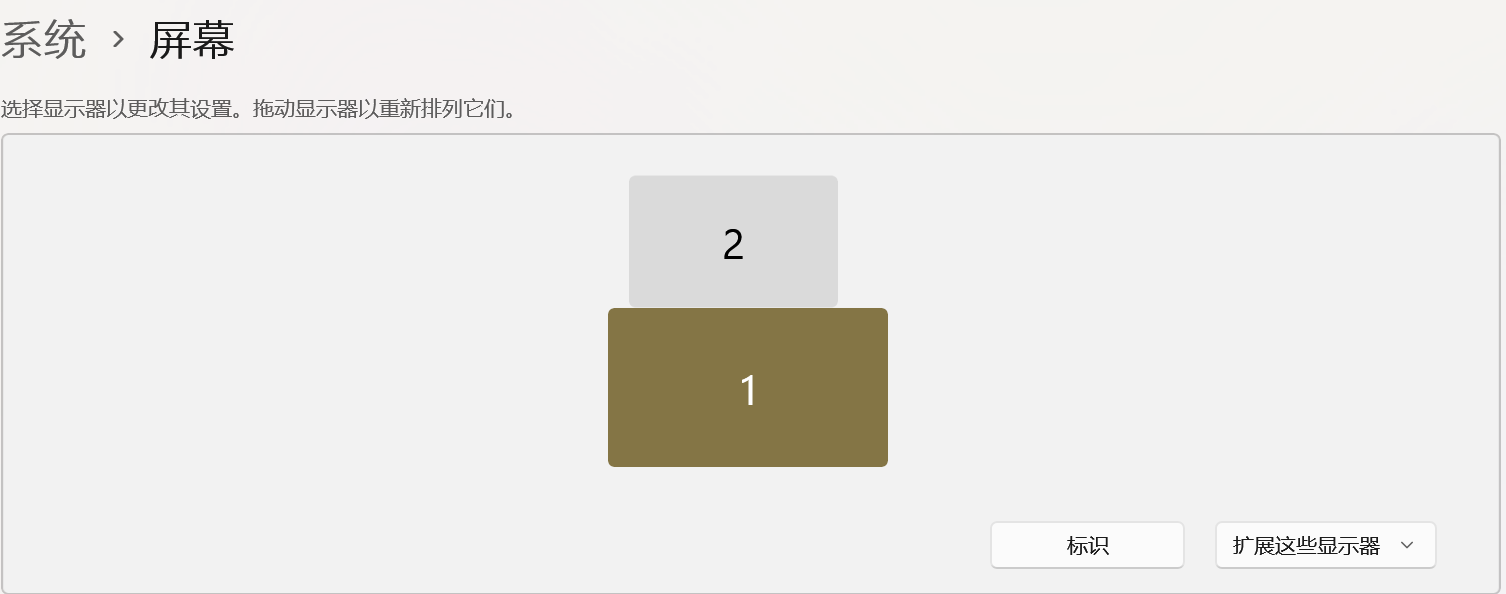
However, when I place an icon at the very top of the main screen, I can’t keep other icons fixed below it. The other icons are pushed up to the top, so the two rows overlap.

This issue happens in version 6.20, and it is still not fixed in 6.40 Beta.

concrete situation you can find in links: https://drive.google.com/file/d/16On7V3Gwpwys7XjrU-Db_Y8LlGicDjgz/view?usp=sharing

1,611 views 6 replies
Reply #1 Top

Hello,
Sorry to hear you are having issues. First, please try, uninstall Fences, reboot immediately (important), download latest version available in your account product download page: https://store.stardock.com/myaccount/products. Install it, reboot immediately again. Retest it and report back.

Thank you,
Basj,
Stardock Community Assistant.

Reply #2 Top

Hi Chongzhou thanks for the report. Wondering if you might be able to submit your settings so we might take a look. If we’re unable to reproduce, we may add a few lines of debug output and see if we can capture more information.

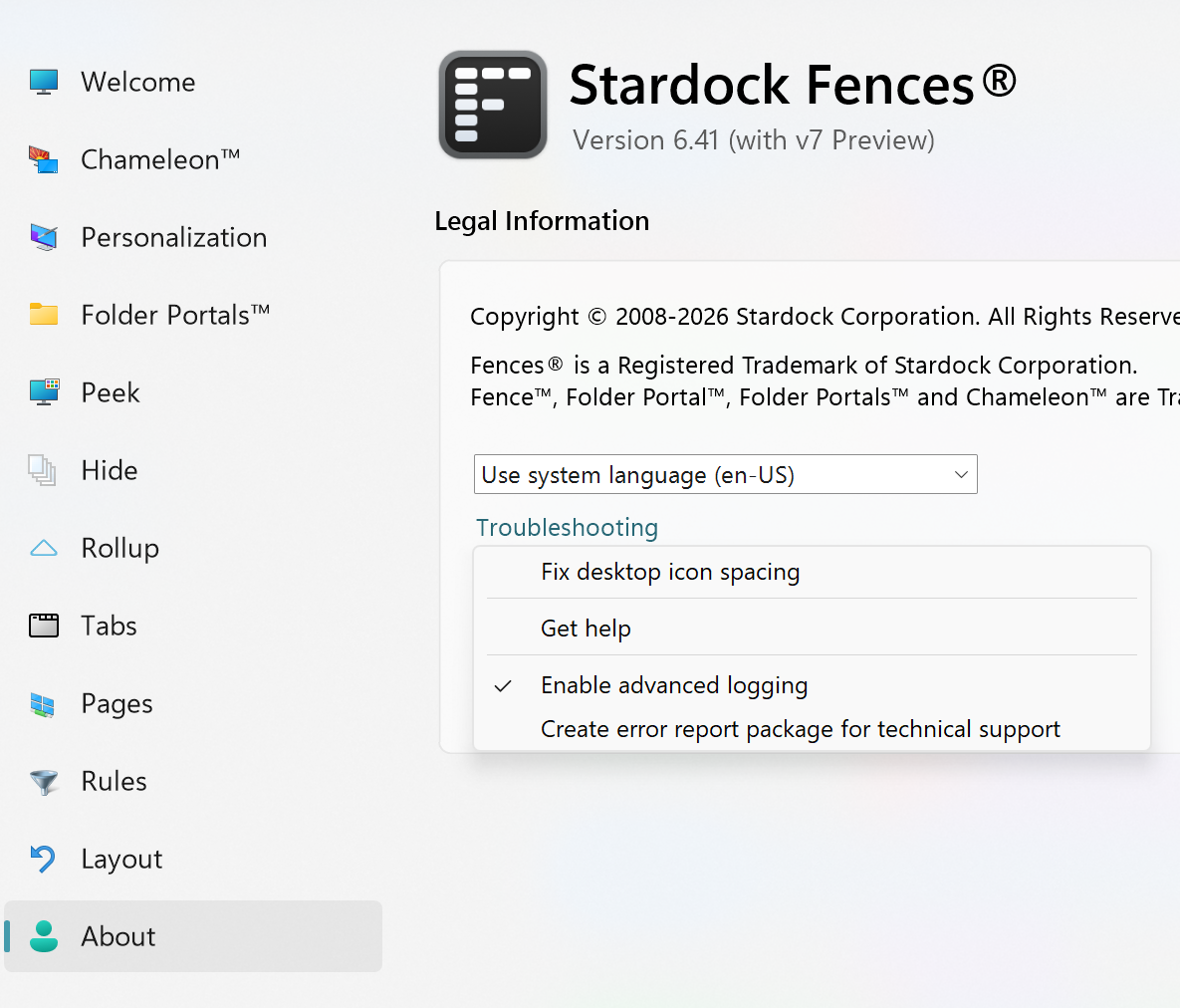
To submit a report, go to the About dialog and use Troubleshooting → Create error package.

Thanks for your help

Reply #3 Top

Hi Chongzhou,

Checking in again on if you might be able to submit your settings to us so that we can take a look?


You can find "Create error report" below, within About -> Troubleshooting.


Thanks for your help

Reply #5 Top

Hi Chongzhou, I think we have this fixed. Can you try updating here (v6.41 / 6.4.1.4) and let us know? We'd like to include it in an upcoming release. Thanks for your help

https://www.dropbox.com/scl/fi/m4zxfd1ynmw75a991zvpv/Fences6_6.4.1.4-j113-Setup.exe?rlkey=rnfr843eia2eylsv1eygq4ovp&dl=1