Start11 takes longer to load on each boot

Hey,

I have Start11 updated to the last version 2.6 as well as windows 11 Pro 25H2.
Start11 is working fine since months now but I tend to notice that it gets longer to properly load on boot on the long run.£
When I first installed Start11, I had Full screen Start Menu working instantaneously after booting Windows.
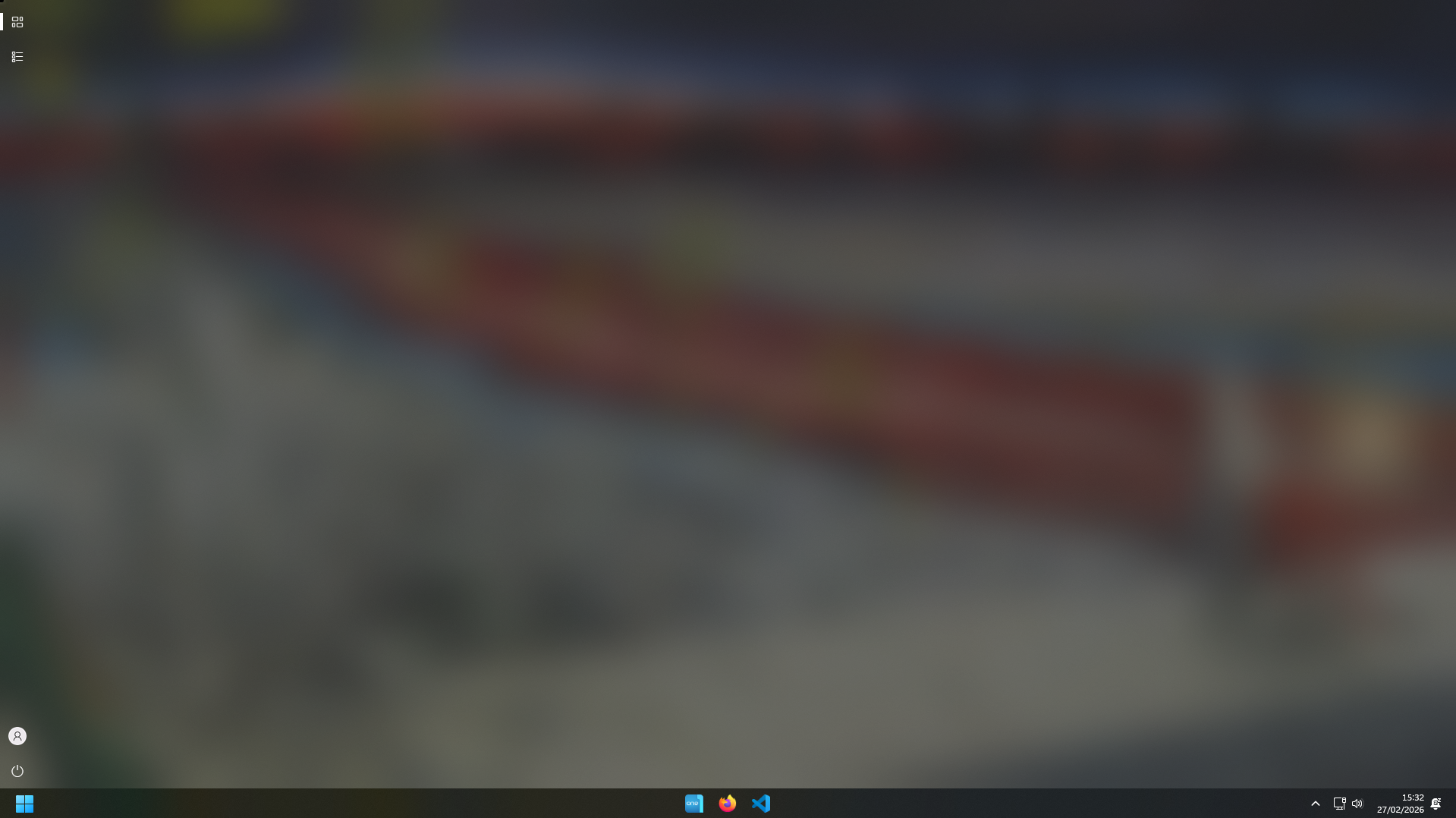
Now I tend to see that it takes a couple of seconds before the Start Menu properly loads, apps sometimes take 10 seconds before appearing and i only have the start menu empty, as if they were no apps pinned.
Today the start menu took ages to load which is really annoying. Yet this issue is pretty weird cause, my computer isn't slower overall. I don't seem to have performances issues, cpu and ram are doing as usual. 

Thank you for your understanding.
389 views 5 replies
Reply #1 Top

Hello,
Sorry to hear you are having issues. Need to know do you have many pinned apps with customize image on each tile? Perhaps post some screenshot on how your Start panel look like. Also is the slowness appear once after boot, and load okay second time or its always slow no matter how many time you open and close the start panel.

Thank you,
Basj,
Stardock Community Assistant.

Reply #2 Top

I don't have custom image for shortcuts or dynamic 

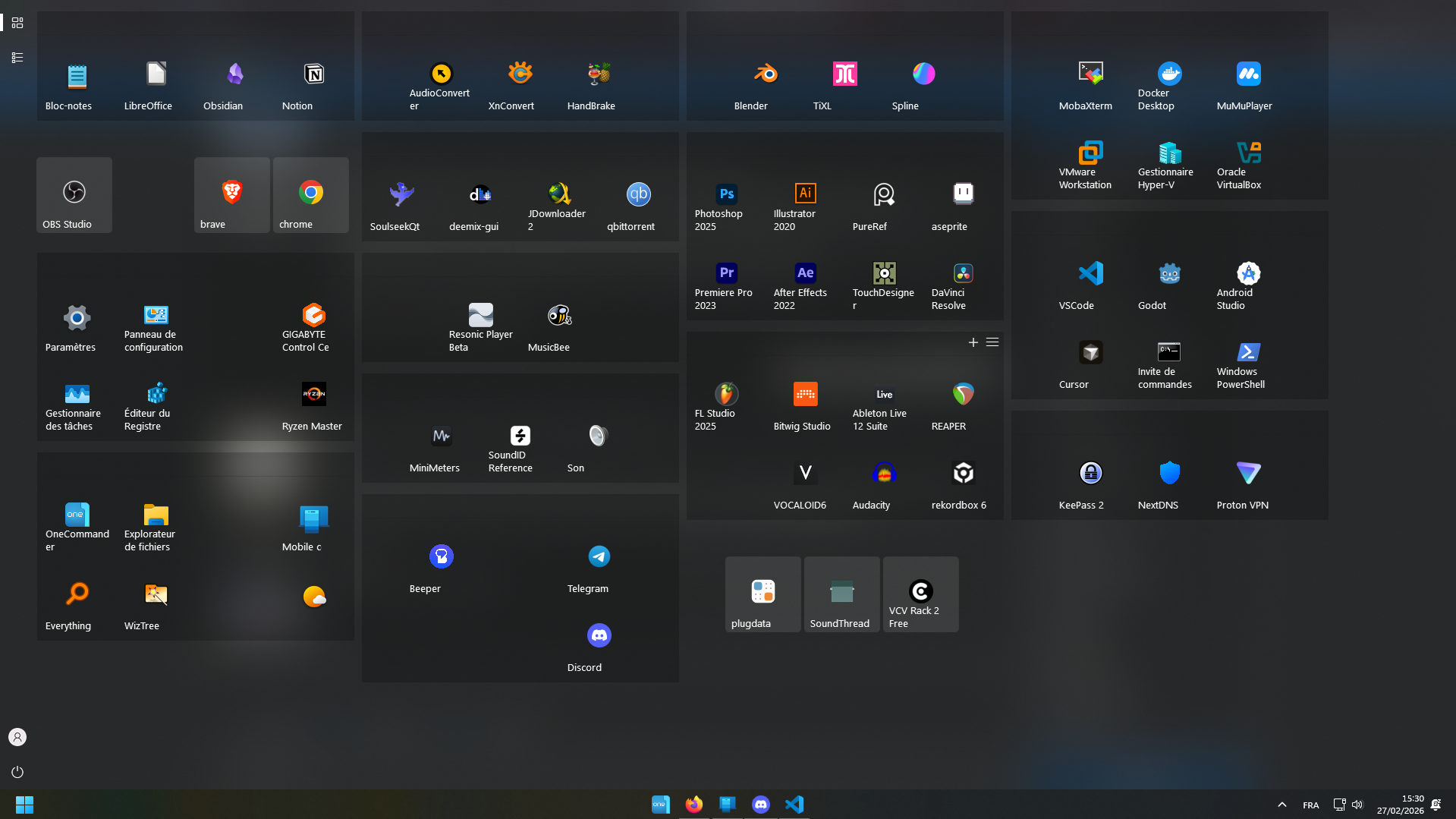
Here's a screenshot of my icons once properly loaded and another one with the apps not showing.


Once Start11 is loaded, relaunching it is fine. 
Problem occurs especially on computer boot

Reply #3 Top

It is known that Start11 takes sometimes to load all those tiles upon first open right after boot, but, it should be fairly quickly, usually less than a minute. How long does it need to load all those tiles? 5 minutes?

Thank you,

Basj,
Stardock Community Assistant

Reply #4 Top

No, it usually takes less than 20 for the longest times.
It's still weird, cause it's was instant couple of months ago


Reply #5 Top

Please try, uninstall Start11, reboot immediately (important), download latest version available in your account product download page: https://store.stardock.com/myaccount/products. Install it, reboot immediately again. Retest it and report back.

Thank you,

Basj,
Stardock Community Assistant