MyColors wallpapers and folder icons

Greetings!

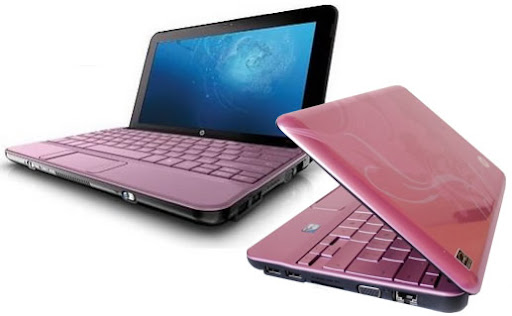
I own a HP Mini 110 laptop, which came with Stardock MyColors preinstalled. There was a variety of wallpapers I could apply to my desktop using the program and they were quite groovy to say the least! I do remember that there were custom icons (colored in pink) for some of the folders as well. After a recent clean installation of Windows 7 though, I could not find all the wallpapers or the folder icons. I should have backed them up, but for some reason I did not. If you have any helpful information, I'd really appreciate it if you shared it with me!

Thank youI do believe this is one of the wallpapers that was in the MyColors pack.
1,054 views 4 replies
Reply #1 Top

Hello,
Sorry to hear you are having issues. Not really sure on MyColors theme. Perhaps someone with more knowledge on it could come in and share somethings.

Thank you,
Basj,
Stardock Community Assistant.

Reply #2 Top

I found a Softpedia MyColors.exe file to rename .zip which I tried to explore but got the message there was something wrong with the file. Perhaps additional searching might turn something up? There was just one theme included...Think Green.

Perhaps you have a backup lying around which you might have overlooked?

Reply #3 Top

Hello and sorry for the delayed response! Thank you for trying to help. The hard disk of the laptop had been absolutely wiped. Sadly, I do not have any backup of the software that came preinstalled... Still, really appreciate the help and I will still try my best to make my way to these themes. I could prehaps try to contact another HP 110 owner or something like that.

Reply #4 Top

Quoting Jollyt, reply 3

I could prehaps try to contact another HP 110 owner or something like that.

Seems to me that hp should have backups of its firmware...perhaps they're the ones to ask?

Not sure what you meant by the disk being "absolutely wiped". You could look at data recovery programs... https://ratings.pandorarecovery.com/best-recovery-apps.html