Taskbar not changing

Hello, when i started Start11 and clicked on the Windows 7 start menu nothing just changed.

Things i tried

  • I tried restarting Windows Explorer
  • I tried restarting my computer

Moved to Start Menu Products area

593 views 11 replies
Reply #1 Top

Hello,
Sorry to hear you are having issues. Please try, uninstall Start11, reboot immediately (important), download latest version available in your account product download page: https://store.stardock.com/myaccount/products. Install it, reboot immediately again. Retest it and report back.

If the issue still appear, we need more details.

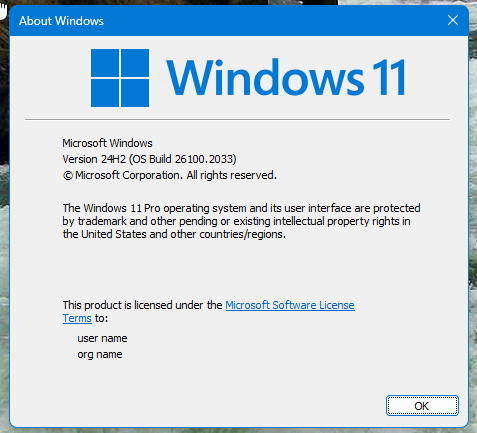
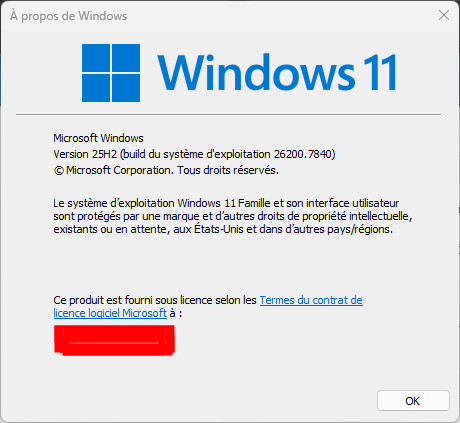
  1. Windows 10 or 11? Also need its full version and OS Build number. Please use Winver.exe to get these numbers.
  2. Start11 full version number.
  3. Start11 Enhance taskbar turn on or off? Note: Enhance taskbar option only available on Windows 11 system.
  4. Issue on taskbar only? Start menu appear correctly? If so, what in the taskbar area don't change?

Thank you,
Basj,
Stardock Community Assistant.

Reply #2 Top

1.Windows 11

2. it's a trial

3. on 

4. start menu appeared correctly but pressing with the windows key but not clicking on the windows 11 start menu icon

Reply #3 Top

Need Windows 11 full version and OS Build number. Use Winver.exe, you will get something like this.

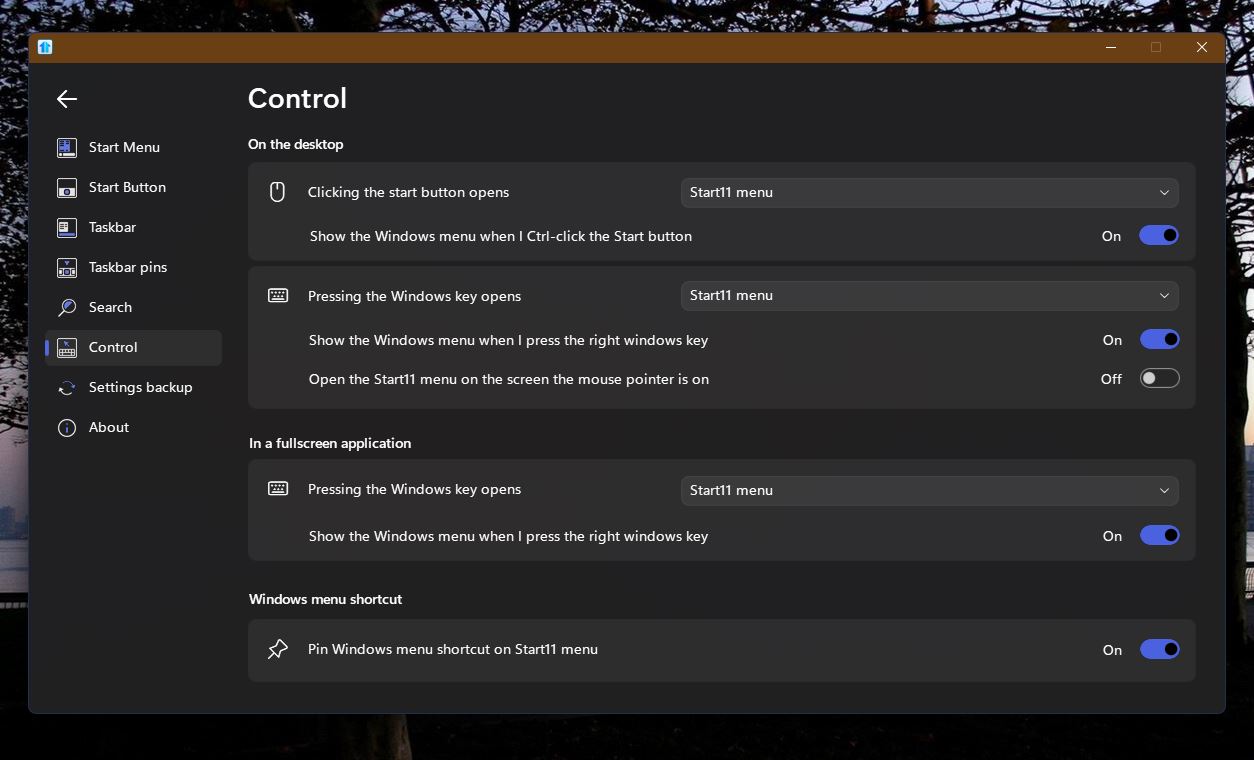
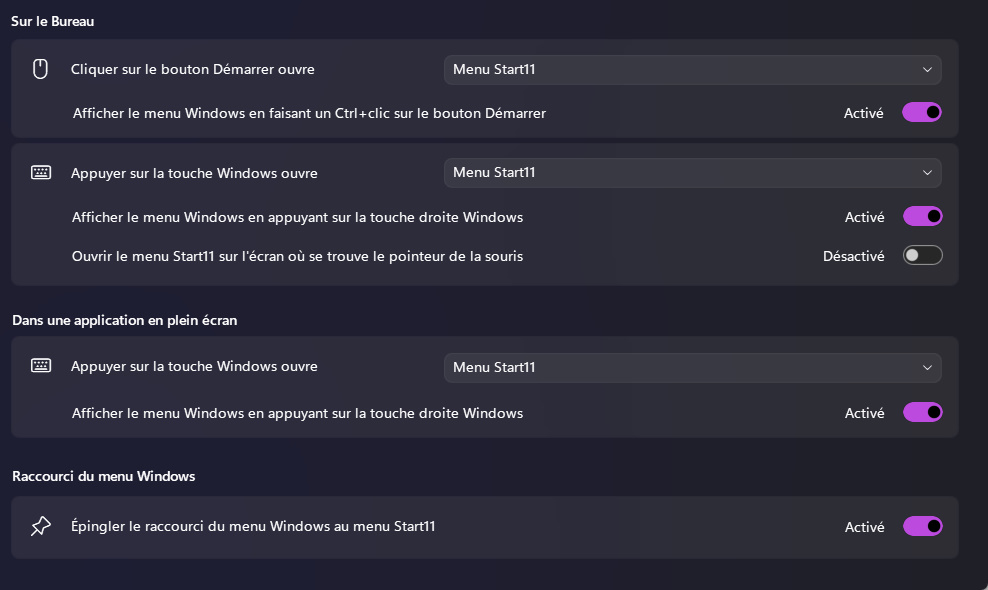
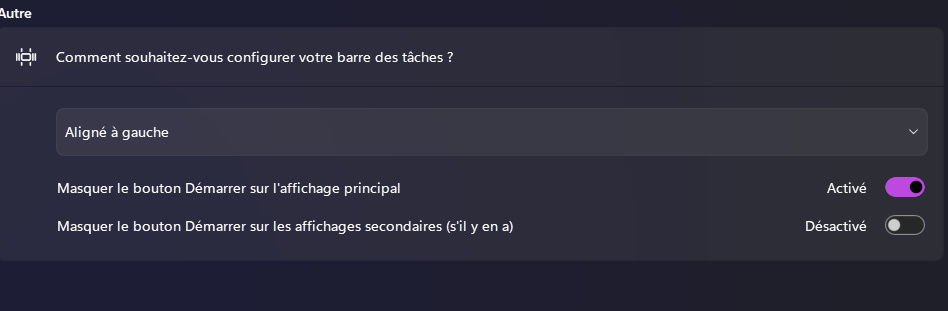
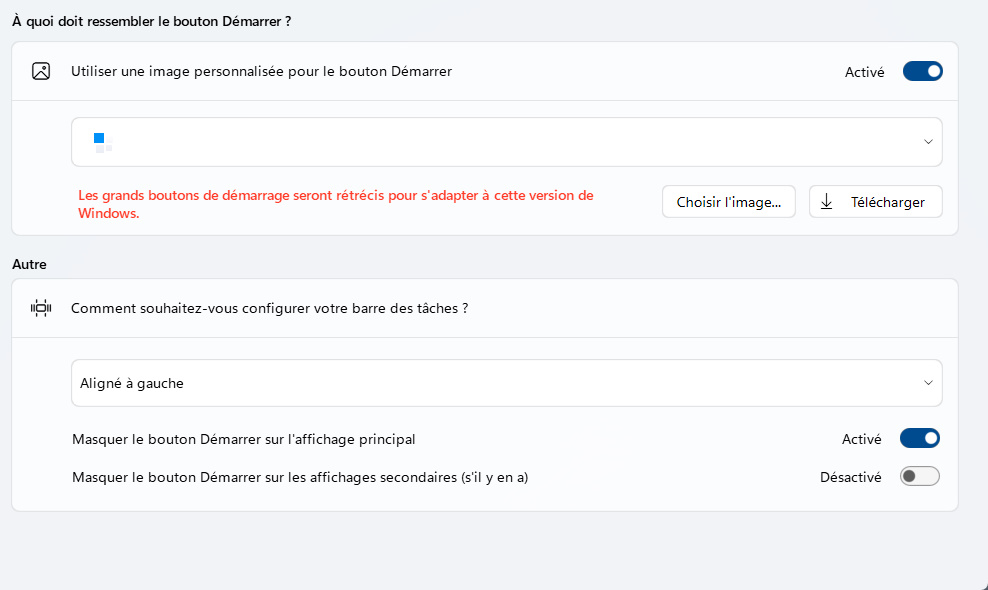
Do you have this setting setup properly?

If that was set properly, need to know if you have any other application that also manage/change your Start menu/taskbar? Application such as DisplayFusion, StartAllBack, WindHawk, OpenShell, WindowPatcher etc.

Thank you,

Basj,
Stardock Community Assistant

Reply #6 Top

When i selected Aligned right it stays at the center

When i click Restart Explorer it just only worked but nothing changed


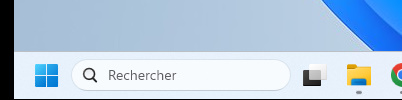
Weirdly when i click on a start menu style my taskbar weirdly goes dark like this

After i clicked on a start menu style

Before i clicked on a start menu style

Reply #10 Top

When i launched StartStart10_11 and i followed the guide It did restart Windows Explorer and nothing still changed

Reply #11 Top

Please try clean boot as I've requested above.

Thank you,

Basj,
Stardock Community Assistant