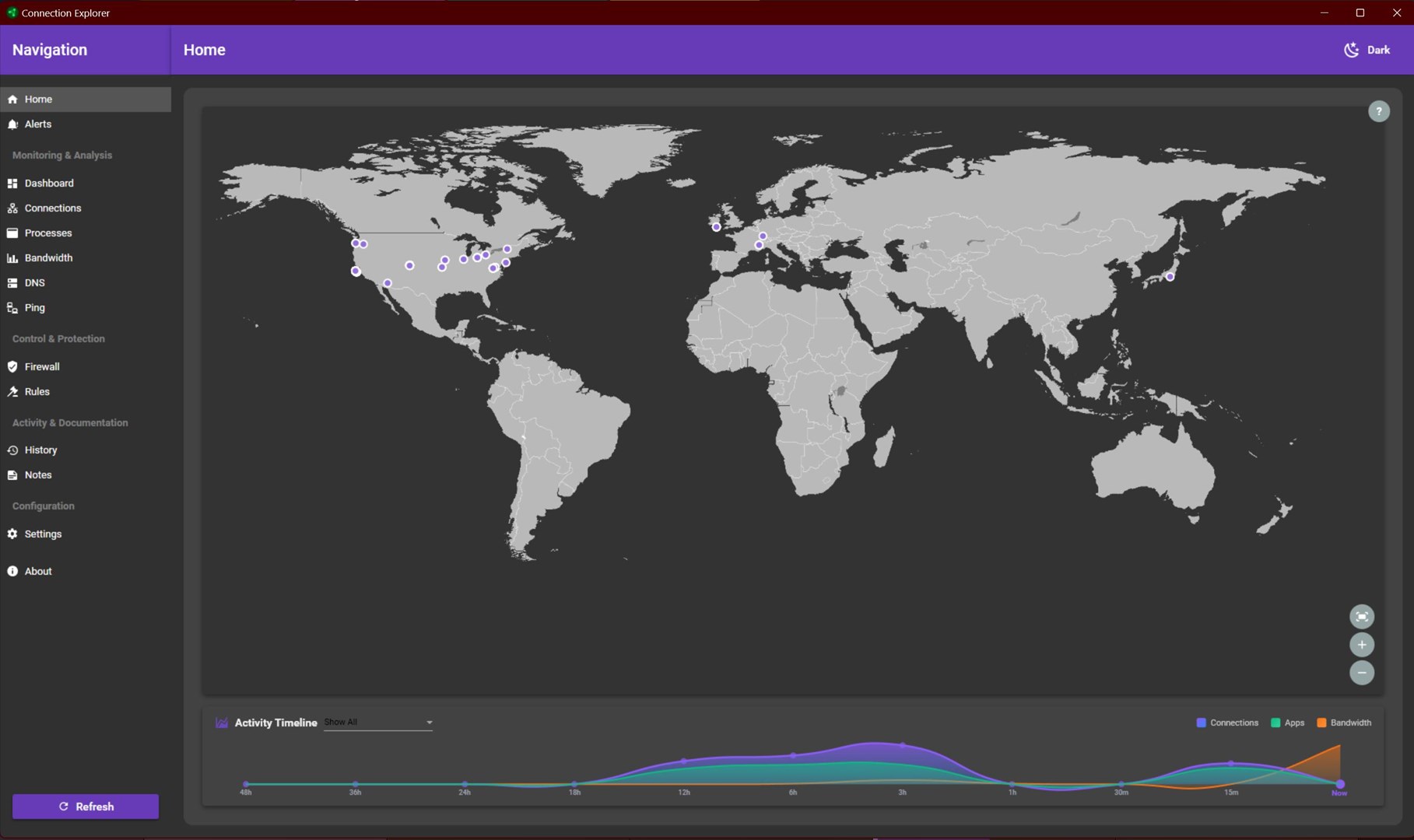
Connection Explorer 0.90 Open Beta Feedback
With the Connection Explorer 0.90 release today, we are creating this thread so that users can report any observed issues.
Known issues
While we appreciate all feedback, please remember that we offer no official support for beta \ preview \ developer channel versions of Windows. If you report issues while in any of those early release channels, you should not expect them to be addressed unless it still exists in a retail version of Windows.
***Reserved***
Really liking this app. I haven't quite figured it all out yet, but it seem solid.
I do have an issue, it is related to the known issue:
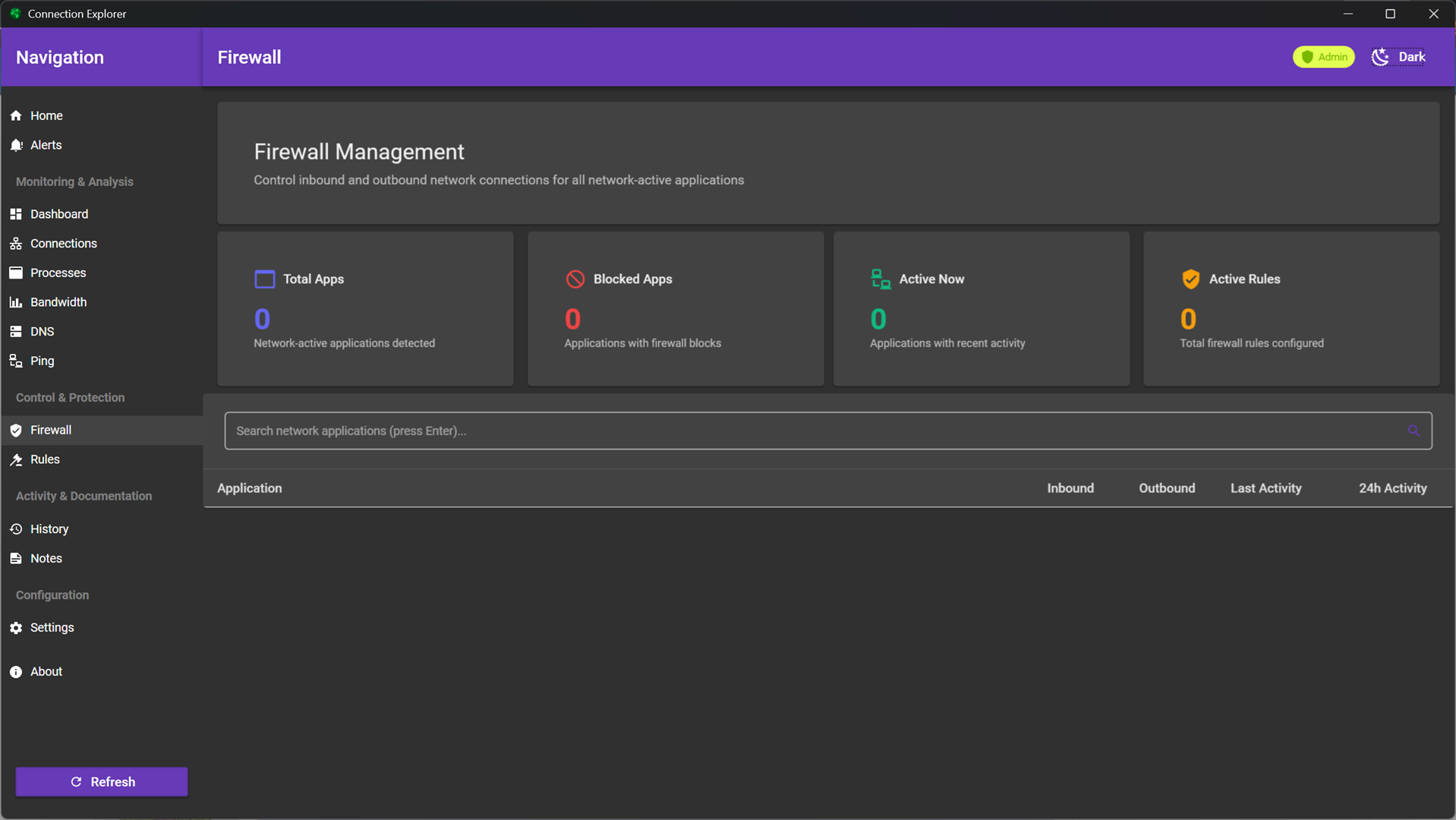
In some scenarios, it's possible for the firewall to not have any applications listed until the first IP lookup is completed, this can take up to 15 minutes if the tutorial is not completed and should only impact the first run of the application.
The Firewall list never gets populated.
Also in my case any blocked Process does never appear in this Firewall list even after a _much_ longer time. Restarting the Connection Explorer app or the PC then completely removes any mention of said blocked Process so i can't see that it's blocked anymore, and since it's not in the Firewall tab, i can also not unblock it. I have to do this in the Windows Firewall itself. The client also seems to be stuck on quite some connections with "Looking up..."
Windows 11 26H1 (28000.1340)
Also in my case any blocked Process does never appear in this Firewall list even after a _much_ longer time. Restarting the Connection Explorer app or the PC then completely removes any mention of said blocked Process so i can't see that it's blocked anymore, and since it's not in the Firewall tab, i can also not unblock it. I have to do this in the Windows Firewall itself. The client also seems to be stuck on quite some connections with "Looking up..."
Windows 11 26H1 (28000.1340)
What language configuration is your device in?
English United States install, English (Dutch) language/region
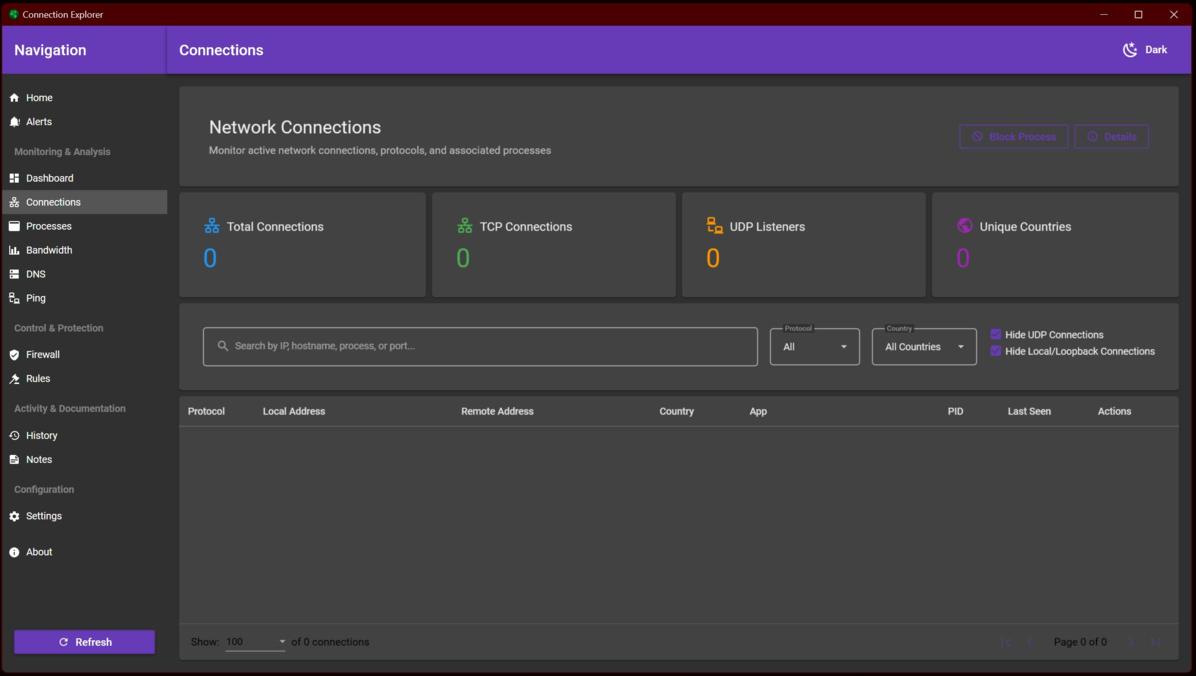
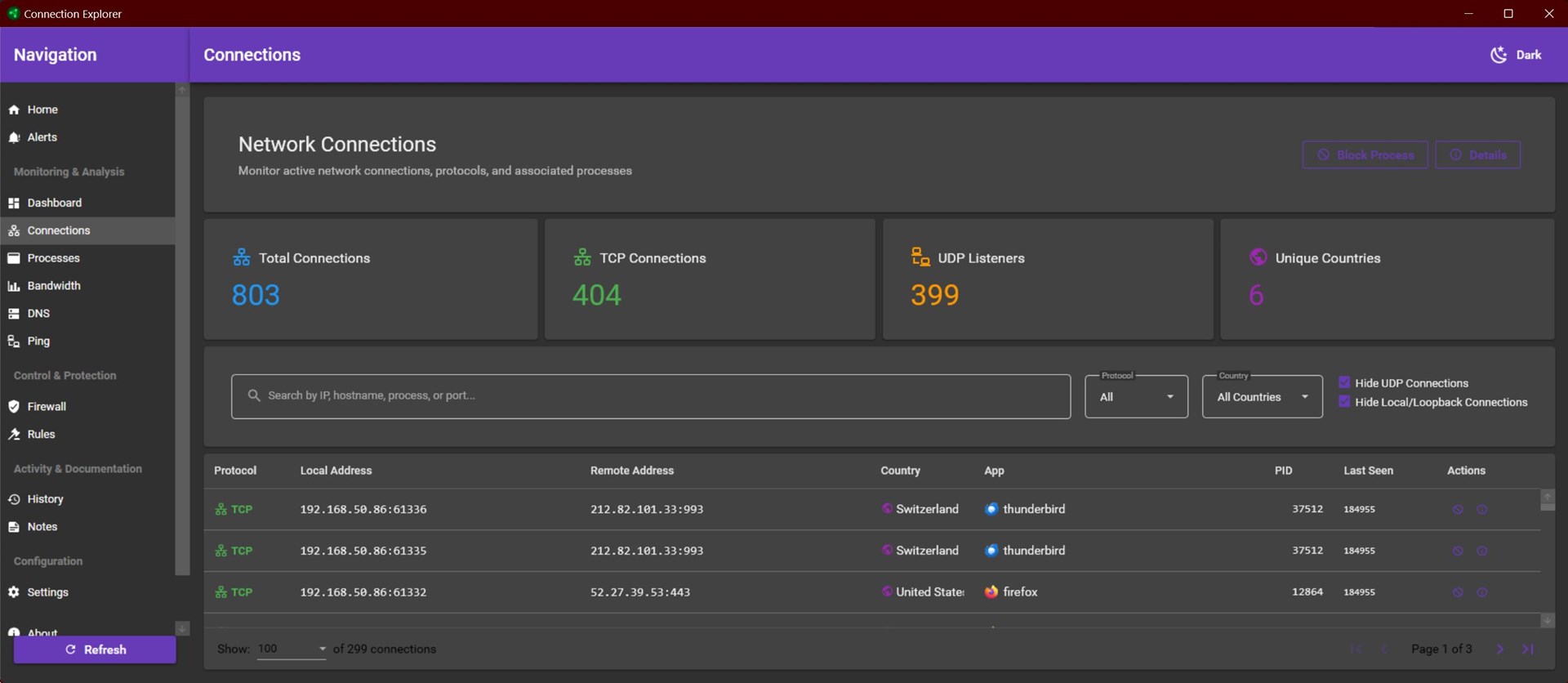
My connections are not populating in this version. No connections are shown in the "Connections" tab. But 20,446 connections are recorded in the System History tab, with none showing in the last 24 hours.
Windows 11 Pro Version 23H2 (OS Build 22631.6199)
When this is happening, is the system tray application running?
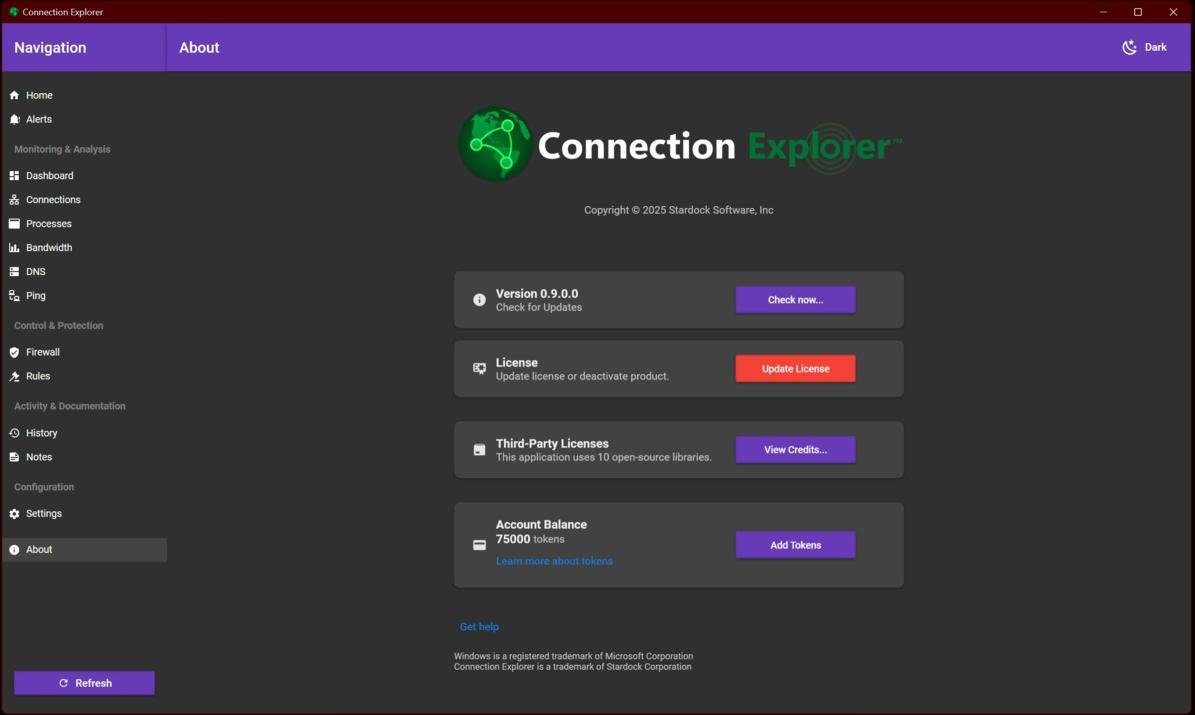
Could you also post a screenshot of 'Connections' and the 'About' tabs?
Sean Drohan
Product Lifecycle Manager

The system tray application does not appear to be running.


For me all lists are populated except the firewall thing mentioned earlier

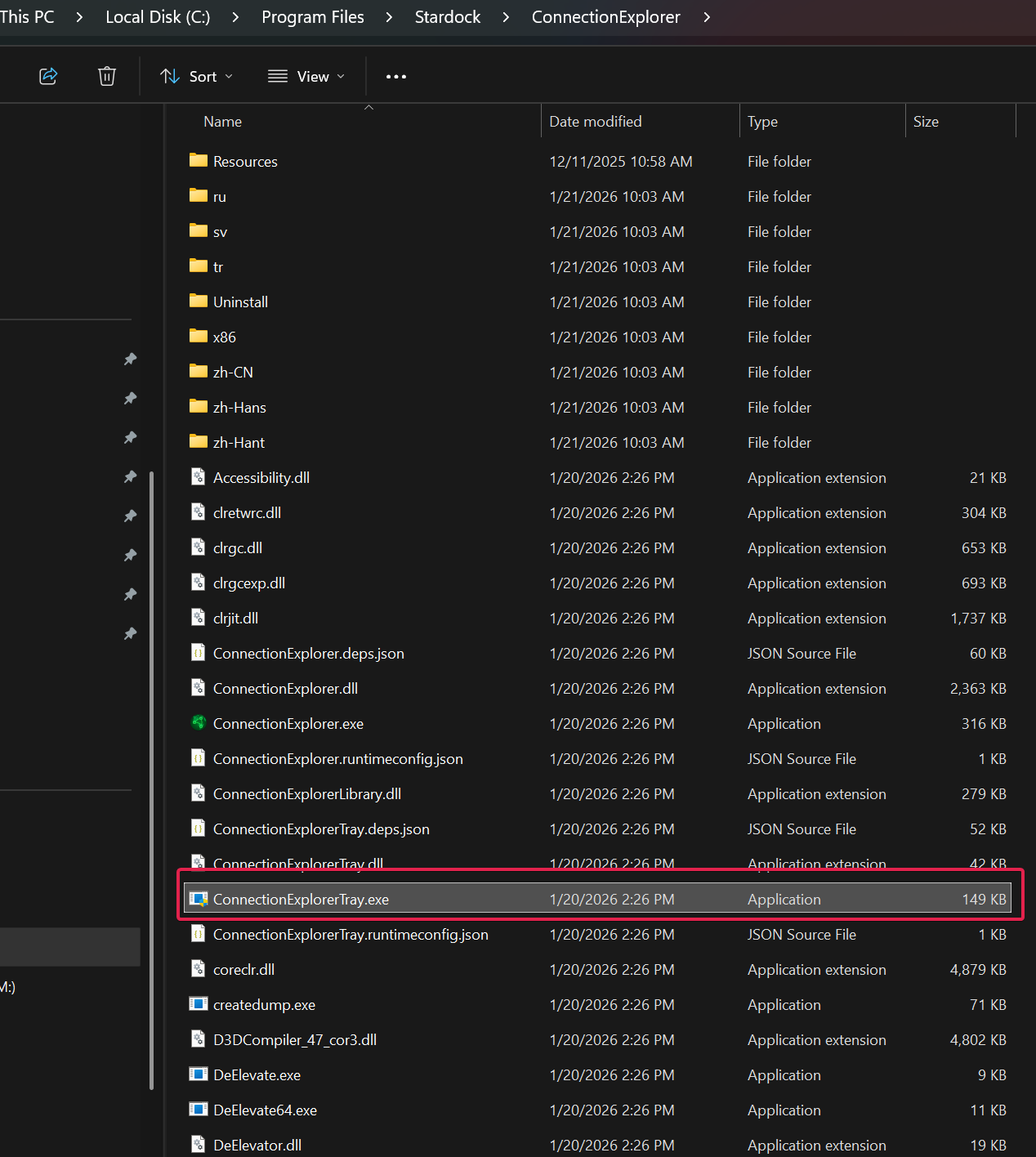
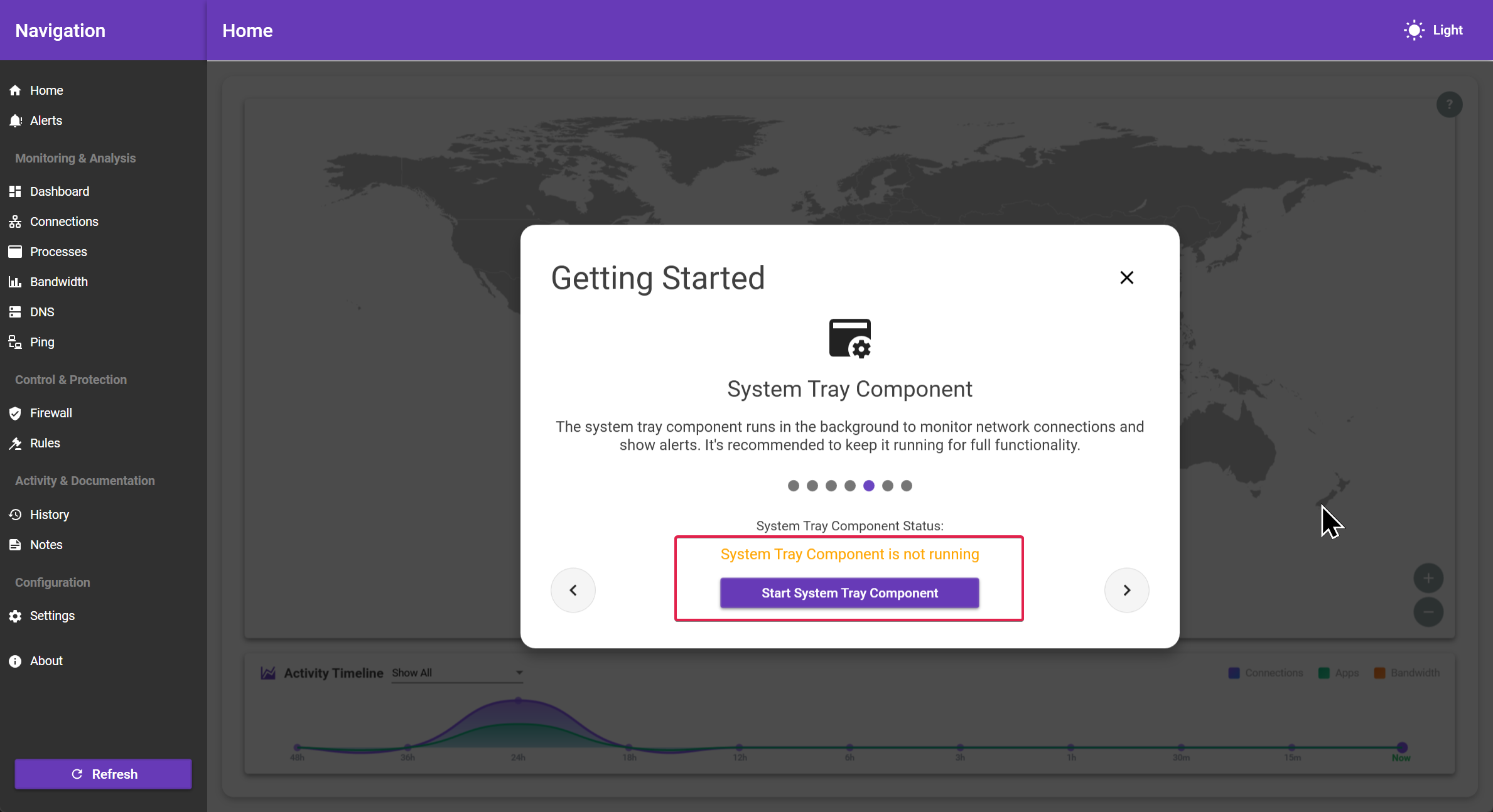
ok first thing is to make sure the system tray app is running, the easy way to do this is to click on the Home panel and in the top right corner is a grey ? button. Click that and walk through the tutorial and about halfway through, it will look to see if the try app is running and then prompt to open it if it's not detected.
That would be

And should warn you if its not running when running ConnectionExplorer.exe:

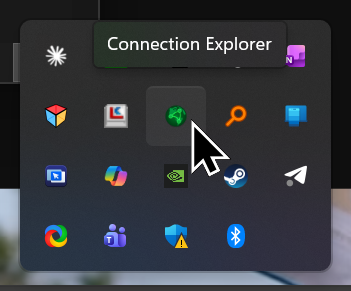
It looks like this in the systray:

If you still cant get it to run, look in Event Viewer right after you try to run it to see if there is an 'Error' and what that error is (paste it here)
Sean Drohan
Stardock Product Lifecycle Manager
I was able to start the system tray component. The connections appeared, and after a period of about 10 minutes, the connections were shown on the Home tab map.
I then exited the application, waited a few minutes, and then relaunched it. When I did, it started without starting the tray component, and without notifying me that the tray component was not running, and without showing the system tray component screen you show above.
Next, I started the tray component manually. The connections appeared, and the connections were shown on the Home tab map. However, the Bandwidth tab stated "No bandwidth data yet. Ensure tray app is running as admin."
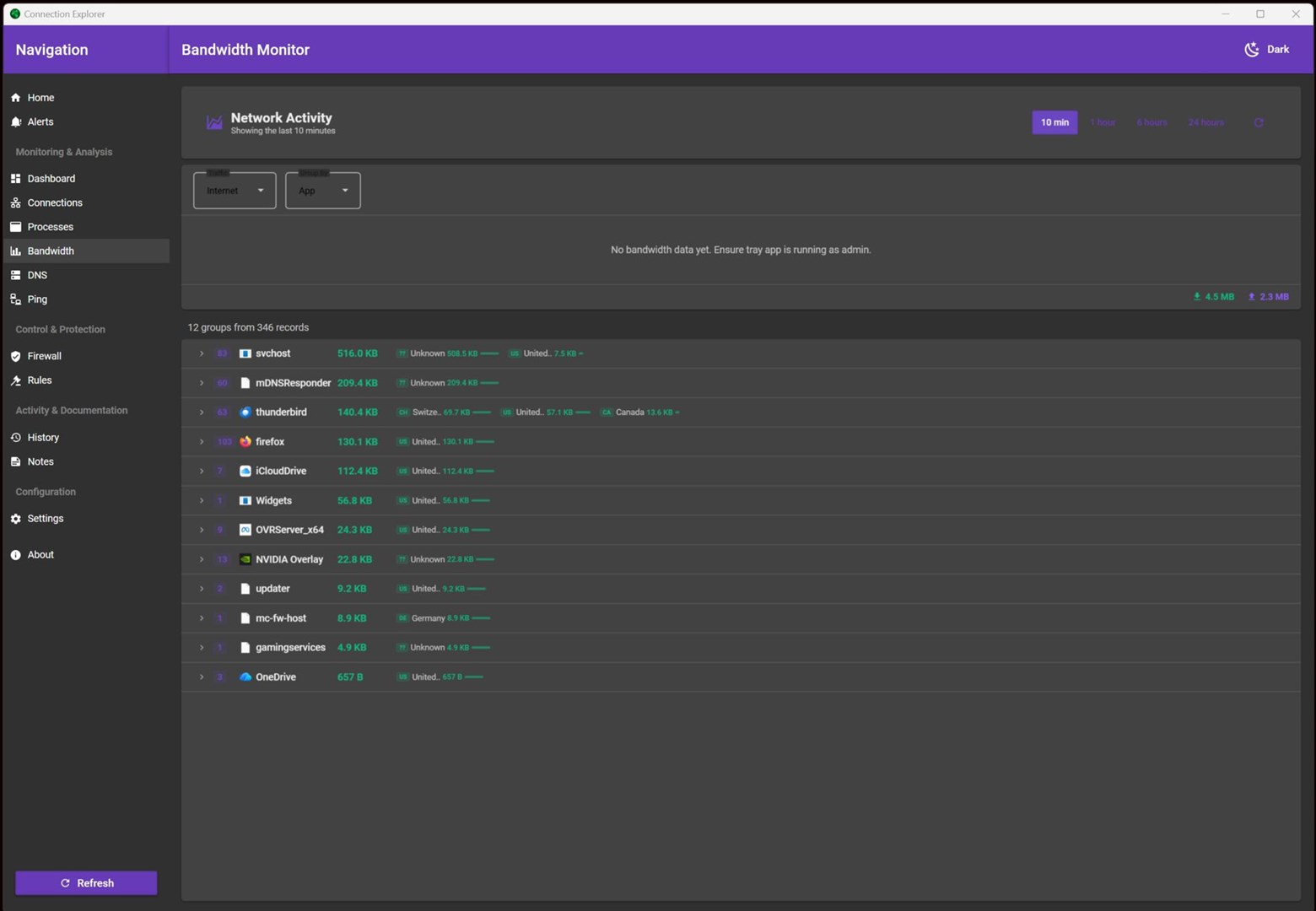
So I exited the application, verified that both it and the tray component had shut down, and restarted the application.
Again the application started without starting the tray component. I then started the tray component as Admin. The connections appeared, and the connections were shown on the Home tab map. However, the Bandwidth tab still stated no data.
I left the application and tray component running, and returned to check on it after an hour or so. There was still no bandwidth data.
Thanks for the additional information, the main app is supposed to check every time when it starts that the system tray app is running and if not, tell you to start it with a popup, I need to see if I can reproduce why that's not happening for you.
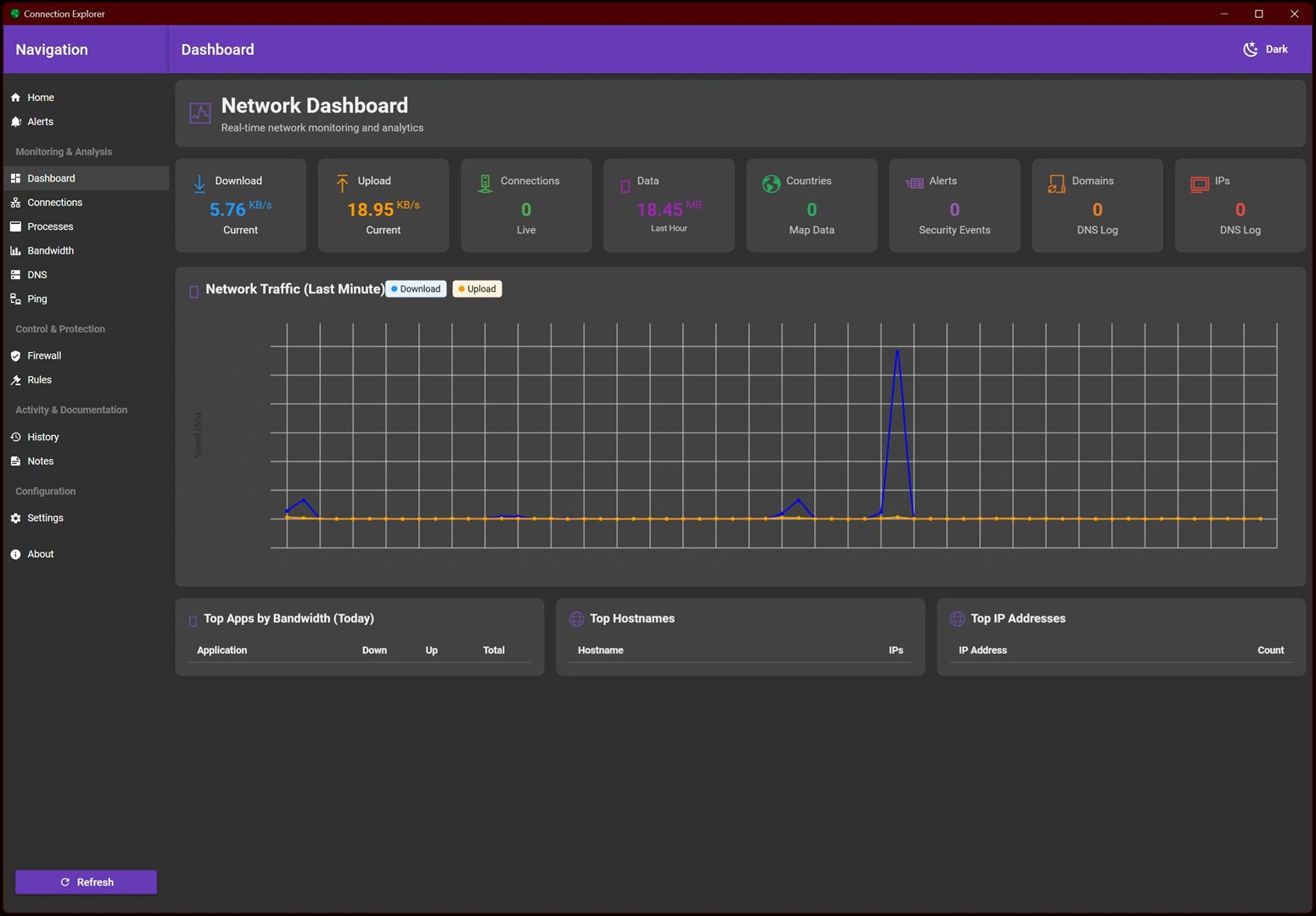
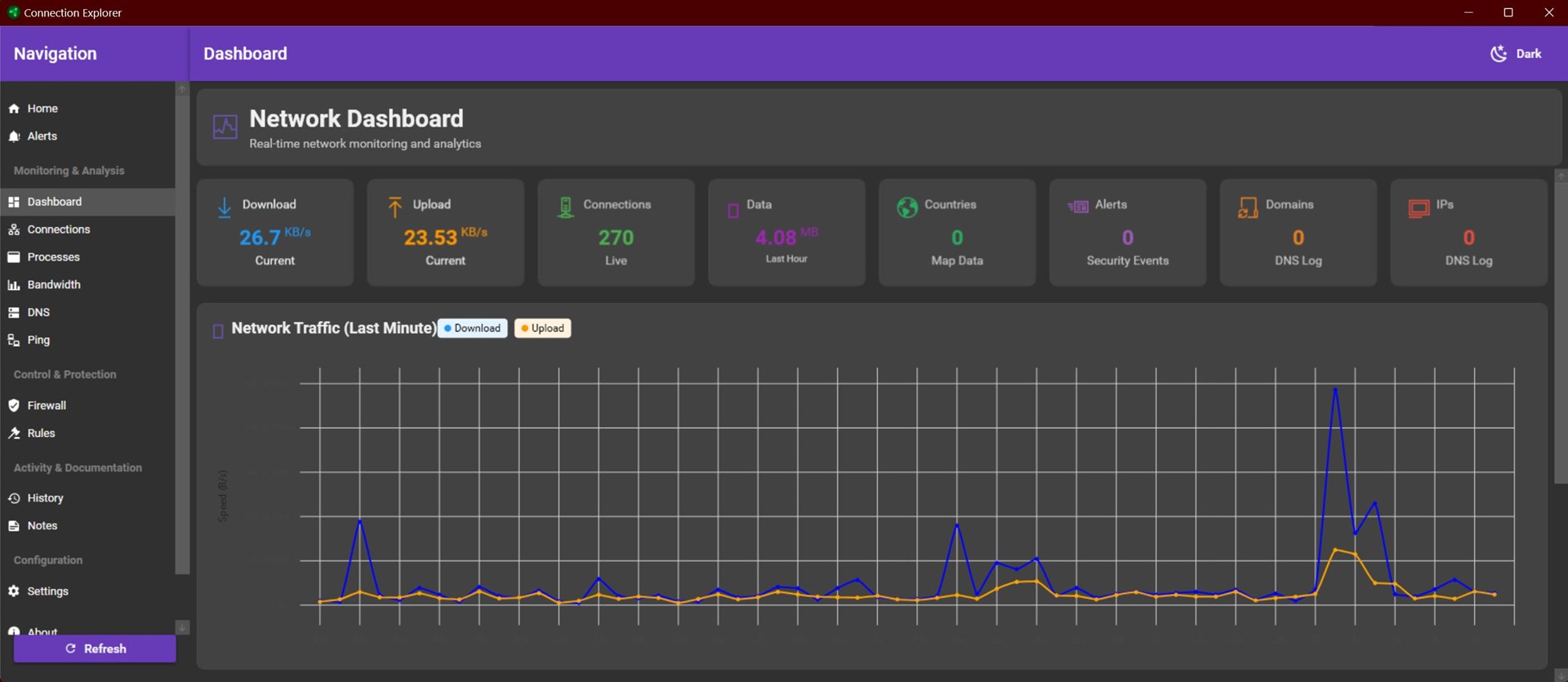
The bandwidth is also odd too as the image shows that bandwidth data is being captured at the app level and even below the graph, it is showing upload/download rates, so something is being correctly captured.
For some background, the system tray app handles about 95% of the functionality of the application, that's the part that gathers the data, the main UI is what displays the tables.
Okay, now things are really strange ...
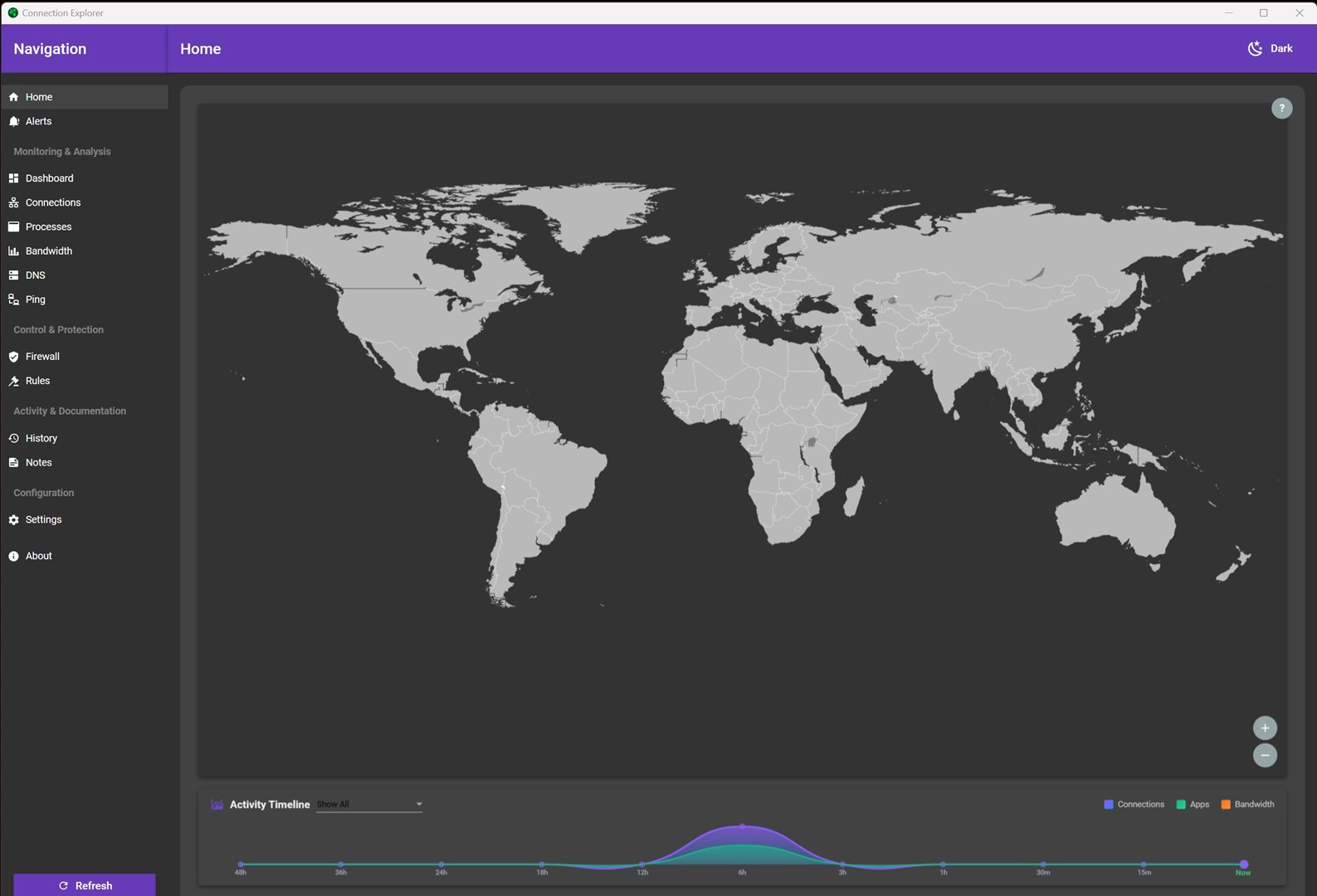
I left the app up for a few hours, verified that the system tray app was still running with admin rights, and found that no connections were showing:


As I started using my computer again, the connections did not populate.
Does the PC in question have more than one active network connection? For example, is it connected both wirelessly and via Ethernet?
If it is connected to multiple networks (even a VPN connection, on the PC, not a router) and you shut down all but 1 (Ethernet lets say), does it work then?
Sean Drohan
Product Lifecycle Manager
System: Win 10 Pro Version 22H2 (OS Build 19045.6466) on a Surface Pro 9 12th Gen Intel, 32 GB RAM on an external HP monitor
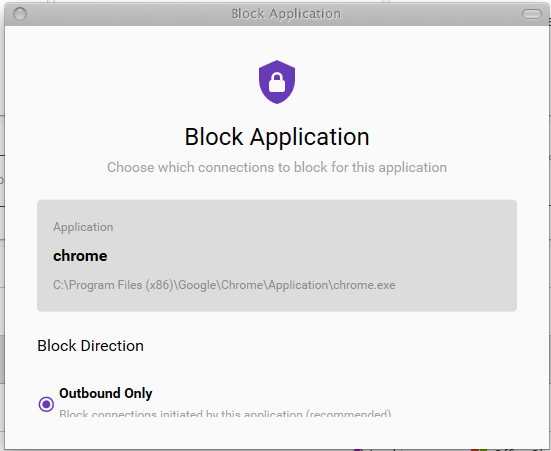
I just downloaded and opened the app. All appears to be working well so far, connection wise anyway. However, I'm seeing the Block Application popup apparently being clipped and I cannot scroll down to see what else is in the popup. Since I am using WindowBlinds to skin my interface, at first I thought it was an issue with that, but I still see the clipped popup when I exclude Connection Explorer from WindowBlinds skinning. I know there's something not being shown in that popup because I can TAB through 4 or 5 additional options, only I just can't see them. I also assume that there's an OK button down there too. It's a minor problem, but very frustrating! I'm not sure that I'm successfully blocking the app.

Brian
Does the PC in question have more than one active network connection? For example, is it connected both wirelessly and via Ethernet?
If it is connected to multiple networks (even a VPN connection, on the PC, not a router) and you shut down all but 1 (Ethernet lets say), does it work then?
Sean Drohan
Product Lifecycle Manager
Apologies for the delay, I've been out of the country for a few weeks ...
It has remained with one connection to the network, no VPN. I had the same connectivity when it saw the connections.
After I returned from abroad, I brought my system up from a completely cold state with one network connection and Connection Explorer does not see any of the connections.
It is tracking upload and download speeds, total data.
I am connected via ethernet to a node on an ASUS ZenWiFi ET8 Mesh wireless network, that is connected via ethernet to a ViaSat modem as my ISP ... if that helps.
Update -
I realized that I needed to manually start the tray app. When I did, network connections appeared on the Connections tab, but not on the map in the Home tab.
I will wait a couple of hours and see what things look like then.
Connections are still showing, but make no sense, and the map is still unpopulated.


... and now the Map is populated ... I have no idea what is going on.

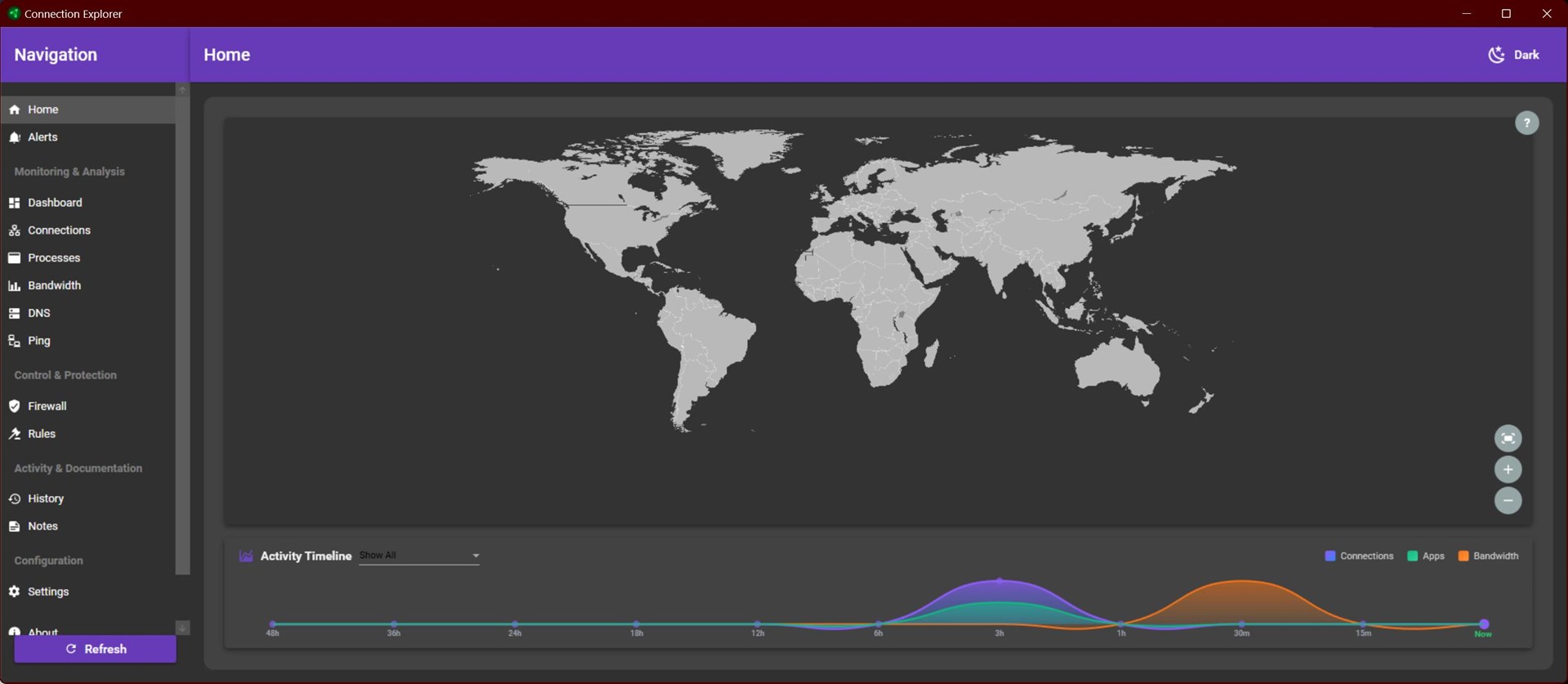
The map, by default, will only show connections from the past 15 minutes or so, if you came back to your PC and had no activity, there may not be anything showing on the map until you browse the web or use a few apps.
I understand. Does that apply to the connections too? Because my network connections go to zero even when I am actively browsing and connecting. This appears random, when connections show and when they don't.
Welcome Guest! Please take the time to register with us.