Delete Individual Titles In Start 11
 Stardock Forums
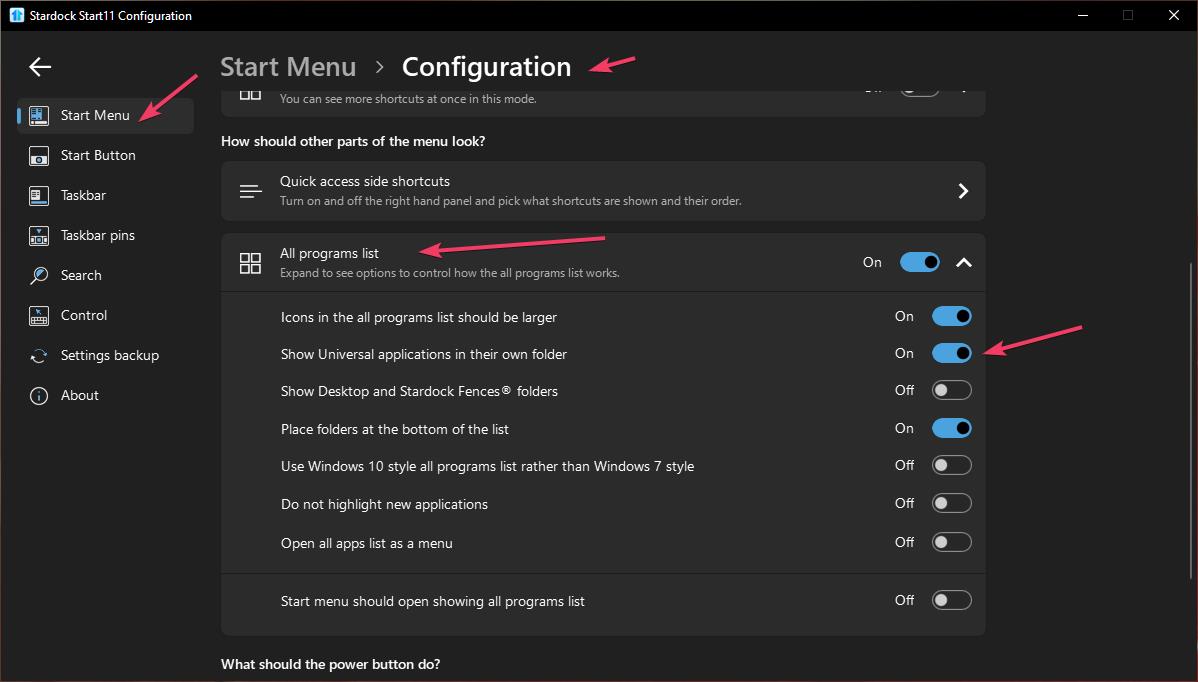
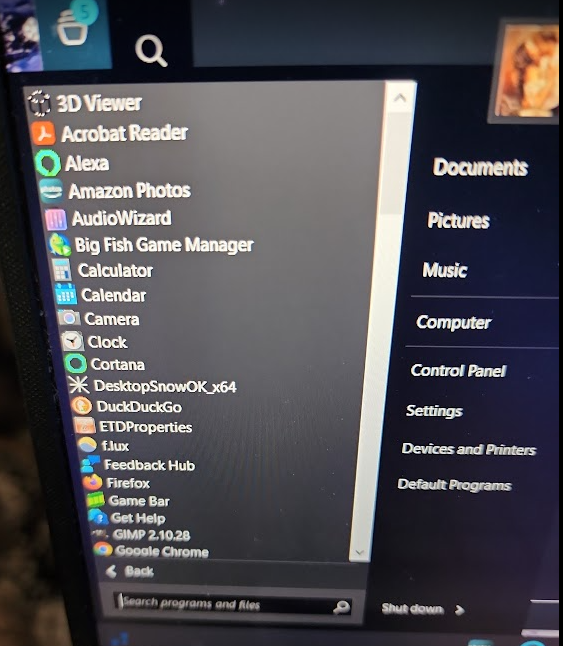
I've used Start 10 for several years and a couple weeks ago, decided to move up to Start 11 since it works with Windows 10. So far, I've had one glaring problem with it and I can't fix it. Using the Classic Windows 7 style, when I click the Icon for the Start Menu, my pinned programs are fine. When I click the Programs Menu, there are over 50 individual programs listed I have to scroll through before I can even see my Program Files. Most of them are Windows programs that I didn't even know I had because I've never used them, I cannot delete them off the Start 11 menu regardless of which style I choose and I have gone through every single Start Menu/User/Roaming file on both hard drives on my laptop and there is no list whatsoever for them. Only the few that are pinned when I click the initial Start Menu. Yes, I see the folder for them when I click 'properties', but the only things in that folder are folders containing the shortcuts to the apps. If I clear those sub folders, the shortcuts still show up and they still open the programs. I am at a loss. There is no way to individually delete each shortcut, the 'uninstall' does nothing and I don't want to uninstall the apps themselves, such as Cortana. I've just disabled it.
These apps were not there in Start 10. When I installed Start 11, it populated all of these. I like Start 11 and would like to continue using it, but if I can't get rid of these, I'll have to revert. Does anyone have any idea on how I can delete them or what other folder/area I can look for them?
Moved to Start Menu Product area