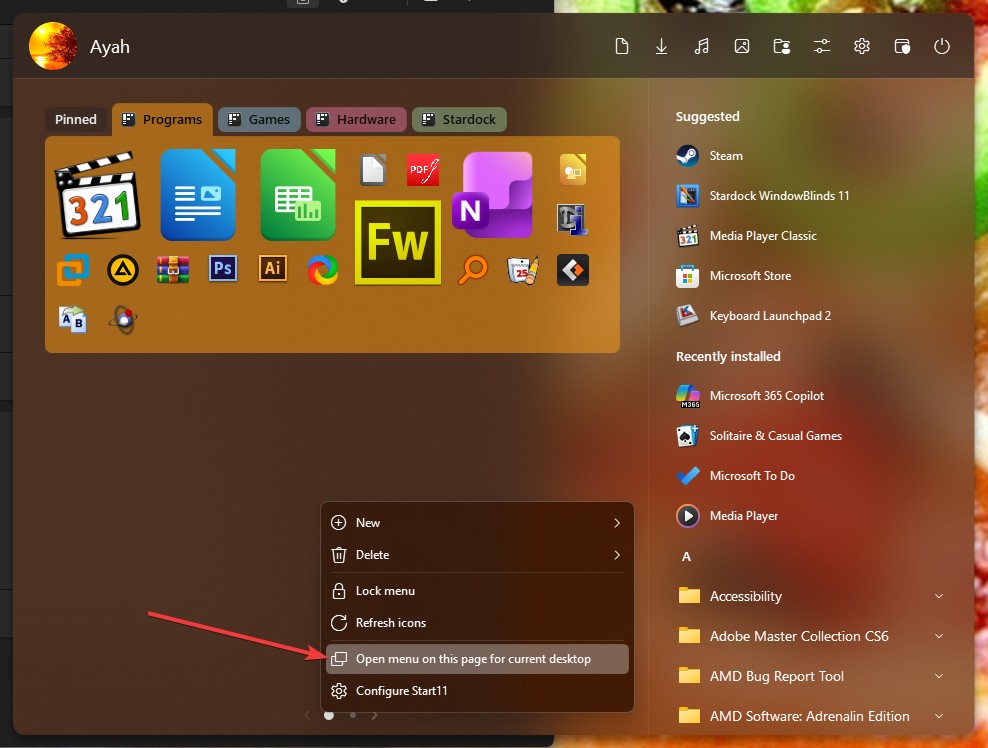
Suggestion: Stardock Virtual Desktops
 Stardock Forums
I would like full-featured Virtual Desktops by Stardock, where each desktop has its own set of position-saved shortcuts/icons, application windows, etc. (with some icons and applications shared across multiple desktops), with Stardock's reliability and usability.
"Dexpot" is the closest thing I have found. It works well, but very frequently forgets icon positions. It seems to use multiple "Desktop<N>" folders and switches/copies the folder of the selected <N> "desktop" to the standard Windows' "Desktop" folder.
I am a long-time software developer and use largely unique shortcut/icon and windows configurations for example, separate desktops for each of "Main", "C++", "Java", "JavaScript", "C#", "PostgreSQL", "R", and special project-related desktops (currently 9 total). I make heavy use of differing sets shortcuts/icons (many hundreds overall) on the desktops to avoid having to remember too many file and Internet paths, and utilize separate application windows on the desktops to facilitate remembering the state in which I left a particular task.
Stardock has several tools that each provide part of the solution, but none that cleanly handle the full benefit of "virtual desktops".
--Wayne