Start11 2.60 Release Feedback
With the Start11 2.60 release today, we are creating this thread so that users can report any observed issues.
Hi,
New user of Start11 and it is a nice piece of software! But I have two quick questions about it:
When I try to arrange tiles in the Windows 10 style Start menu, their placement is very inconsistent.
Tiles frequently jump to unexpected positions or groups instead of staying where I drop them, which makes it very hard to organize the layout in a natural way.
I know this has been a known issue for a long time, it's been fixed and then it's not, so is there any setting or workaround to make tile placement behave more predictably?
In Windows 10 style, the icons of the tiles are often not pre‑loaded when I open the Start menu (in particular after some time has passed).
When it occurs, the menu appears first, and then the icons start to appear progressively over the next fraction of a second.
The delay is short (less than half a second), but it happens frequently and becomes distracting over time.
Is there any way to keep the icons cached/loaded so they appear instantly when opening the Start menu every time?
My setup:
Thank you in advance for any advice or fixes you can provide.
My setup:
Thank you in advance for any advice or fixes you can provide.
On issue 2, are you changing screen resolution or DPI or attaching new monitors often?
Once loaded icons should remain in memory unless something changes which requires them to be flushed.
Hello all, I finally moved to Windows 11 and Start11 has had it a tolerable experience lol
It is possible to add the ability to make the menu tiles centered in full screen mode rather than being close to the side menus, or being able to customize a gap between the titles and side menu?
Also is it possible to cache custom background menu pictures to reduce the lag when opening the start menu?
Absolutely love this menu app, fantastic job done by the team!
VoidTools Everything integration is not working with the latest version of Everything.
I suspect that Start11 is assuming the default instance name for Everything v1.4, which no longer is valid with Everything 1.5 which currently has an obligatory named instance ("1.5a" or a custom one, in this case "startup", so that there can be a restricted friendly search for Start11 and the option to open a second "user" instance for admin-oriented power searches).
If so, is there a hidden registry entry to set the instance name and/or could you add an instance name field to the Settings dialog at some point please?
[BACKGROUND: I was hoping to use Everything to help solve the problem that Start11 returns search results from inappropriate locations (such as AppData, Program Files), ignores system search exclusions, and has no concept of search exclusions of its own. It's a bit messy and distracting to have oddball cryptic system files returned from AppData or to have real program shortcuts from the Start Menu mixed in with the same executables in raw form located in Program Files, or to see executables that should not appear in the Start Menu at all. As it turns out, Everything has fine-grained customisation which might help with this. ]
If you are using a custom instance then yes thats the issue here.
We support the default Everything 1.4 and 1.5 ones (1.5a) but nothing custom.
"We support the default Everything 1.4 and 1.5 ones (1.5a) but nothing custom."
That's a bit inconvenient, as it is handy to have a more restricted Everything for the Start Menu specifically. I note EverythingToolbar had this problem and fixed it by adding a field to specify the instance name.
Will there be any fix for the spurious search results problem at any point? I seem to recall the bug of returning unwanted items and inappropriate random executables that users are never meant to see or run directly (AppData and Program Files) has existed since Start8. At the very least, options to limit search to Start Menu items, non-hidden, non-system files and folders, would be a good start.
For most users, there is no good reason to return %LocalAppData%\Packages\Microsoft.YourPhone_8wekyb3d8bbwe\LocalCache\Indexed\651655de-7bb5-4154-9197-950bd9bbca3d\System\Database\*.db-wal" when searching for dBpoweramp.
It would be even more useful if search exclusions from the OS Settings panel were read from the registry and respected. There are unavoidably a lot of hidden files, folders and executables on a PC that should never be returned in search results for typical user workflows. And it is a shame to have to fall back on the system search panel or have to wrestle with Everything instances to avoid this problem as the Start11 search results panel is otherwise much less cluttered, more elegant and user-friendly.
A few suggestions for UI polish:
• With Start11 active the taskbar is often black for a second or so after sign-in and sometimes needs to be clicked on to restore the correct color.
• Rounded taskbar corners are jagged and not smooth like standard Windows 11 rounded corners.
• The settings suggestions displayed in Start11 search results for system settings (that link to the Settings app and Control Panel) have spurious tooltip texts (that show the path to an underlying link file in appdata) and menu options that are distracting, as they look like something has gone wrong or been overlooked during development and testing. What seems to be happening is that these are mistakenly being presented as user documents that have a location in the file system rather than as settings buttons. A bit of tidy-up here would make the product feel more finished. Even better (but more work) tooltips could actually be descriptive, but no tooltip at all for settings buttons would be better than interrupting the click by flashing "%LocalAppData%\Stardock\Start10Ctrlpnl\Sound settings.lnk", etc.
• Maybe an option to hide the search box and just type, same as using Windows 11 search.
• When assigning an icon to pinned items and groups, the icon file has to be a PNG to display correctly. If one selects an *.ico file, the icon is displayed blurry, as if the wrong icon resource was extracted and then upscaled. This means there is always an extra step converting *.ico to *.png to use this feature.
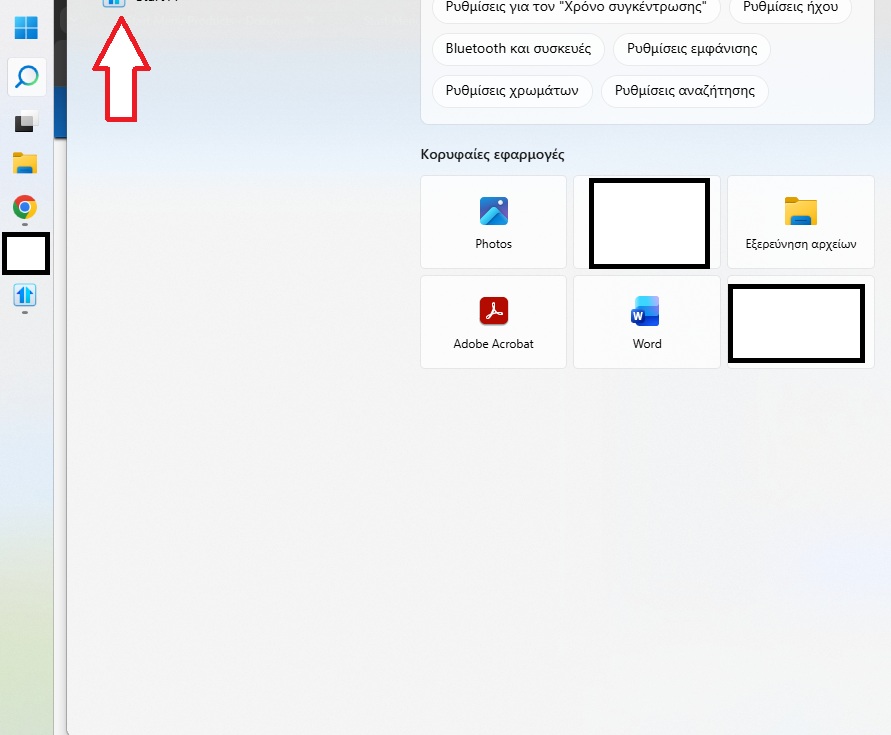
Vertical start11 2.6 search menu from search button not working well anymore.
The search bar is disappeared.

All,
Start11 2.7 Beta has been released. For details, please see:
https://forums.stardock.com/541012/start11-27-beta-feedback
As always, thank you for your time, feedback, and support.
Sean Drohan
Product Lifecycle Manager
Welcome Guest! Please take the time to register with us.