Icon order changes frequently / Fences 6 Win11

I upgraded to 6 from 4 a few months ago and ever since I cannot find a way to get my icons to stay in the same order. I have a 20+ shortcuts organized into 3 different fences and I like to keep my most used apps at the top line of each fence. However many times when I check my fences the icons have been reorganized seemingly at random. I have a 3 monitor setup and all my fences are on my main center monitor.

The reorganizing seems to be related to either full-screen apps or possibly putting my PC to sleep, but it doesn't happen every time or with every app so I haven't been able to fully figure out the cause. I have already disabled Windows auto-arrange and tried all the different layout adjustment options in Fences, backups are enabled. I never remember having this problem before I upgraded & I'm starting to have some regrets about it. Anyone else experiencing this or have any ideas on a fix other than downgrading?
1,172 views 2 replies
Reply #1 Top

Thanks for pointing this out. This is for sure out of the usual; we'd like to get to the bottom of it.


Steps:

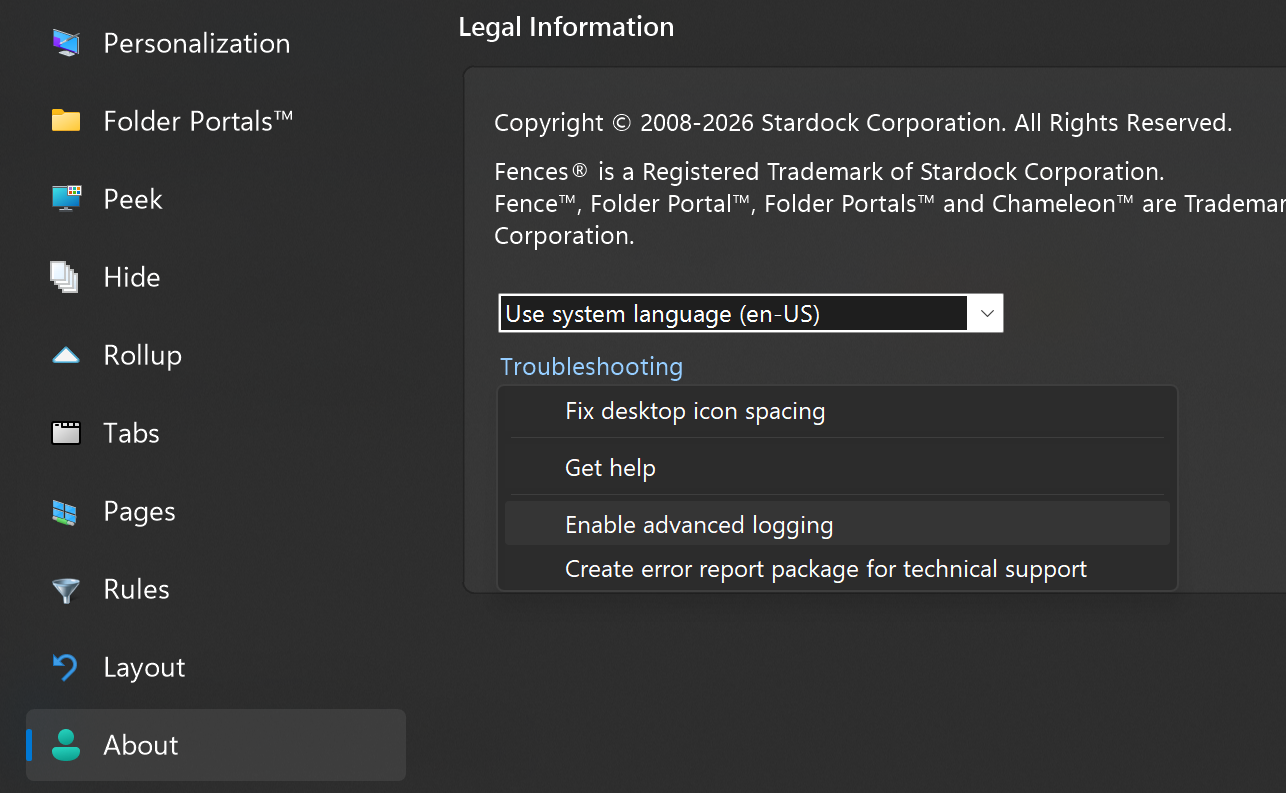
(1) Go to About, click Troubleshooting, and enable "Enable advanced logging"

(2) Reboot, so that the setting will take effect

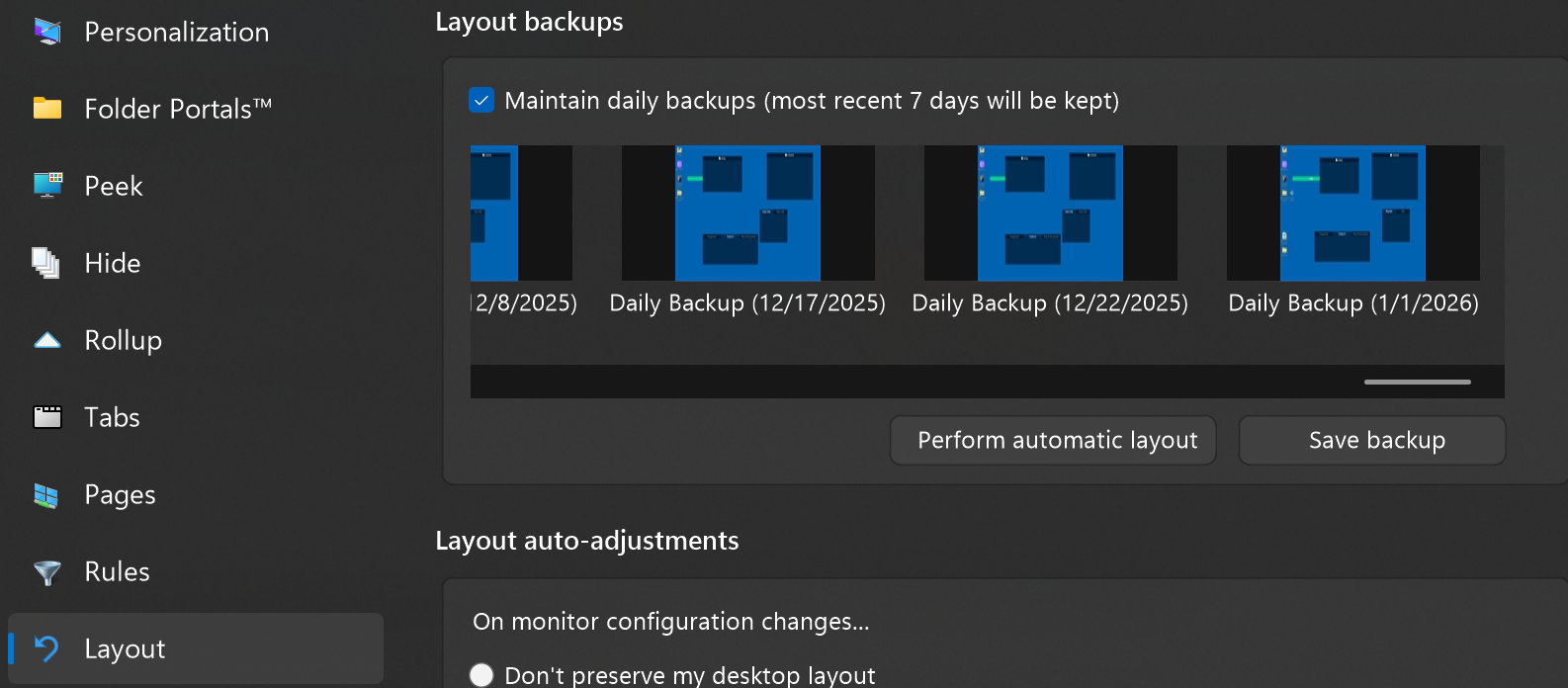
(3) Get desktop the way you want it, fixing the order. Take a snapshot, open it up and rename it to "Before"

(4) Reproduce the issue / break it

(5) Take another backup snapshot, rename it "Broken"

(6) Head back to About, Troubleshooting, and "Create error report package".


Helpful as well to know if restoring that "Before" snapshot after submitting the error report package puts the icons as you'd want them, or if even that snapshot restoration is broken.

Thank you, and hoping to get to the bottom of it ASAP

Reply #2 Top

Hello,
Sorry to hear you are having issues. Need more details.

  1. You on Windows 10 or 11? Also need its full version and OS Build number. Please use Winver.exe to get these numbers.
  2. Fences 6 full version numbers.
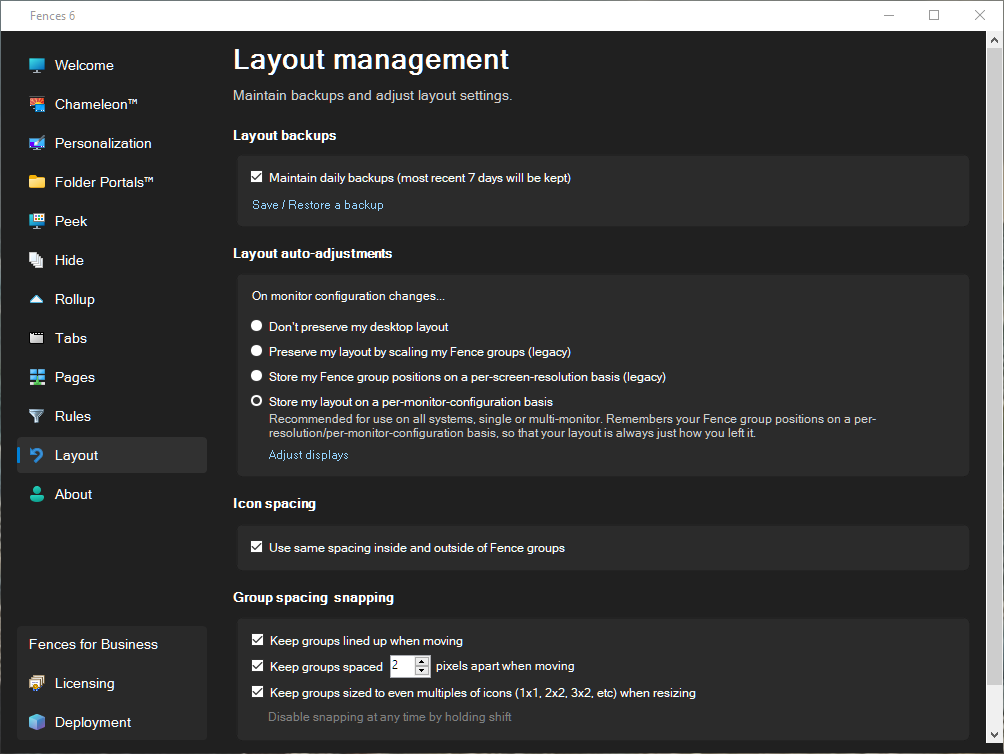
  3. Post screenshots of your setting on your Fences sorting option And on your Layout management page Refer screenshots below.

Thank you,
Basj,
Stardock Community Assistant.