Start 11 Taskbar painting
Problem with taskbar image
from  Stardock Forums
Stardock Forums
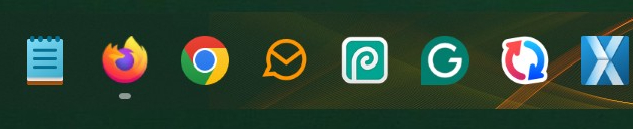
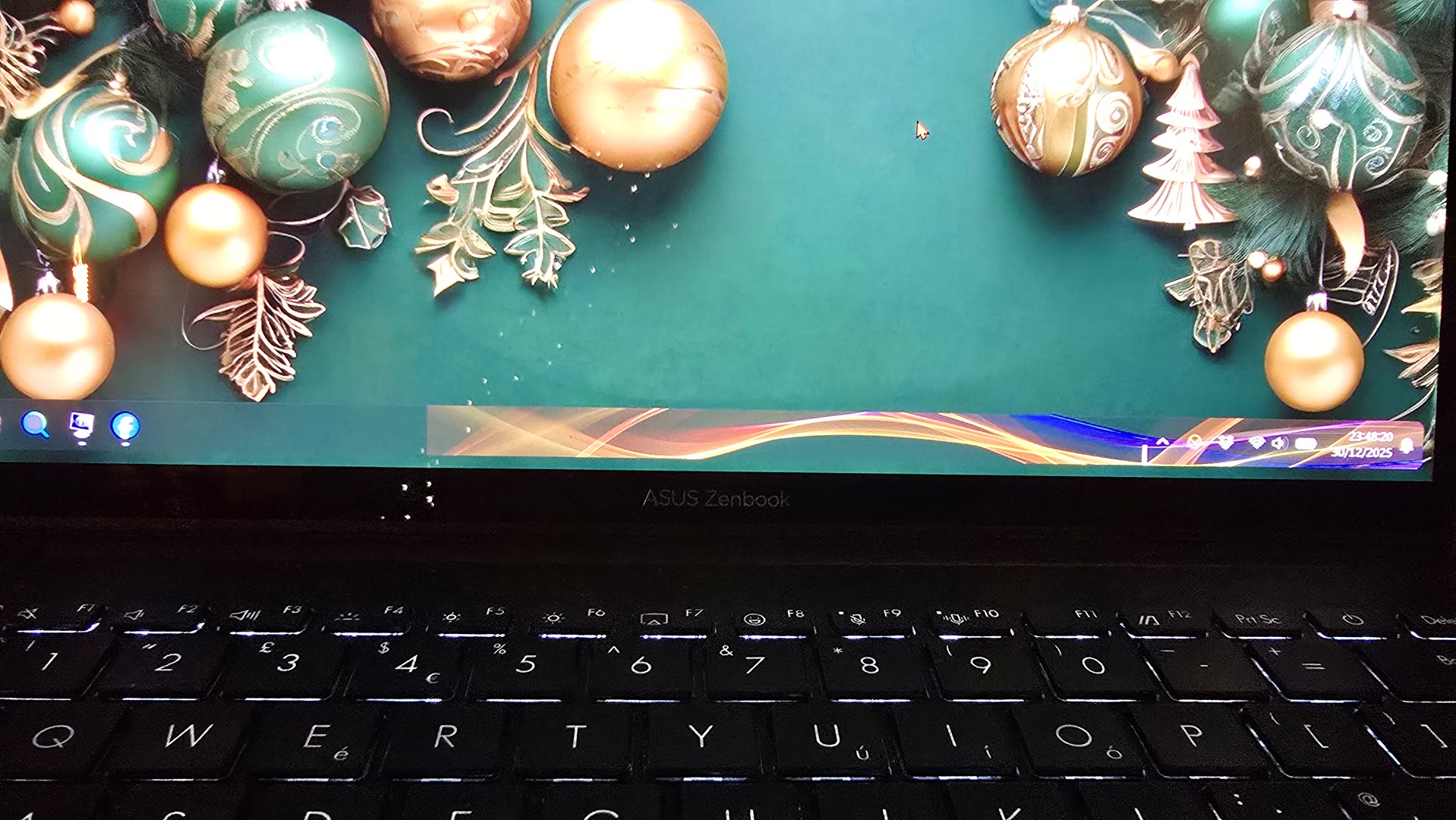
Since a relatively recent update, applying a background to a semi-transparent taskbar, using a custom taskbar background, and currently using taskbar grid 05, it doesn't stretch the full taskbar width. It stops abruptly about two-thirds of the way across the taskbar. This only happens when the taskbar is positioned at the bottom. Positioning it to the top of the screen, it fades perfectly. So it only occurs when the taskbar is at the bottom.
I am using Start 11 on my Windows 11 PC.
Moved to Start Menu Products category by moderator.