Mouse wont come back to main screen. Stuck on secondary

Works fine for a few hours, then sticks

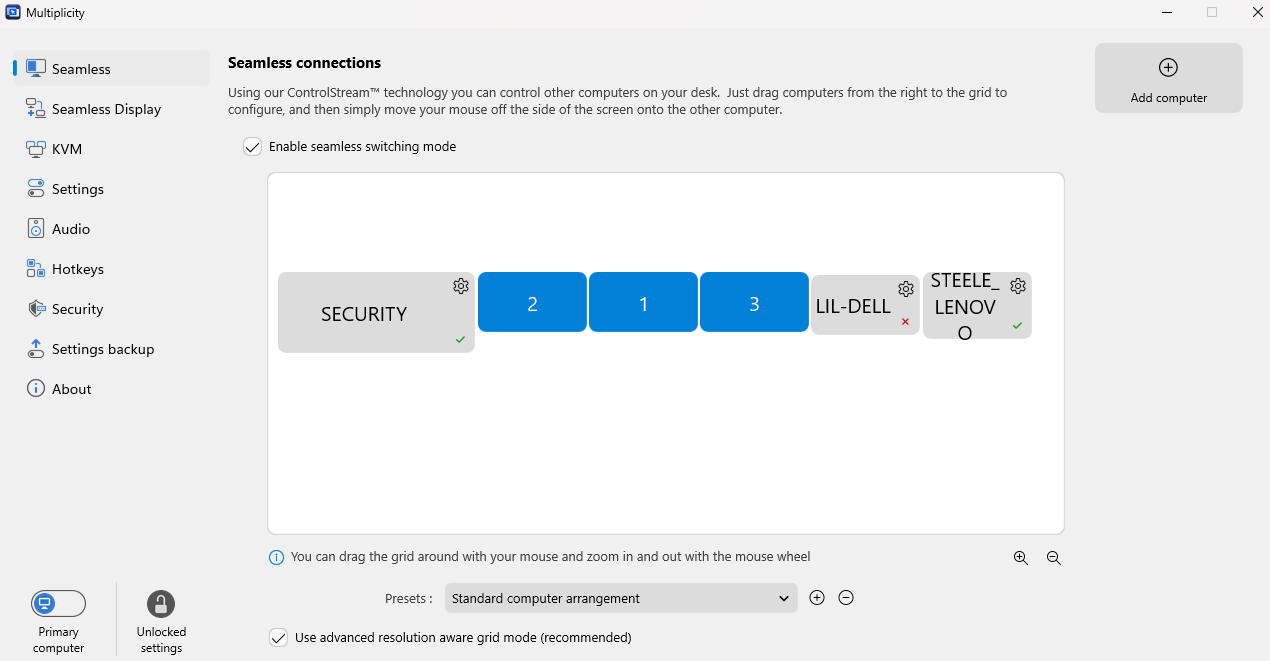
When using Multiplicity, I span 5 screens using seamless mode. 

The mouse activity is fine across all PC systems for a few hours. After a few hours, even without using the mouse, the pointer will be on my far right screen/PC.

I can use the mouse and manipulate icons, tasks, etc. The far right PC wont receive keyboard functionality, but the mouse still works. The ability to bring the mouse back to the main PC is gone. I can not return to my main pc. I am forced to shut the far right system down. Then, the mouse will return to my main system. 

Hoping for some help.

Dave

2,122 views 12 replies
Reply #2 Top

Thank you Basj for the reply. 

I have followed all of those tips and the mouse still eventually gets locked to the far right machine. Full use of the mouse on that machine, no keyboard input and unable to return to the main PC. 

Hoping for additional help. 

Reply #3 Top

Hello,
I have forwarded your problem/question to Stardock Support Team for their assistance. Please keep an eye on this thread for any updates. We appreciate your feedback and patience. Thank you.

Basj,
Stardock Community Assistant

Reply #4 Top


When using Multiplicity, I span 5 screens using seamless mode. 

Is that the 5th screen attached to a single PC?

I can use the mouse and manipulate icons, tasks, etc. The far right PC wont receive keyboard functionality, but the mouse still works.

This is to say that you can see the mouse move, but it can't interact with anything, yes?


The ability to bring the mouse back to the main PC is gone. I can not return to my main pc.

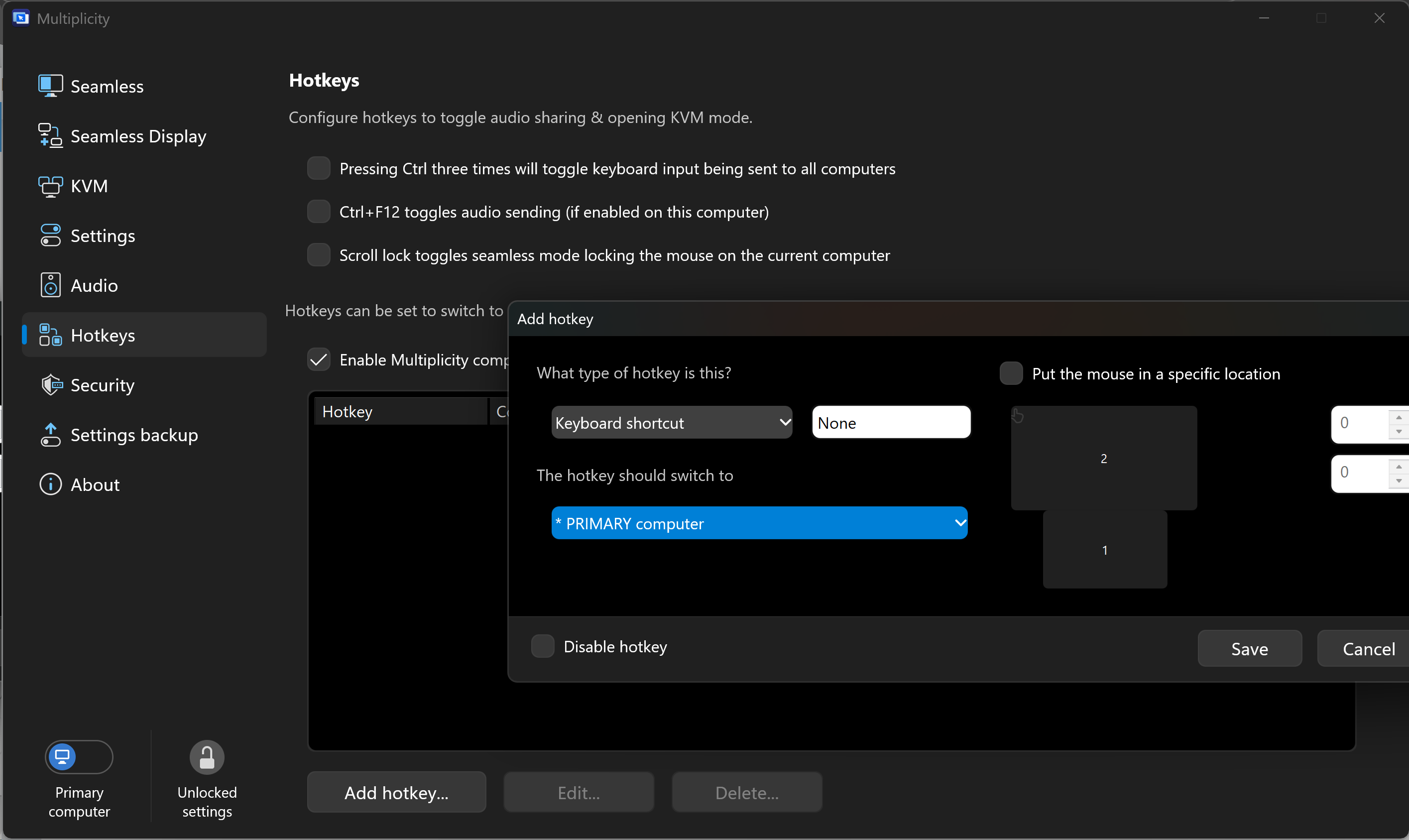
You can set up a hotkey to get it to the main PC

This is what I would recommend if your issue was immediate, not just after 'a few hours'

https://support.stardock.com/space/SHC/1288044590/I+can+move+my+mouse+to+the+Secondary+but+cant+interact+with+the+desktop

That said, something is likely happening with your firewall to prevent MP from working properly.  Were I you, I would try to correlate it happening with something I have done, a 'it happens just after I do, run, change this'. 

Sean Drohan
Stardock Product Lifecycle Manager

Reply #5 Top

None of these steps have worked. The mouse will only stick on the "Lil-Dell"... and it only happens after a period of idle time. It WILL NOT come back to the Main PC... The mouse WILL interact with the LIL-DELL.... The keyboard will not. 


Not hot keys will bring the mouse back. 

2/1/3 are my Main PC Screens. 


Dave

Reply #6 Top

Quoting steeleimaging, reply 5

and it only happens after a period of idle time.

How IDLE (long) is 'idle' and does the Primary ( the one you cant get back to ) waking from a sleep?

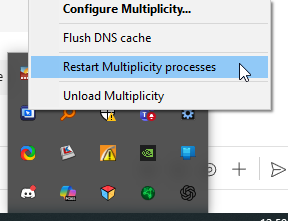
If on the PC that its locked on, you 'restart the process,'

Does the cursor return to a (fully woken) Primary?

Sean Drohan
Stardock Product Lifecycle Manager


Reply #7 Top

Unsure about the exact amount of "time" that goes by before the mouse locks onto the Lil-Dell.

The primary computer does not sleep. The power set up is 100% all the time. No idle or low power mode. 

I will try the "Restart Process" option and check back in here. 

Once I reboot the "Lil-Dell" - the mouse returns to the main PC and works again. 

Reply #8 Top

Quoting steeleimaging, reply 7

Once I reboot the "Lil-Dell" - the mouse returns to the main PC and works again.

Then its a high likelihood that restarting the process on the Secondary will work.  I don't like (nor would I suspect you do) this band-aid but we will go from there. 

Sean Drohan
Stardock Product Lifecycle Manager

Reply #9 Top

Sean,

restarting the process as directed, does not work. 

The result is the same. Mouse locked on Lil-Dell and will not return to main PC.  Keyboard, is still active on "Main" pc - 

For instance, I can hit the windows button and the start menu will pop up on the main PC, but the keyboard is NOT active on the Lil-Dell PC. 

Very strange. 

Reply #10 Top

Quoting steeleimaging, reply 9

restarting the process as directed, does not work. 

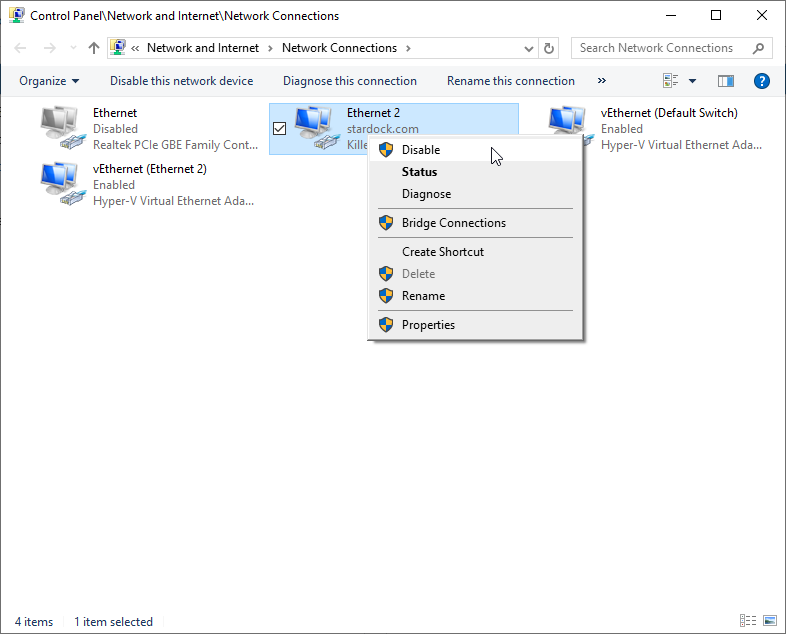
Again, not a solution, but if you disconnect its network connection, does it then go back to the Primary:

What is the network medium for the connection, wired or wireless?

Sean Drohan
Stardock Product Lifecycle Manager

Reply #12 Top

Quoting steeleimaging, reply 11

Clean install of windows fixed it. 

If only I could recommend that to all... ;)

Pleased it worked out for you.

Sean Drohan
Stardock Product Lifecycle Manager