Screen can't be resized horizontally
from  Stardock Forums
Stardock Forums
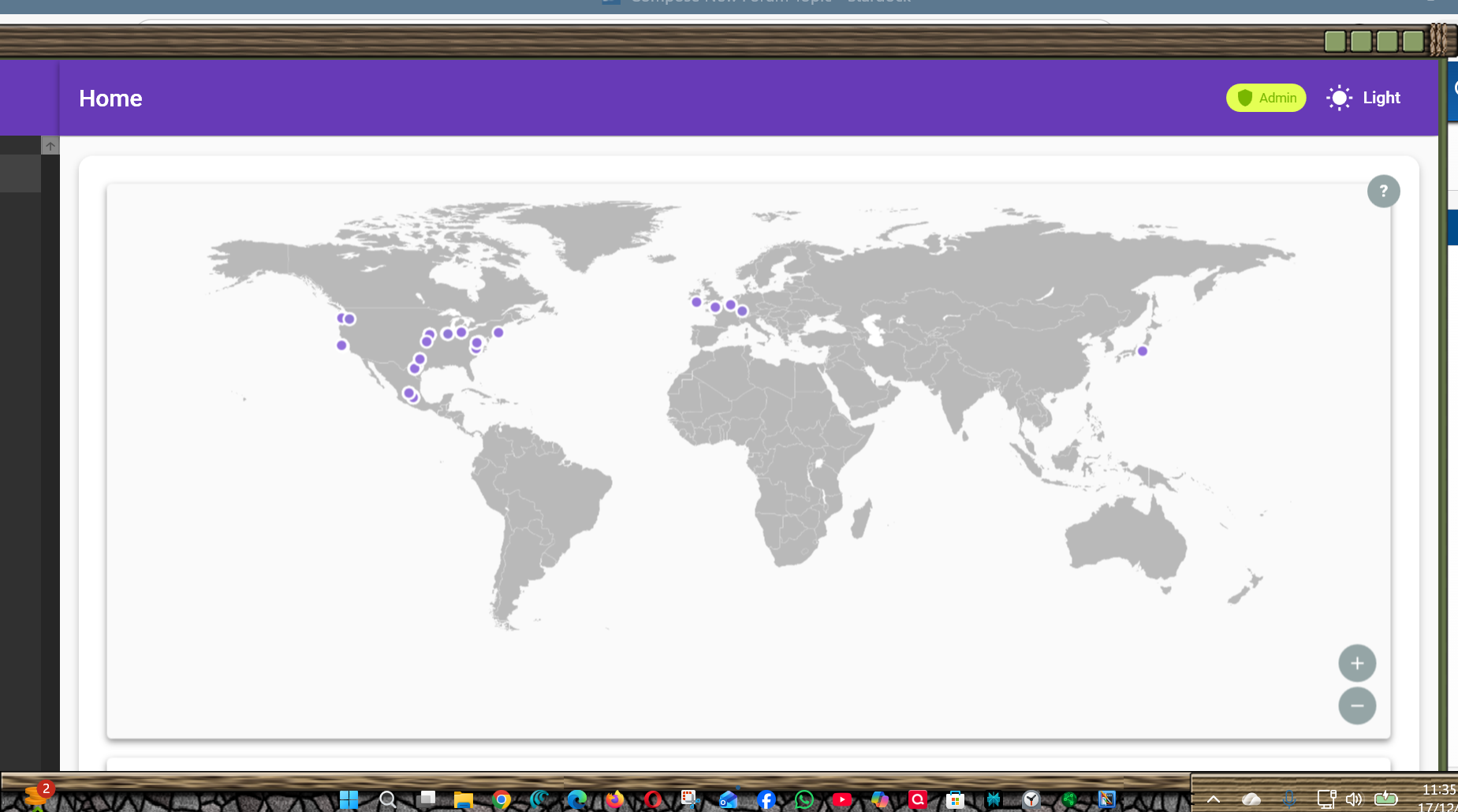
When CE opens it covers all Windows Desktop and can't be resized horizontally.
 Stardock Forums
When CE opens it covers all Windows Desktop and can't be resized horizontally.
Hello,
Sorry to hear you are having issues. Need to know few things.
Thank you,
Basj,
Stardock Community Assistant.
1. Latest version (downloaded yesterday 12/17)
2. Screen Resolution: 1920 * 1080

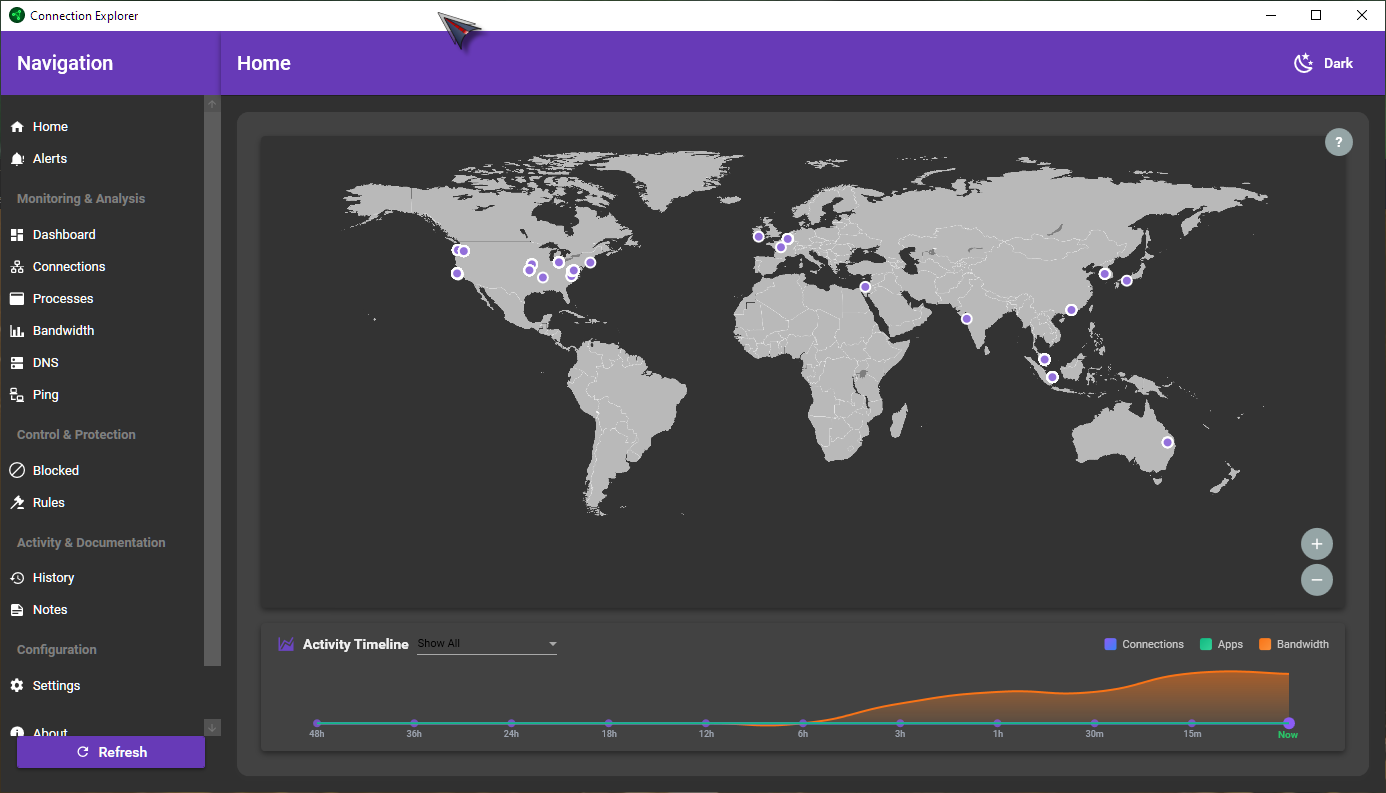
On my system, I can shrink it down a little horizontally and vertically. The smallest I can get is around 1386x793. I guess there are some limit to how small it can get.
Thank you,
Basj,
Stardock Community Assistant
CE is too wide for my screen.
i have 2 monitors both 1280x1024. how can get CE fit on just one?
Hello,
Sorry to hear you are having issues. I tested it on VM system with 1280x1024 screen. I can't make it fit into it. I believe it is best if you post your request here in Connection Explorer feedback thread. https://forums.stardock.com/541301/connection-explorer-10-release-feedback. We really do appreciate your feedback, Thanks
Basj,
Stardock Community Assistant.
It should scale down to that size if you are not doing full screen...I will likely need to do some UI handholding for that specific res.
Any other information about this? Can you check Event Viewer to see if anything is showing up there to help triage this? The app itself is running in user-mode and using standard APIs (and no drivers) so it shouldnt cause a BSOD on a modern machine but nothing is impossible.
Welcome Guest! Please take the time to register with us.
Select a reason for giving karma:
You're about to visit an external site:
Sign up here to get the latest news, updates, and special offers delivered directly to your inbox.