
In full-screen applications, pressing Win only shows the menu bar, not the taskbar.
from  Stardock Forums
Stardock Forums
Hello,
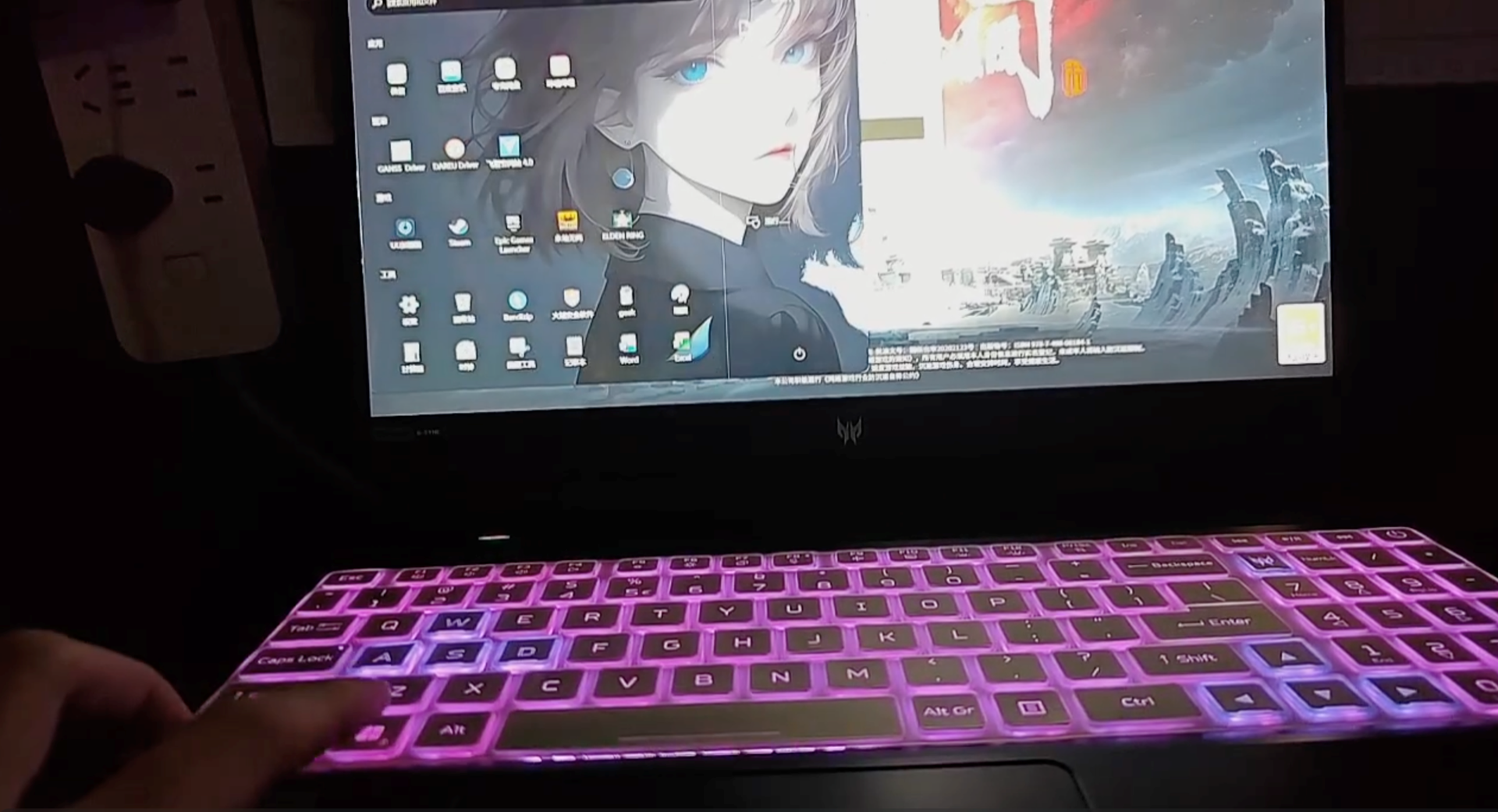
After enabling Start11, when I press the Win key in a full-screen application (like a game), only the Start menu pops up, not the taskbar.
I have already tried purging and reinstalling Start11, but this phenomenon still occurs.
How can I solve this problem? (That is, when I press the Win key in a full-screen application, both the Start menu and the taskbar will be displayed simultaneously.)
Moved to Start Menu Product Area