Fences 6.20 Release Feedback
With the Fences 6.20 release today, we are creating this thread so that users can report any observed issues.
Hello,
It seems I'm still using the old GUI in Fences. What do I need to change to get the other one that Start11 and Groupy have? The text looks small and pixelated compared to the other Stardock programs.
Thank you!
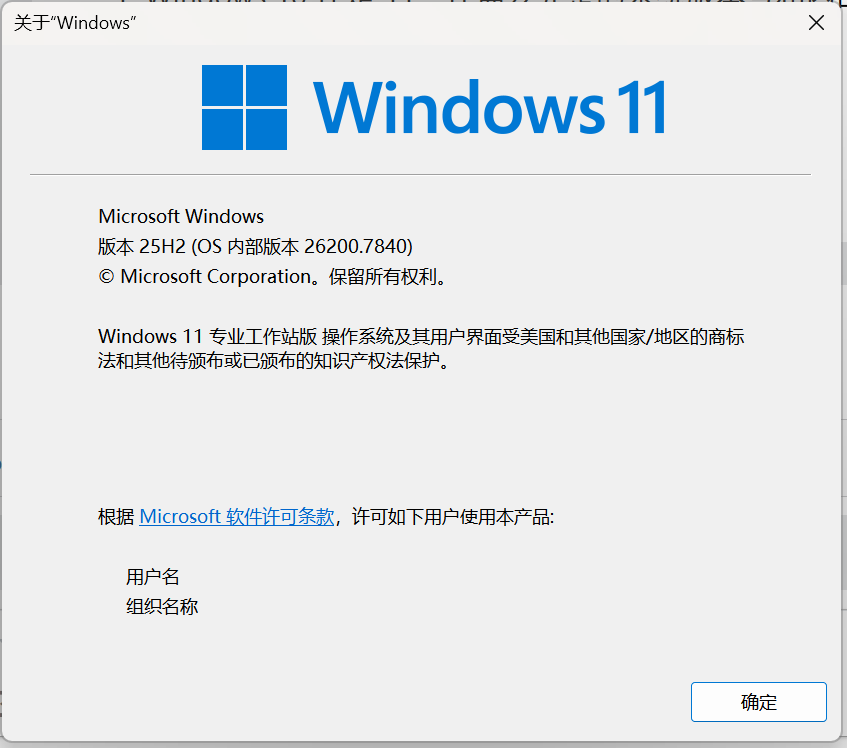
Edition Windows 11 Pro N
Version 25H2
Betriebssystembuild 26200.7462
Funktionspaket Windows Feature Experience Pack 1000.26100.275.0
Fences 6.2.0

Edition Windows 11 Pro N
Version 25H2
Betriebssystembuild 26200.7462
Funktionspaket Windows Feature Experience Pack 1000.26100.275.0
Fences 6.2.0

Fences 6.2 is the latest version available for everyone today. Perhaps the differences you see is just how the way Fences was design. The left column use smaller font since Fences has more option listed there. Perhaps in the future, Fences could look into improving the font size.
I have forwarded your observation to Stardock Support Team for their assistance. Please keep an eye on this thread for any updates. We appreciate your feedback and patience. Thank you.
Basj,
Stardock Community Assistant
Hello,
I'm still having a problem with fences.
When I create a group on the desktop, I get the "modern context menu" as expected.

However, when I create a folder, the old context menu appears.

Have I configured something incorrectly?
Thanks in advance.
This is normal behavior with Fences.
The image upload is a known issue and has been acting up lately. You just need to wait a while and try again.
I'm seeing a similar issue to the one reported by mr_vico.
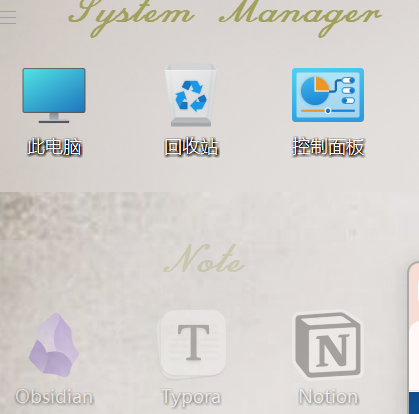
Upgraded from 6.02 to 6.20. Some Desktop Context menus no longer work (an empty sub-menu appears when they are selected).
Under 6.20:

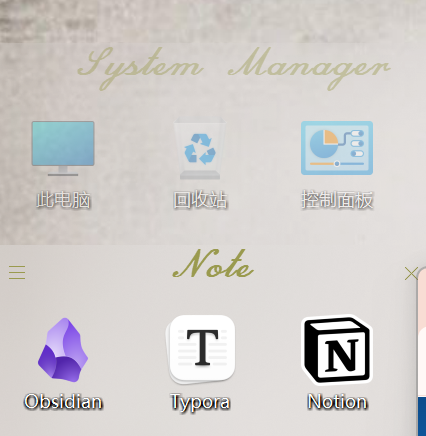
This is the way the menu that appears under 6.02 with Fences enabled and Under 6.20 with the Fences context disabled (Computer\HKEY_CLASSES_ROOT\Directory\background\ShellEx\ContextMenuHandlers\FencesShellExt)

It also happens with Power Options and Switch Power Plans menus.
Let me know what other information I can provide to troubleshoot this.
F.Y.I. Something I noticed with Fences 6.2.2.1 and Windows 26200.7623
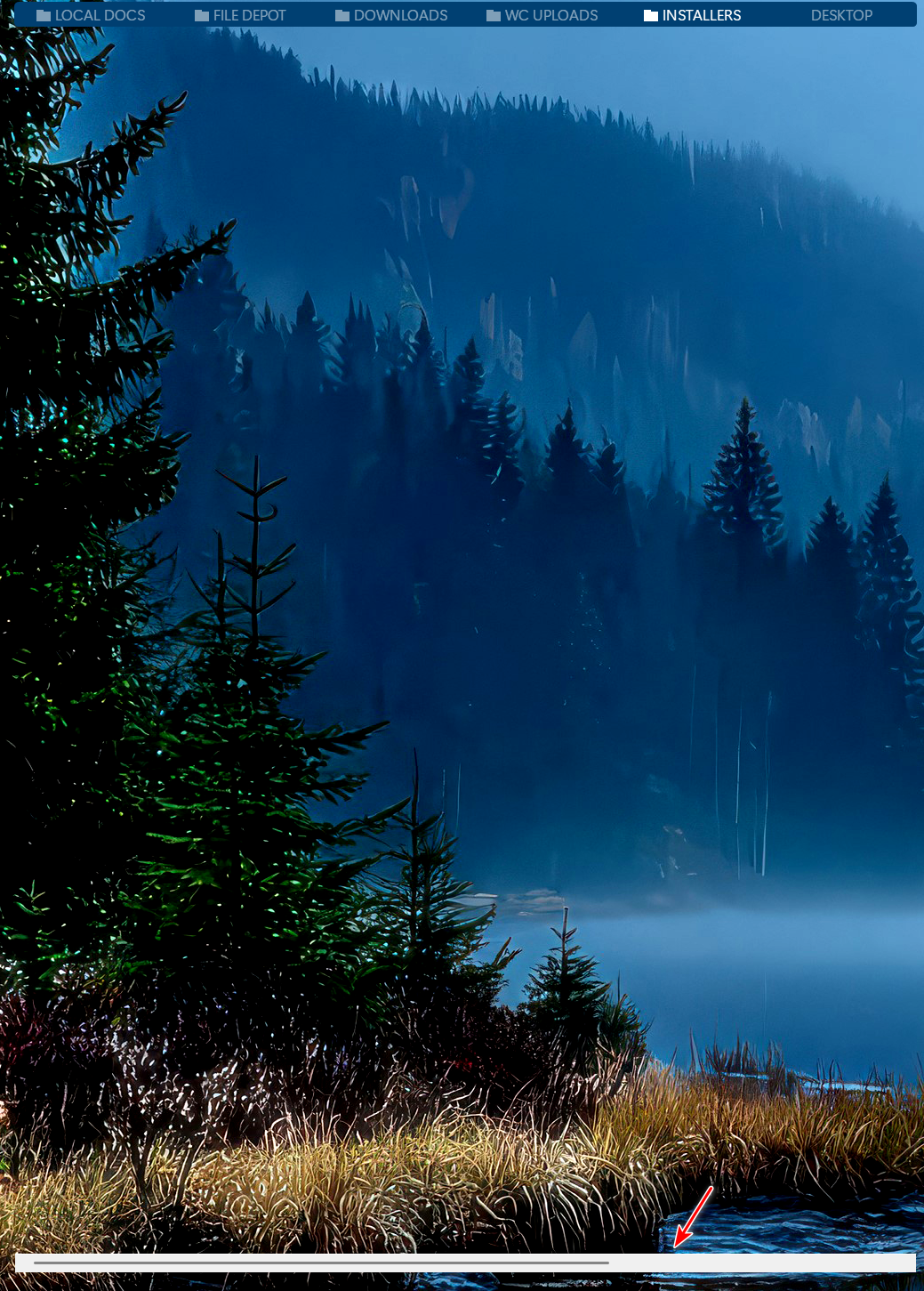
I have "Require clicking titlebar to expand group" checked, and "Switch tabs on Mouseover" in the settings. I have a group of tabs with a combination of Folder Portals and Desktop Fences. One of the Folder Portals is set to View as List, and it does not fit in the Fence window.
When I hover over the Folder Portal tab which is set to View as List, the Fence does not expand as expected based on my settings, but the Scroll bar does display at the bottom of where the Fence would be.
Not a big deal, just wanted to let you guys know.

Hi Pelaird,
Thanks for posting.
I wouldn't expect the group to expand unless the headerbar is clicked, as long as "Require clicking headerbar to expand group" is selected. However, I have reproduced the scrollbar appearing with the mouseover and logged for review.
Internal reference: ODNT-11918
Best regards,
Adam McGuinness
Stardock Support Specialist
All,
Fences 6.40 Beta has been released. For details, please see:
https://forums.stardock.com/540891/fences-640-beta-release-feedback
As always, thank you for your time, feedback, and support.
Sean Drohan
Product Lifecycle Manager
Hi Pelaird,
Thanks for this report — indeed that scrollbar should not be showing. We fixed this in the version just released to beta, v6.40. Thanks again for the report and let us know if you can confirm fixed 🙌
Fences : 6.20 and 6.40 Beta. System: the newst Windows 11
hello,
I’m having a multi-monitor issue. My two screens are stacked vertically. The lower screen is my main screen, and it is also set as the main display in Windows settings.
However, when I place an icon at the very top of the main screen, I can’t keep other icons fixed below it. The other icons are pushed up to the top, so the two rows overlap.
This issue happens in version 6.20, and it is still not fixed in 6.40 Beta.


I’m having a multi-monitor issue. My two screens are stacked vertically. The lower screen is my main screen, and it is also set as the main display in Windows settings.
However, when I place an icon at the very top of the main screen, I can’t keep other icons fixed below it. The other icons are pushed up to the top, so the two rows overlap.
This issue happens in version 6.20, and it is still not fixed in 6.40 Beta.


Hello,
Sorry to hear you are having issues. Not really sure on your issue. Is the issue are between Icons on your desktop vs those inside a Fence? Perhaps, a video would help, in clarify your issue. Create a video on your issue, upload it on any video sharing site, make it publicly available and post it link here.
Thank you,
Basj,
Stardock Community Assistant.
我的多显示器设置有问题。我的两个屏幕是垂直下面的。下面的屏幕是我的主屏幕,它在Windows中被设置主显示器。
但是,当我将一个图标放在主屏幕最上方时,我无法让其他图标固定在其底部。其他图标会被推到顶部,导致两行图标重叠。
问题这个在 6.20 版本中出现,并且在 6.40 Beta 版本中仍然没有修复。


您好,
很抱歉听到您遇到问题。我不太清楚您遇到的具体问题。您是指桌面图标和“微波”内的图标之间的问题吗?也许录制一段视频能够更好地说明您的问题。请录制一段视频,上传到任何视频分享网站,并设置为公开可见,然后将链接贴在这里。
谢谢
Basj,
Stardock社区助理。
Unfortunately, I can not reproduce your issue on my system. Refer to my short video below.

Look like your issue is unique to your system. Please create your thread and we will help you from there.
Also, we need more details. Please provide this information.
Thank you,
Basj,
Stardock Community Assistant

I have enhanced taskbar on, I click an item, it opens another one a few to the right. I have it on a zoomed enhanced taskbar.
When I turn off Start11 enhance taskbar, restart explorer and standard settings it works (which is showing for multiple screens of app multiple icons). When I go in settings and turn "always combine taskbar buttons on" the problem starts.
Please solve this.

@Norwicensis, we have a new build that might help with your situation. And in either event, would be happy to get your debug log.
(1) Enable advanced debug logging. Go to About, Troubleshooting, and click "Enable advanced logging".
(2) Please install the latest version and reboot https://www.dropbox.com/scl/fi/m4zxfd1ynmw75a991zvpv/Fences6_6.4.1.4-j113-Setup.exe?rlkey=rnfr843eia2eylsv1eygq4ovp&dl=1
(3) After rebooting, modify your layout as desired.
(4) Take a backup snapshot from the Layouts tab to capture the "directly before" state. (Ideally, click on the snapshot and rename it "Before")
(5) Reproduce the issue. (Whatever reproducing means to you; rebooting, or letting a certain monitor turn off etc.)
(6) Once reproduced, take another backup snapshot from the Layouts tab to capture the "after" state. (Ideally, click on the snapshot and rename it to "Broken" or "After problem" etc)
(7) Go to About, Troubleshooting, and click "Create error report package". Be sure to include your forums username and upload per the directions.
Thanks for your help looking into this further
I do not put my computer to sleep, I simply turn off the screen, but when I go back to log in, it takes a very long time to restore whatever I had running and Fences do not remain in position and the icons within each Fence have moved around. This started after a recent Windows update while I was running Fences 5. Updating to 6 did not change this behaviour. I seem to recall this problem having happened several years ago, but do no recall the specific solution other than Stardock updated Fences.
Hi, please try installing the copy in the previous post, v6.41 and see if it helps. Thank you
I'll give this a try, but why, when I check for updates, the response is V6.2 is up to date?
This is the current beta.
The most recent beta can be found here: https://www.dropbox.com/scl/fi/54wmi4n6c32jorbzd13gi/Fences6_6.4.2.2-j116-Setup.exe?rlkey=9x5em3kr0wuoq1tu3yrgahhjl&dl=1
(v6.42)
This can also be found by using Object Desktop Manager and enabling Insider builds to have access to betas, but, posting link for simplicitly.
I uploaded the FencesIssueReport to the dropbox site
I removed Fences 6.41 and my computer now recovers from sleep quickly with all my desktop folders in their correct place.
Hello, I'm having a bit of an annoying issue with Fences 6.20
Windows 11 24h2 26100.8037
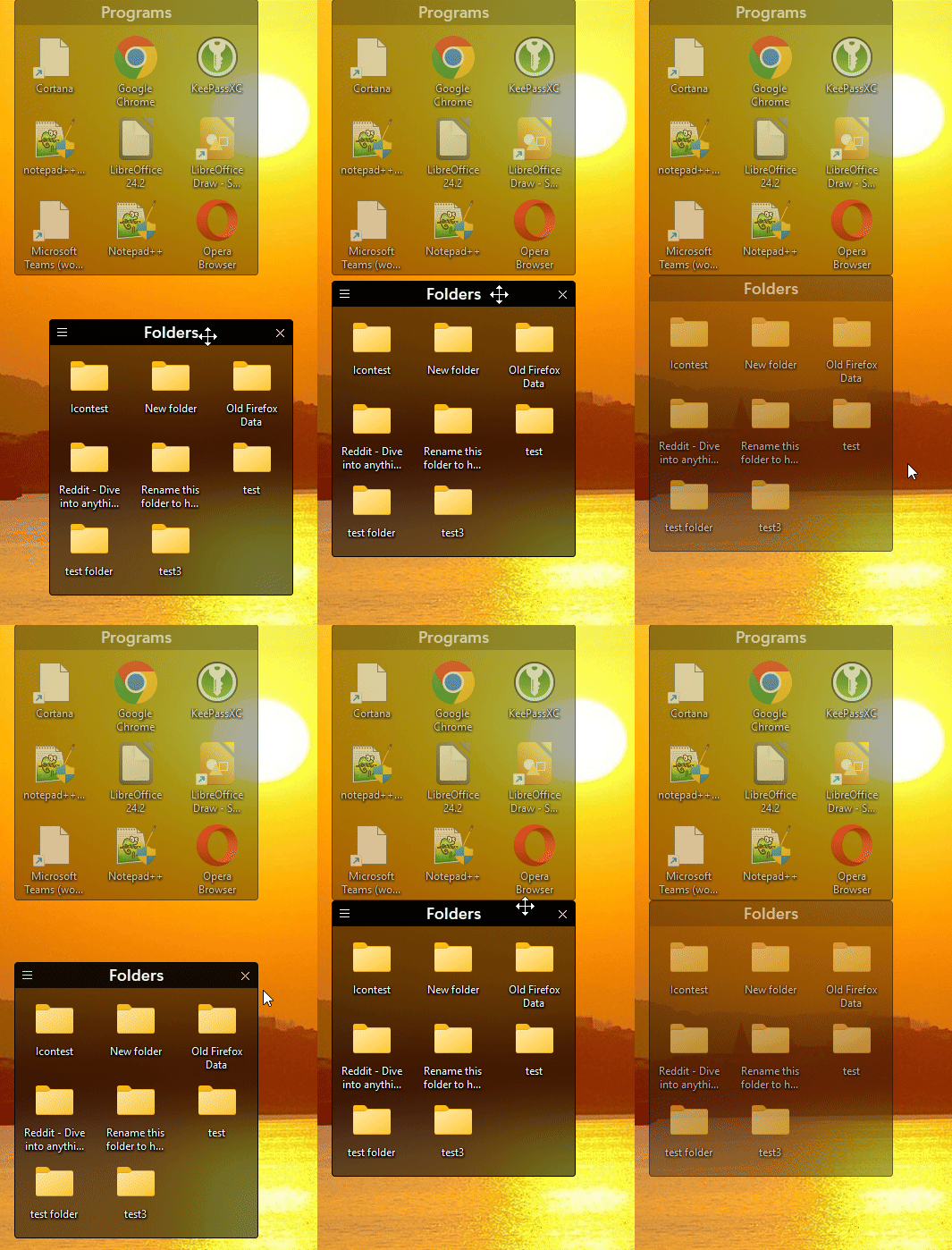
My cursor keeps blinking when I enable these options.
I'm not sure if it's because of Windows or something else.
I'm just reporting this issue.
Thank you
Hello,
Sorry to hear you are having issues. Please try, uninstall Fences, reboot immediately (important), download latest version available in your account product download page: https://store.stardock.com/myaccount/products. Install it, reboot immediately again. Retest it and report back.
Thank you,
Basj,
Stardock Community Assistant.
Hello,
Sorry to hear you are having issues. Please try, uninstall Fences, reboot immediately (important), download latest version available in your account product download page: https://store.stardock.com/myaccount/products. Install it, reboot immediately again. Retest it and report back.
Thank you,
Basj,
Stardock Community Assistant.
-- Edit
Looks like something is restarting every seconds
Welcome Guest! Please take the time to register with us.