Mouse can't pass edge of secondary monitor

Hi There:

I've been running into a persistent issue with Multiplicity for a while now. I've tried re-installing, deleting all settings, etc, but the same issue keeps coming up.

I have a laptop that is set up to be the secondary screen, to the left of my primary which has 3 monitors (so laptop would be the "fourth" monitor). 

When I go to move my mouse to the laptop, it stops at the edge of the right-hand of the laptop's screen and just flickers a bit. I am unable to control the laptop. I've tried numerous settings, but nothing seems to allow the mouse to actually travel onto the laptop screen and allow me to control it. 

Both machines are running Windows 11 Pro, both are on the same (cabled) subnet.


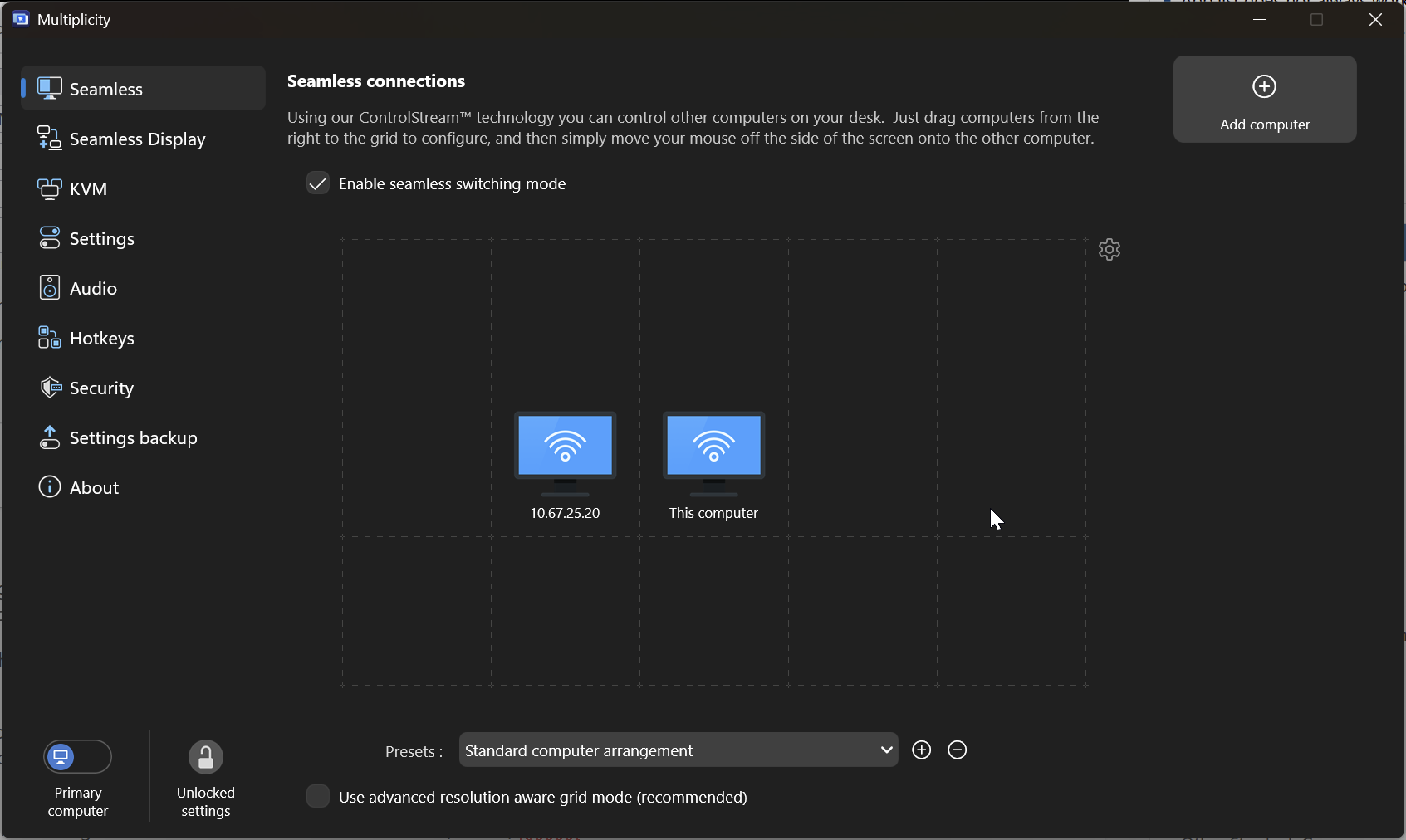
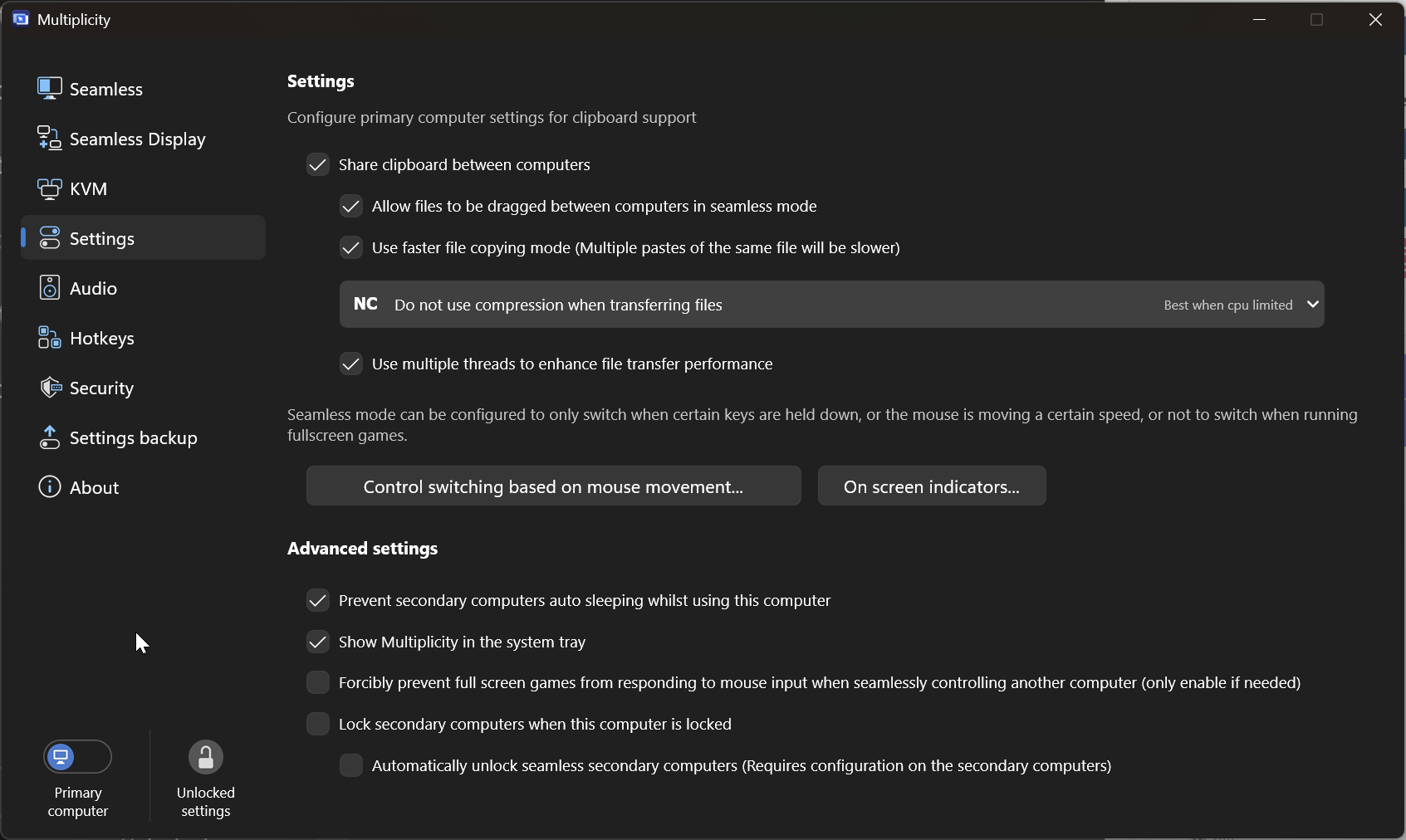
My primary settings are below:


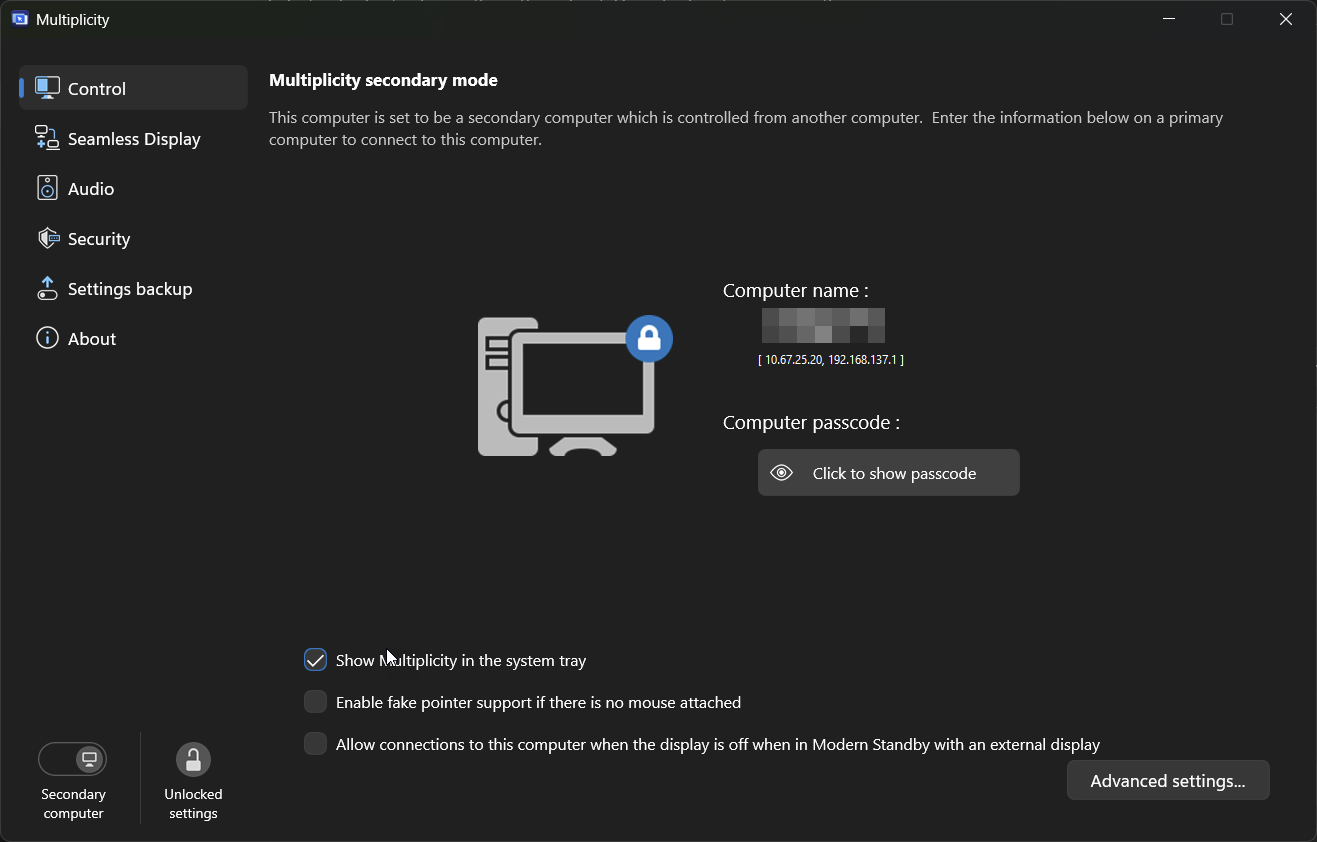
Secondary:
 

Let me know if there is anything you can suggest I try.


1,623 views 7 replies
Reply #1 Top

Hello,
Sorry to hear you are having issues. I have forwarded your problem/question to Stardock Support Team for their assistance. Please keep an eye on this thread for any updates. We appreciate your feedback and patience. Thank you.

Basj,
Stardock Community Assistant

Reply #3 Top

Hello,
I have forwarded your problem/question again to Stardock Support Team for their assistance. Please keep an eye on this thread for any updates. We appreciate your feedback and patience. Thank you.

Basj,
Stardock Community Assistant

Reply #4 Top

For Seamless connections (not Seamless Display), this is always where you are going to want to start:

https://support.stardock.com/space/SHC/1287946260/Multiplicity+Connection+issues+101

Sean Drohan
Stardock Product Lifecycle Manager

Reply #5 Top

Quoting sdRohan, reply 4

For Seamless connections (not Seamless Display), this is always where you are going to want to start:

https://support.stardock.com/space/SHC/1287946260/Multiplicity+Connection+issues+101

Sean Drohan
Stardock Product Lifecycle Manager


Hi Sean:

That link seems to offer solutions where the connection fails altogether, but it does not appear to address my particular issue. I am able to get a connection between the Main and Secondary computer and can see my mouse flicker on the edge of the secondary screen for brief moments (I've even been able to accidentally close a window on the secondary while doing so because I clicked my mouse button just as it flickered over the "X" on the secondary). 

This seems more a problem with either how Multiplicity see the screen dimensions of the secondary or keeps the mouse captured on the secondary. 

Reply #6 Top

Quoting atomic_cattleprod, reply 5


Quoting sdRohan,

For Seamless connections (not Seamless Display), this is always where you are going to want to start:

https://support.stardock.com/space/SHC/1287946260/Multiplicity+Connection+issues+101

Sean Drohan
Stardock Product Lifecycle Manager


Hi Sean:

That link seems to offer solutions where the connection fails altogether, but it does not appear to address my particular issue. I am able to get a connection between the Main and Secondary computer and can see my mouse flicker on the edge of the secondary screen for brief moments (I've even been able to accidentally close a window on the secondary while doing so because I clicked my mouse button just as it flickered over the "X" on the secondary). 

This seems more a problem with either how Multiplicity see the screen dimensions of the secondary or keeps the mouse captured on the secondary. 

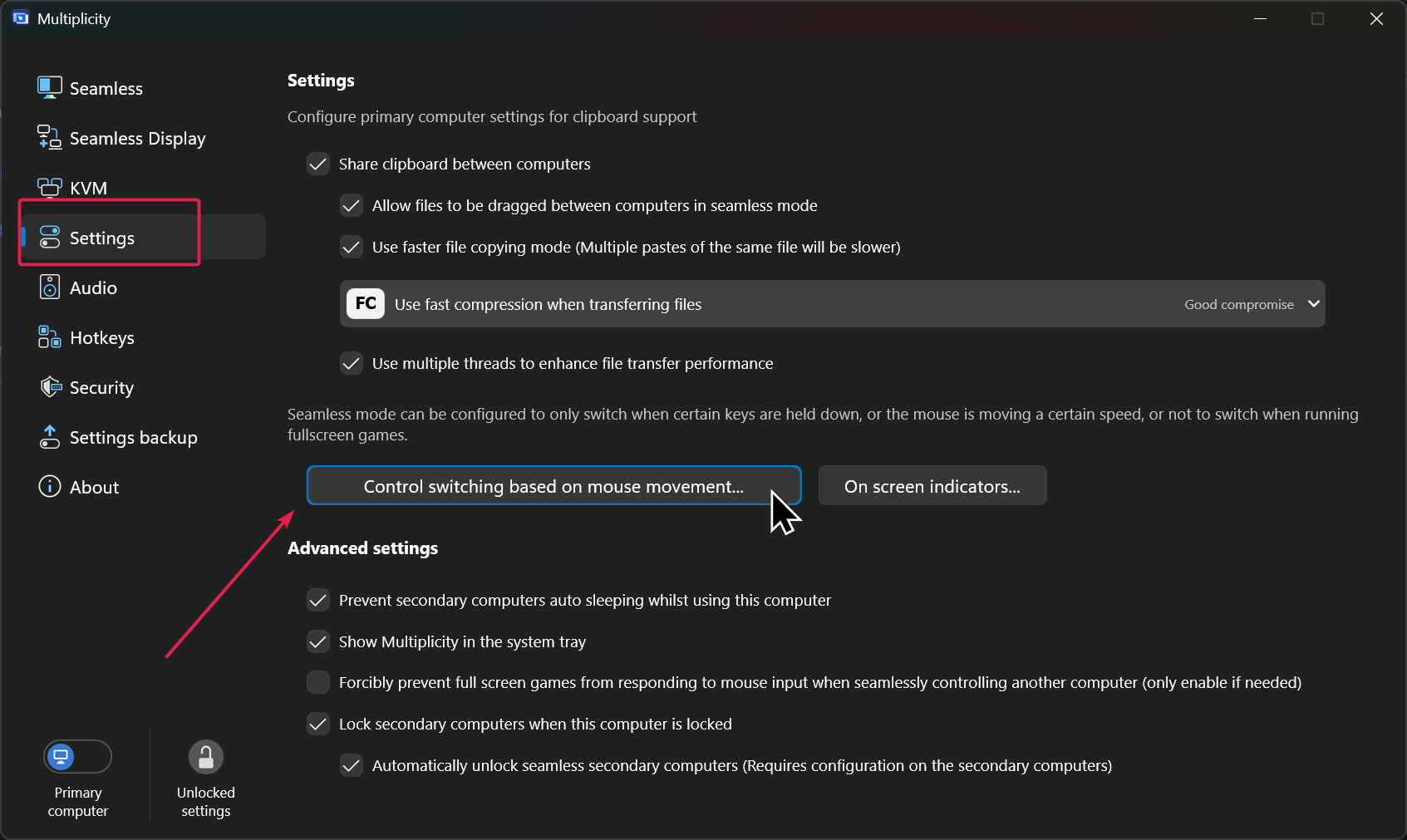
Do you have restrictions on when the cursor can traverse to a Secondary?

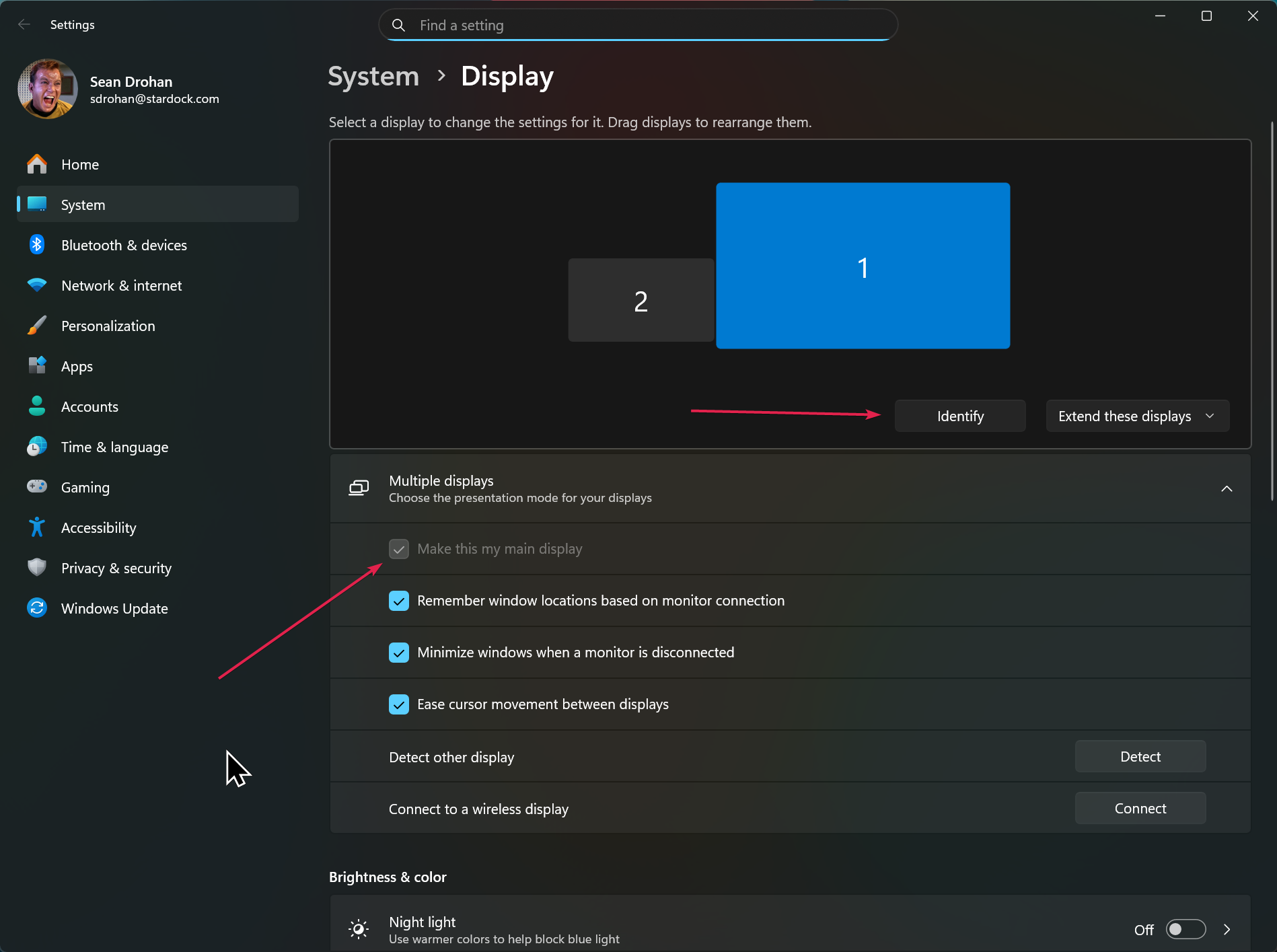
Also be sure you have the monitors set correctly (it needs to traverse to the 'main' monitor to start

Sean Drohan
Stardock Product Lifecycle Manager

Reply #7 Top

Hi Sean:

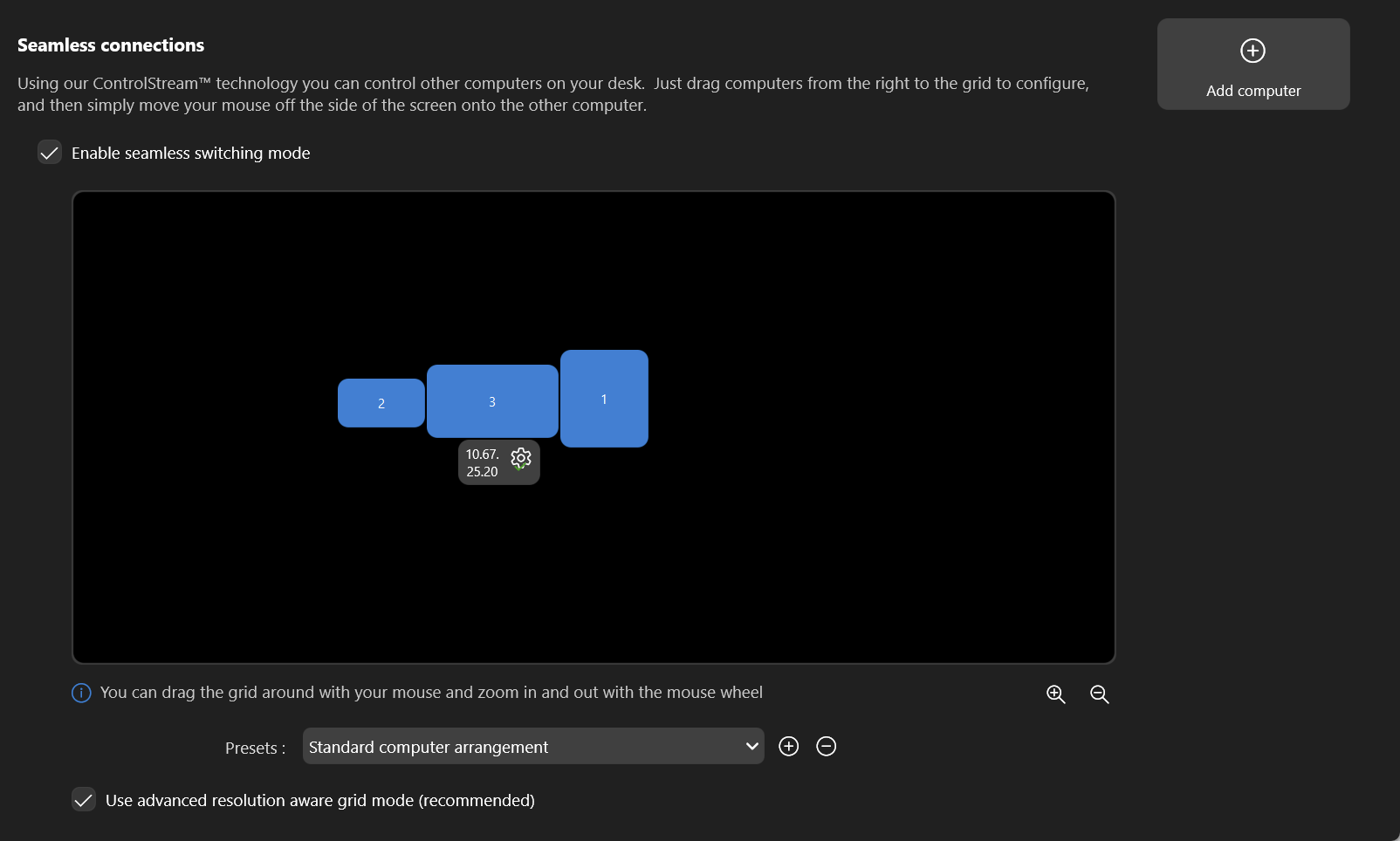
So, I think I see what you meant by "it needs to traverse the "main" monitor to start. I seem to have resolved the issue by "placing" my laptop underneath my middle (main) monitor using the "advanced resolution aware grid mode":


While this does work (and I can deal with it like this for a while), it does seem to be a regression in functionality. Prior to some update, Multiplicity worked fine with my laptop placed to the left of my left-most screen. This seems like a pretty silly limitation to have been introduced into the product.  

(note, I did test this using the advanced mode with my laptop to the left and it did not work - it only appears to work in the orientation above).