pin web page
Pinning website not working correctly.
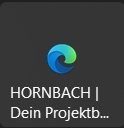
Pinned websites only display the Edge logo. However, it is displayed correctly in the Windows 11 Start menu.
See example with Mapy.com. This used to work correctly.
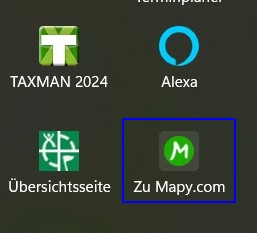
Windows 11 Start
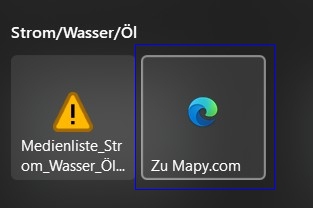
Start11 v 2.56
Pinning website not working correctly.
Pinned websites only display the Edge logo. However, it is displayed correctly in the Windows 11 Start menu.
See example with Mapy.com. This used to work correctly.

Windows 11 Start

Start11 v 2.56
Hello,
Sorry to hear you are having issues. Need more information.
Thank you,
Basj,
Stardock Community Assistant.
Hallo Basj,
danke für die Rückmeldung.
2 Wege:
1. Edge: Menü:Weitere Tools: An Startmenü anpinnen
2. Start11: Neu: Website anpinnen (Strg+v Weblink)
Anmerkung: Geht auch in meiner Virtuellen Win11 Maschine nicht!
thanks for the feedback.
2 ways:
1. Edge: Menu: More tools: Pin to Start menu
2. Start11: New: Pin website (Ctrl+v web link)
Note: Doesn't work in my Win11 virtual machine either!
I've successfully reproduced the issue on my system—please refer to the short video below for a demonstration.
I've also forwarded your question to the Stardock Support Team for further assistance. Kindly keep an eye on this thread for any updates.
We truly appreciate your feedback and patience. Thank you!

Basj,
Stardock Community Assistant
Hi LKinH,
Thank you for posting. We now have this logged for review.
Internal Reference: ODNT-11468
Best regards,
Adam McGuinness
Stardock Support Specialist
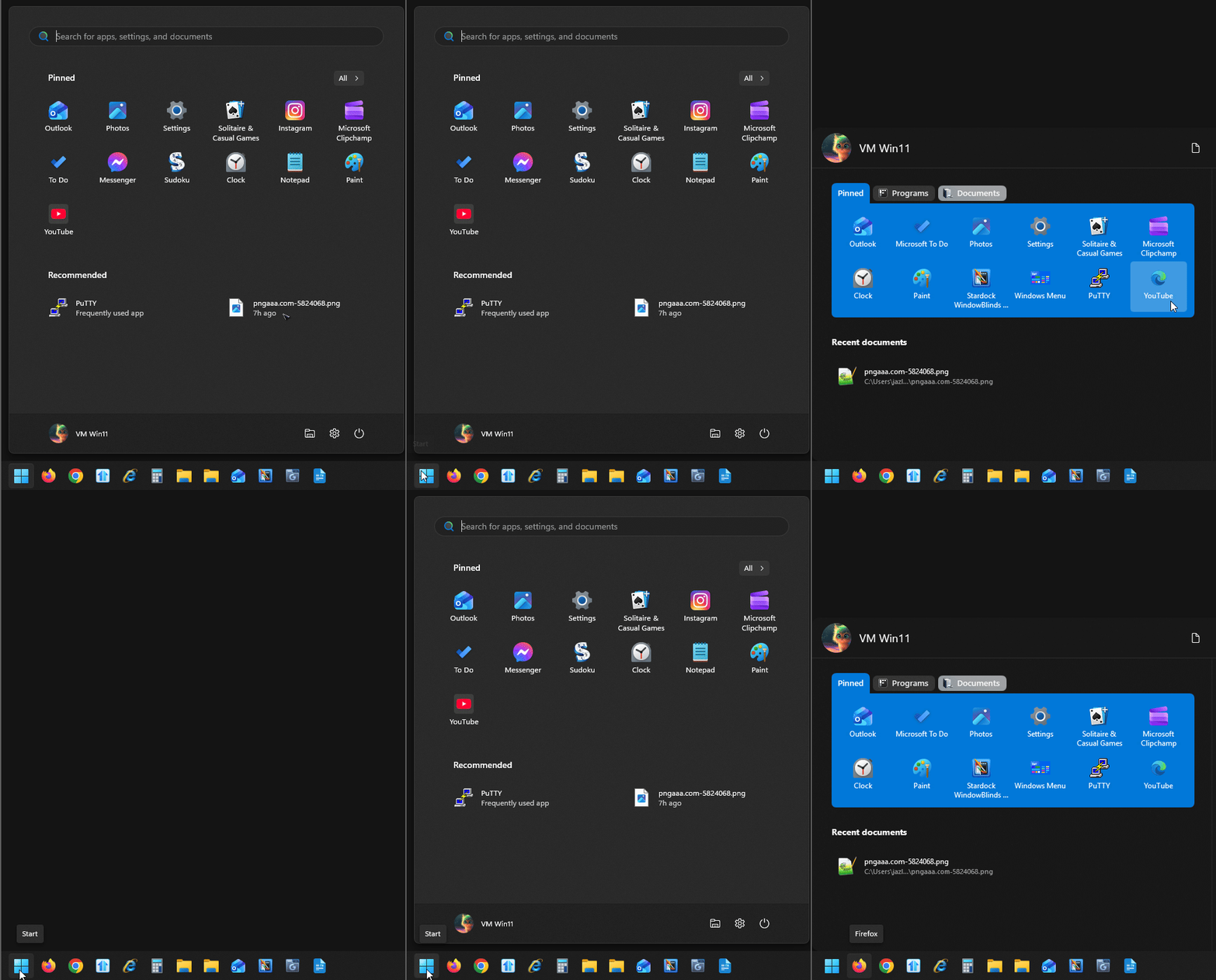
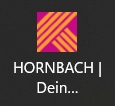
Unfortunately, the correct pinning of web pages has not been implemented in the latest version either. Attached are the tiles from Windows 11 (correct) and Start 11.

Windows11

Start11v2.603
Best regards Lutz
Hello,
Sorry, but, from this thread: https://forums.stardock.com/540382. I does not mentioned that you issue was resolved with current release version. Perhaps it will be soon.
Thank you,
Basj,
Stardock Community Assistant
How are you doing the pin? From Start11 menu itself or from edge?
Neither option works. ‘basj’ already figured this out on November 04 2025.
I don't understand why this still hasn't been fixed in the current version?
Best regards,
Lutz
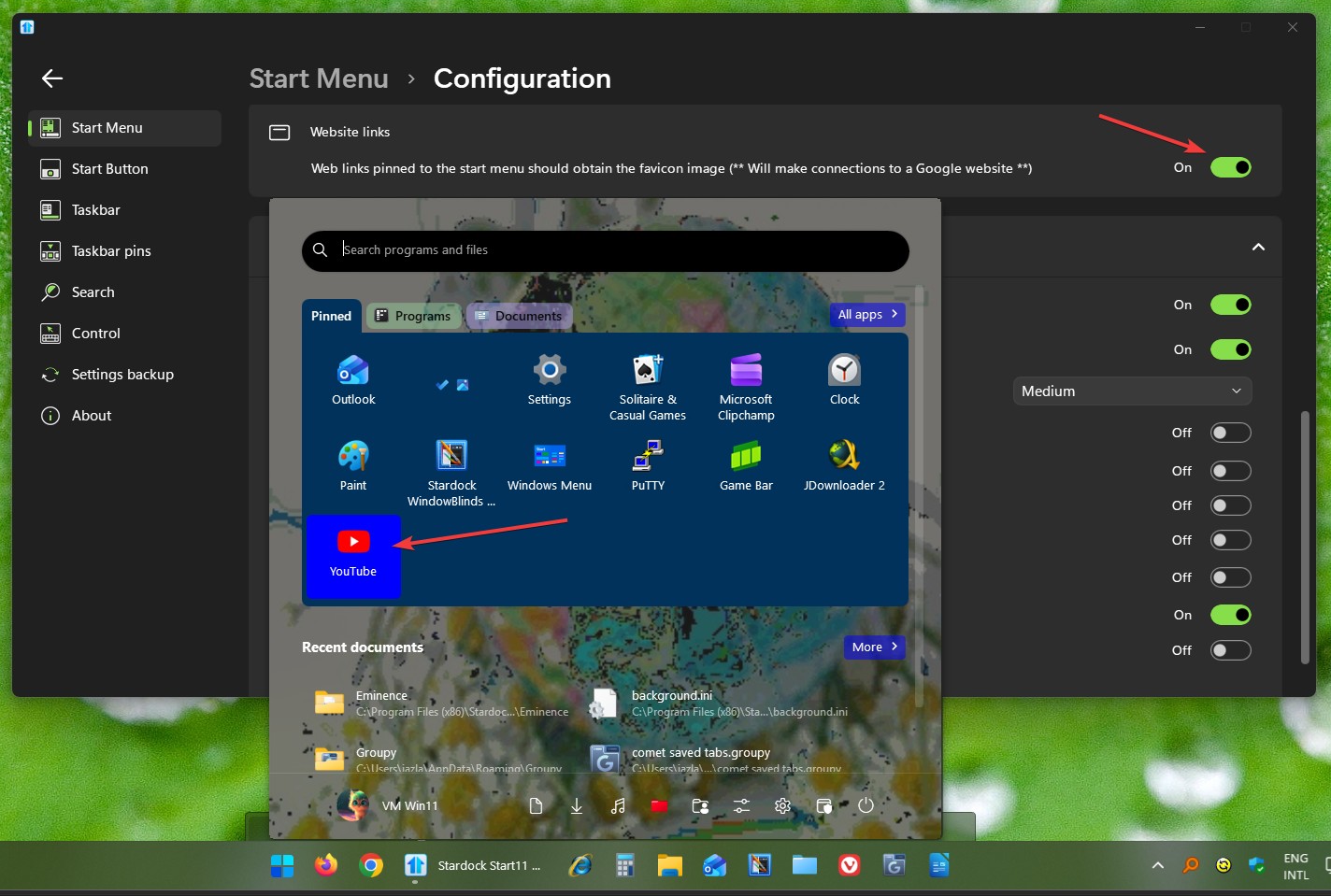
Do you have the option enabled in Start11 (configure menu button on bottom of config window, scroll down to advanced) called website links. I just checked here and images were obtained for web links pinned via Start11
I can confirm that turning this option work. I just need to unpin the not working icon from Start menu. Use the "All apps" to search the Web App to repin, in my example "Youtube" apps and now it show the correct Youtube icon.

Thank you,
Basj,
Stardock Community Assistant
The website button was off. I activated it with the following result.
1. Via Start11: Pinning the website, works.
2. Via Edge: More tools --> Pin to Start menu, does not work.
Best regards,
Lutz
Welcome Guest! Please take the time to register with us.