Start11 2.5.5.4

Menu items covered

Hi,
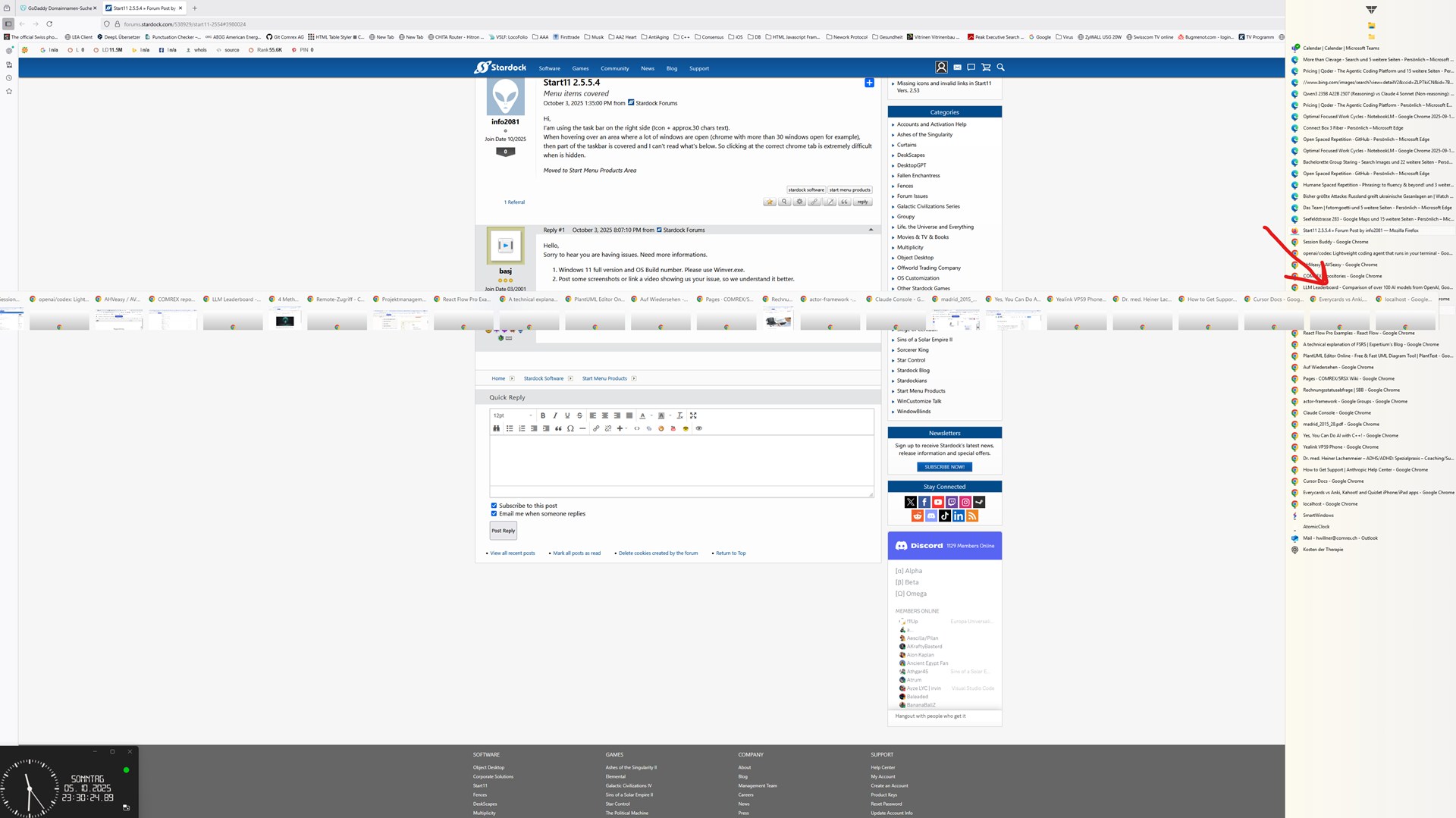
I'am using the task bar on the right side (Icon + approx.30 chars text).
When hovering over an area where a lot of windows are open (chrome with more than 30 windows open for example), then part of the taskbar is covered and I can't read what's below. So clicking at the correct chrome tab is extremely difficult when is hidden. 

Moved to Start Menu Products Area
849 views 5 replies
Reply #1 Top

Hello,
Sorry to hear you are having issues. Need more informations.

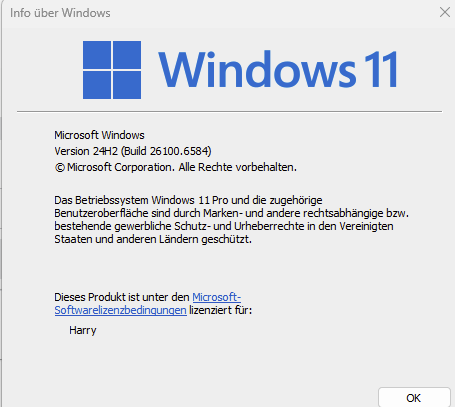
  1. Windows 11 full version and OS Build number. Please use Winver.exe.
  2. Post some screenshots or link a video showing us your issue, so we understand it better.

Thank you,
Basj,
Stardock Community Assistant.

Reply #3 Top

Hello,
Thanks for bringing this up. I’ve tested it on my end and noticed that when the preview thumbnail opens, it does cover a few taskbar buttons. However, you should still be able to select the window you want by clicking directly on the thumbnail.

In the meantime, I’ve forwarded your question to the Stardock Support Team for further assistance. Please keep an eye on this thread for any updates. We truly appreciate your feedback and patience—thank you!

Basj,
Stardock Community Assistant

Reply #4 Top

Hi, 

The problems isn't solved yet!!! Clicking on the thumbnail goes through on the right side where items are under the thumbnails. That's not a proper user interface. And up to now no update did fix this really disturbing behavior.
Fortunately MS did announce the side bar will be included again in future win 11 updates. 
Your company did such a bad job. Let customers in the rain with such an ugly bug - unable to fix it - what a pain.

- Harry

Reply #5 Top

Hello,
Sorry to hear you are having issues. I understand your frustration, and I have forwarded your problem/question to Stardock Support Team again for their assistance. Please keep an eye on this thread for any updates. We appreciate your feedback and patience. Thank you.

Basj,
Stardock Community Assistant