Is 24H2 compatible with Deskscape?

Hello.

I have two Windows 11, installed on my machine.

Device Name 980Pro2Games

Processor Intel(R) Core(TM) i9-10980XE CPU @ 3.00GHz 3.00 GHz

Installed RAM 64.0 GB (63.7 GB usable)

System Type 64-bit Operating System, x64 Processor

Pen and Touch Pen and touch functionality is not available on this display.

Windows 11 Professional Edition

Version 24H2

Installed on ‎12/15/2024

OS Build 26100.2605

Experience Windows Feature Experience Pack 1000.26100.36.0

The system listed above is common to both Windows, except it has been upgraded to 24H2 and does not have Deskscape installed.

I think Deskscape, which is not installed on this Windows, is the culprit.

Asking Microsoft to "lift" the ban on the program, in my opinion, is not a bad idea, at worst nothing will happen, at best, Microsoft will tell you where it's stuck! My machine is eligible for 24H2, as you can see.

Thanks.

See you later.


7,743 views 12 replies
Reply #1 Top

Hello,
Sorry to hear you are having issues. But, I have DeskScapes running on my Windows 11 24H2. Refer screenshot below. Have you tried uninstall Deskscapes, reboot immediately after uninstall finished, Re-download latest Deskscapes v11.02. Install it, reboot immediately again right after installation is done. Retest and report back.

Thank you.
Basj,
Stardock Community Assistant.

Reply #2 Top

As long as you have the current version of Deskscapes you should have no trouble with it on 24H2.

I am not aware of any install blocks either.

Reply #3 Top

Thanks for your answer


I'm not happy about it, but I'm going to uninstall Deskscape and see if Microsoft agrees to let the 24H2 pass.


I'll keep you informed.


Thanks again.


See you later.

Reply #4 Top

I installed Deskscapes long ago, and recently updated to 24H2. No problems whatsoever.

Reply #6 Top

I am also having "issues" with Deskscapes after the upgrade to 24H2.

If I let the windows screensaver turn the screen blank, when I move the mouse to return to desktop the desktop is compressed in the top left quarter of my screen, the rest is grey. After a second or two the deskscape background expands to fill the screen as it should but things are not quite right..eg..the arrows in the shortcut icons are either totally missing or replaced with a small orange box with a small horizontal bar in it!

Refreshing the desktop corrects this.

I have tried uninstalling, rebooting, re-installing rebooting Deskscapes but that hasn't made any difference.

Anyway, I'll keep trying to suss out what is happening but hoping someone can help me out here :)

Wishing you all a magic festive season,

NightlightUK


Reply #7 Top

Hello.

24H2 installed, after uninstalling Deskscape.

For now everything works, except one detail: I set my taskbar, so that she hides herself automatically. It hides, but it does not show anymore, when I hover the mouse over it.

Forced to use the keyboard with the Windows key.

So, the question arises : 24H2 or Deskscape?

Thanks.

See you later.


Reply #8 Top

Quoting philumax, reply 3

Thanks for your answer


I'm not happy about it, but I'm going to uninstall Deskscape and see if Microsoft agrees to let the 24H2 pass.


I'll keep you informed.


Thanks again.


See you later.

A suggestion...run sfc /scannow from an elevated command prompt before trying to update to 24H2.

Reply #9 Top

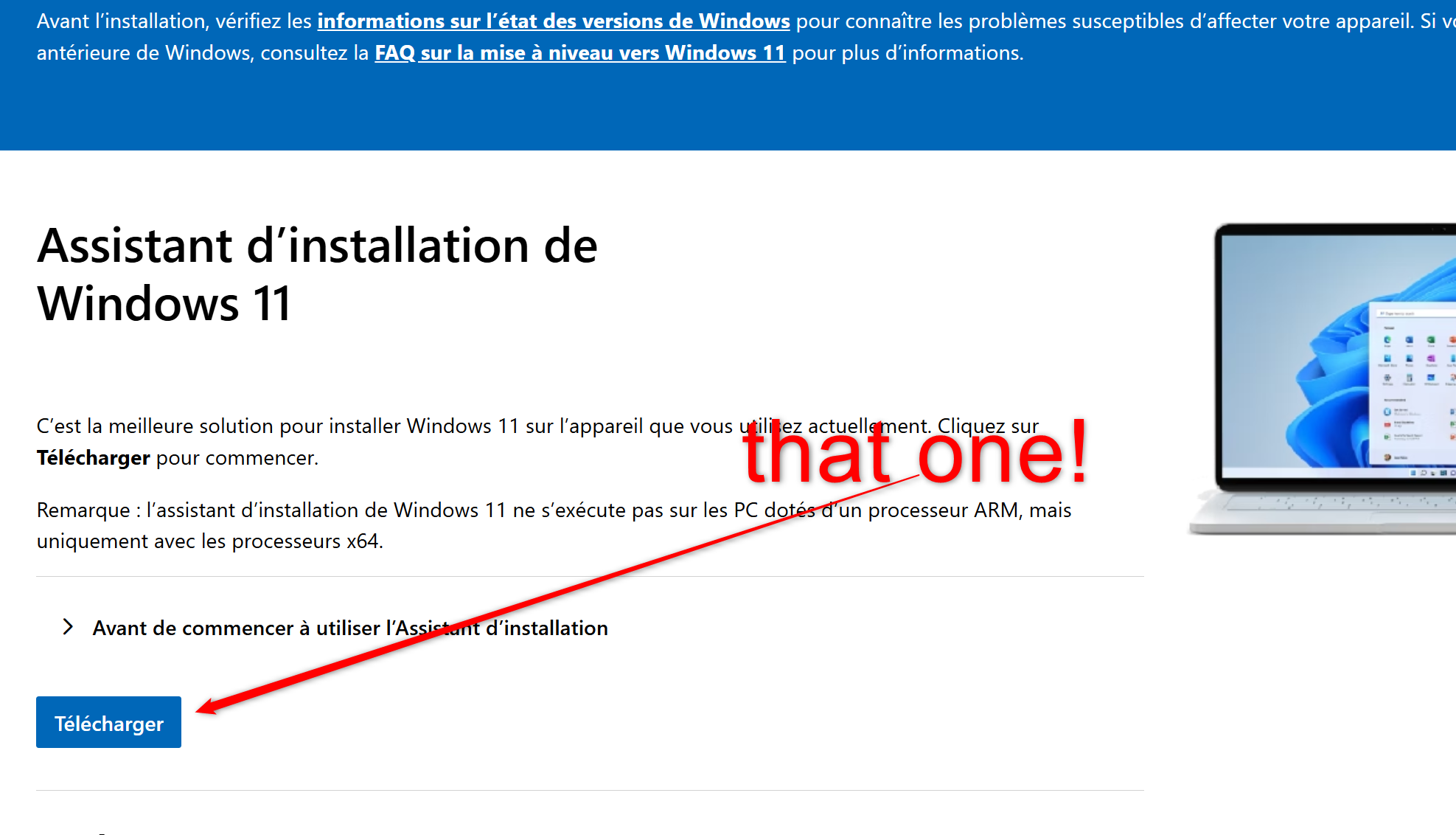
I went through the Microsoft site here: 

https://www.microsoft.com/fr-fr/software-download/windows11?msockid=1274c300ce1660770ef7d64ecf9361fa

24H2

I specify: you will be invited to download the compatibility verification tool and that you will have to run. Its expertise will be automatically detected by the installation module and you will only have to launch it: it takes time, make yourself a coffee...

good luck !

Reply #10 Top

A little clarification: I ran SFC\scannow and it seems that the taskbar problem has disappeared...

Reply #11 Top

Quoting philumax, reply 10

A little clarification: I ran SFC\scannow and it seems that the taskbar problem has disappeared...

Glad to hear it. It should be run periodically as system files can get corrupted and give weird problems.

Reply #12 Top

I had noticed that! 🤣