Tiles 2 position issue

There's a white line I wanna "hide"

After installing Tiles 2 on my PC I now see a while (out)line running along the side of my screen.  This line will be on one side or the other depending on which side of the screen chosen for Tiles.  All I wanna know is how to tweak the Tile so that the line is no longer there.  

2,518 views 6 replies
Reply #1 Top

Hello,
Sorry to hear you are having issues. Need to know you on Windows 10 or 11? Also need to know Windows full version number. Use Winver.exe to get it.

Thanks

Basj,
Stardock Community Assistant.

Reply #2 Top
  • This will be a Windows 10 Pro

Version 22H2 (OS BUILD 19045.2788)


The PC is a Asus ROG G90 connected to a 2009 Panasonic TC-P50X1 50 inch (127cm) Plasma TV.  


It doesn't seem to be a real issue, except for the fact that I'm using a plasma TV to display my pc.  It just looks as though the edge of the Tile is just sticking out a bit and needs an adjustment to Go in a little more 

Reply #3 Top

Please post a screenshot show us the line/edge you're looking at.

Thank you,

Basj,
Stardock Community Assistant

Reply #4 Top

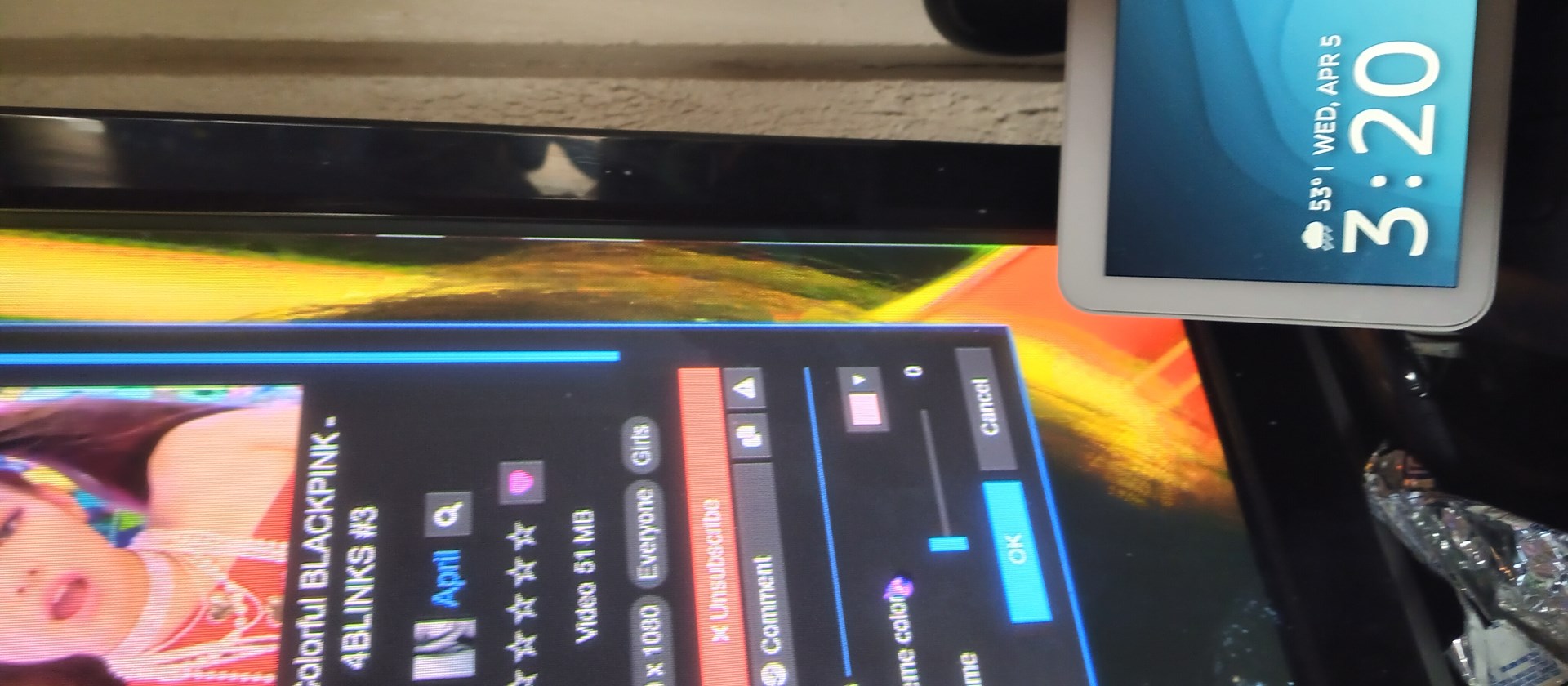
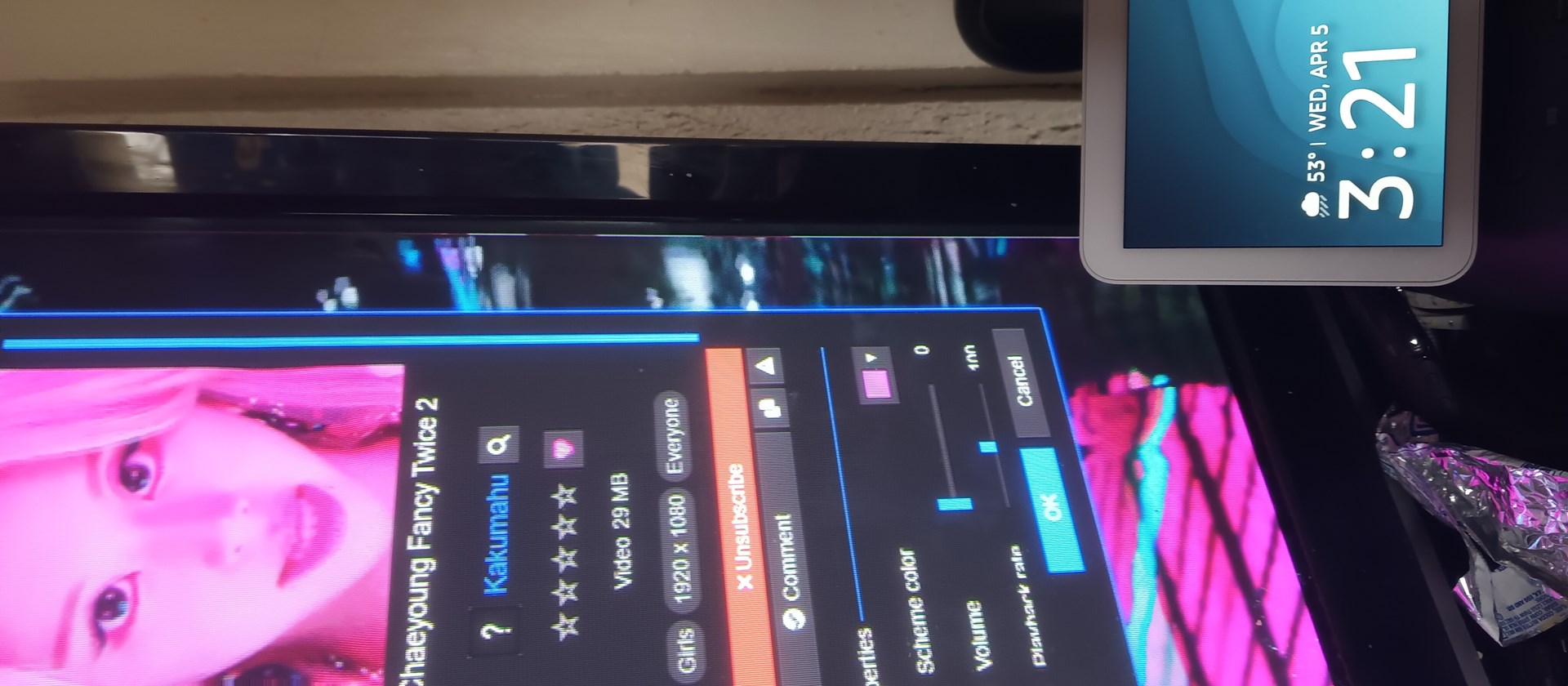
I dont know how to take a screenshot with my pc so i used my phone. The little bit.  The wallpaper(s) are from Wallpaper Engine on Steam.   These are 2 different live wallpapers from Wallpaper Engine, and that line is there on both.  I tried another and the line is there as well.   


of white along the edge is what I'm talking about

Reply #5 Top

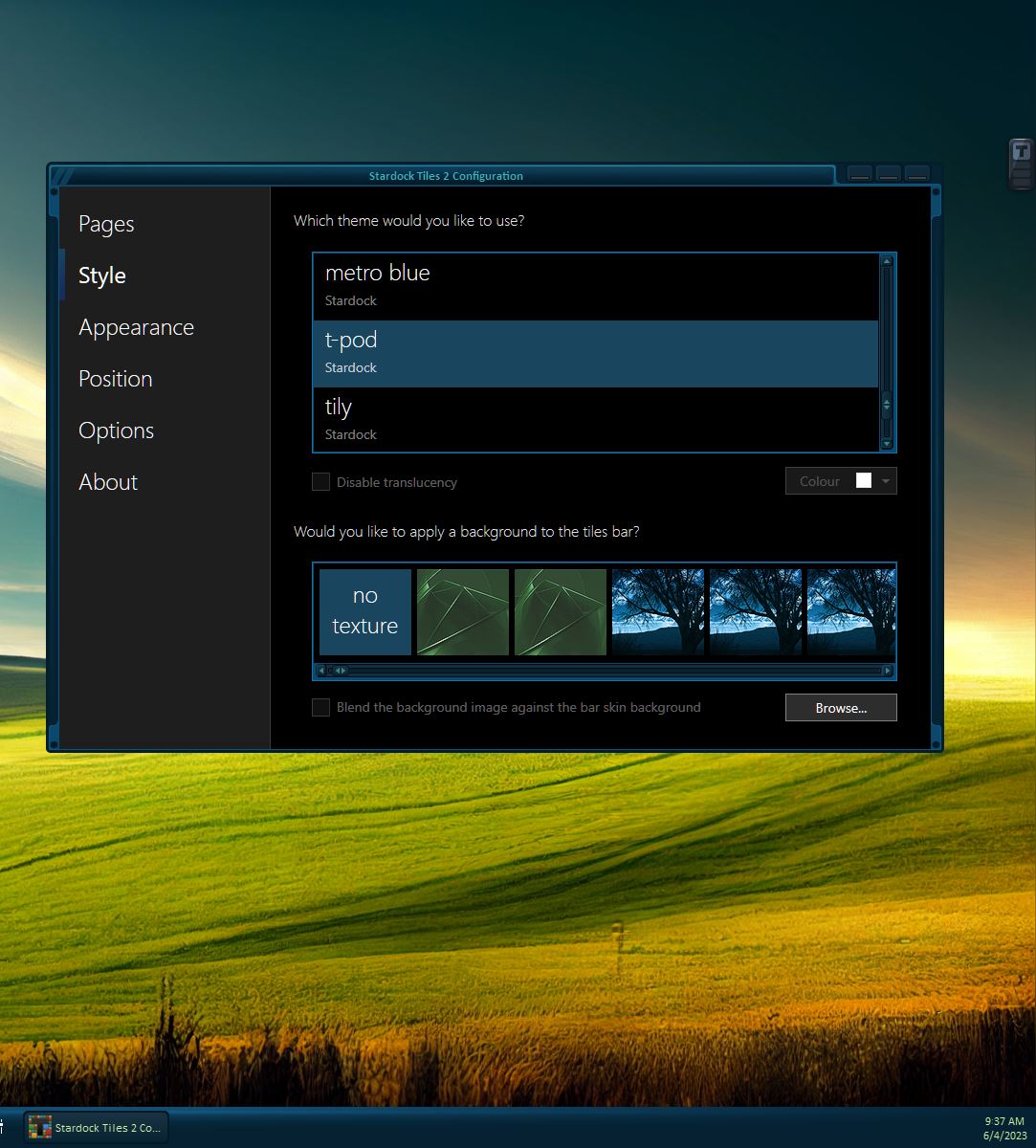
Try Dark theme. Like T-pod

Thank you,

Basj,
Stardock Community Assistant

Reply #6 Top

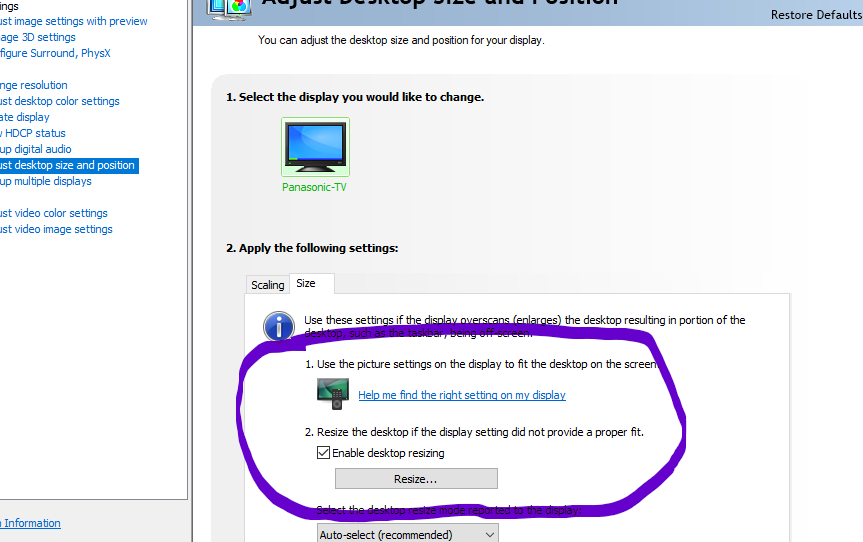
Sorry for the late reply, but I think I fixed the "problem".  The long version is that (As stated) I have a 2009 50inch plasma TV, by which there is an overscan issue. I had previously needed to set my NVIDIA settings so that I can see the start menu and Taskbar.  The problem is that I set the width just a little too far inward. All I did was go back into these setting and widened it a tiny bit.  

I still see the start menu and taskbar so everything is ok.