Island Dog Island Dog

NOW AVAILABLE: Release Candidate 1 Update for Start11

NOW AVAILABLE: Release Candidate 1 Update for Start11

Enhance the Start Menu and Restore Classic Functionality with Start11

Get into the Beta

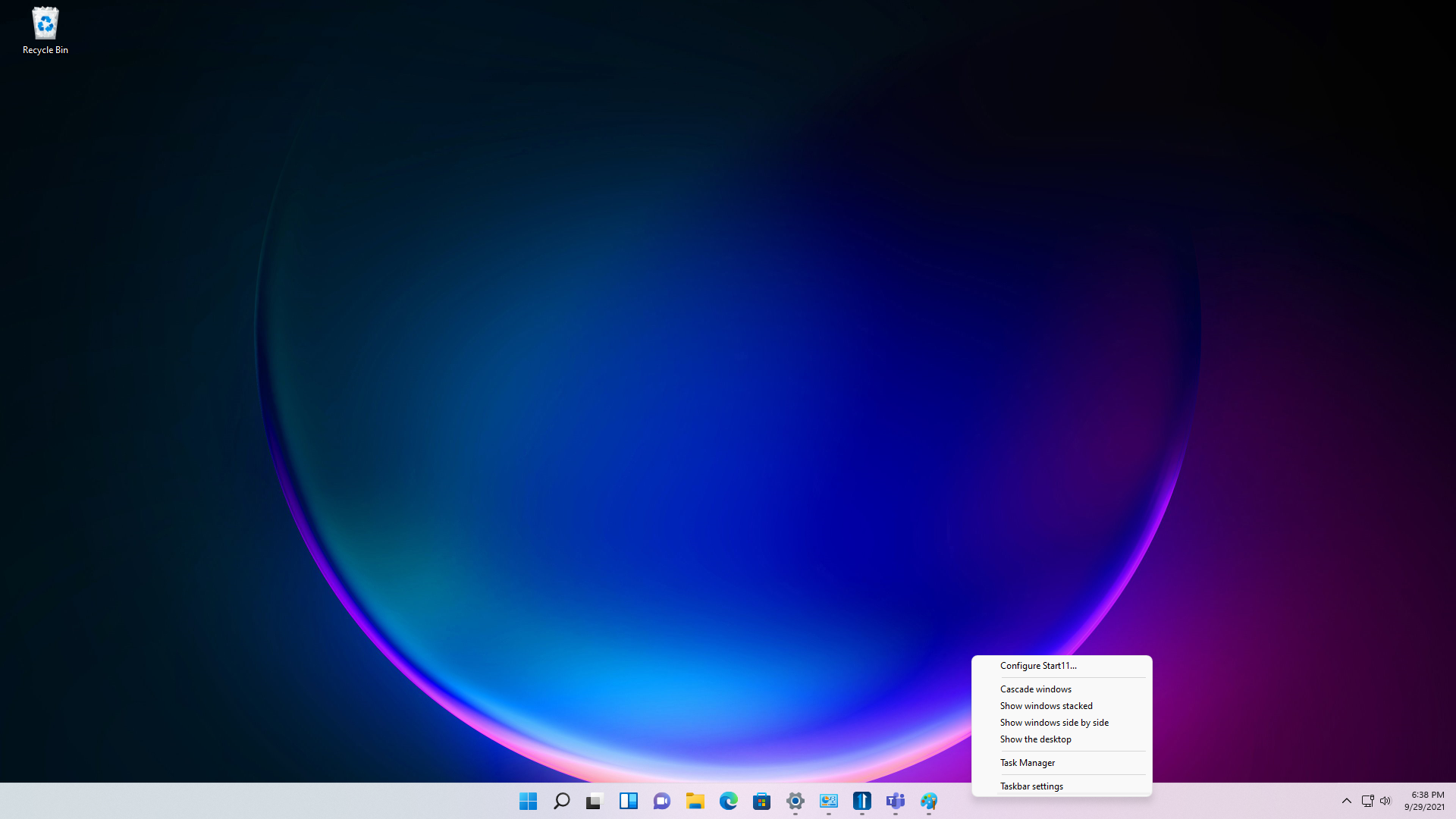
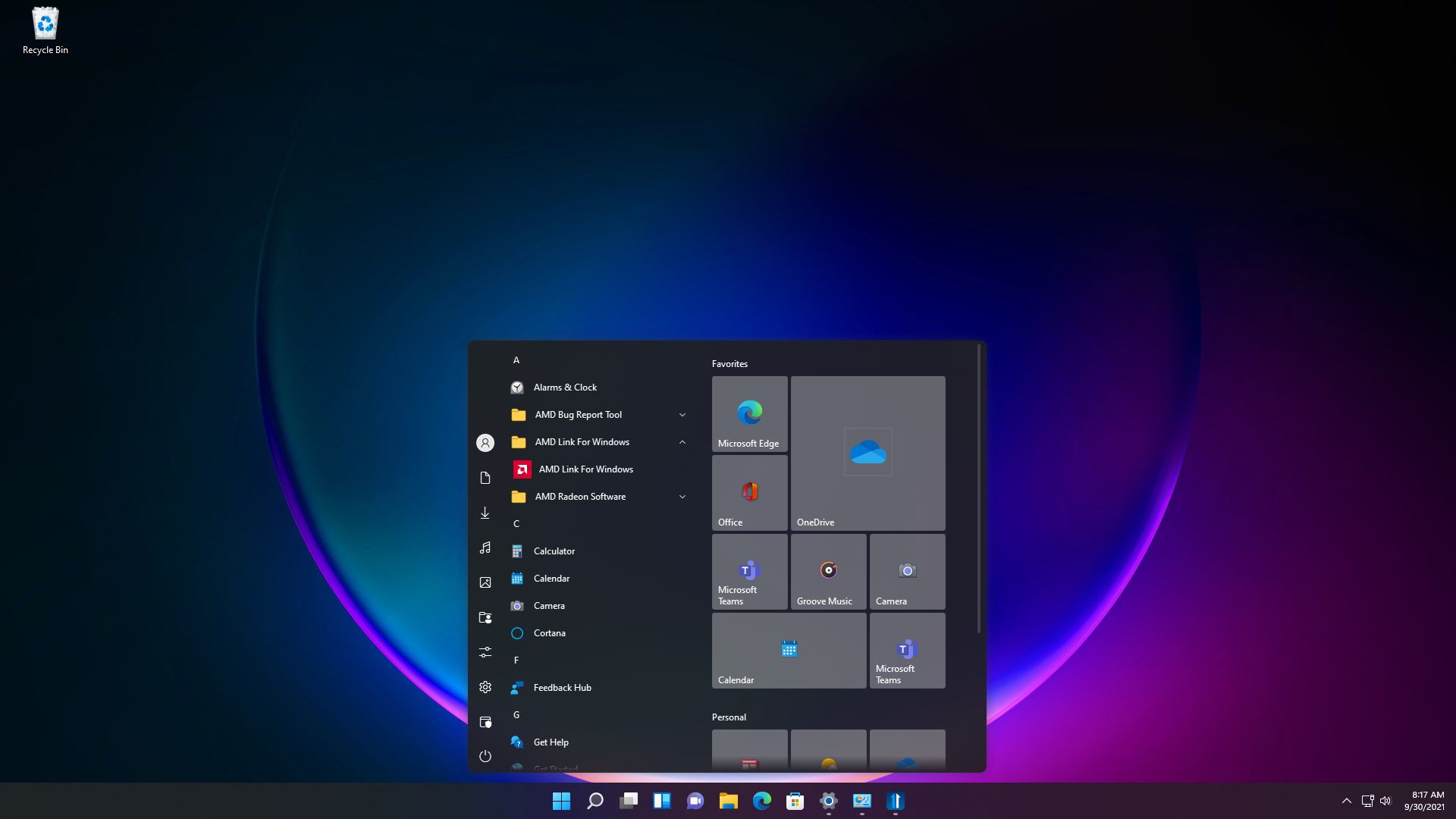
Stardock announced the availability of the Release Candidate 1 update for Start11, a program that allows users to customize the Windows Start menu and taskbar. This update brings several new Start menu layouts to choose from, restored context menu functionality, enabled repositioning of the taskbar, plus one of our users’ favorite features: Fences integration. As with previous editions of StartX products, Start11 allows users to restore the Start menu to appear as it does in previous versions of Windows, as well as customize and enhance its functionality.  
Start11
Start11

Start11 is designed for Windows 11 and Windows 10 and comes loaded with features intended to make Windows more productive and personal. Start11 supports moving the Start button to the middle or to the left, adjusting the taskbar size, re-ordering quick access shortcut lists, options for adjusting grid spacing, enhanced classic and modern search experiences, and much more.  

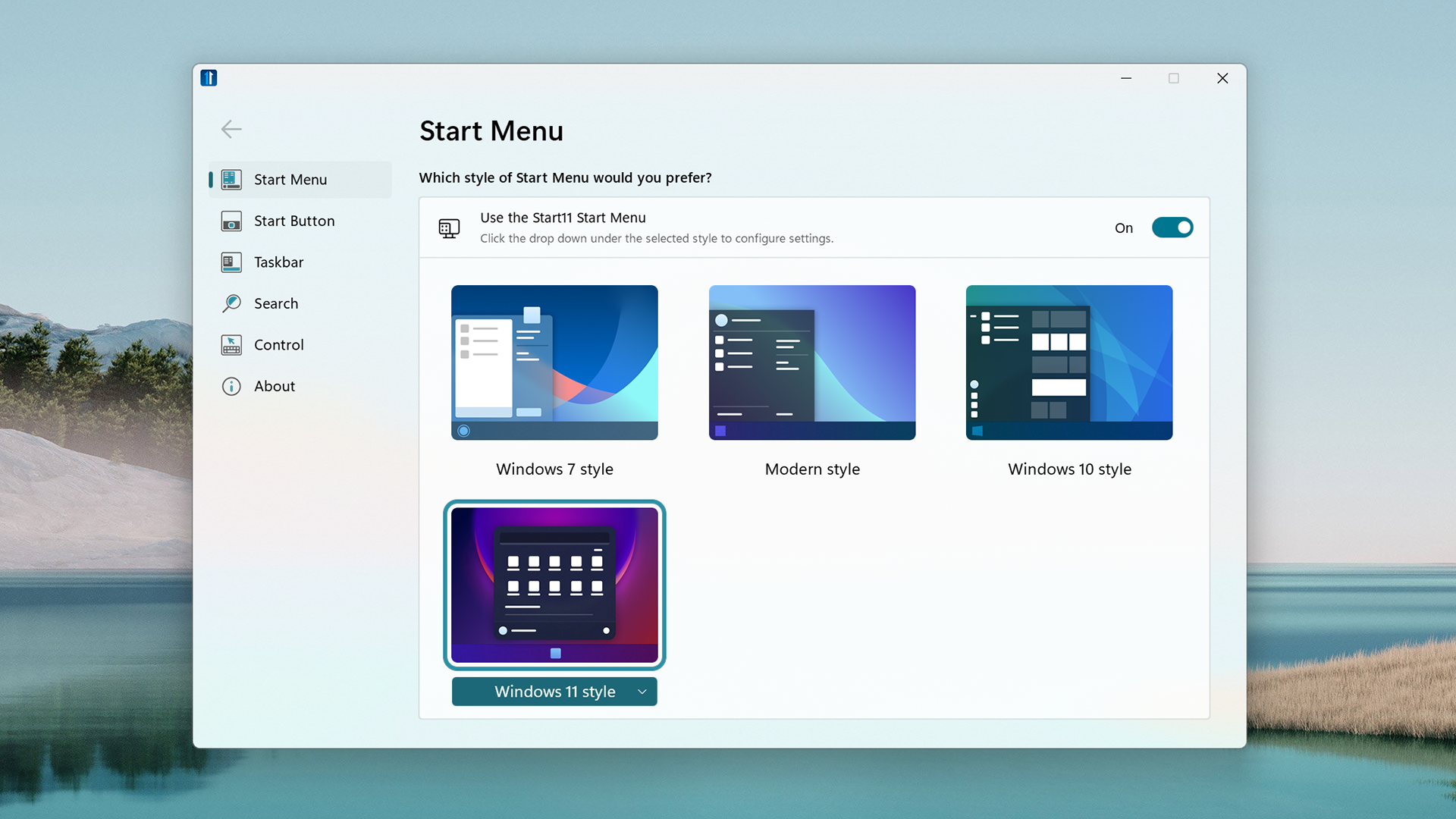
For users who want to personalize their Start menu, Start11 offers robust customization options ranging from aesthetic to functional. The software enables enhanced Windows 10 and Windows 11 style Start menus, a compact Windows 7 design, optional Windows 11 style for classic menus, and many additional settings that let you configure your personalized Start menu.  

Start11 extends this to support a host of new Start menu ideas such as the concept of pages, minimalism, and features for our enterprise customers.

Start11
Start11

The Start11 beta is currently available for $4.99.
Get into the Beta


104,555 views 33 replies
Reply #26 Top

Are there any release notes for version 0.91 that went out today?

Reply #27 Top

Quoting c242, reply 4

And will we get rid of the dark style inconsistencies?  


This would definitely break the deal for me. I hate inconsistency.


Reply #28 Top

Quoting whistlerpro, reply 11

Hi all, just bought Start 11, great product! Having only just scratched the surface just a couple of questions...

Start 11's Win 11 style start menu is significantly wider on my Surface Book 2 than the regular Windows 11 start menu... will we get an option to tweak the width? I can see the appeal of a wider menu, but would like to be able to keep it compact. 

Secondly, the in-built search seems to use Bing, which is ok I guess... but any chance we can get an option to change this to Google? For me this would be a big win in terms of making the search more useful.

In a similar vein I think I'd also appreciate a way to hide the search box all together, perhaps with it only appearing if I typed something...?

Thanks!
I also use Google's search engine.  Bing can go bang itself...lol.


Reply #29 Top

Quoting RedneckDude, reply 27


Quoting c242,

And will we get rid of the dark style inconsistencies?  

This would definitely break the deal for me. I hate inconsistency.


This is resolved in RC2

+1 Loading…
Reply #30 Top

I just updated Start 11 and still didn't fix Left Hand Short Cuts. I have it set to 6 Tiny and it's still showing 10. No matter what I set it on it's still giving me 10. If I set it to 20 still 10 and the start menu just gets bigger.

Windows 10 OS

Replies 15,16,and 17

Reply #31 Top

Of course Start 11, on Windows 11, doesn't use the WindowFX animations.  But then, the default start menu doesn't either.

Reply #32 Top

Being able to switch off taskbar grouping would be a plus. Hope, this is not another feature I have not found yet. ;-)