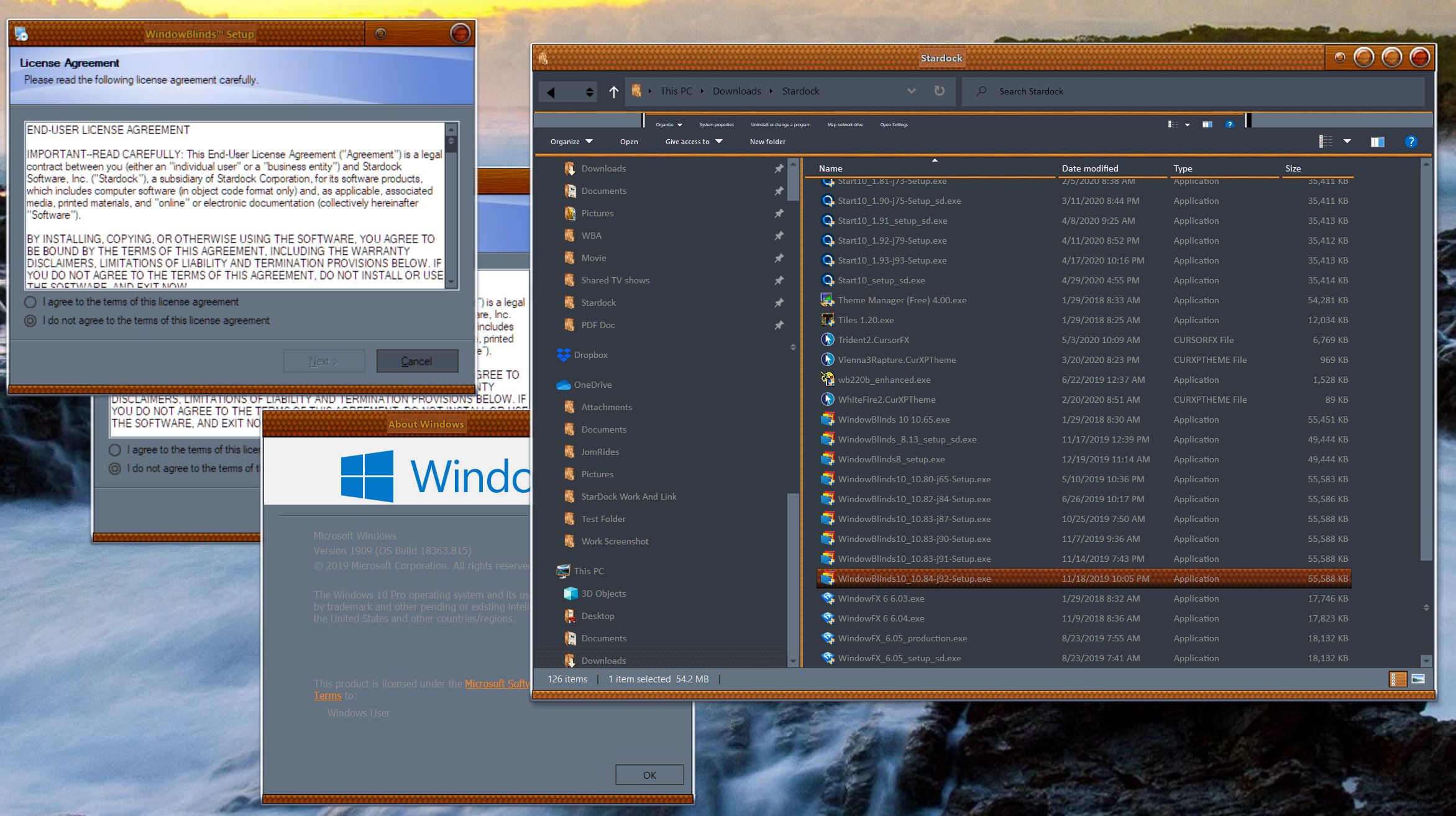
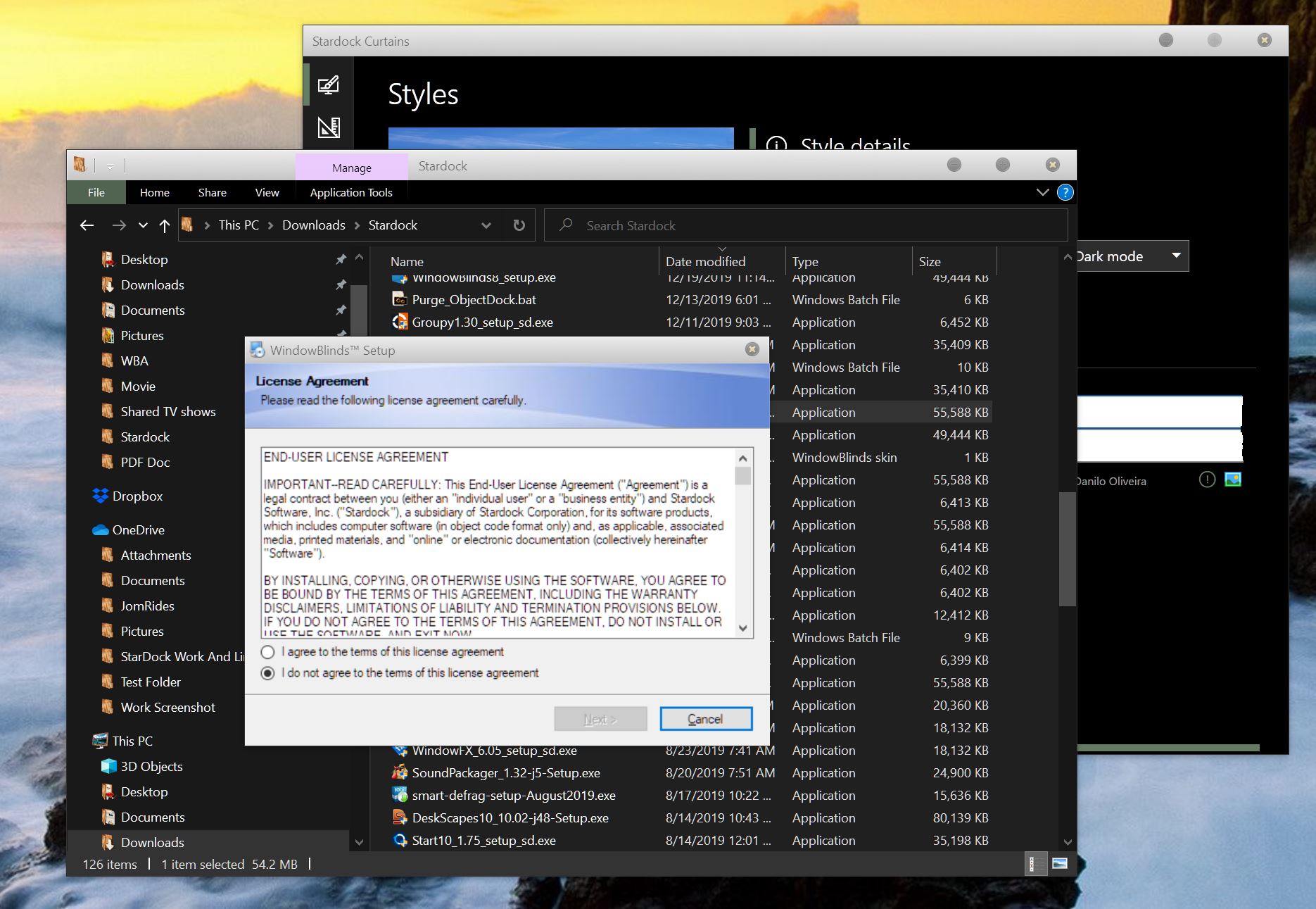
Odd Installer Dialogs
Hey guys, I am seeing this install dialog when installing Stardock products. This is unreadable. Using dark mode or Light mode built into windows. With and without Curtains or Windowblinds.
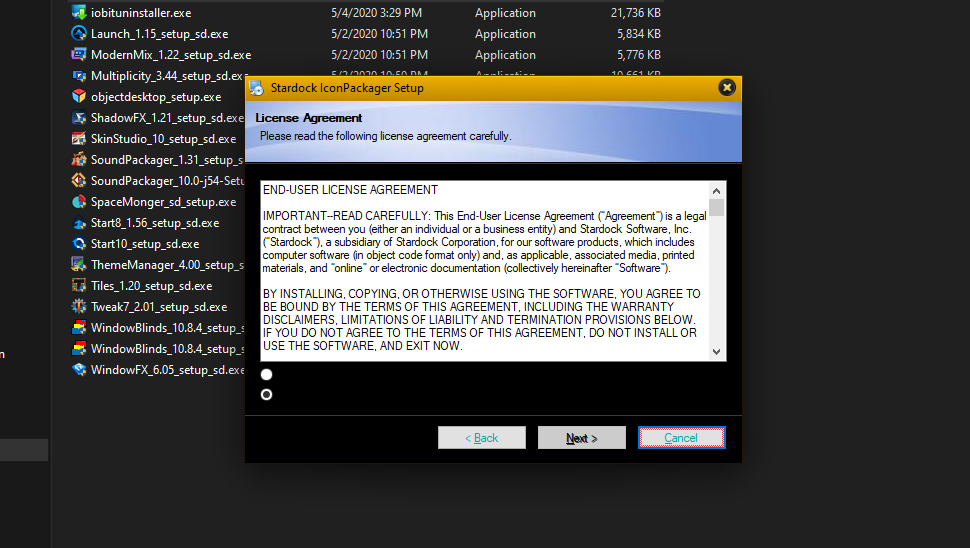
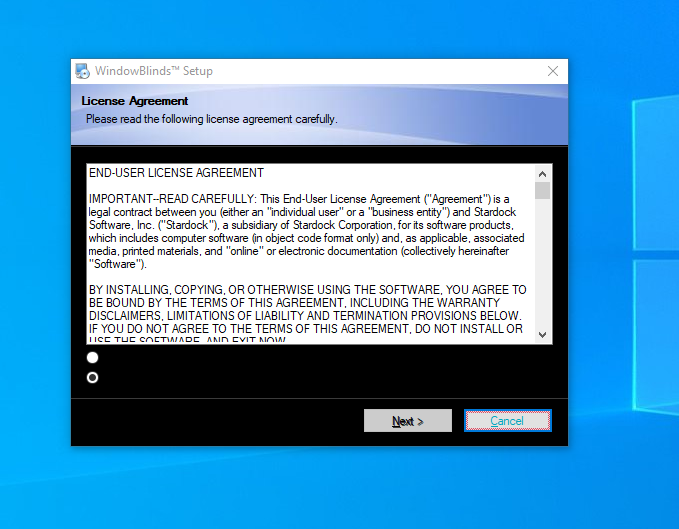
Hey guys, I am seeing this install dialog when installing Stardock products. This is unreadable. Using dark mode or Light mode built into windows. With and without Curtains or Windowblinds.


Also, a fresh install, new PC equipment all around, and nothing installed but Stardock.
Hello Jim,
Sorry to hear you are having issues. But, I don't see it on my system.


Have you try rebooting?
Basj,
Stardock Community Assistant.
LOL, several times.
Every Stardock install I have done does it. I'll see what I get installing other things. I thought it was Curtains, so I uninstalled Curtains. Didn't help.
It looks like your system buttonface colour has been set to black.
Did you perhaps have a theme where you did that? If so don't ![]()
I tried only using the default windows 10 skin (disabling windowblinds) and uninstalled Curtains. Still get the same dialog.
I have installed a few non Stardock apps/programs and I am not seeing the black dialogs.
Looks like it dies here.
Not sure why you getting the black dialogues when installing Stardock products. I just installed Curtains, just to check and did not get it. The buttons on the other hand is dark for me, but I noticed that on any programs so taking that's due to the windowblind skin I'm presently using. Although, neither of that is helping you with your problem !

It is almost certainly a bad system colour somewhere.
Try going to the Windows personalize page, find themes and pick the default theme, does that help?
Also what if you apply a different WB theme as that should reset colours on apply. Are they still all black?
The other oddity I notice is some of your buttons are using an odd colour for text too which again points to odd colours somewhere.
I'll try your suggestions. As for a different WB theme, this was happining DURING the install of WindowBlinds.
Welcome Guest! Please take the time to register with us.