
CursorFX

Hello,


I have replaced the Hard disk in my PC and re-installed CursorFX. I have tried re-activating and I receive an error message:

"maximum activations reached"

The product is only installed on 1 PC, can you help please?

Peter
4,439 views 5 replies
Reply #2 Top

Hello Basj, Thank you for your reply.

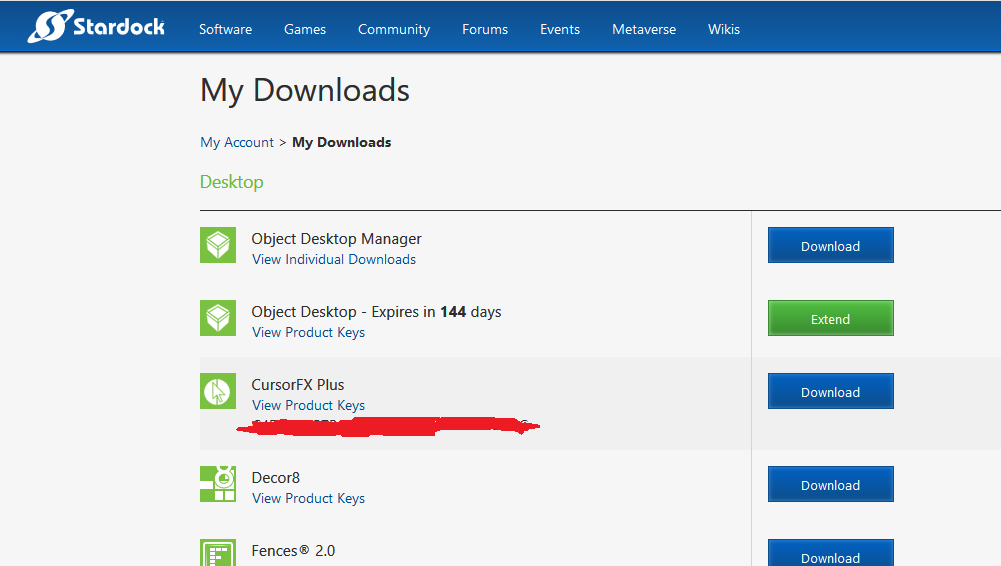
Unfortunately, the "manage" option is not available for this product, within my Stardock account.


Also I do not have access to my original hard disk to deactivate the previous install.

Peter


Reply #3 Top

Okay, I see your problem. I have forwarded your problem to Stardock Support team for their assistance. But since Stardock are in a Holiday Weekend now until Tuesday, Please be patience and an eye on this thread for any updates. We appreciate your feedback and understanding.

Thanks

Basj

Stardock Community Assistant.

Reply #4 Top

Hello,

Sorry to hear you are having trouble.

I have reset it.

----------------
Sean Drohan
Stardock Customer Service Manager