
WindowFX v6.03 is Now Available

Microsoft has scheduled its Windows Creators Edition update to tentatively go live next week, and Stardock’s developers have been hard at work getting our software ready to support it. Today, Stardock has released an update to WindowFX to prevent any possible incompatibility issues with Windows Creators Edition and complete bug fixes as well.
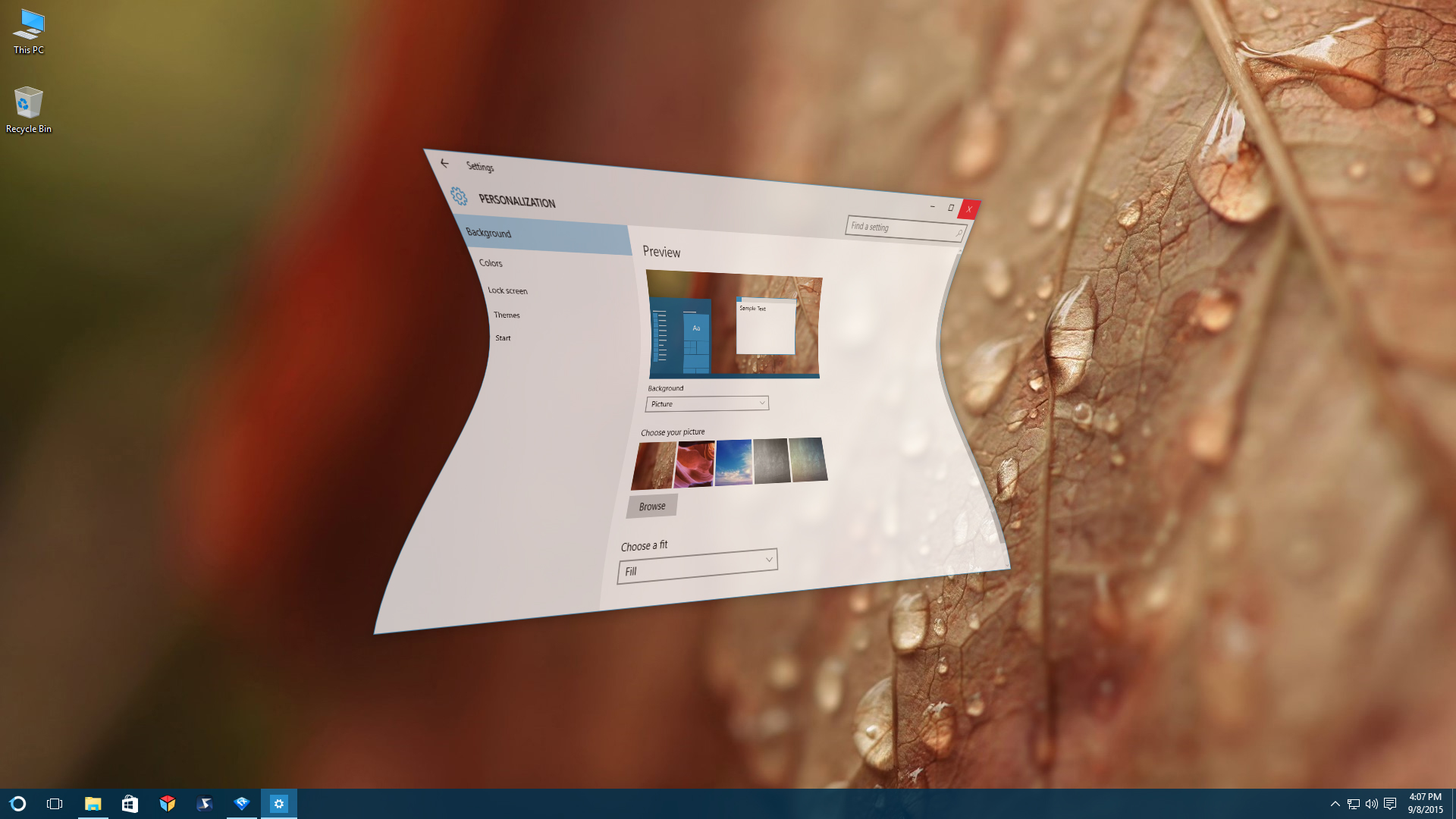
 
WindowFX

Current WindowFX 6 users and Object Desktop members can download the update from their Stardock account.

Learn more about WindowFX here. Information about the Windows Creators Edition update can be found here.

Interested in seeing WindowFX in action? Take a look at this video an avid WindowFX fan created detailing the product on his PC!

 
56,791 views 20 replies
Reply #1 Top

After installing 6.03, my startmenu (Start10) isn't animated anymore. Is this a known issue?

Reply #2 Top

We did not see that in QA or reported during the beta.

  • Are you using the Win7 or Modern style?
  • What OS?
  • What version of Start10? 
  • What animation is set for the Start menu?  Screenshot?

Thanks.

Reply #3 Top

I'm using Modern Style (with Window Blinds 10.6) , Win10 64 1607 build 14393.969, Start 10 1.54 beta (but happened in 1.53 aslo) and i have set random animations. Just tried a single animation, same here...


I'm going to update to CU now, lets see what happens...

Reply #4 Top

If that doesn't work, uninstall.  Reboot.  Install.

Thanks.

Reply #5 Top

Quoting Fuzkohoshi, reply 1

After installing 6.03, my startmenu (Start10) isn't animated anymore. Is this a known issue?


Same issue here.  Win10 Pro 1607,  WB version 10.6.  Start10 version 1.53., Windows7 style.

Just tried a reinstall of WFX, still no go with any animation.


Reply #6 Top

Quoting ZubaZ, reply 4

If that doesn't work, uninstall. Reboot. Install.
  What program, SM10 or WFX?

Tried both, no go. Only the modern style SM has WFX animations.

Reply #7 Top

Please contact support, they may have something for you to try.


https://esupport.stardock.com/index.php?/Tickets/Submit 

Reply #9 Top

OK. I have just upgraded on my laptop to Start10 1.54 and WinFX 6.03 and have noticed the following:


Some skins have start menu animations, some do not. Windows 10 Pro 64 bit.


I was running Sirus (windowblind) no start menu animations. Switched to Tek, have anims. Switched to Acrylic (supplied with WB) no anims. Switched to Prowler, has anims. Switched to Echo (supplied with WB) no anims. Switched to Velodrome, has anims. Switched to Corporate (supplied with WB) no anims.


I don't know what this means, just reporting my findings.


  #QGY-193-13177
Reply #10 Top

Same error on my main rig as well. I will check other rigs soon.....

Reply #11 Top

Thanks all . . looking.

+1 Loading…
Reply #12 Top

Quoting RedneckDude, reply 9

Some skins have start menu animations, some do not.

On further investigation, that is my finding as well, some work, some do not.

Reply #13 Top

Just to report, animations work on all skins (even the one's supplied).

Win 8.1 64 with Start8

Reply #14 Top

Was this ever resolved? Still happening here.

Reply #15 Top

If the skin uses blur on the background of the menu then it opts out of WFX animations due to a problem with it being aware of blur on Win10 and WB themes

Reply #16 Top

Can blur be turned off/disabled? In WindowBlinds or WinFX? Or maybe even in Start10?

Reply #17 Top

Just disabled blur on a skin in SKS. Didn't help.

Reply #18 Top

Quoting RedneckDude, reply 17

Just disabled blur on a skin in SKS. Didn't help.

I just tried it out on Naked and it worked.  Did you get all the sections set to semi transparency? (Top Part, Program List, Bottom Bar, Places List, All Programs Background)

Reply #19 Top

No, I didn't. That's a lot of work to do for all skins that have blur. I hope they fix this soon.

Reply #20 Top

Quoting RedneckDude, reply 19

That's a lot of work to do for all skins that have blur.

Ya I don't think I'll be going through and changing them all.  Knowing the option is good though (thanks sdRohan), if a few bug me at least I can fix them.